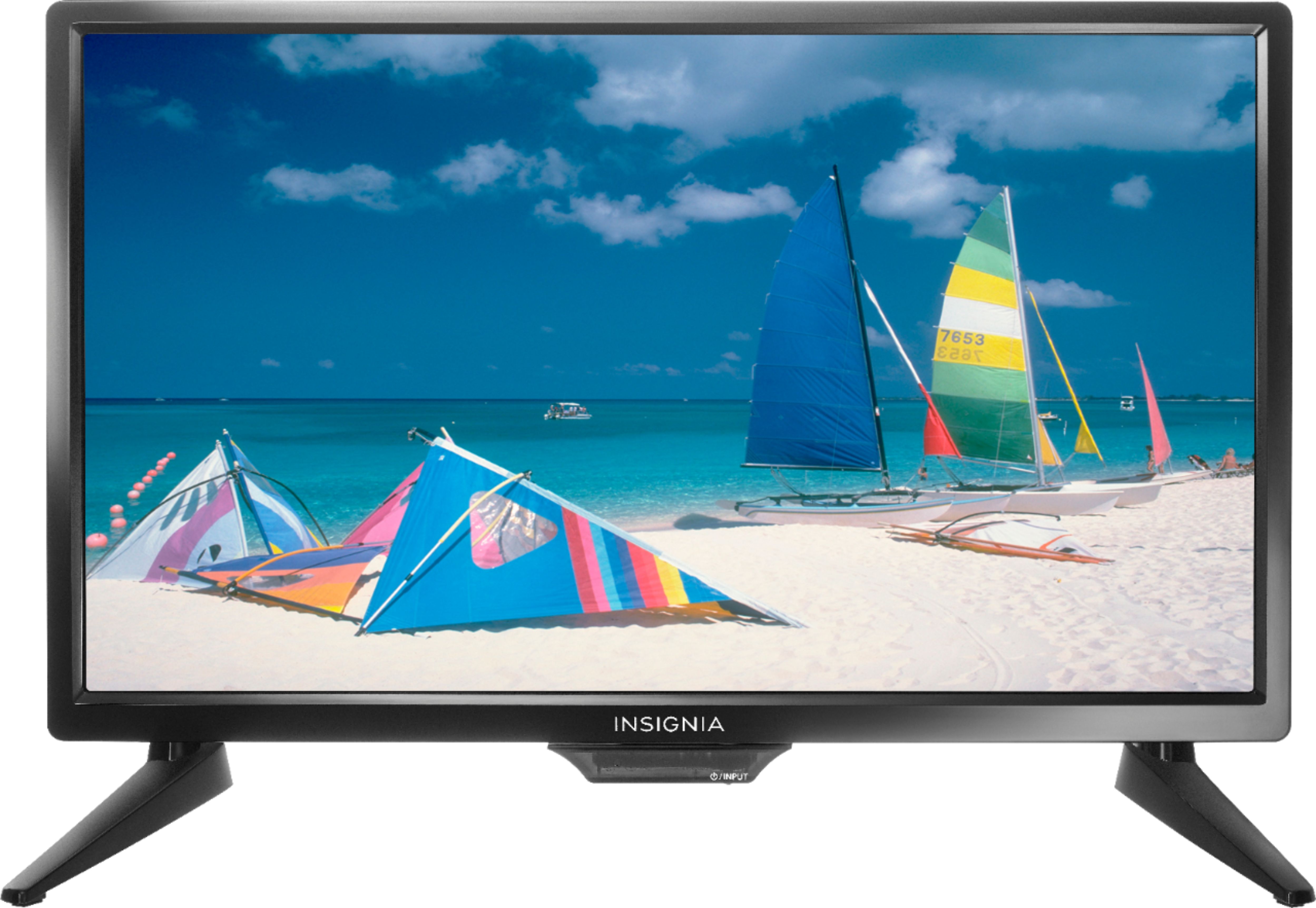
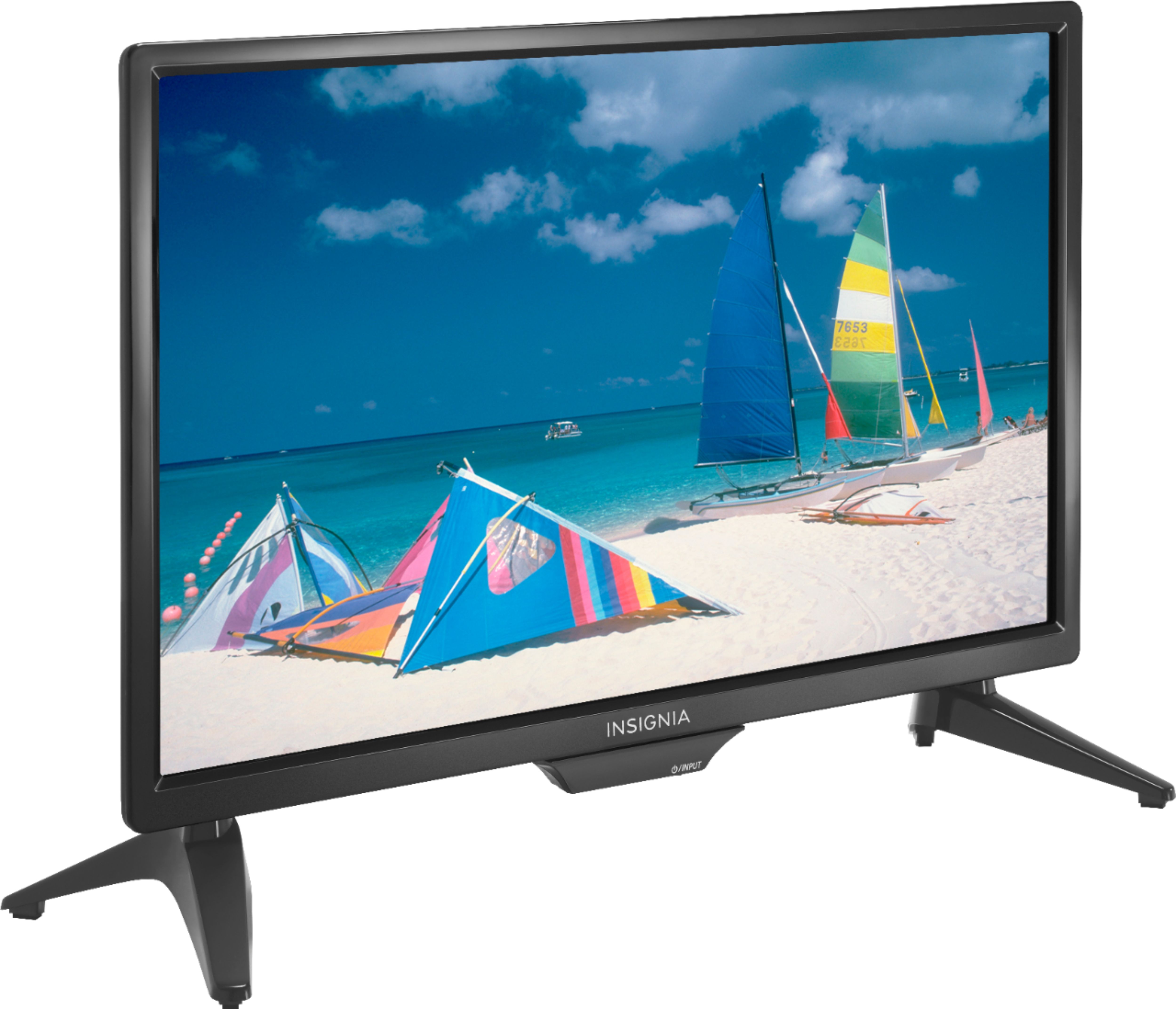
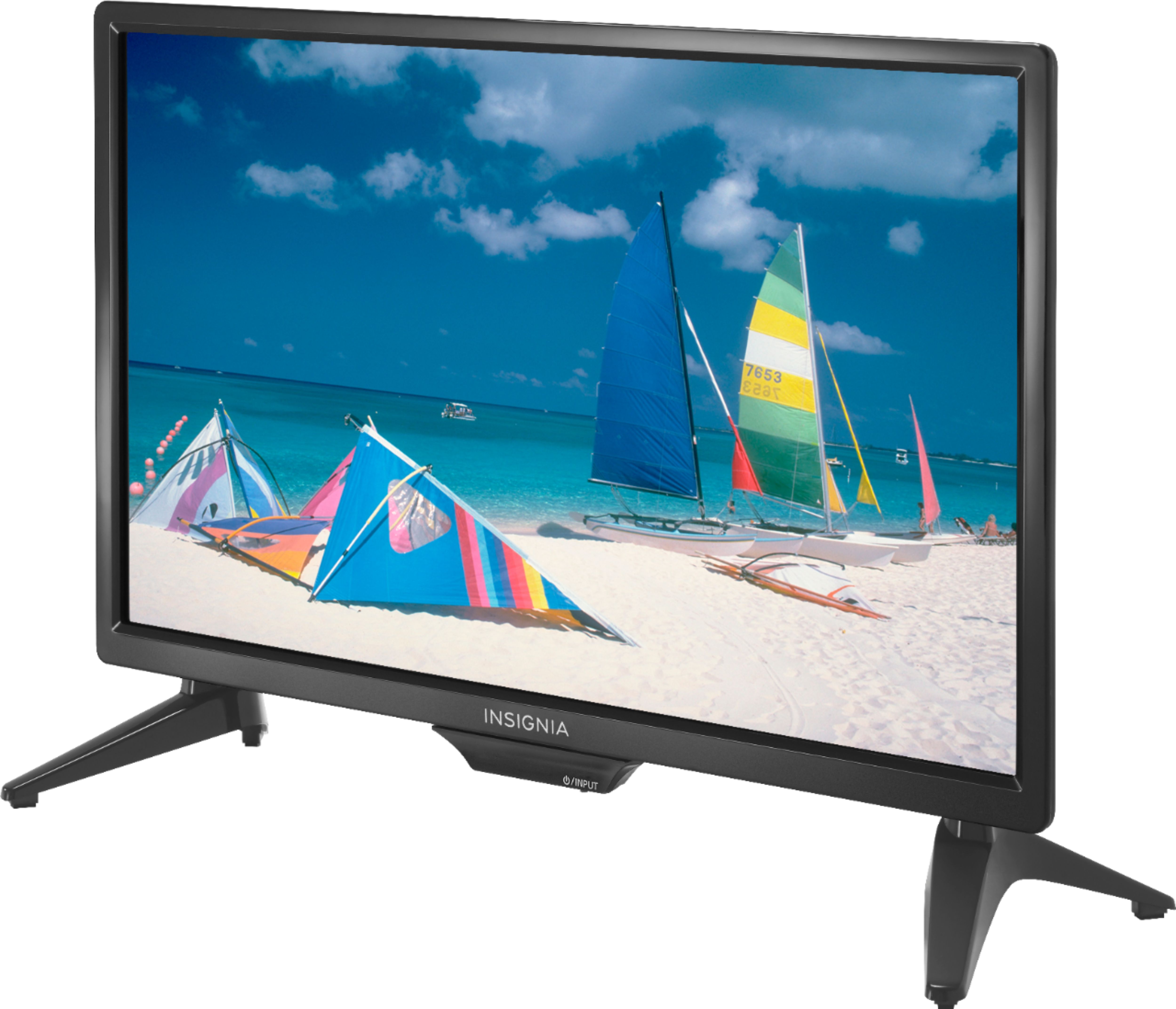
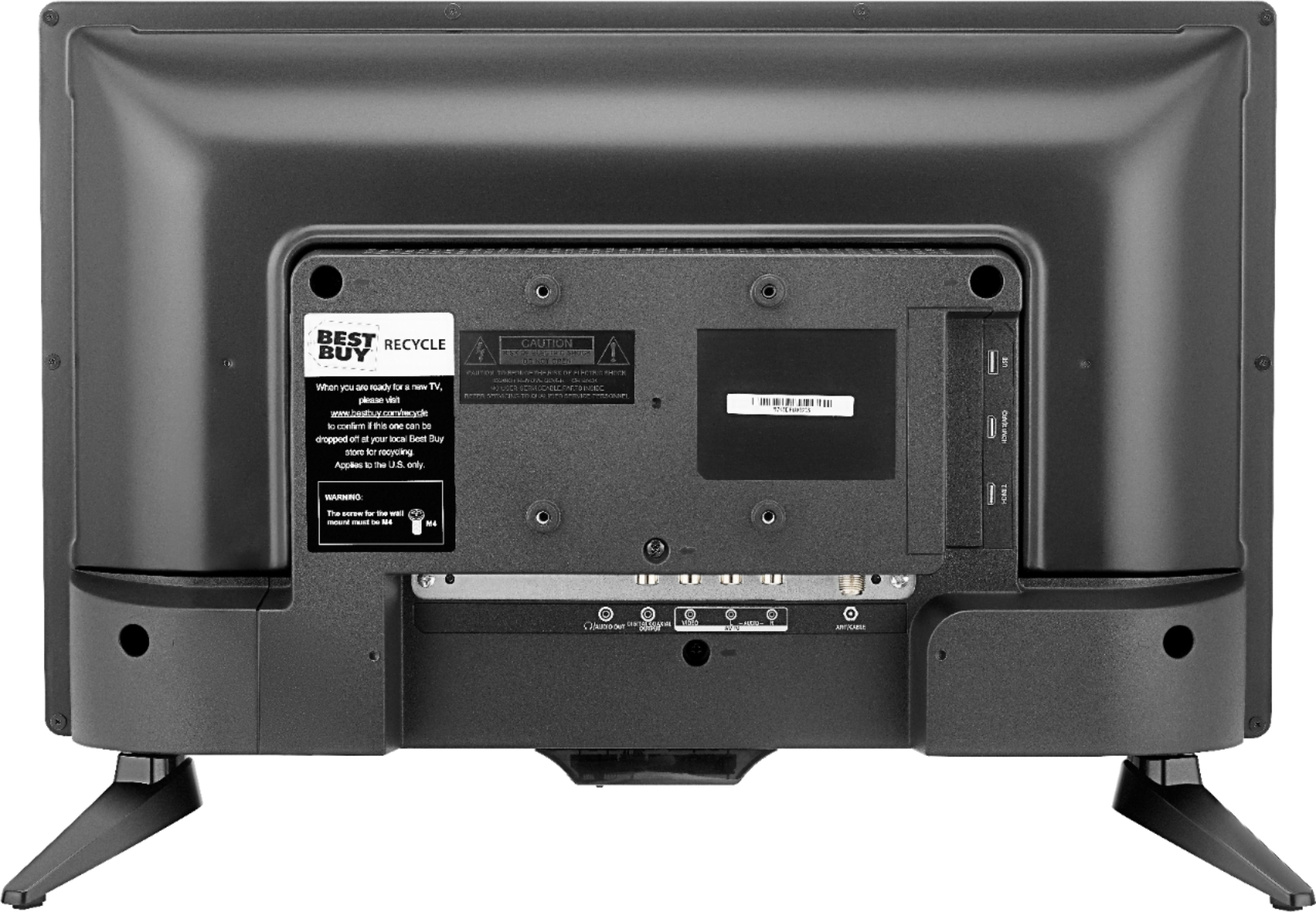
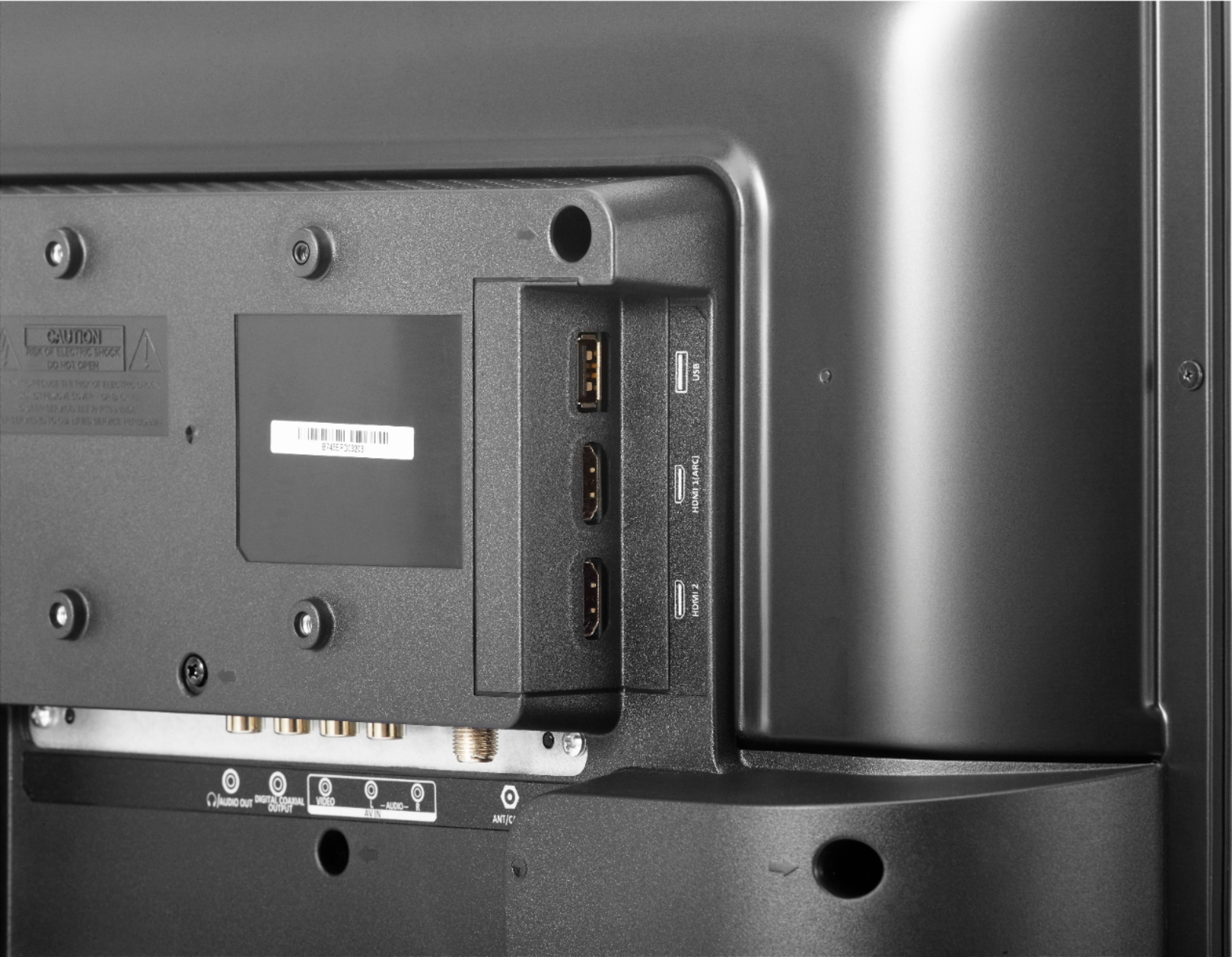
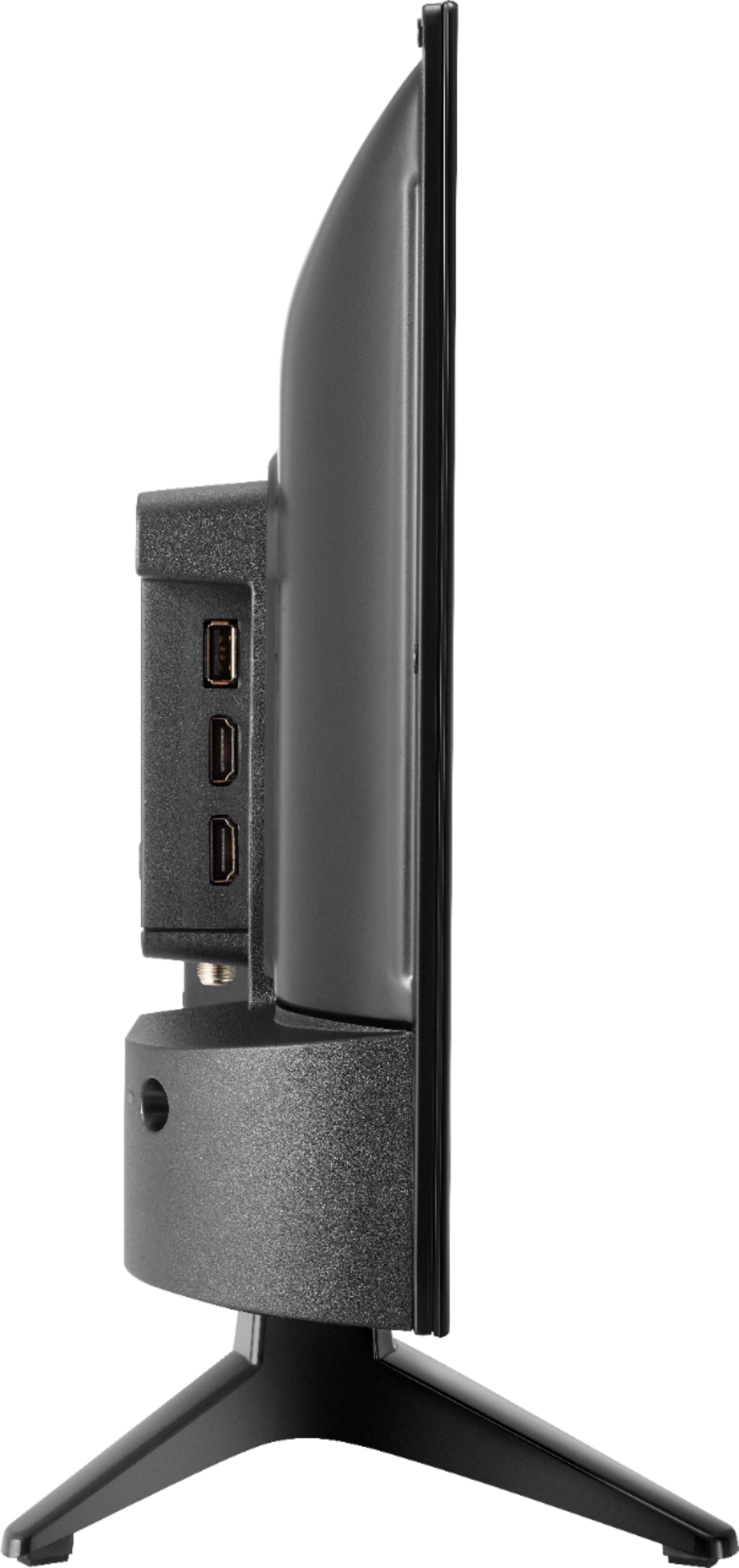
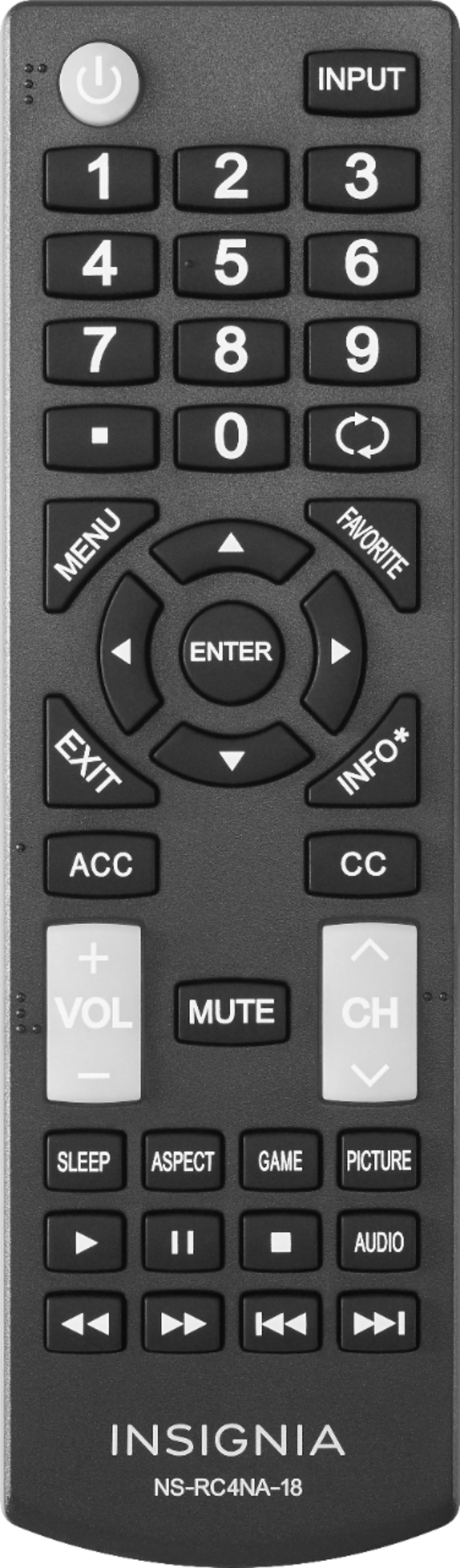
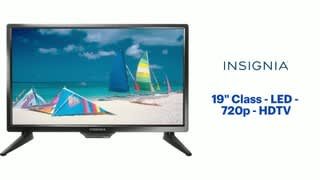
A:Answer The TV has multiple inputs - if the DVD has an HDMI output that's best - you will need an HDMI cable, which you can get at Best Buy. The TV actually has two (2) HDMI inputs so if you're using one for your cable or satellite, use #2 for the DVD. If the DVD has RCA outputs ( the small round ones color-coded red, white and yellow) you can hook that up with an RCA cord. Once connected you can choose the video/audio feeds with the TV remote with the "Input" button.....choose either "HDMI #1" or "HDMI #2", or if using the RCA plugs, choose "AV".