A:AnswerHi there,
For proper and guided assistance on getting this set up with your computer, please get in touch with our team. We will be more than happy to provide you with detailed step by step instructions. We look forward to reading from you.
- Janína G. | Insignia Support | https://www.insigniaproducts.com/contact-us
A:AnswerHello,
Yes, this product requires a power outlet. It includes an AC adapter so you can connect it.
Eduardo L - Insignia Support
https://www.insigniaproducts.com/contact-us
A:AnswerMine paired automatically to each other and my computer when I hit the Bluetooth button on the speaker. I had to turn on the Bluetooth mode on my computer.
A:AnswerThey will, provided your TV has:
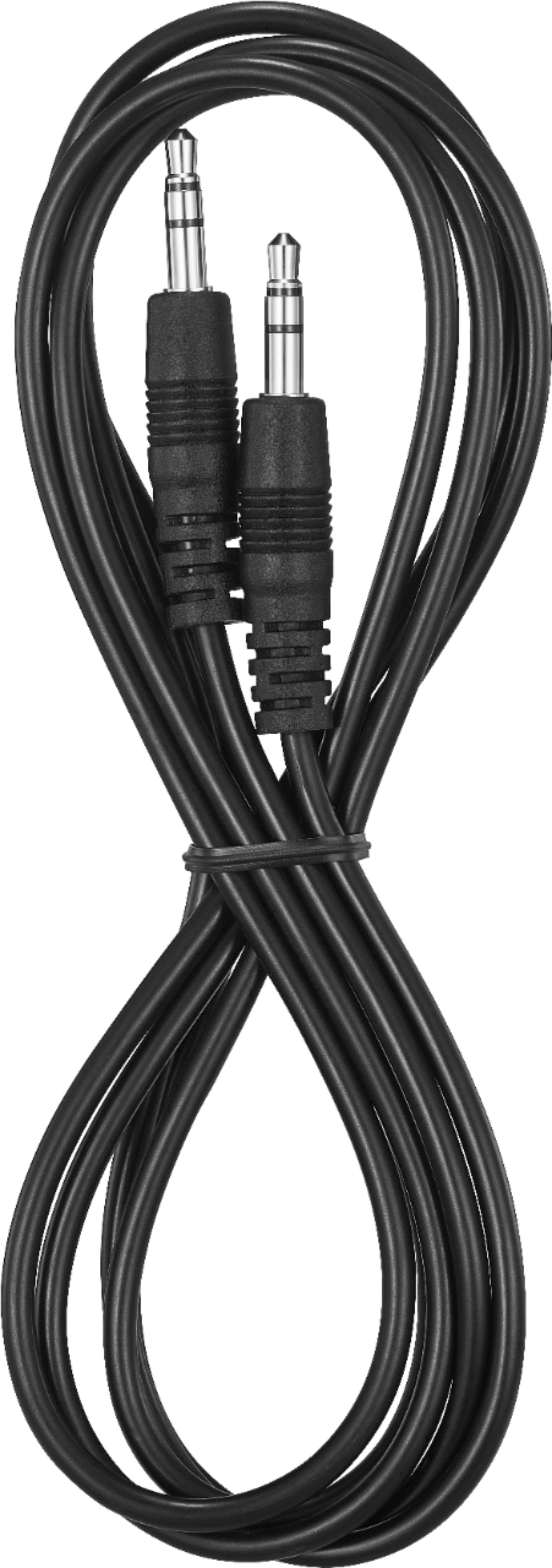
1. An external 3.5mm output.
OR
2. Bluetooth connectivity.
If your TV has neither, then you'll have no way to connect to them.
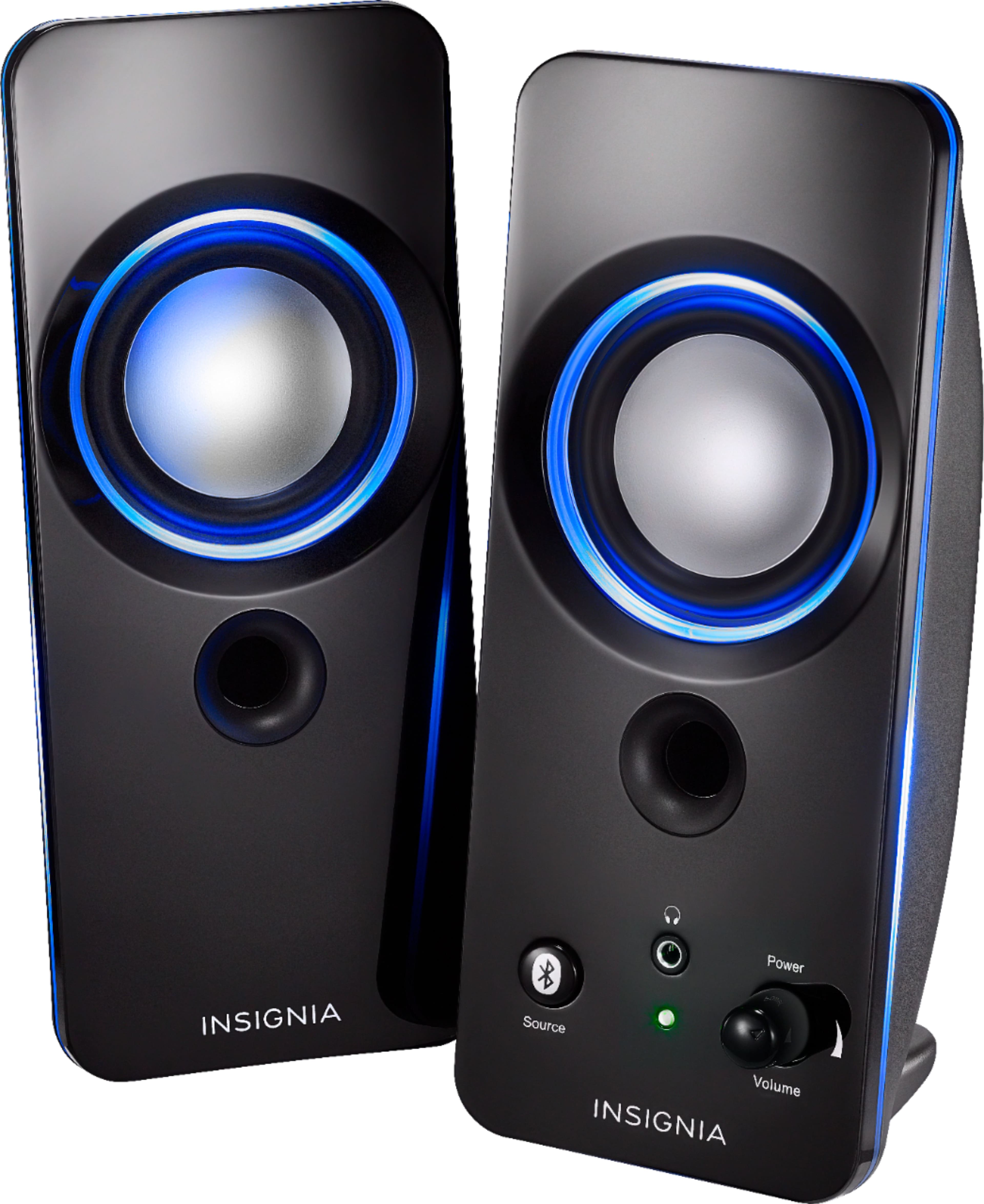
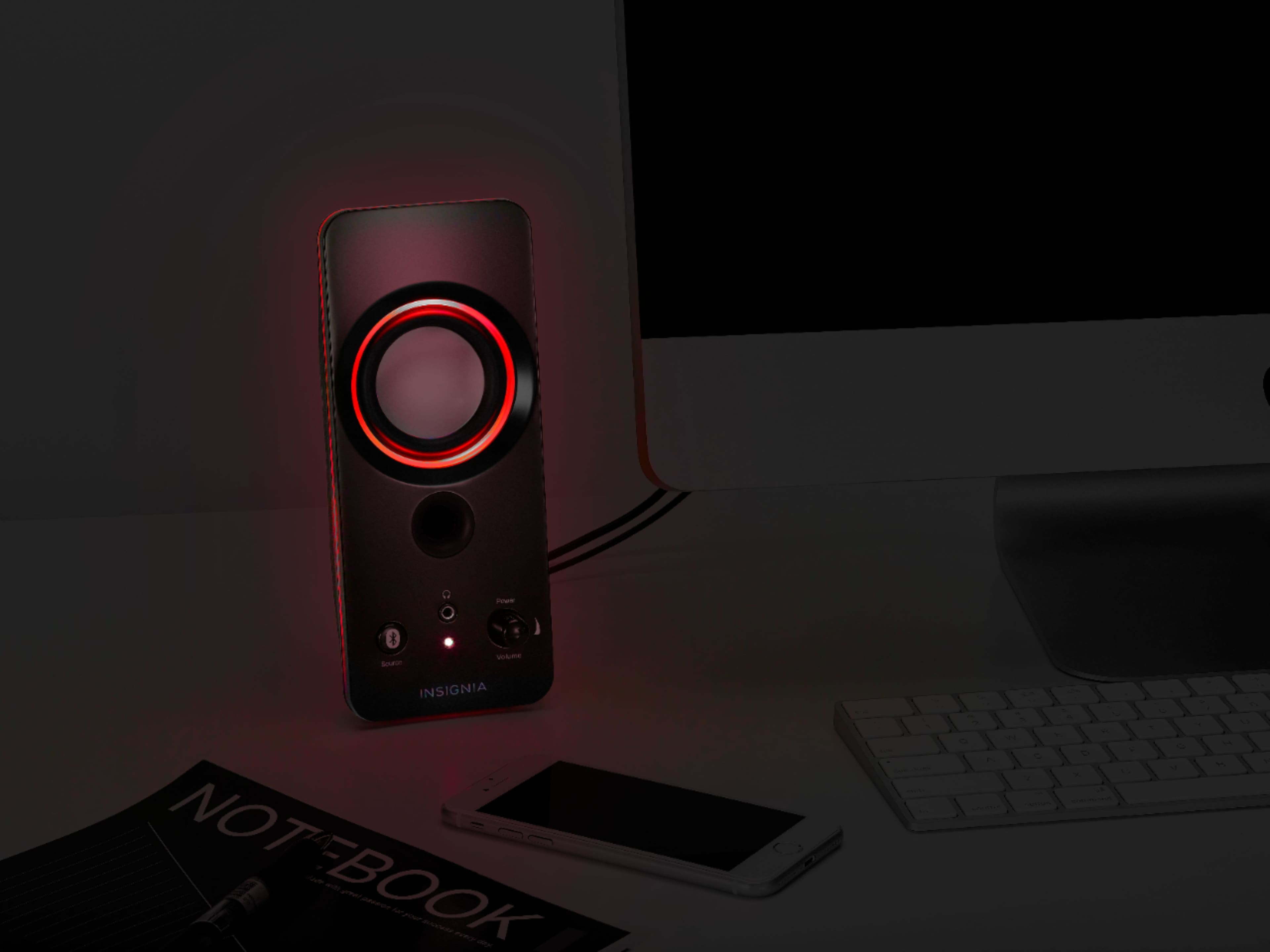
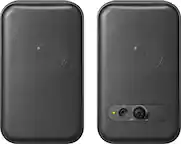
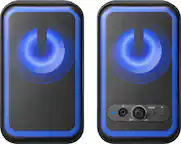
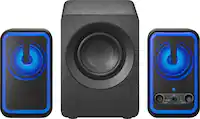
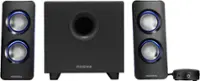
A:AnswerPress the LIGHT button (located on the back of the right speaker) repeatedly to select a color for the LED lighting. The color options cycle as follows: Blue -> Green -> Red -> Purple -> Yellow -> Light blue -> Repeating six colors -> Lights off.
A:AnswerYou can select the color you want for the speakers by using the color button or you can have it change colors automatically or turn the lights off. Super easy to use and setup. The wireless feature was detected right away with no issues. As far as competition, not sure however I will say it’s a great buy for the money. I was skeptical, but glad I purchased.
A:AnswerAs long as the computer is on it should stay connected. When you boot the computer the will beep and the bluetooth light will go to solid blue.