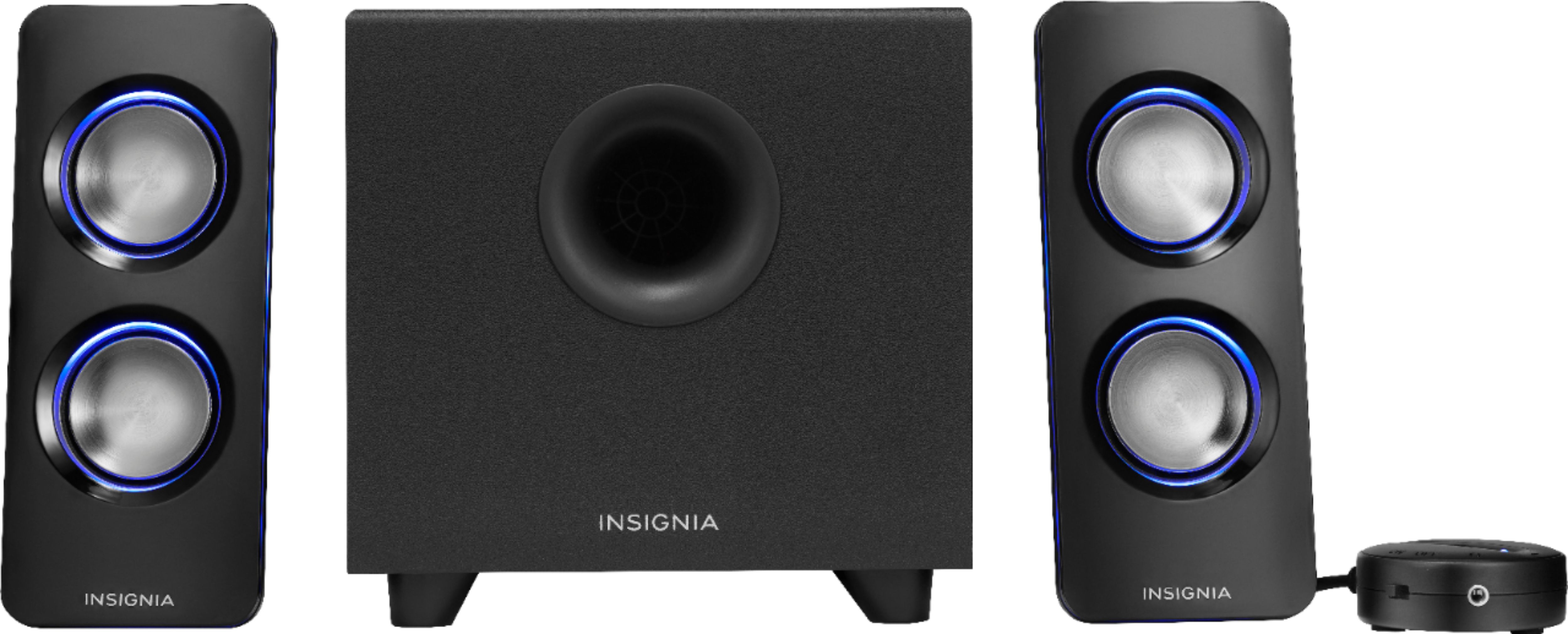
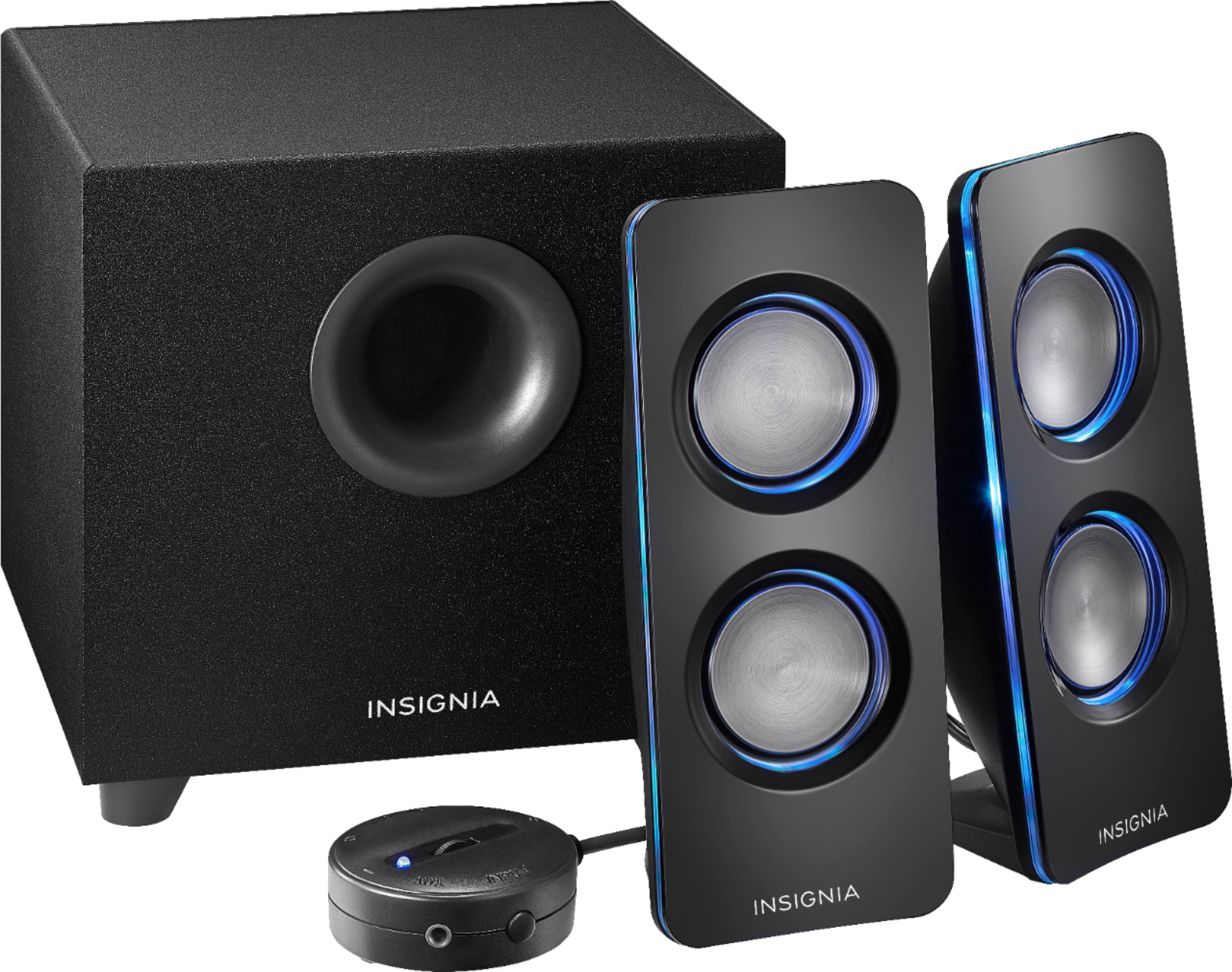
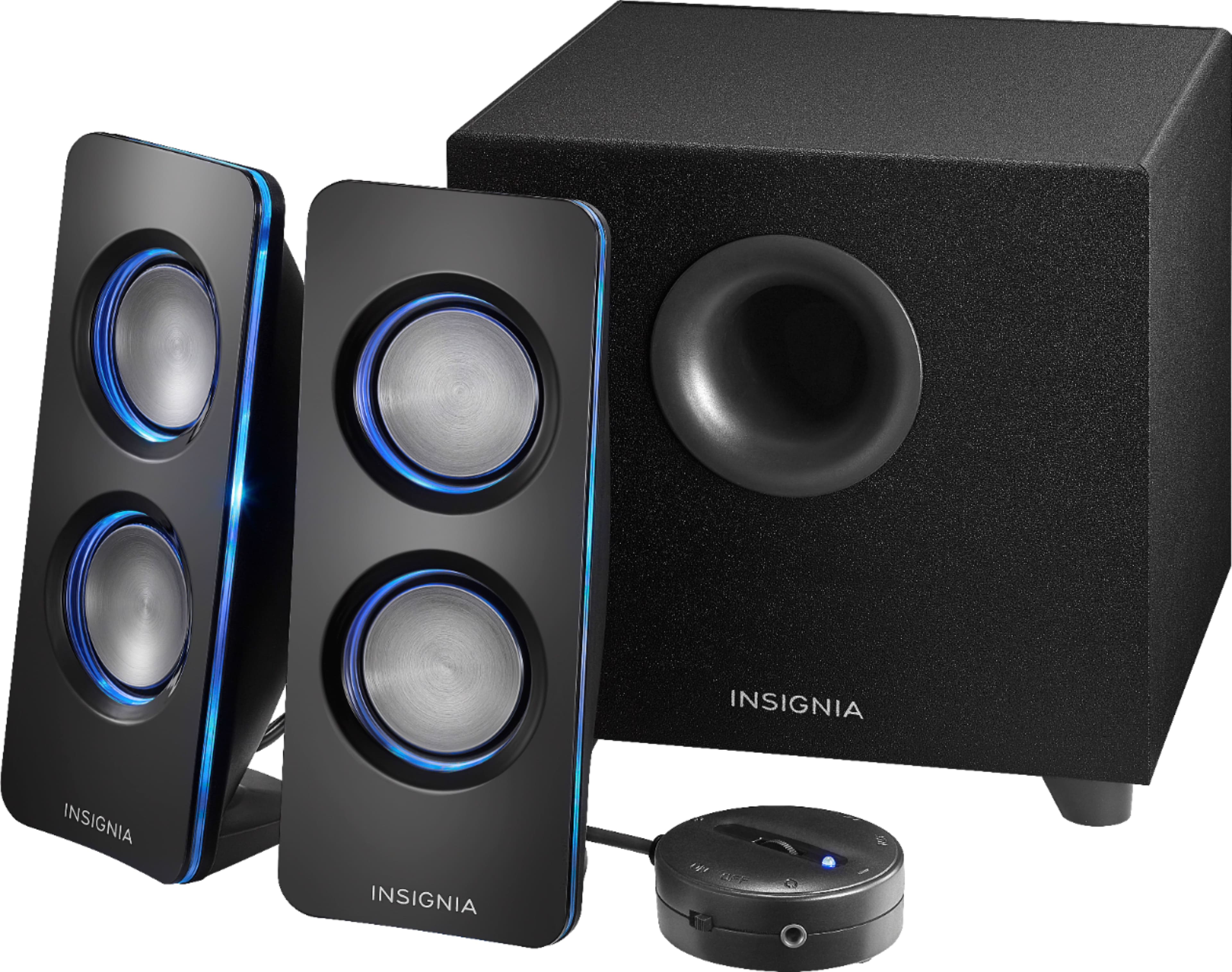
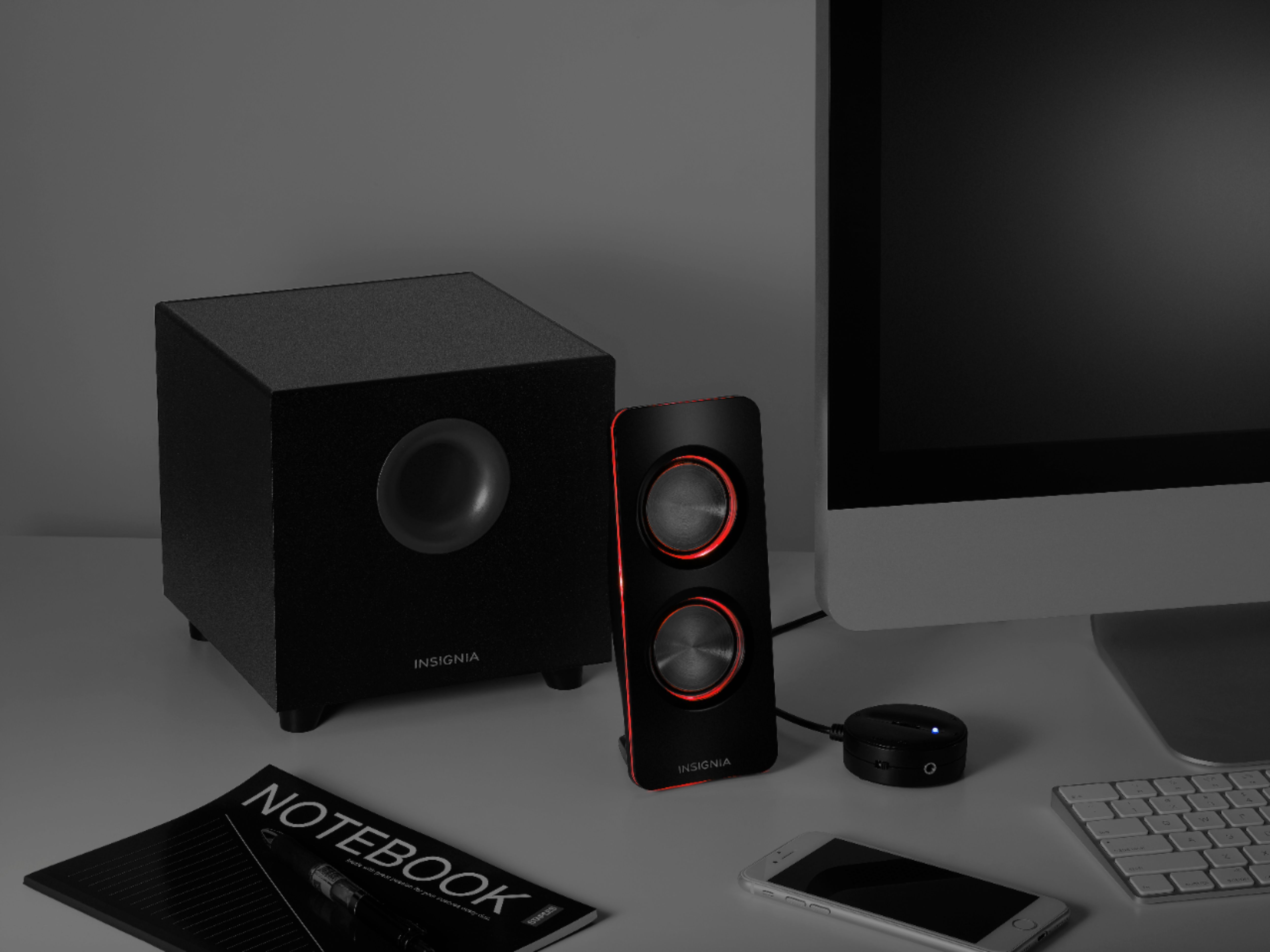
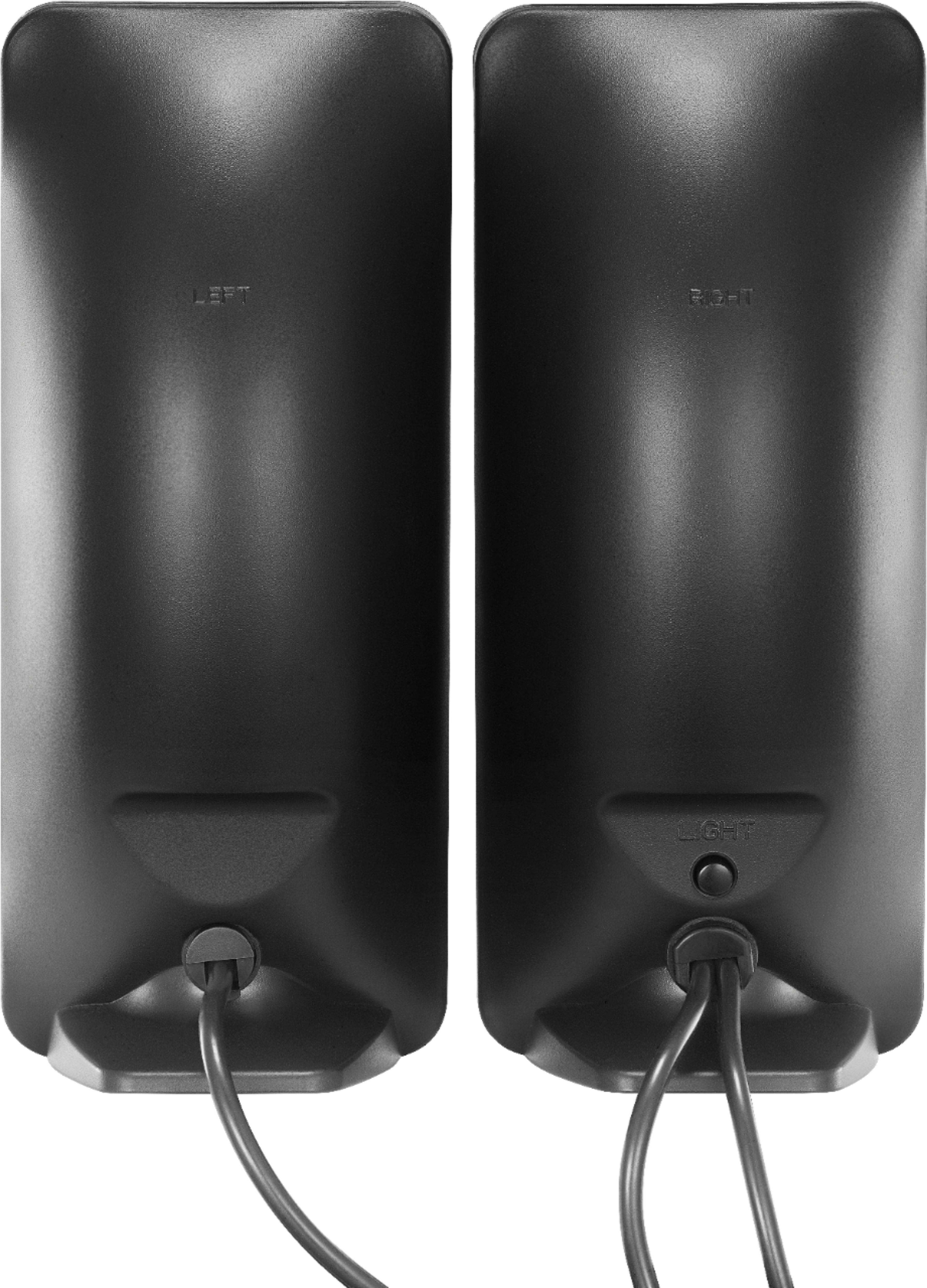
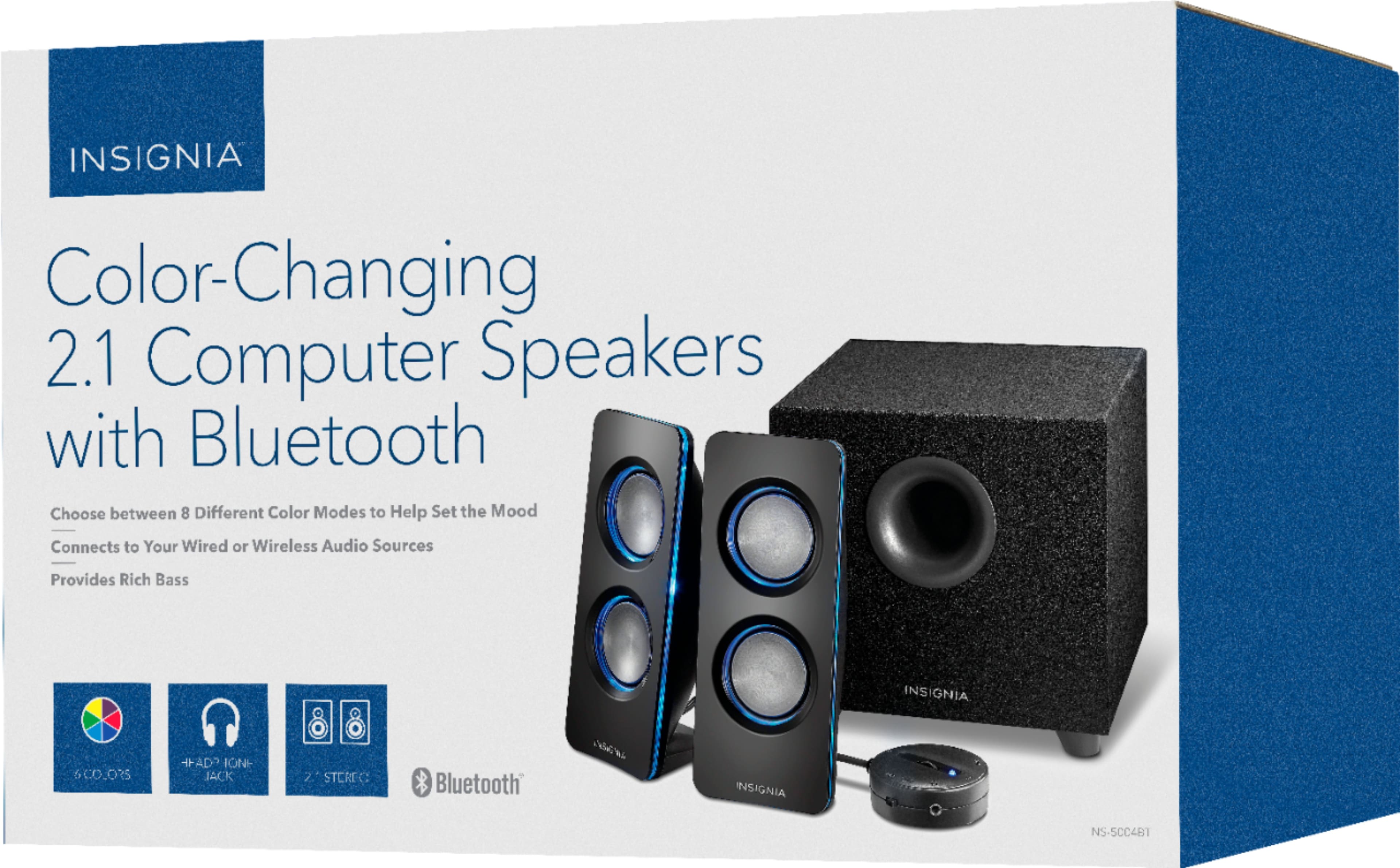
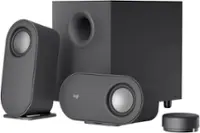
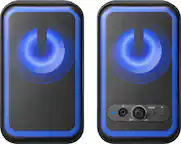
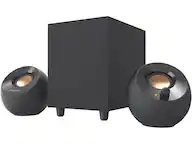
A:Answer Thank you for your inquiry! To activate the automatic color change on the Insignia™ 2.1 Bluetooth Lighted Speaker System, you need to press the LIGHT button repeatedly until you reach the desired color mode. The speaker system offers eight color modes: blue, green, red, purple, yellow, light blue, repeating six colors, and off. Keith | Insignia Support