A:AnswerHi Fxdci2005,
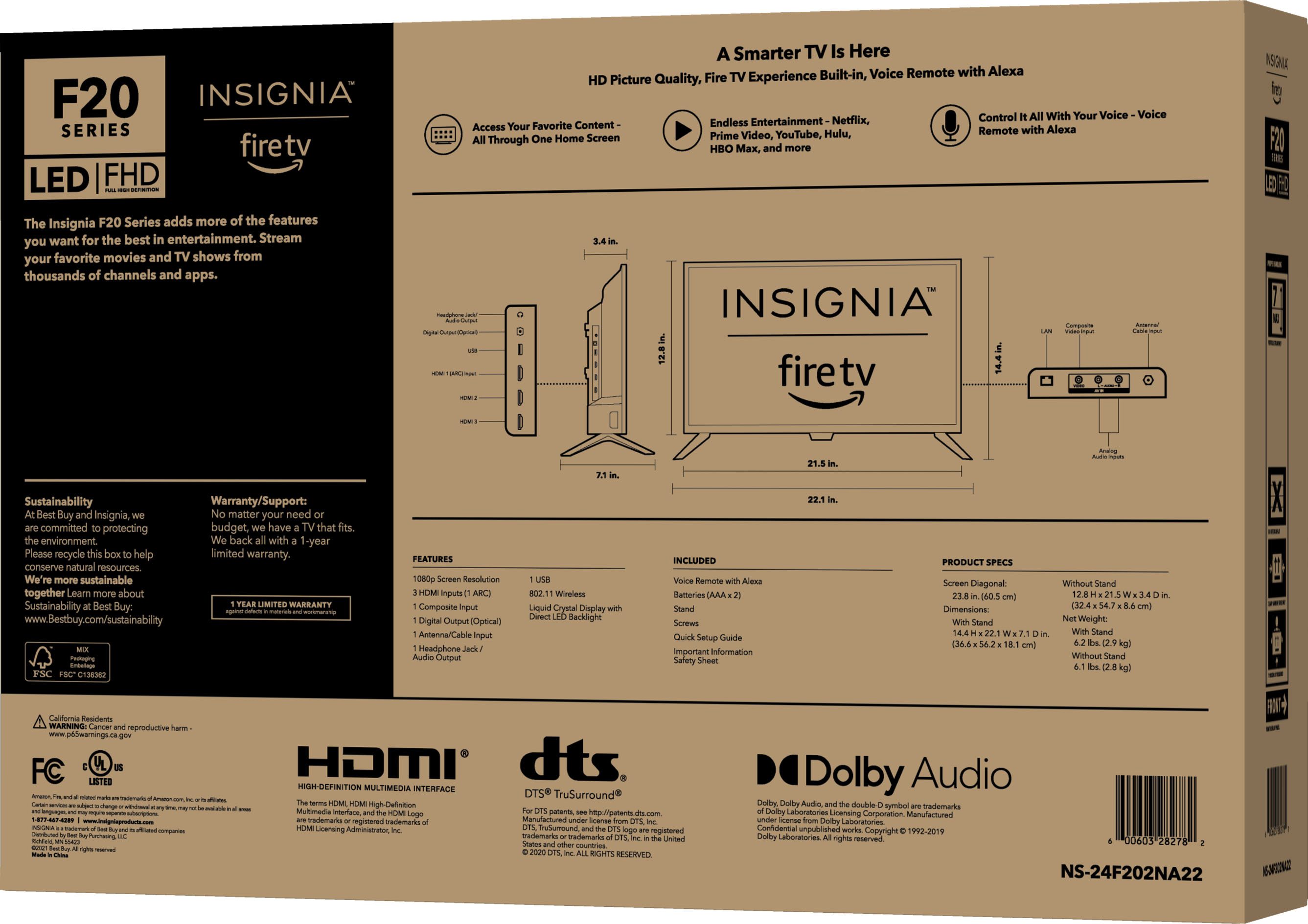
Well the included screws for this Insignia™ - 24" Class F20 Series LED Full HD Smart Fire TV has the size of 4x12 mm so, this might probably works with your wall hanger since it's also a 100x100 VESA mounting pattern.
Insignia Products
Lisa
https://insigniaproducts.com
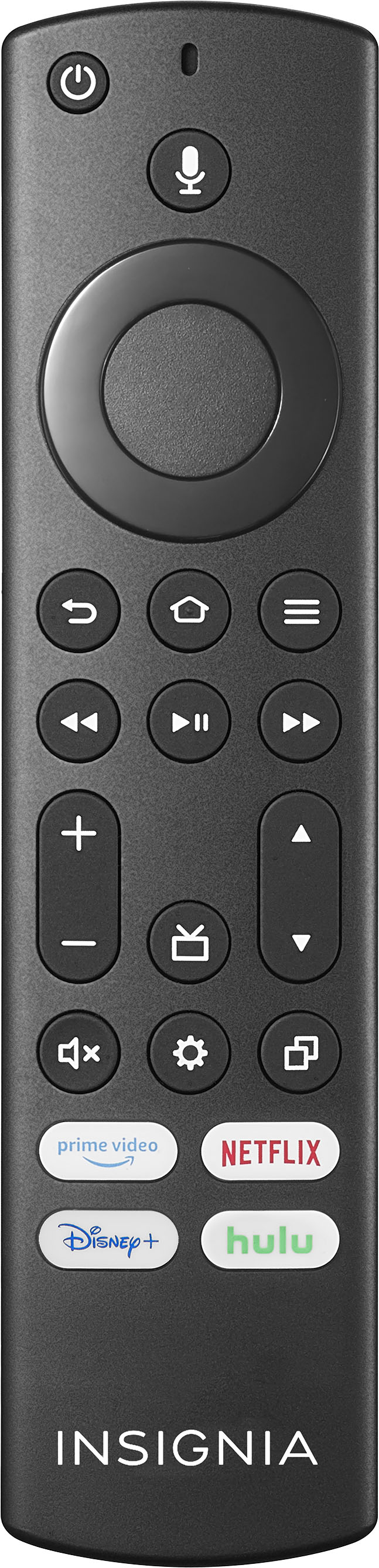
A:AnswerOnce you start playback of a channel, you can press the Down key to show the On Now row from the Home screen. This allows you to change channels; arrow to the channel you want and press Select. If you press Left or Right, you will rewind and fast-forward the currently playing channel.
Mary II Insignia Products II https://www.insigniaproducts.com/contact-us
A:AnswerDepends on if it's available in whatever tier you have from your cable or satellite provider. Tennis channel 2 requires purchasing it separately.
A:AnswerYes, you can. I just did it today with this Insignia 24" tv that I bought yesterday. You can install it directly from the Appstore already resident on the tv when you are doing the setup.
A:AnswerHi Gilthoniel4
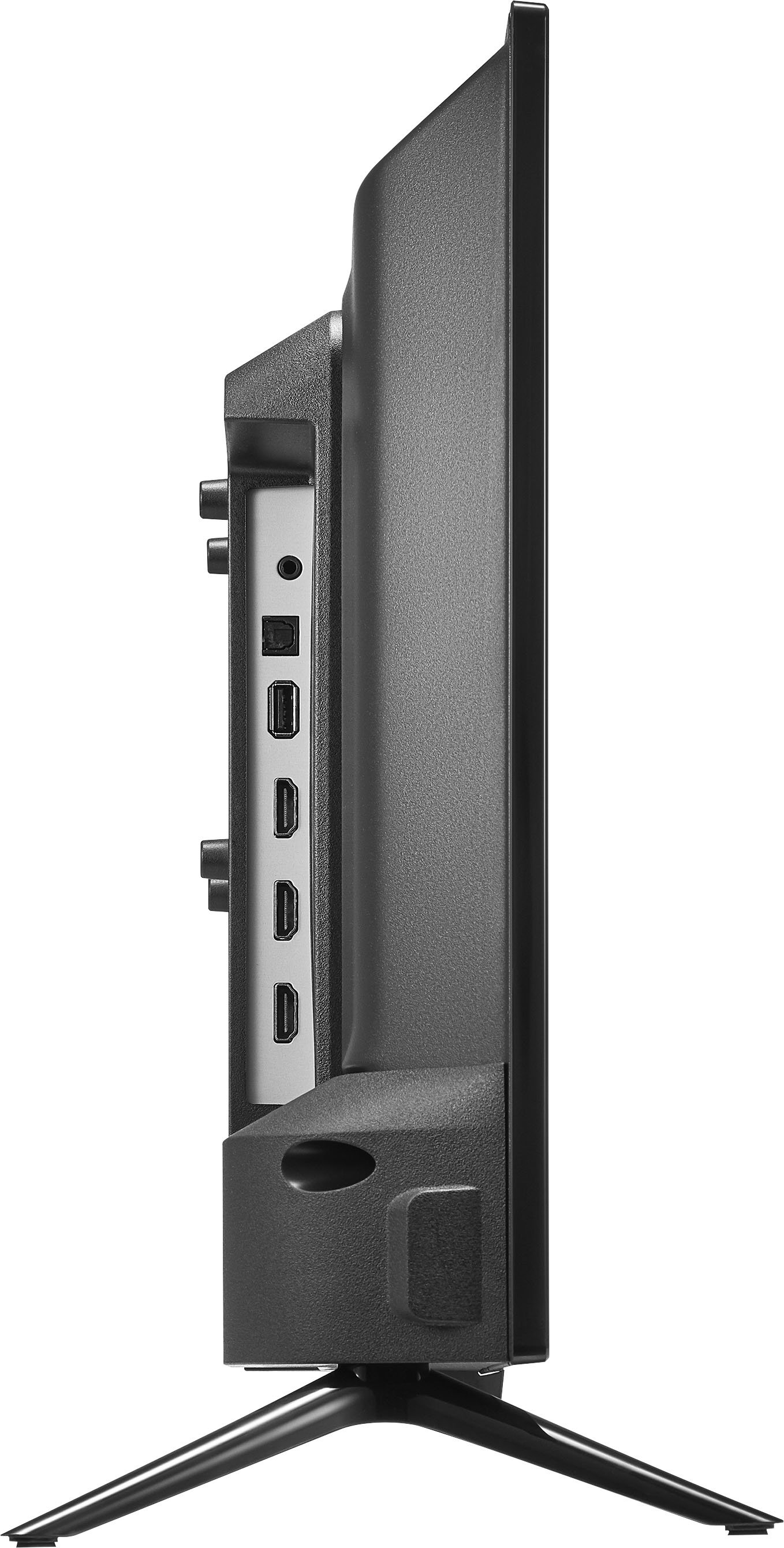
The Audio Return Channel (ARC) for your Insignia™ - 24" Class F20 Series LED Full HD Smart Fire TV, it connects your TV and audio system with a single High Speed HDMI® cable and eliminates the need for an additional composite audio or optical cable.
Insignia Products
Lisa
https://insigniaproducts.com
A:AnswerYou can but you’ll need to follow the directions to install on a fire stick. See below
https://servicecentrelist.com/how-to-install-spectrum-app-on-firestick#Install_Spectrum_app_on_Firestick_using_Downloader
A:AnswerNone. Unless you are wanting a digital antenna then it connects just like your cable would. Other than that you can stream with your internet connection.
A:AnswerIf you have subscriptions to the streaming services, yes you could. It is fully "smart" in that most all streaming apps are available to download and use.