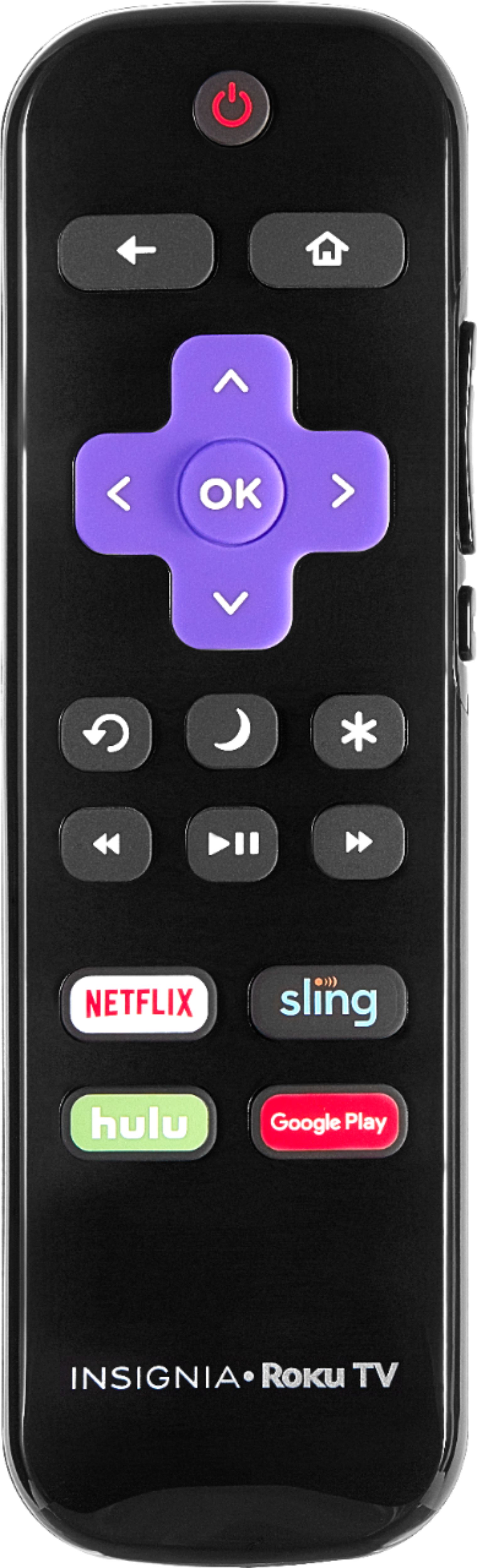
A:AnswerThere is a small button on the side that turns on the TV but you need the remote or download the Roku app which has a remote that you can use. My advice is to o not purchase the Roku TV but use the Roku streaming device.
A:AnswerYou need to go into settings and then go into accessibility and turn off The voice. It is an assistance voice to help people with disabilities.
A:AnswerHello,
Thank you for taking the time to ask about the features on this TV, this TV actually does not have that ability but what you can do is connect a laptop to your TV and have it loop from the laptop.
Brian C.- Insignia Support

A:AnswerHello, Thank you for your question.
Our Roku TVs have access to all of the Roku channels available in the channel store, if the channel is there the TV will be able to download it.
Rube O. - Insignia support.
A:AnswerThere is no need to attach a google chromecast. The Roku acts as middleman for the streaming service you use, but I am unfamiliar with Miracast! You will just need to toggle between the TV (antenna) input and the Roku.
A:AnswerI used a Leaf indoor antenna for awhile. It worked fine. There just comes up an option on your Roku interface to connect to the antenna. No convert box was needed.
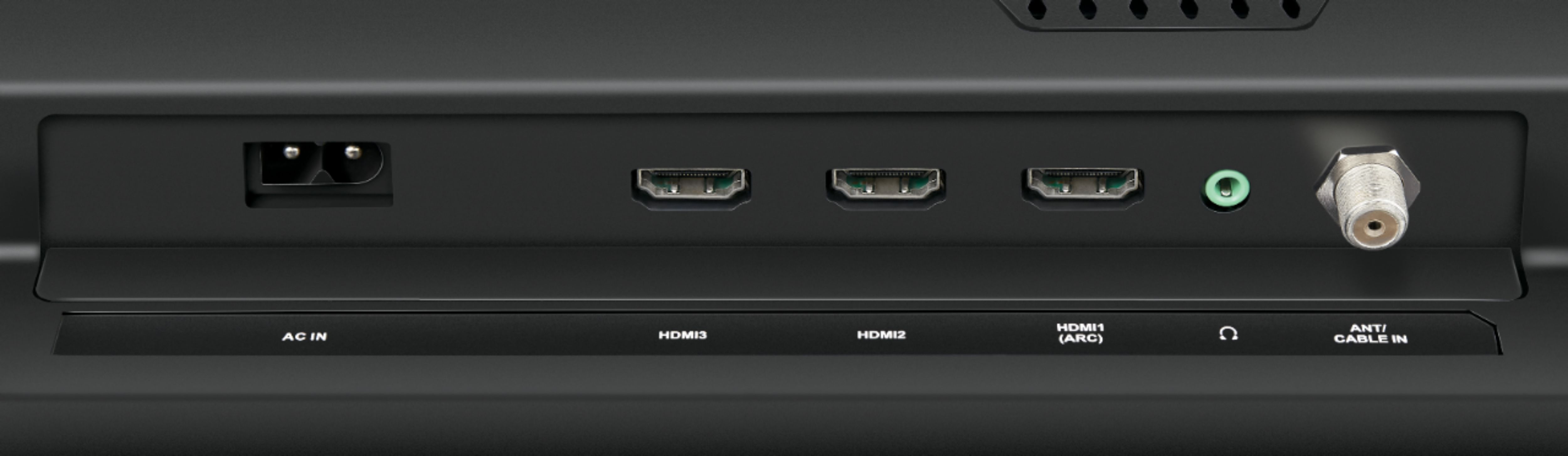
A:AnswerHi Customer, If you connect your antenna to the TV, you will be able to use it even if the TV is not connected to a network. You also will be able to watch other inputs in case you connect a DVD player, cable box, etc. without the Internet connection. The Wi-Fi connection is mostly for streaming channels. Viri E. Insignia Support