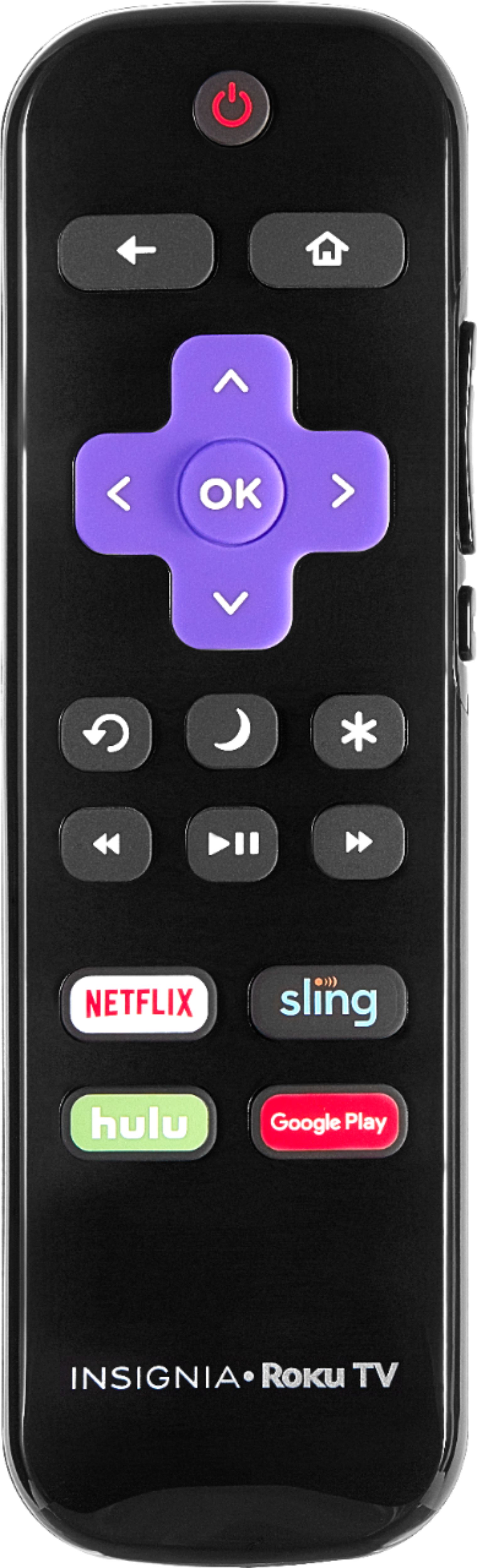
A:AnswerI had a problem with a remote that won't pair...I was told by my tech person to find the setup button ,push it and go down to pair remote and push it. Get the 3 digit code on the tv screen and enter the code on the remote . It should work. The menu button is not the setup button. It took 2 or 3 tries just keep pushing pair remote until code shows up and don't hesitate putting code into the remote. Hope this works for you.
A:AnswerI'm not sure how extensive of a guide you are looking. I also use antenna for my tv service. While on the antenna input, if you press the left direction button on the remote it brings up a list of your available channels by channel number so you can navigate directly to a specific channel. But it doesn't show you in that menu what's currently playing or what's coming up next. When you are on a channel the info about that channel and what's currently on is pretty detailed, moreso than my other TVs.
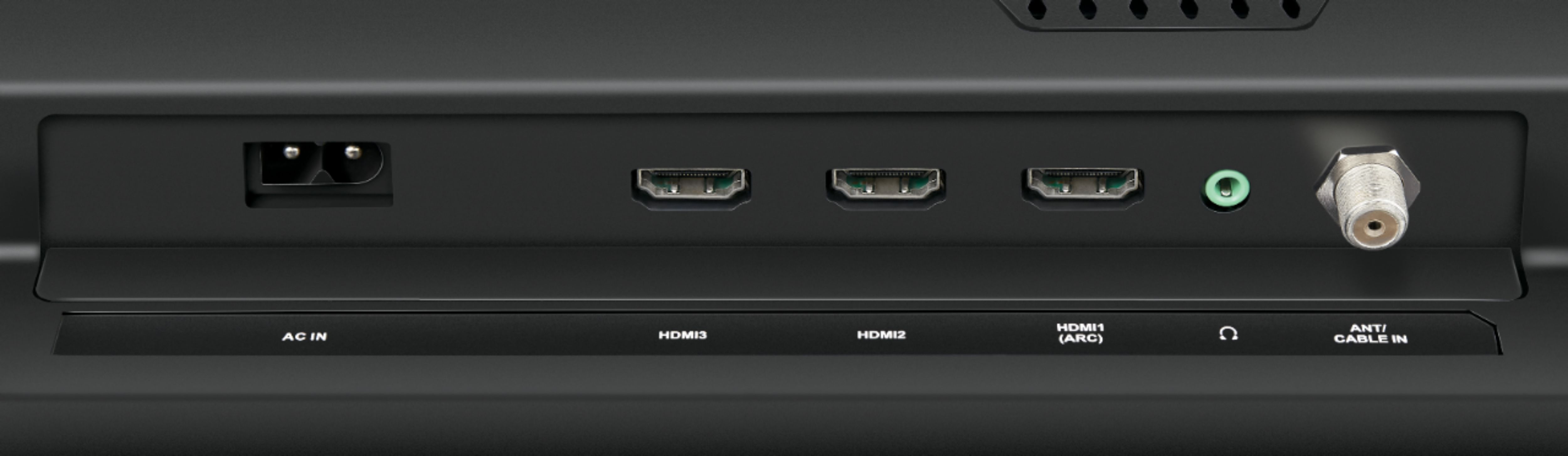
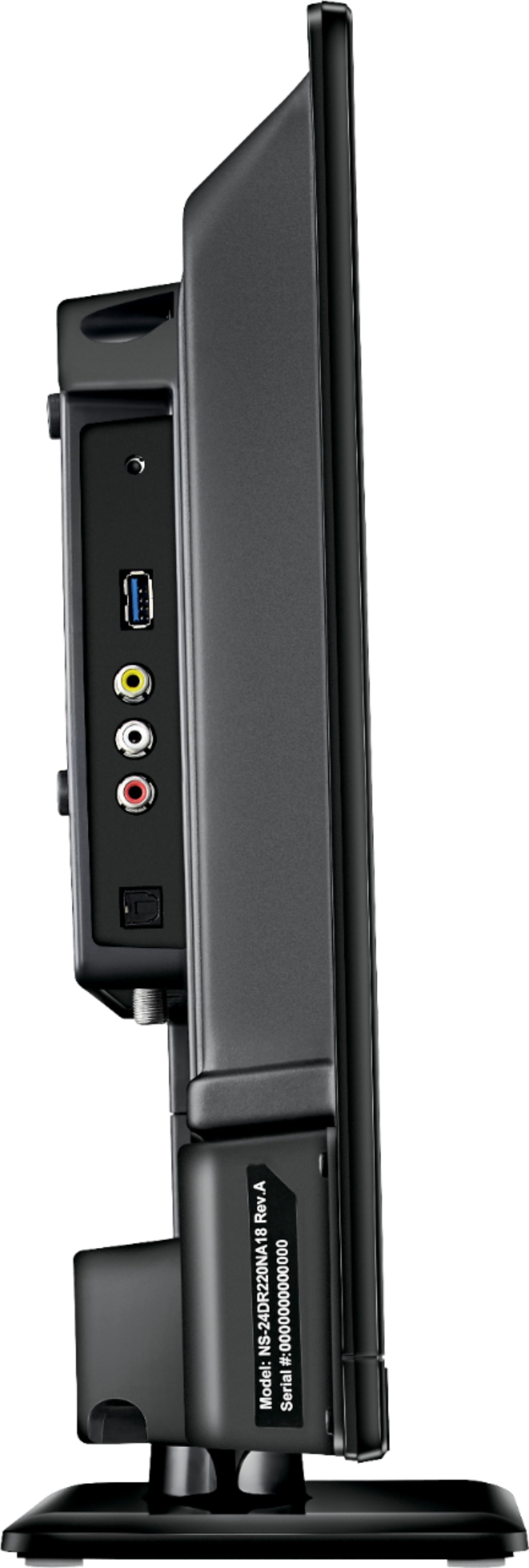
A:AnswerI twisted the thumbNut on the end of my rabbit Ears cord to the matching silver post you see here in the photo gallery. It sticks down from the back, just-right of the vent holes in the center.