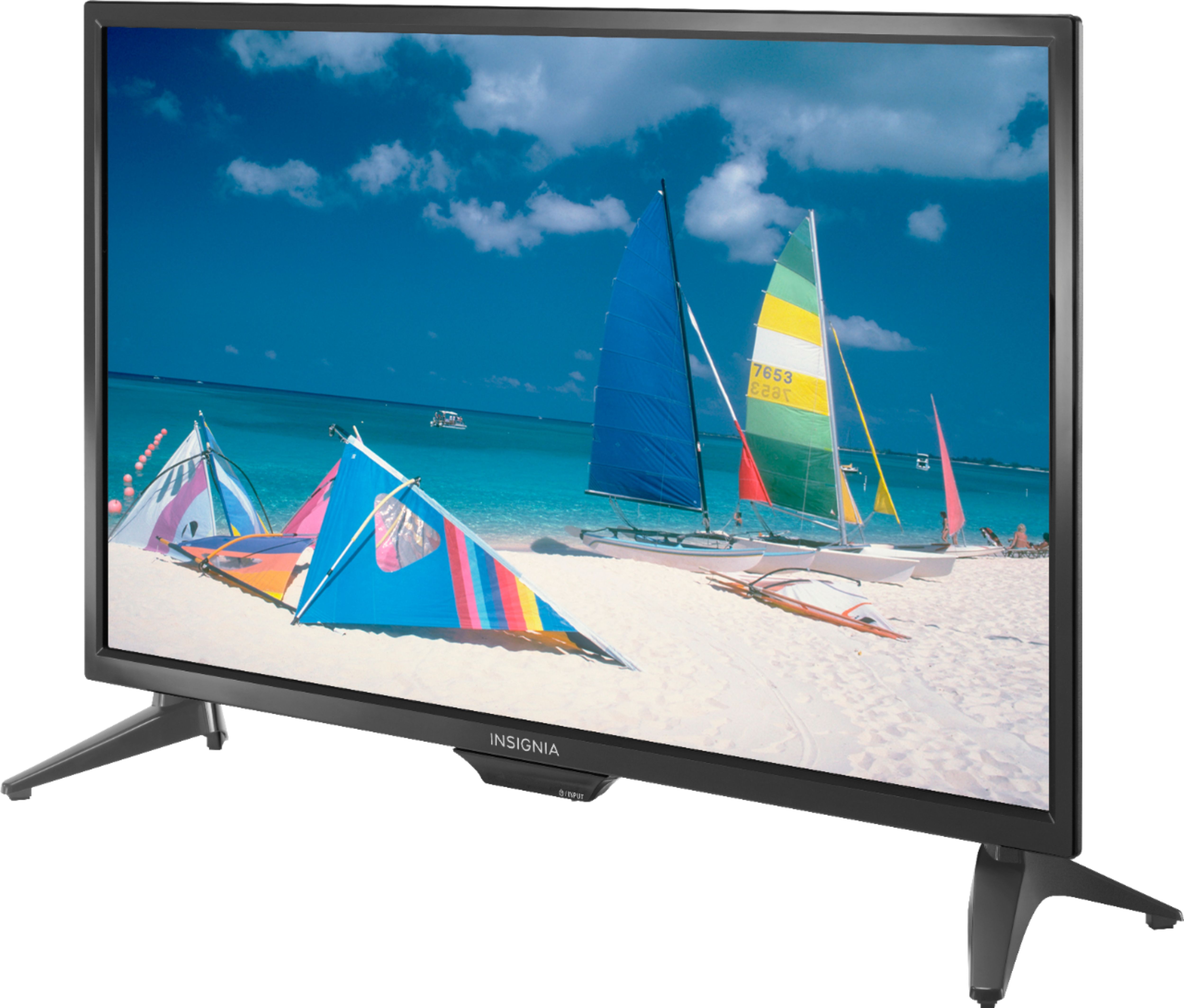
A:AnswerIt really depends on the dimensions of the converter box your cable company provides. However, the Xfinity box that Comcast provides fits under the TV with plenty of room to spare. I hope I've been helpful.
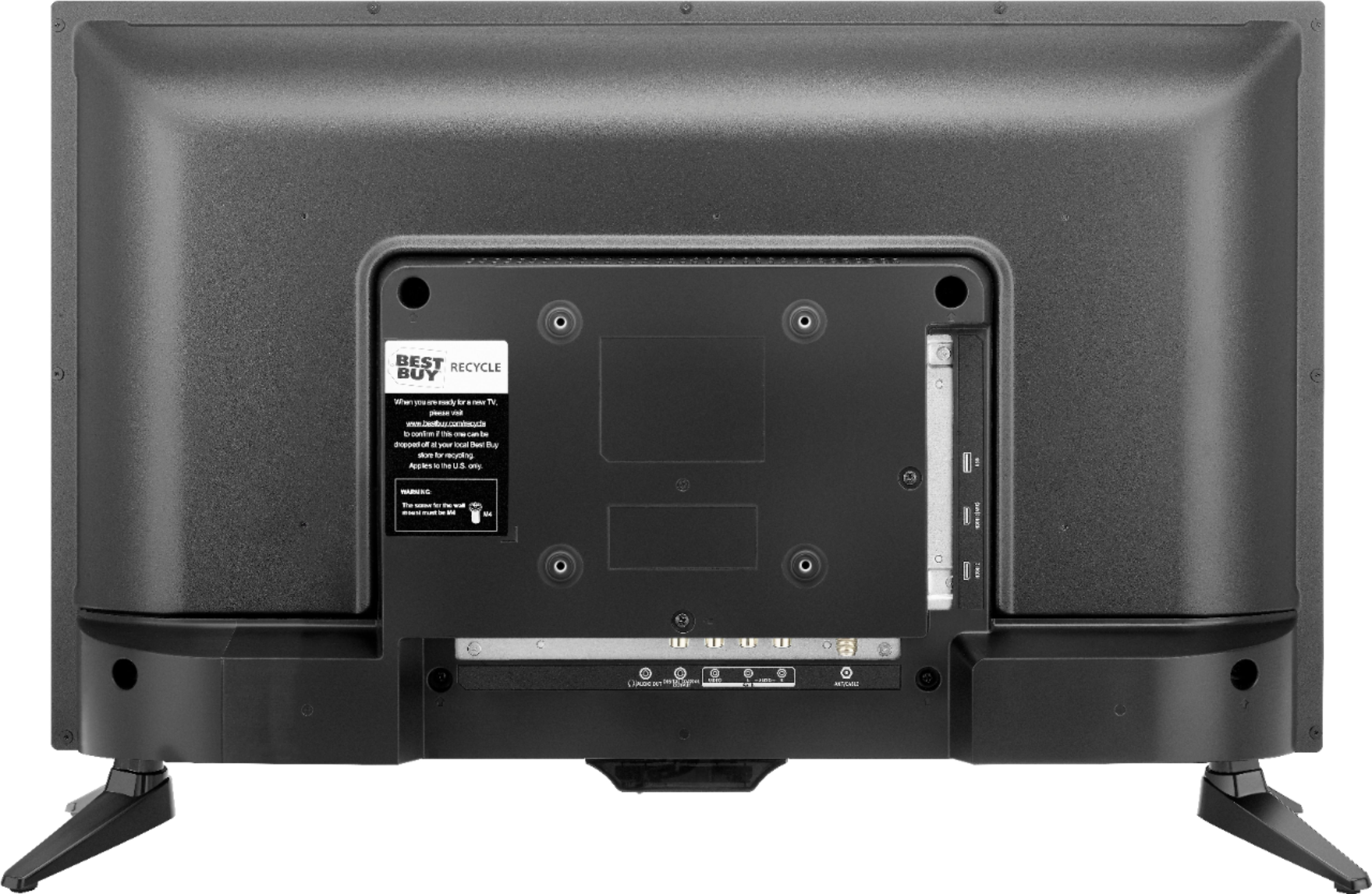
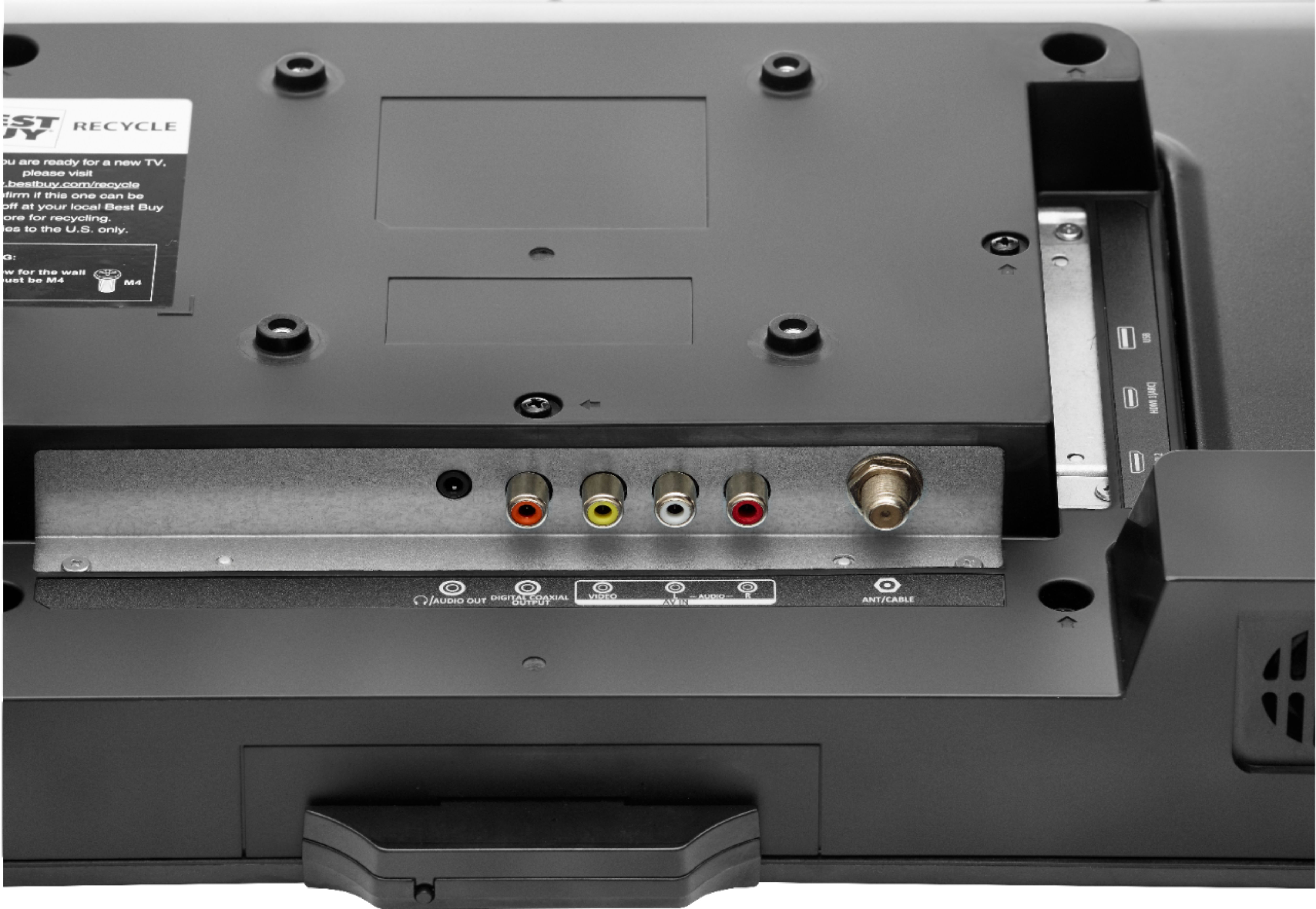
A:AnswerIf you're referring to the four holes for the VESA plate, the thread is a metric size. I believe It's an M4. Most Ace Hardware stores sell metric screws of various diameters and lengths. Be sure not to select a screw that's too long so as not to cause damage to the components inside the cabinet. If you bring the TV to the store with you the clerk can assist you in determining the correct screw for your specific requirements.
A:AnswerHello,
Thank you for your preference.
I will like to provide you with the best options for you to turn on the close captioning on this TV.
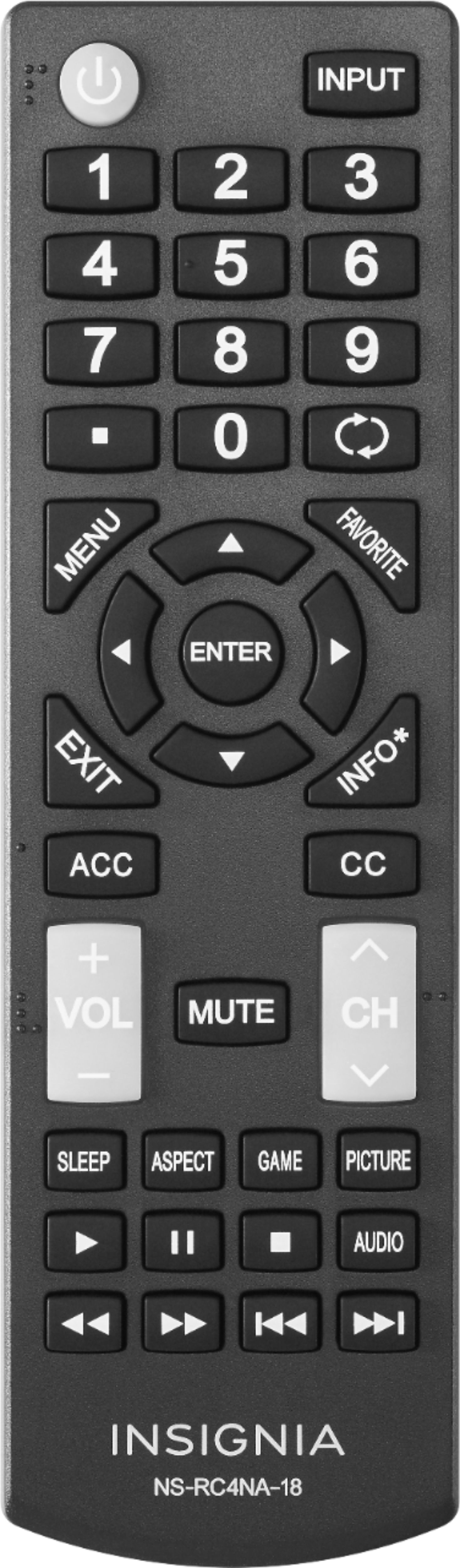
For you to have this feature ON you will need to press the Menu button > Settings > Closed Caption.
If you want more further details please reach us, we will be more than happy to keep assisting you.
- Arin A.
Insignia Support
Contact us: https://www.insigniaproducts.com/contact-us
A:AnswerHi, Kristin.
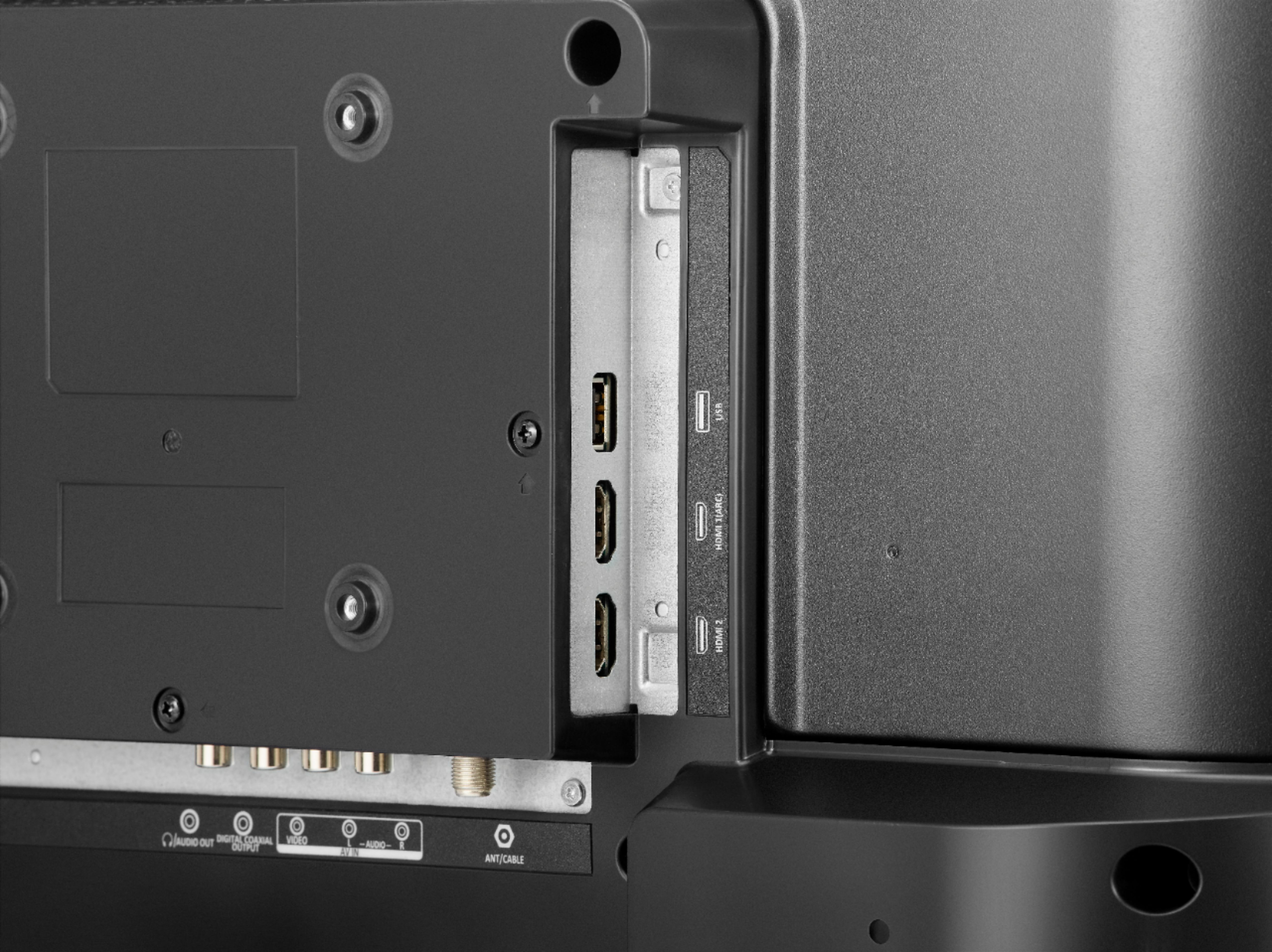
Thank you for sharing your inquiry. This TV cannot play videos through a USB drive since it is only designed to play JPEG files for pictures without a loop function. To play videos from a USB we recommend any of our Fire TV Edition models.
Alexander G. - Insignia Support
A:AnswerHi.
The USB only recognizes JPEG Pictures. I'm pretty sure that basically any DVD player on the market will be capable to play music from a CD. To add a sound bar or any external audio system, my best recommendation is to use Optical Cable to connect it.
Charles V. - Insignia Support
https://www.insigniaproducts.com/contact-us
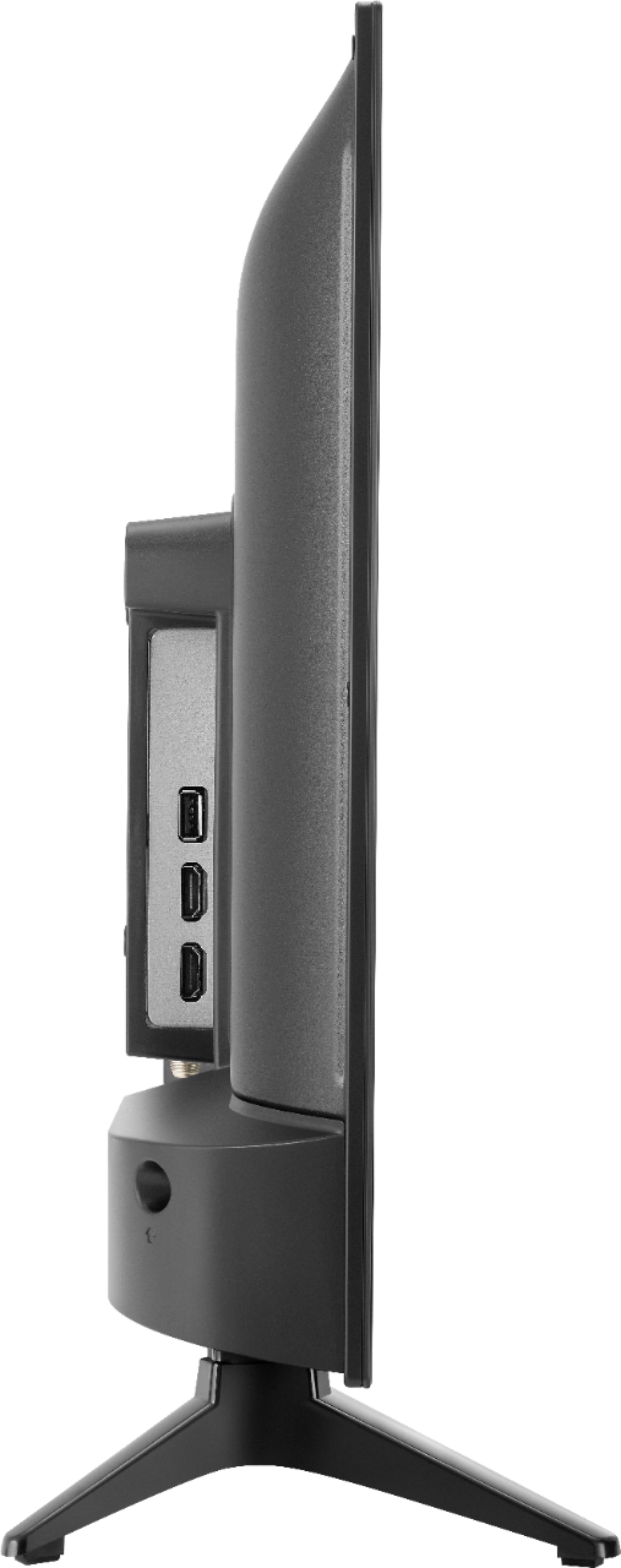
A:AnswerThe dimensions of this TV are;
Product Height With Stand
14.6 inches
Product Width
21.7 inches
Product Depth With Stand
5.7 inches
Product Height Without Stand
13.4 inches
Product Depth Without Stand
2.7 inches