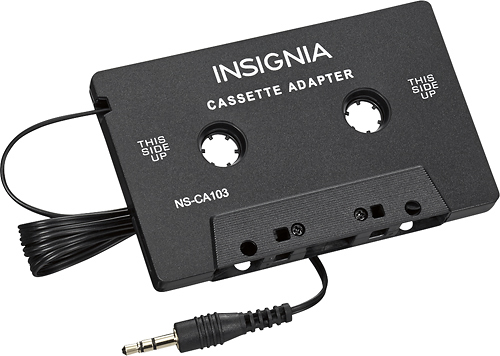
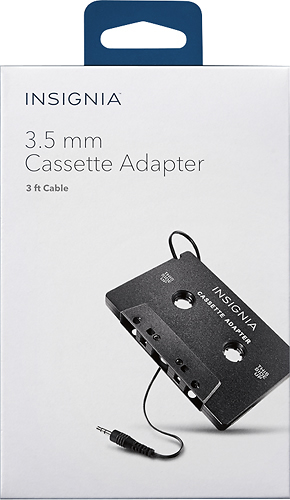
A:AnswerIt will work with any audio on your phone, but you'll need to get a microphone hooked up for a hands free setup. You'll be able to hear your phone call but that's it, until you get a different deck
A:AnswerYes it will, i use my phone all the time but depends on the type of phone you have, you will have to connect it either through the headphone jack or the charging port.
A:AnswerAs long as you have a 3.5mm to lightning adapter, this will fit the iPhone 7 and newer. For iPhone 6s and older, this will work out of the box without an adapter.
A:AnswerI had the same issue with a previous casstte adapter i had ...play fir a few seconds then eject it.....so what i did was as soon as it would start playing, i would push the button on my deck that "flips" the casstte over to the other side (wich would play a regular cassette music on the opposite side). I would do this once and it would usually automatically flip it back and then play without any other issues. Try flipping it and see if that works for you as well.....good luck....
A:AnswerIt all depends on your stereo, not the car. Every once in a while, my cassette adapter will reject it. I don't mind messing with it until it works. When it works, it's awesome. Maybe your stereo won't reject it at all. All it needs is a 3.5mm headphone jack. I plug mine into my cell phone and play YouTube music and magazines that I've downloaded for free. It doesn't hurt to try it out. I've never had a problem returning an item at BestBuy. I use my cassette adapter almost every time I'm in my car.