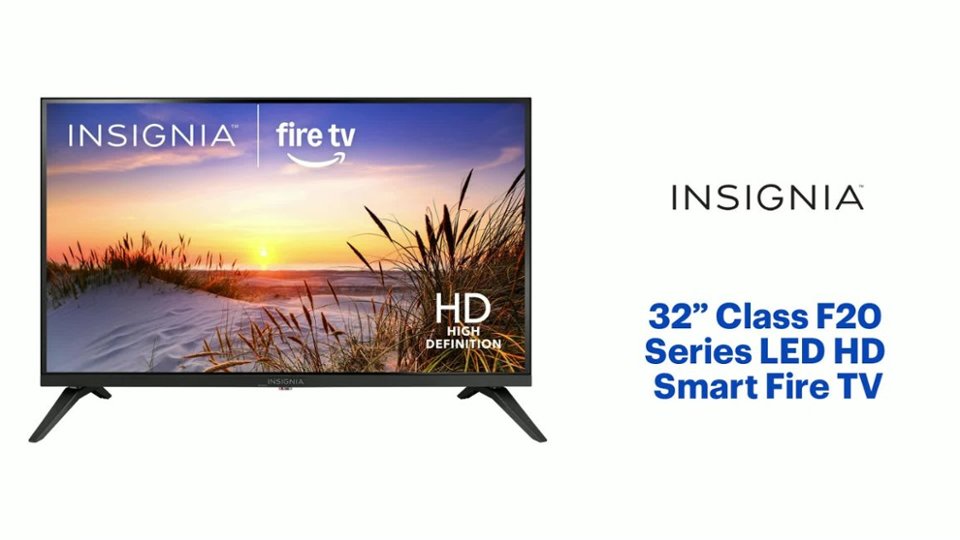
Questions & Answers
- Model:
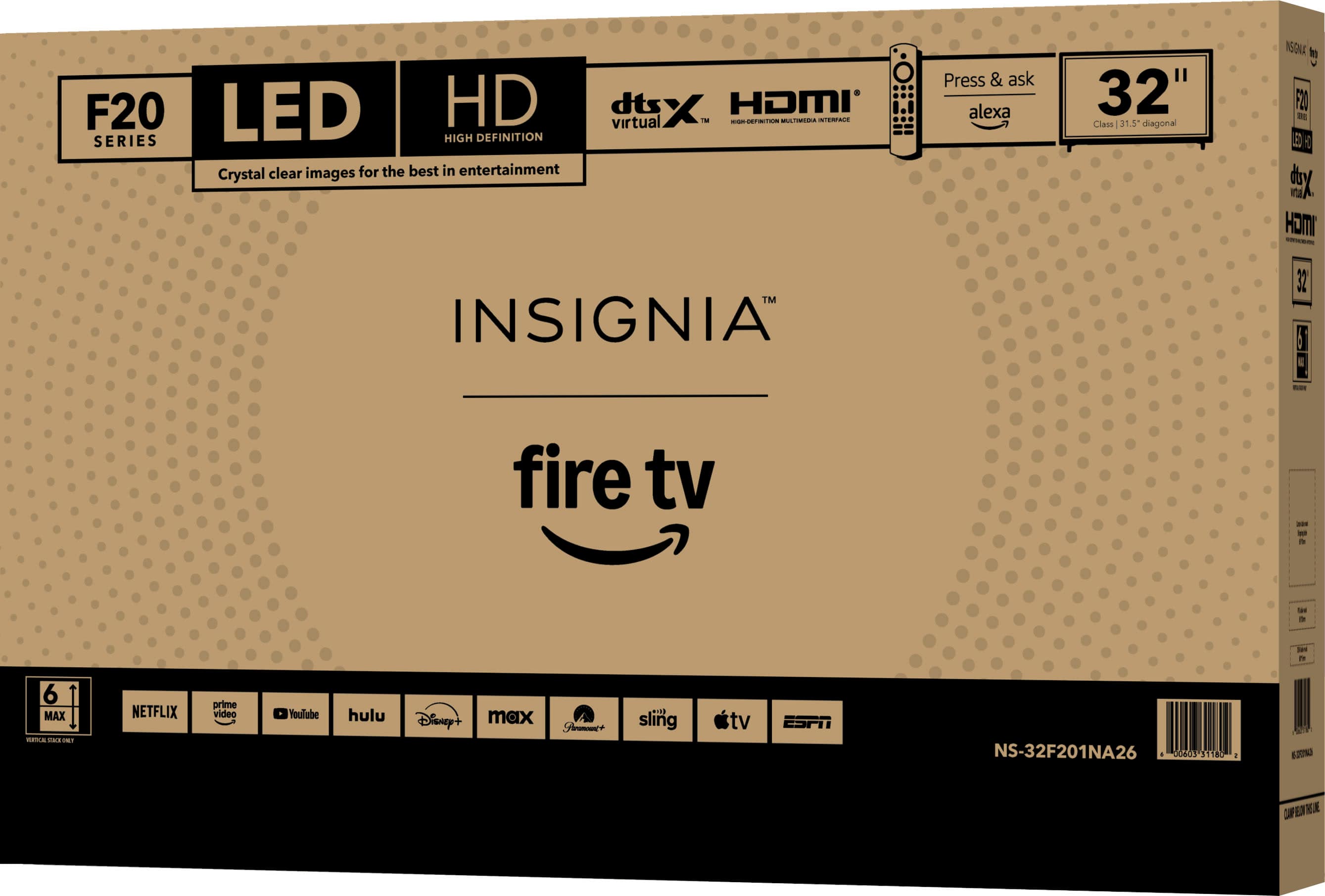
- NS-32F201NA26
- |
- SKU:
- 6614070
Q: Questiondoes this TV have a remote control can it be connected to cable
Asked by Anonymous.
- A:Answer Hi, thank you for your question. Yes, the Insignia™ 32" Class F20 Series Smart Fire TV comes with a remote control, and you can connect it to cable using the HDMI or coaxial input, depending on your cable provider’s equipment. Thank you for choosing Insignia. Sudeep | Insignia
Answered by InsigniaCustomerSupport
Q: QuestionCan i connect my Iphone using bluetooth
Asked by James.
- A:Answer Hello James, thank you for your question, you can connect your iPhone to the Insignia 32" Class F20 Series HD Fire TV, but not through Bluetooth for full device pairing, because the TV’s Bluetooth is designed only for audio accessories like headphones, speakers, and soundbars, so your iPhone will not pair directly to the TV for screen mirroring or media playback, instead, you can use Apple Airplay, which this TV supports, to mirror your screen or stream content wirelessly from your iPhone to the TV. Sudeep | Insignia
Answered by InsigniaCustomerSupport
Q: QuestionI am still trying to get information on where I can get the user manual for my new NS32F201NA26 TV. Not the Quick start up instructions that come with the unit. I have been had this TV four 1 month, But still no manual?
Asked by Terry.
- A:Answer Hello Terry, thank you for contacting us. We understand your concern regarding the difficulty in locating the full User Manual for your Insignia NS‑32F201NA26 television. While the unit includes only a Quick Start Guide in the box, the complete User Manual is available upon request through Best Buy Support. To obtain the full manual for your model, please reach out to Best Buy’s support team directly. They will be able to provide the correct documentation for your TV. You may contact them at [email protected] and 877‑467‑4289, They will be happy to assist you with accessing the full User Manual. Narendra| Insignia Support
Answered by InsigniaCustomerSupport
Q: QuestionDoes this tv have built in Bluetooth?
Asked by happy.
- A:Answer Hello Happy! Thank you for your question. The Insignia™ 32" Class F20 Series LED HD (720p) Smart Fire TV does have built‑in Bluetooth. If you have any other questions about features or settings, please feel free to reach out to us. Thank you again for your question and for considering Insignia products. Sudeep | Insignia
Answered by InsigniaCustomerSupport
Q: QuestionCan this tv be connected to a laptop via Bluetooth?
Asked by happy.
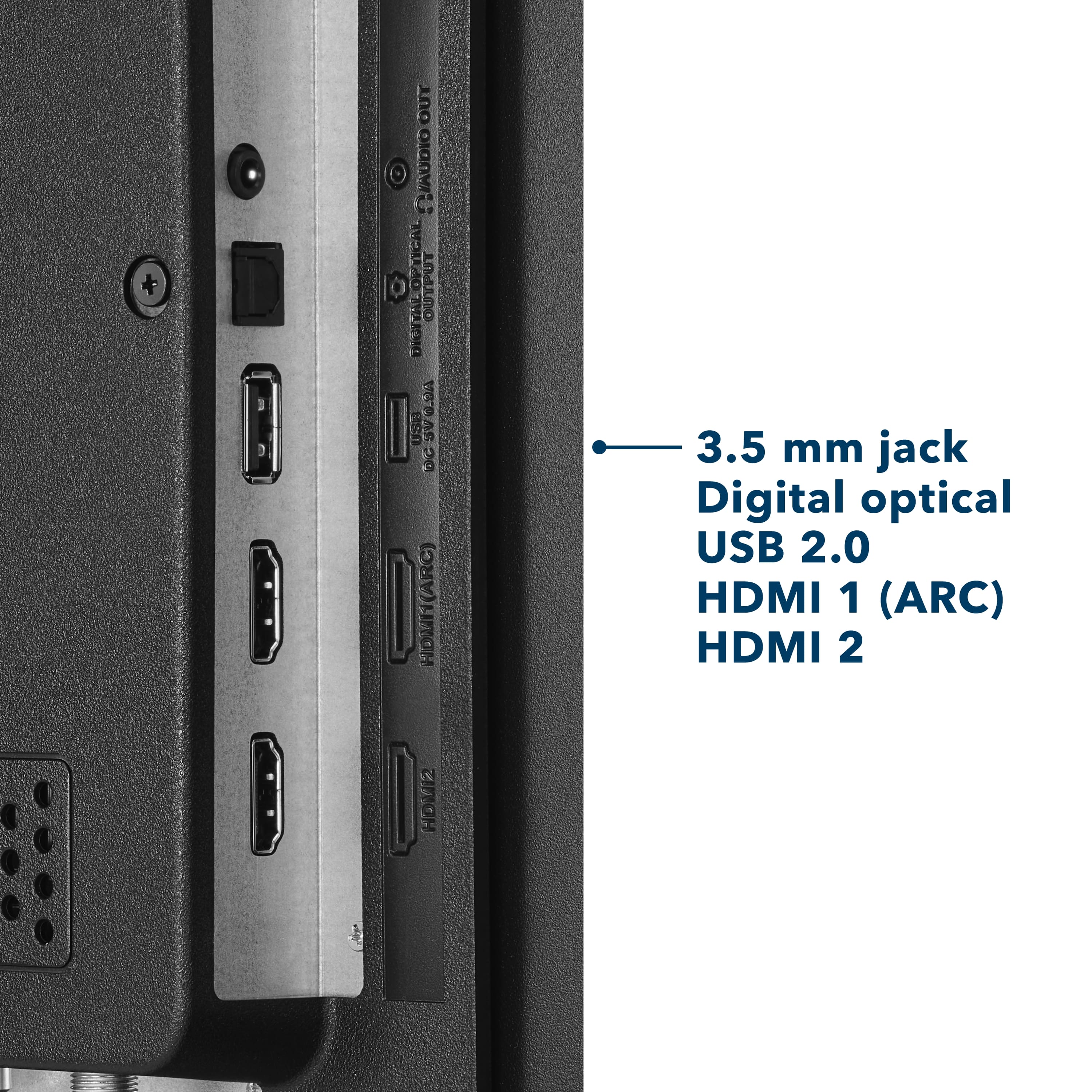
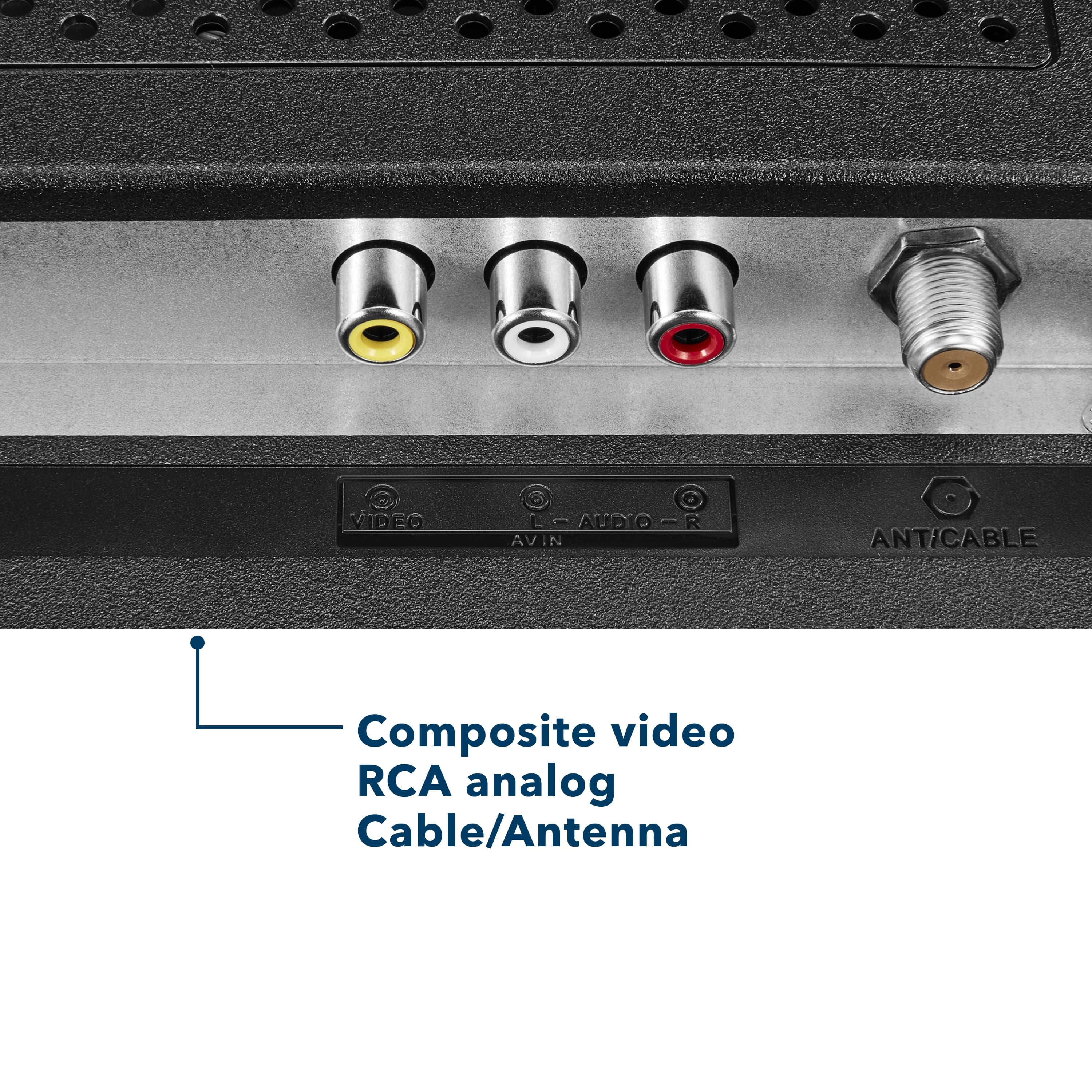
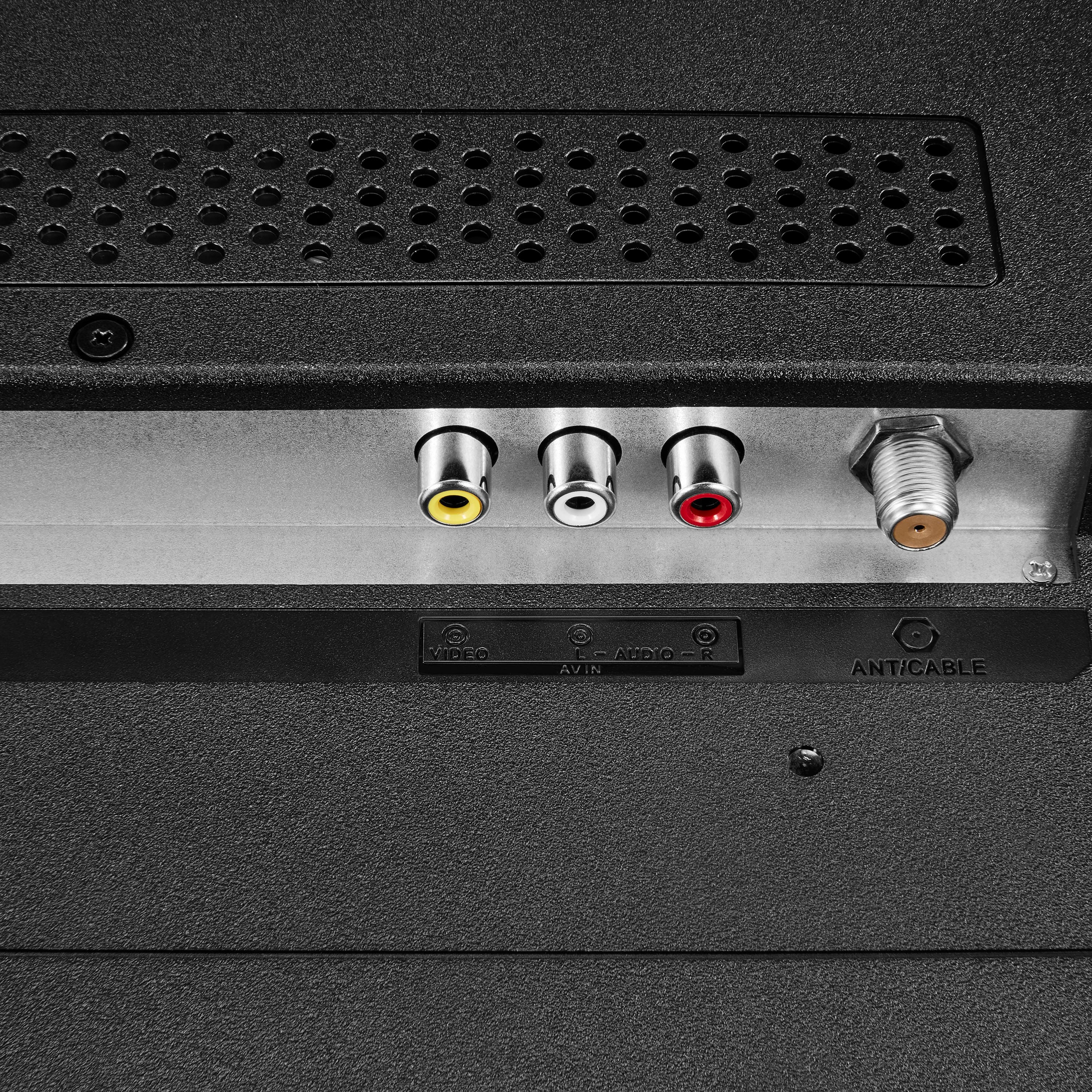
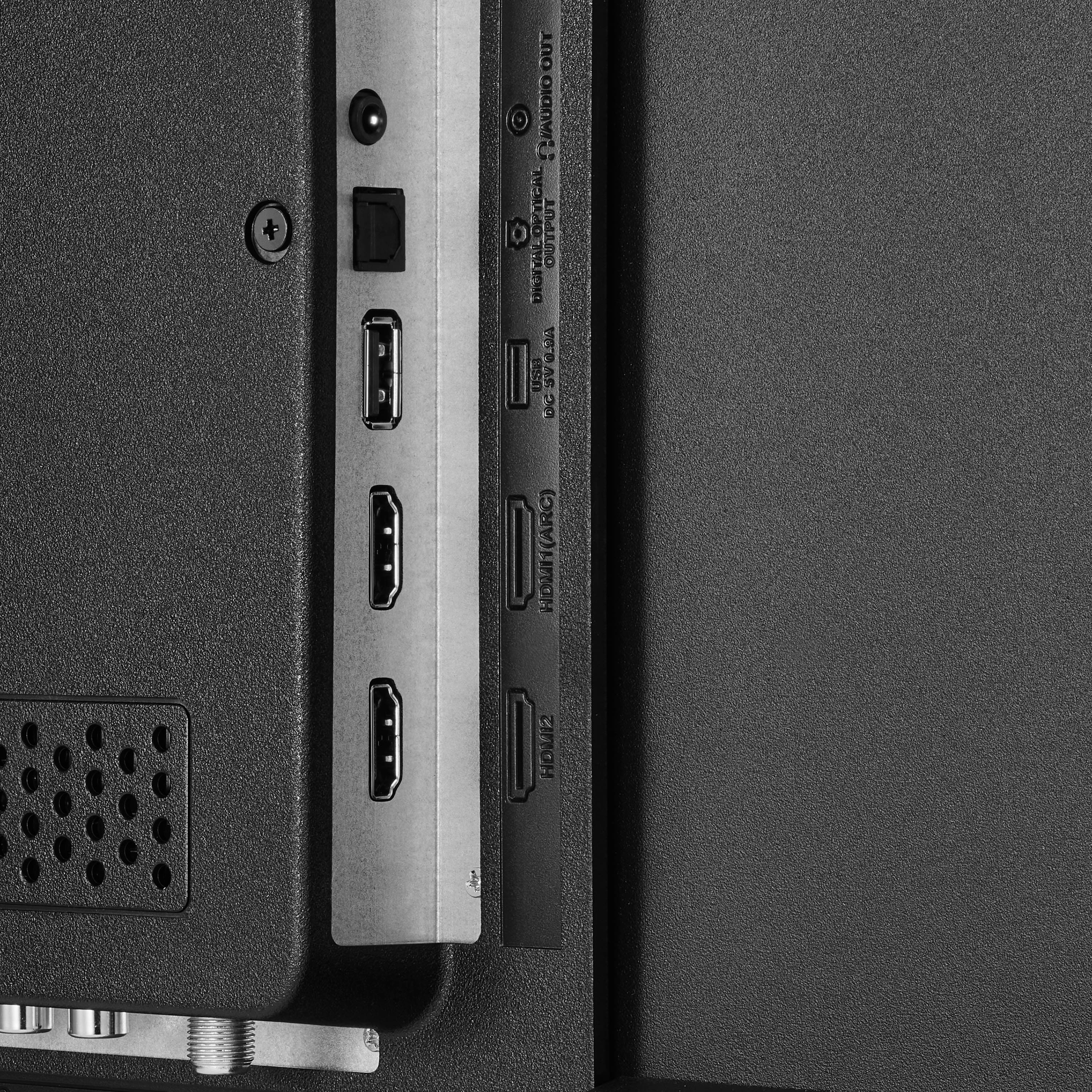
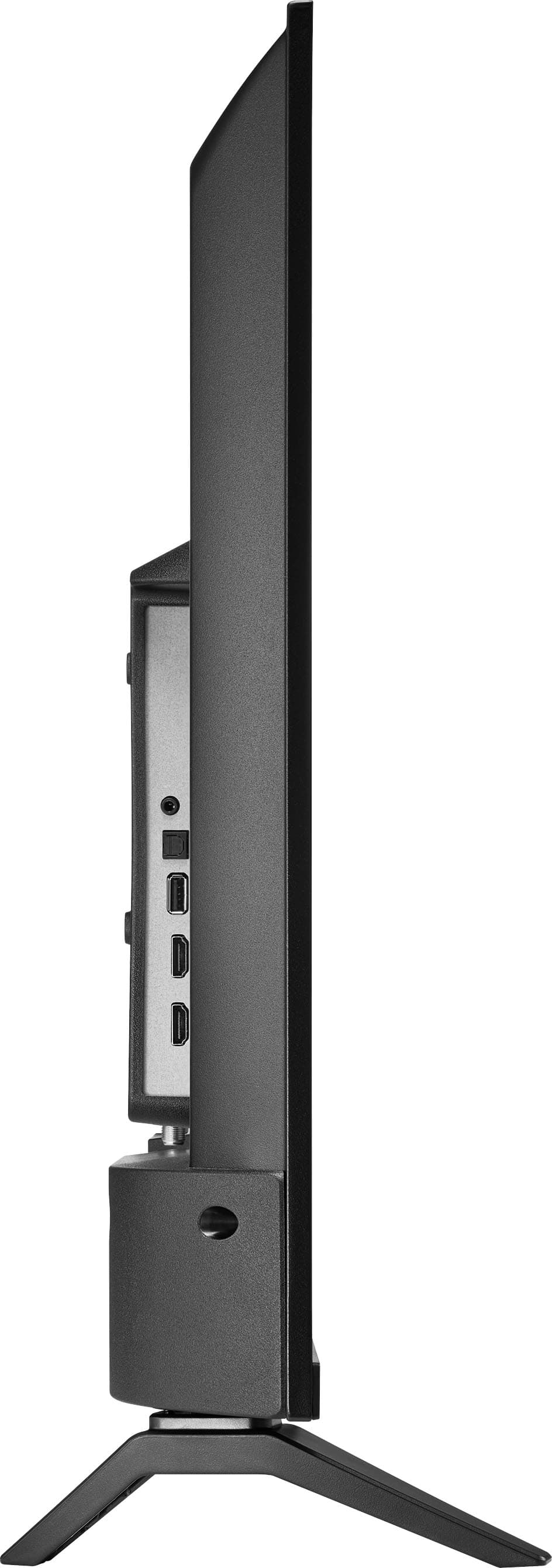
- A:Answer Hello Happy. Thank you for reaching out to us. This TV does not support connecting to a laptop through Bluetooth. However, it offers versatile connection options such as HDMI, composite (AV), USB, optical audio, and Wi‑Fi, allowing you to connect a wide range of devices including laptop. Mohan | Insignia.
Answered by InsigniaCustomerSupport
Q: QuestionDoes the 32" Insignia smart tv have the option of a center stand?
Asked by Anonymous.
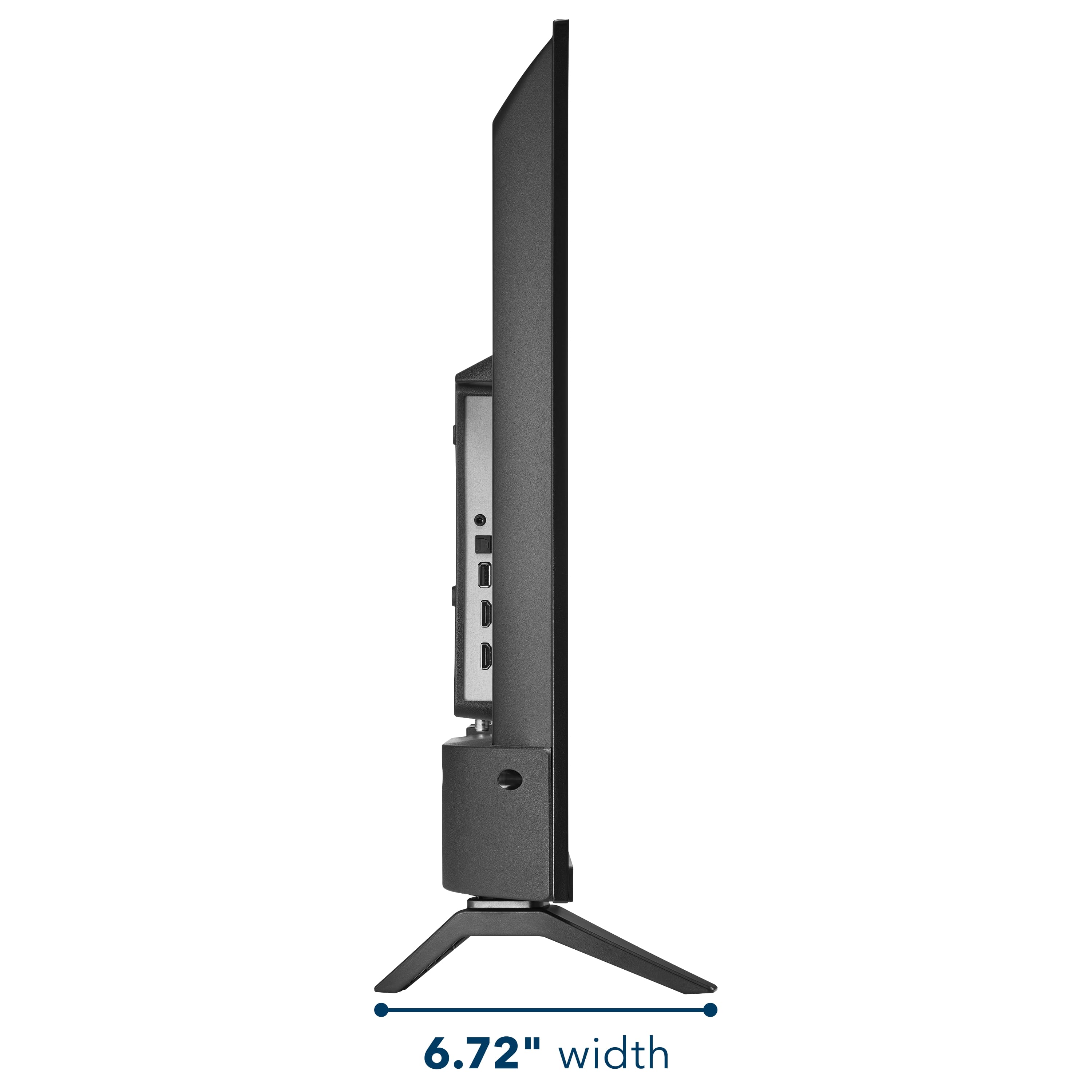
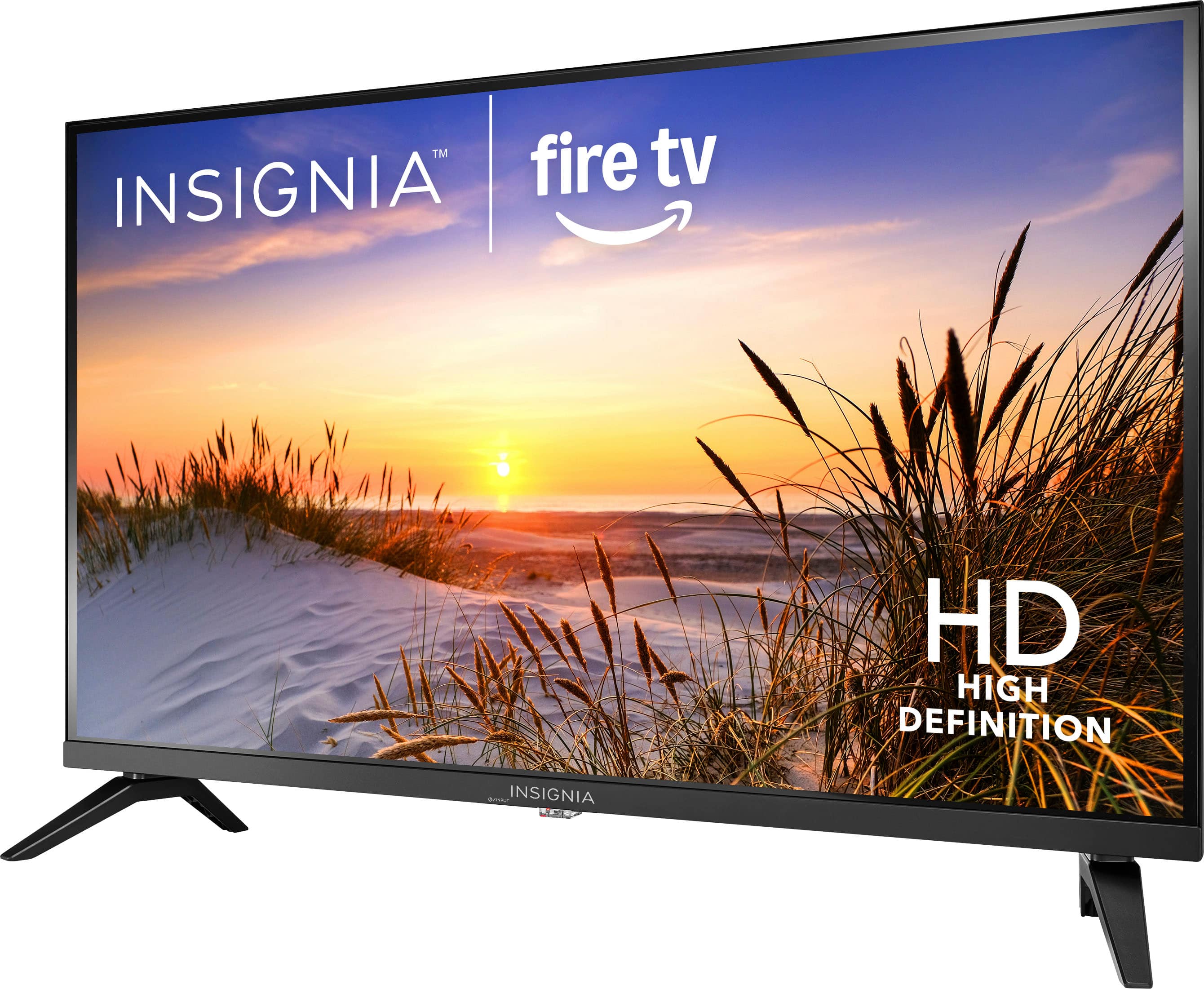
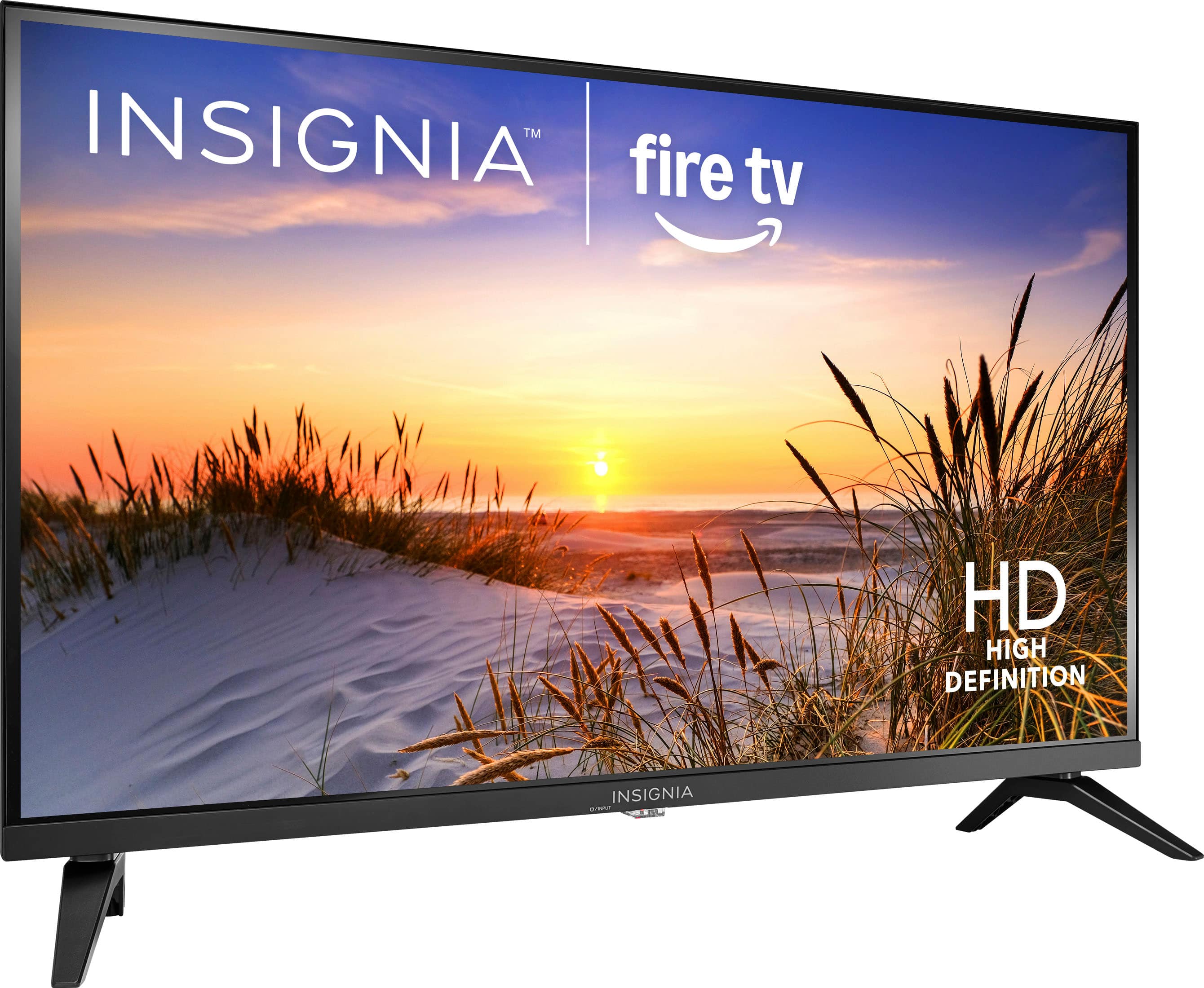
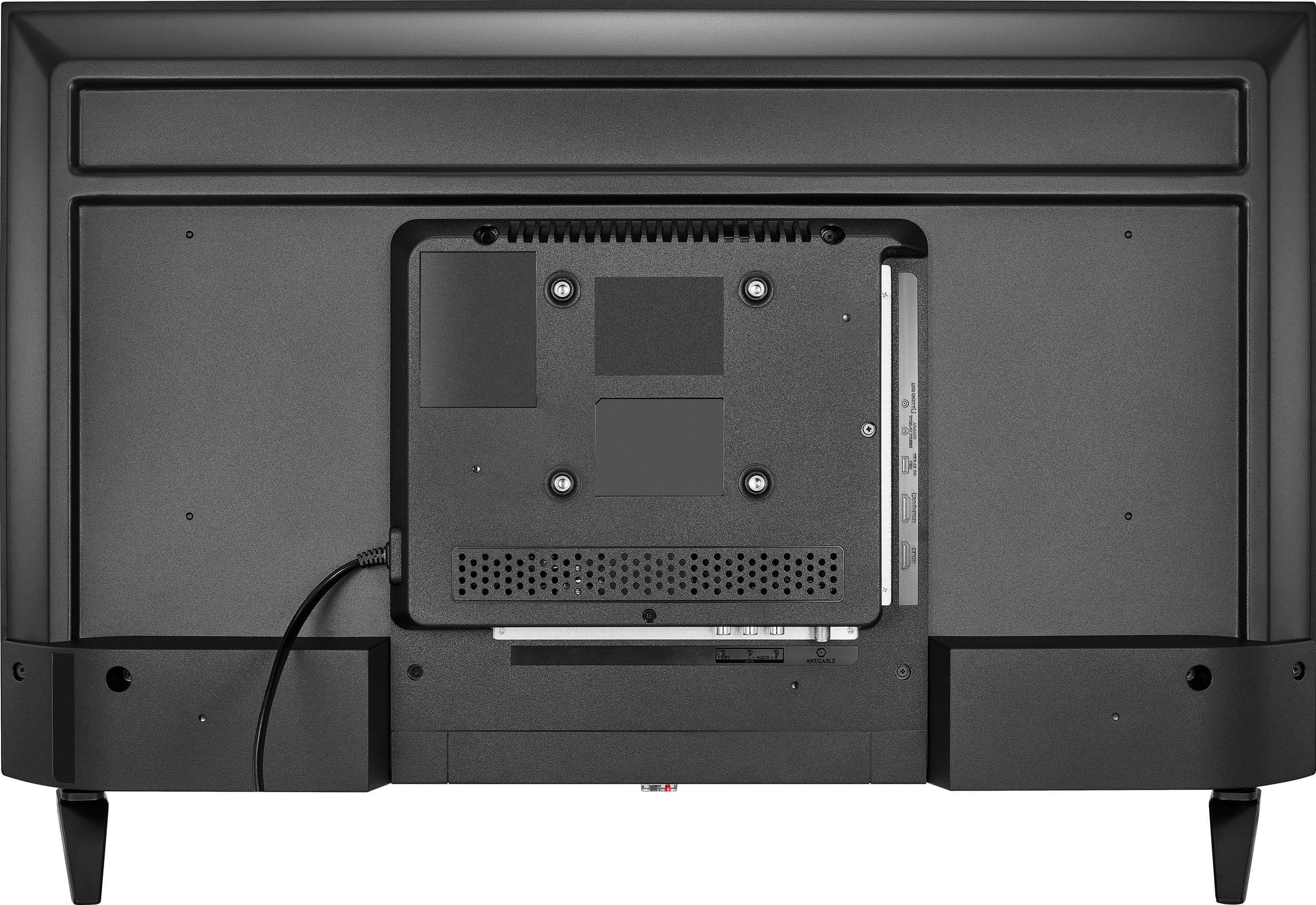
- A:Answer Hello, thank you for the question. No, this model comes with two separate legs, one on each side of the TV, and the design does not support a single center‑mounted stand. If you prefer a center‑style support, a VESA‑compatible TV stand or wall mount can be used as an alternative. Sabiha | Insignia Products.
Answered by InsigniaCustomerSupport
Q: QuestionHow do I set the time? I am using an antenna
Asked by Harry.
- A:Answer Hello Harry, thank you for your question. To set the time on your TV, press Home → Settings → Preferences → Time Zone, then select your region and time zone. Your TV will update the time automatically once the correct zone is selected. If you need further assistance, you can contact our voice team at 877‑467‑4289 or email at [email protected] Manisha | Insignia
Answered by InsigniaCustomerSupport
Q: QuestionCan u use netflix, amazon prime, you tube, or does this come intergrated in the tv?
Asked by Fatboy.
- A:Answer You can download the apps on the tv
Answered by Vidamocha
Q: QuestionWhere do I find the users guide for my new NS-32F201NA26
Asked by TERRY.
- A:Answer Hello Terry, thank you for your question. You can find the user guide for the Insignia™ NS‑32F201NA26 right on the product page under the Features section. It appears as a downloadable User Guide link. Adam | Insignia
Answered by InsigniaCustomerSupport
Q: QuestionCan I use the tv as a PC monitor?
Asked by Anonymous.
- A:Answer I don't think so.
Answered by GregoryG
Q: QuestionWhat is the manufactures warranty on this tv?
Asked by Anonymous.
- A:Answer Yes
Answered by Vidamocha
Q: QuestionHow many watts of electricity does the tv use
Asked by Anonymous.
- A:Answer Hi, Thanks for your question. This TV uses about 50 watts during normal operation, which keeps energy consumption low for a 32‑inch model and makes it efficient for everyday use. Allen | Insignia Products
Answered by InsigniaCustomerSupport
Q: QuestionDoes this TV have a sleep timer?
Asked by Rosie2025.
- A:Answer yes
Answered by miguelblahblah
Q: QuestionDoes the tv come with a walla mount attachment?
Asked by Anonymous.
- A:Answer No
Answered by MarthaN
Q: QuestionHow long is the power cord? I need one a bit longer than most.
Asked by CJPi.
- A:Answer Definitely not long just get you an extension
Answered by ColleenC
Q: QuestionCan it narrate a movie for a blind person
Asked by Joe.
- A:Answer Hello Joe! Thank you for your question. Yes, the Insignia 32" Class F20 Series Smart Fire TV can narrate movies for someone who is blind, as long as the movie or show includes an Audio Description option. To enable narration, go to Home > Settings > Accessibility and turn on both VoiceView and Audio Description. Darshan | Insignia
Answered by InsigniaCustomerSupport
Q: QuestionHow can you automatically lower the volume when it goes from a show to a commercial? especially the car commercials.
Asked by Jimfromplymouth.
- A:Answer yes!
Answered by miguelblahblah
Q: Questionwhat's the difference between "full" & "basic"
Asked by bulldog.
- A:Answer Hello, thank you for your question. On Insignia Fire TVs, full and basic refer to two different operating modes: Full Mode gives you the complete Fire TV experience all streaming apps, Alexa, the Appstore, smart features, and recommendations. Basic Mode only gives you HDMI inputs, antenna TV, and simple settings no apps, no Alexa, no smart features. Sudeep | Insignia
Answered by InsigniaCustomerSupport
Q: QuestionCan this tv be used with Roku?
Asked by Anonymous.
- A:Answer Hello! Thank you for your question. This Insignia 32" Class F20 Series LED HD Smart Fire TV can be used with Roku, you can simply plug a Roku Streaming Stick or Roku device into one of the TV’s HDMI ports and switch the input to enjoy the full Roku experience alongside the built‑in Fire TV features. Darshan | Insignia
Answered by InsigniaCustomerSupport
Best-selling TVs
- $199.99$199.99The price was $349.99
- $329.99$329.99The price was $469.99
- $179.99$179.99The price was $299.99
- $449.99$449.99The price was $649.99
- $249.99$249.99The price was $379.99
- $229.99$229.99The price was $249.99
- $279.99$279.99The price was $449.99
- $1,399.99$1,399.99The price was $2,699.99
- $149.99$149.99The price was $199.99
- $109.99$109.99The price was $149.99
- $99.99$99.99The price was $129.99
- $139.99$139.99The price was $299.99
- $1,999.99$1,999.99The price was $3,699.99
- $329.99$329.99The price was $489.99
- $329.99$329.99The price was $379.99
- $1,399.99$1,399.99The price was $2,499.99