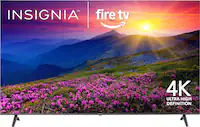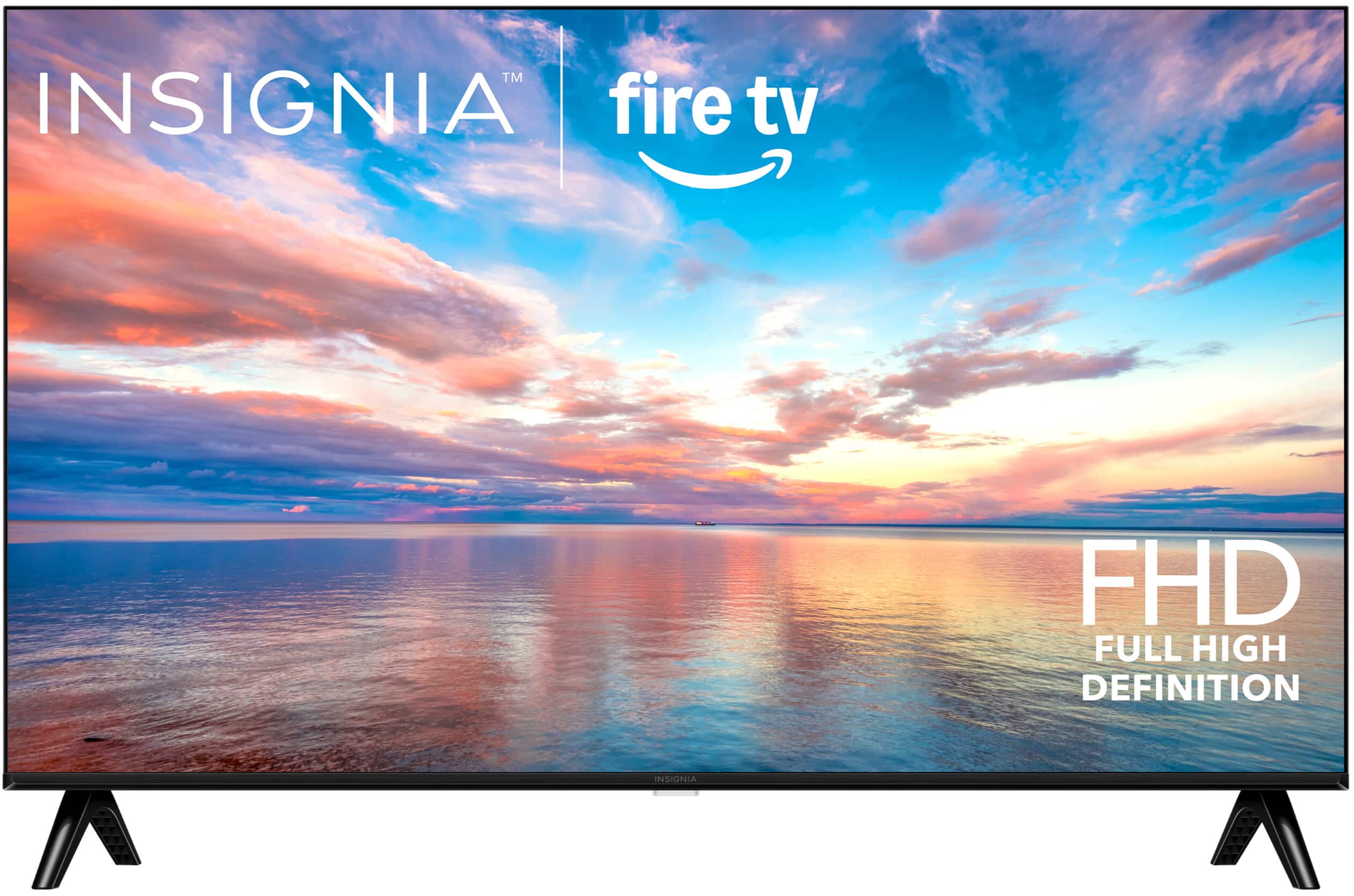
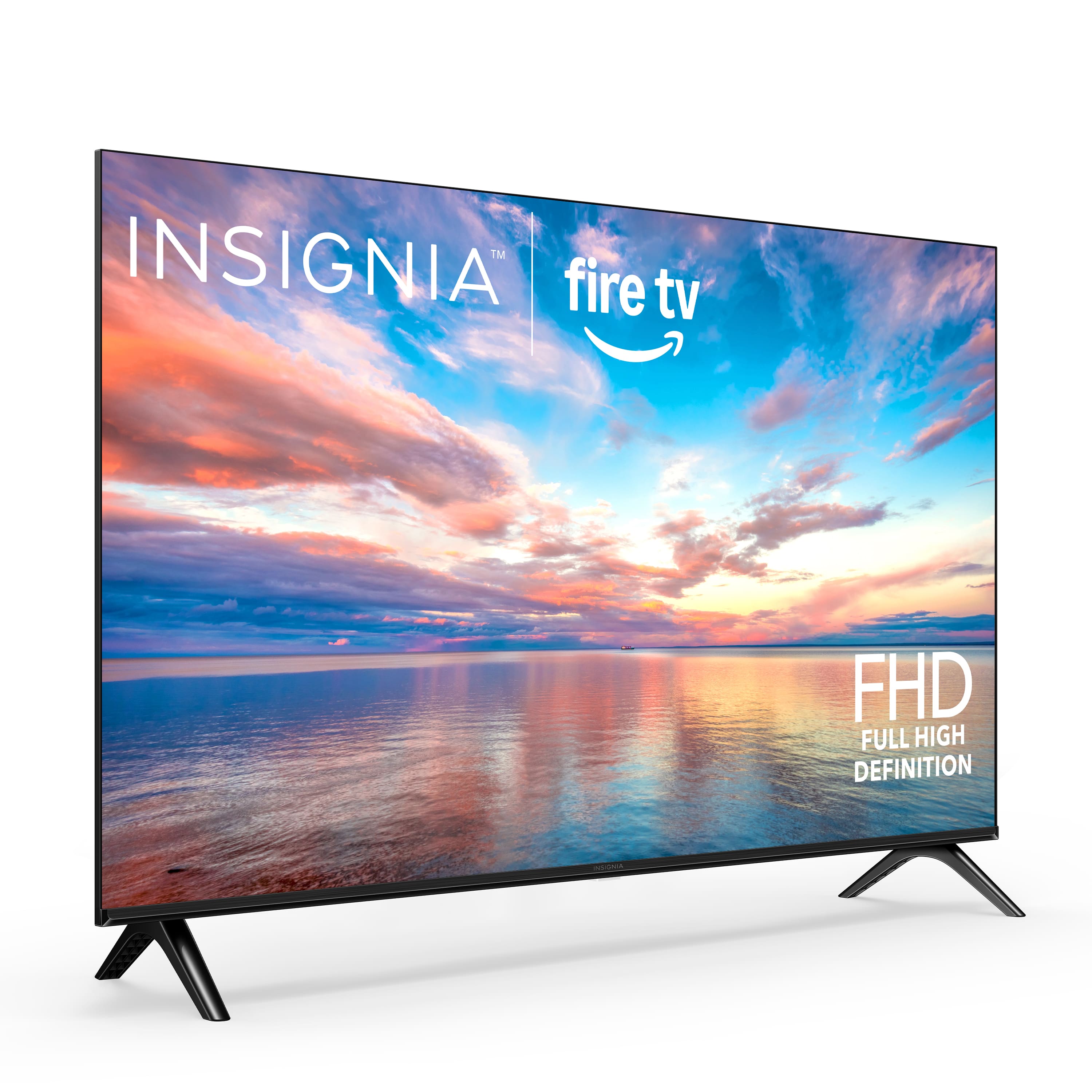
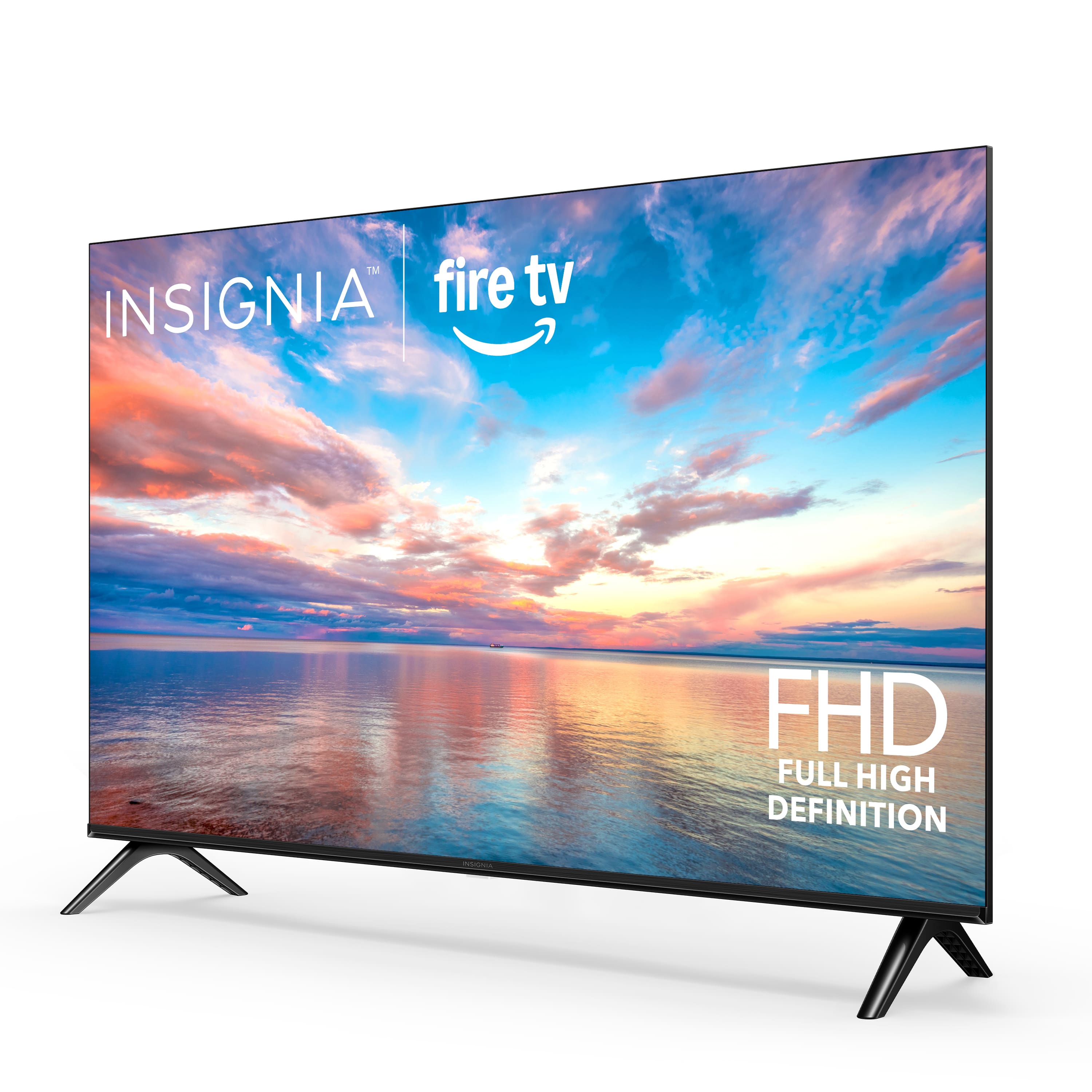
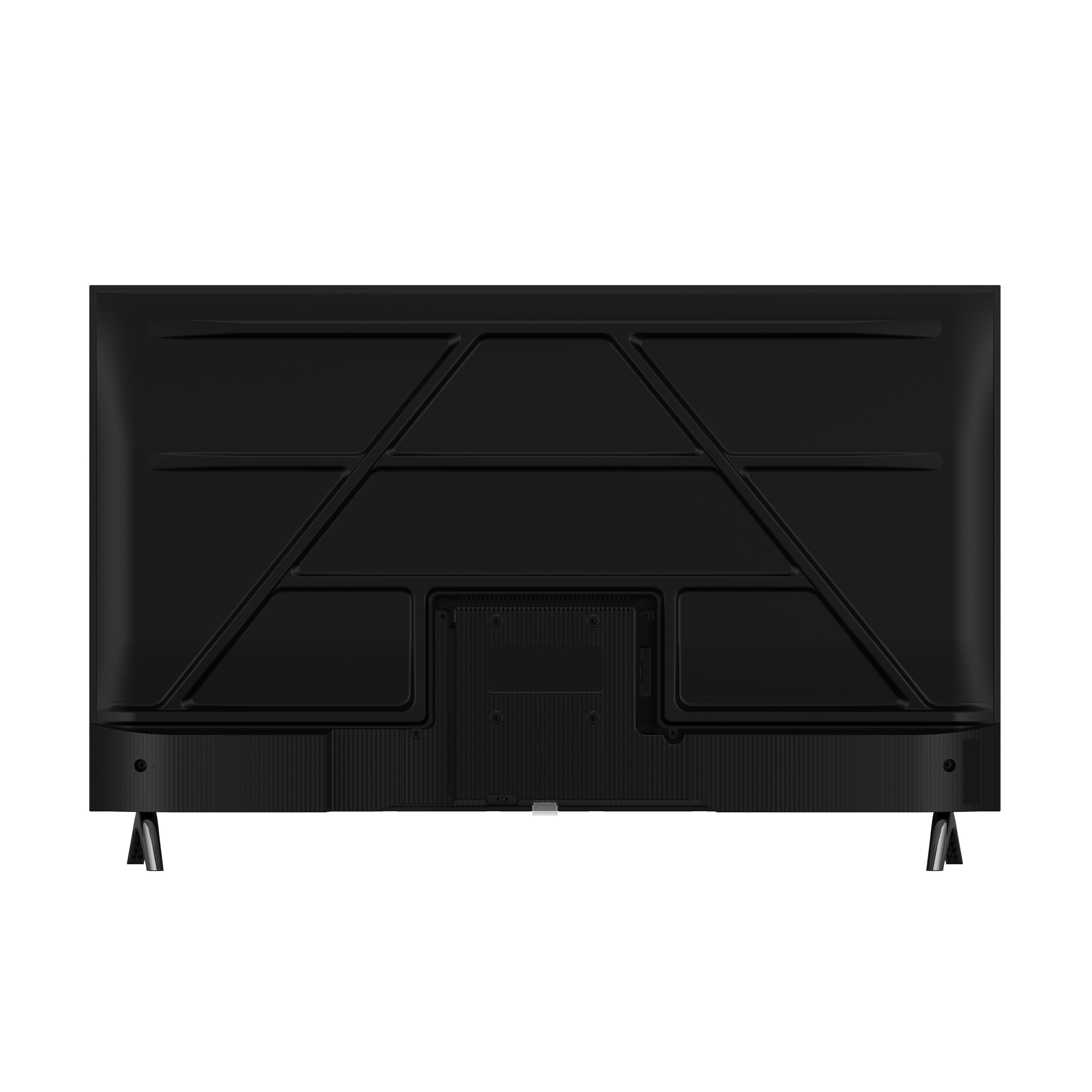


A:Answercan't really be used as a non-smart TV. For the most part has to be connected to internet from what I can tell.
Sort of has a built-in tuner. By that I mean, it has a tuner for various internet channels, including free. But as far as being able to tune in to your local channels, you will need an antenna. I did find that with an antenna, it picked up more channels than my Vizio did.
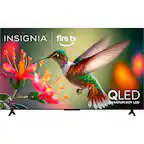
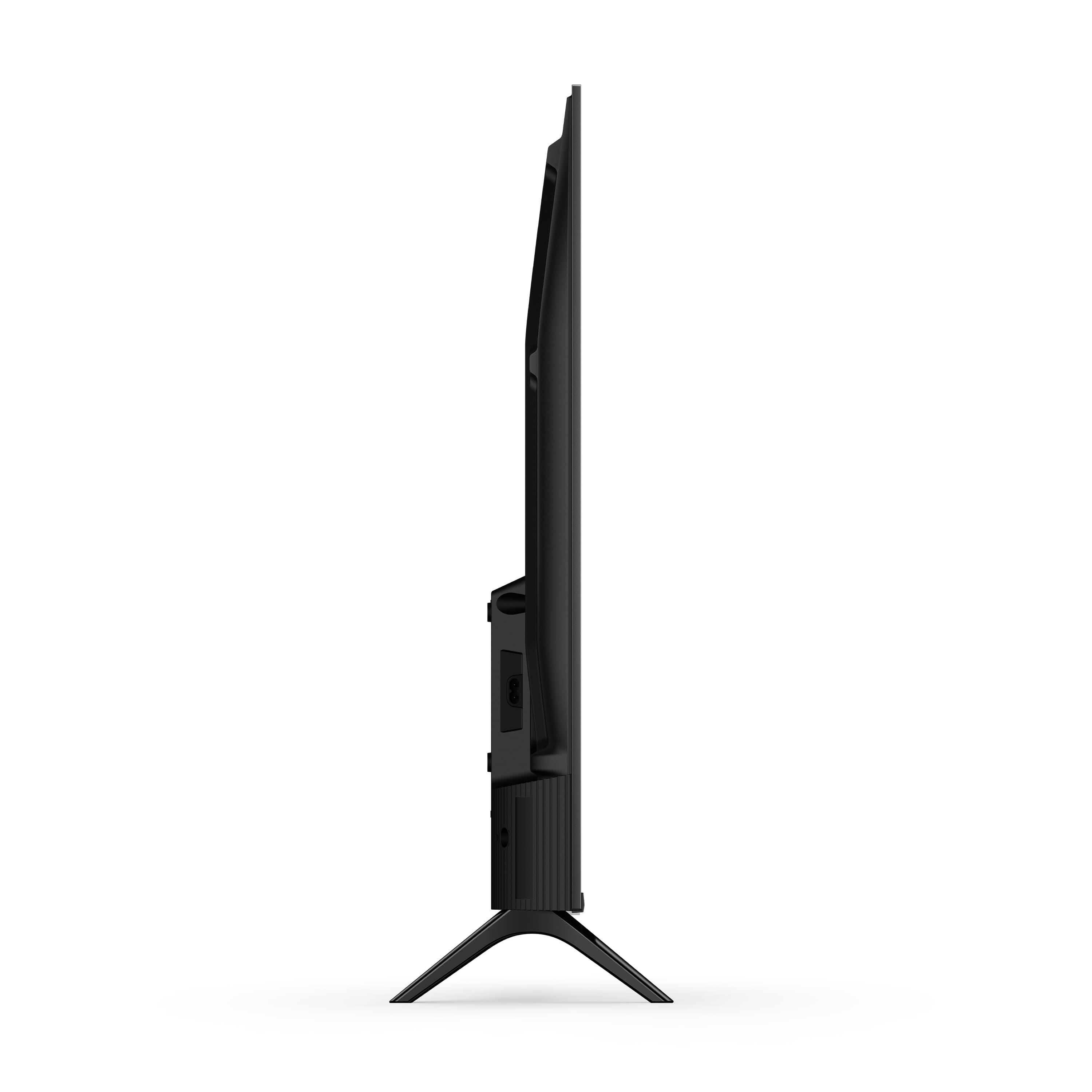
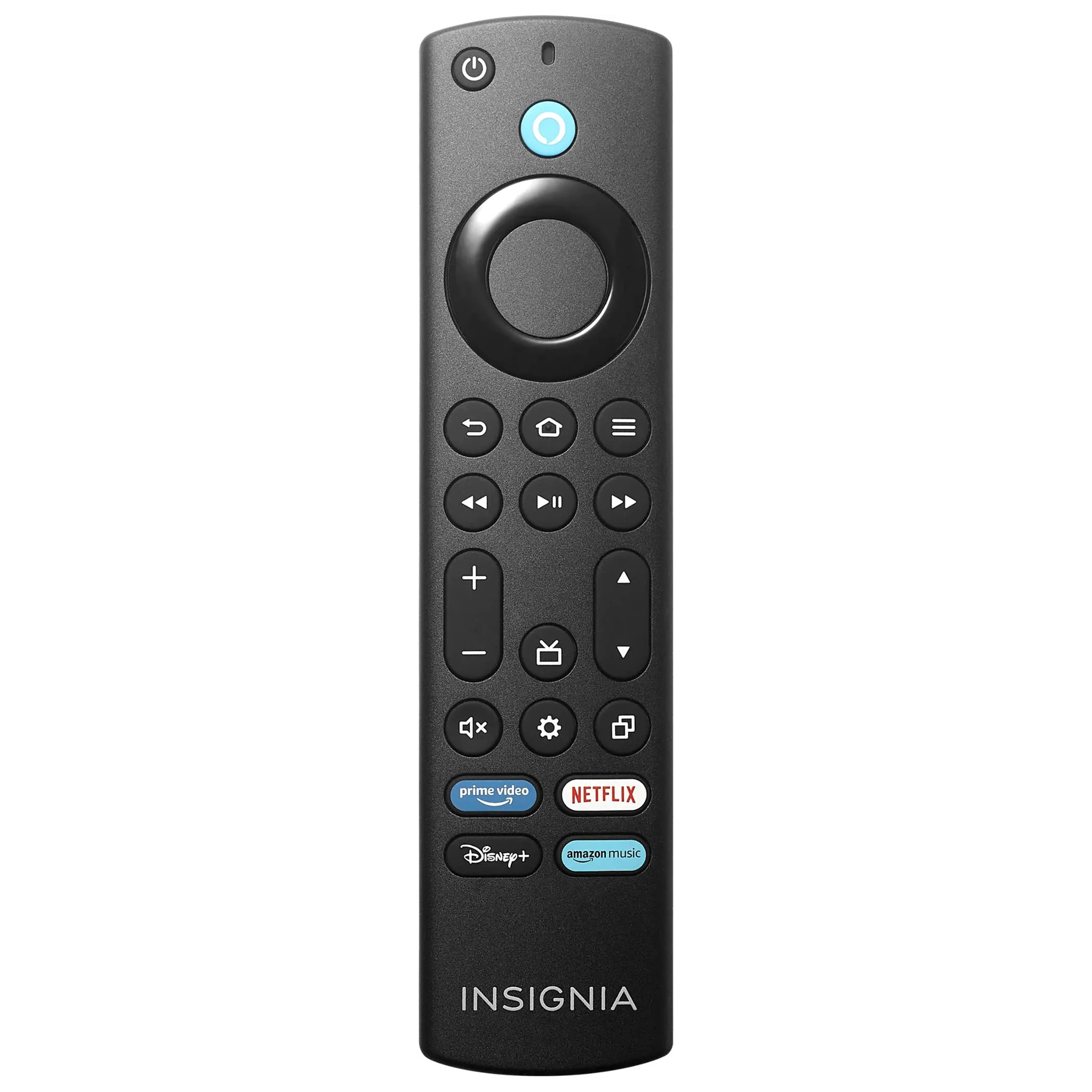
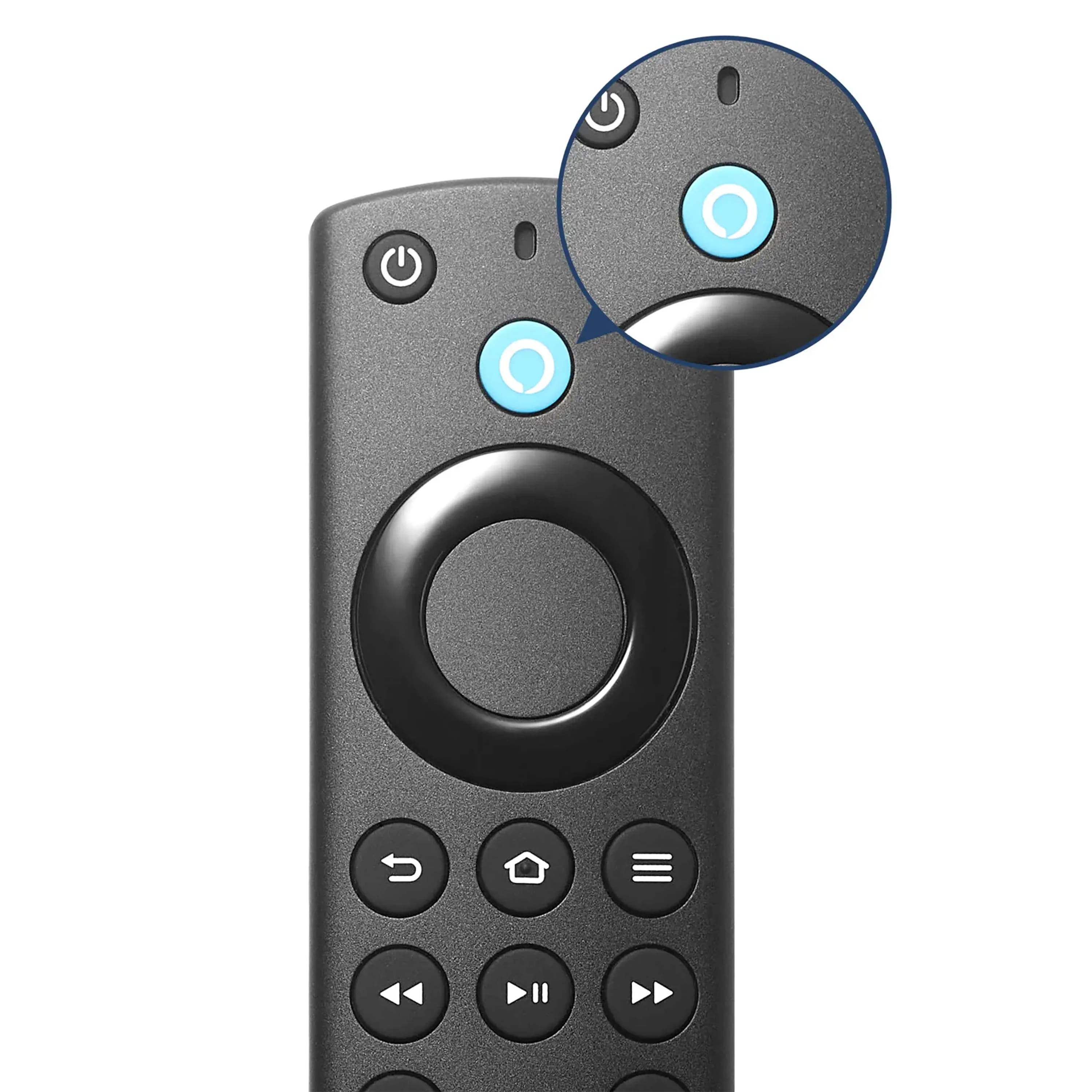
A:AnswerHello, thank you for the question. The Insignia 32" FE Series TV includes a single physical Power button on the TV body for basic on and off control. All other functions such as volume, picture settings, and input selection are managed through the on screen menus using the included Alexa Voice Remote. This keeps the TV simple while still offering full control through the Fire TV interface.
Poojitha | Insignia
A:AnswerHello, thank you for the question. You can find the Insignia warranty information on the Best Buy product page under Features > Manuals & Guides, or by searching your model on the Insignia support website where warranty details are provided. Since you purchased in December, it may still be within the 1-year limited warranty, and your 2-year Geek Squad Protection Plan can also assist with issues like Wi‑Fi problems. For help troubleshooting or service, please contact 877-467-4289 or insignia@bestbuy.com.
Poojitha | Insignia
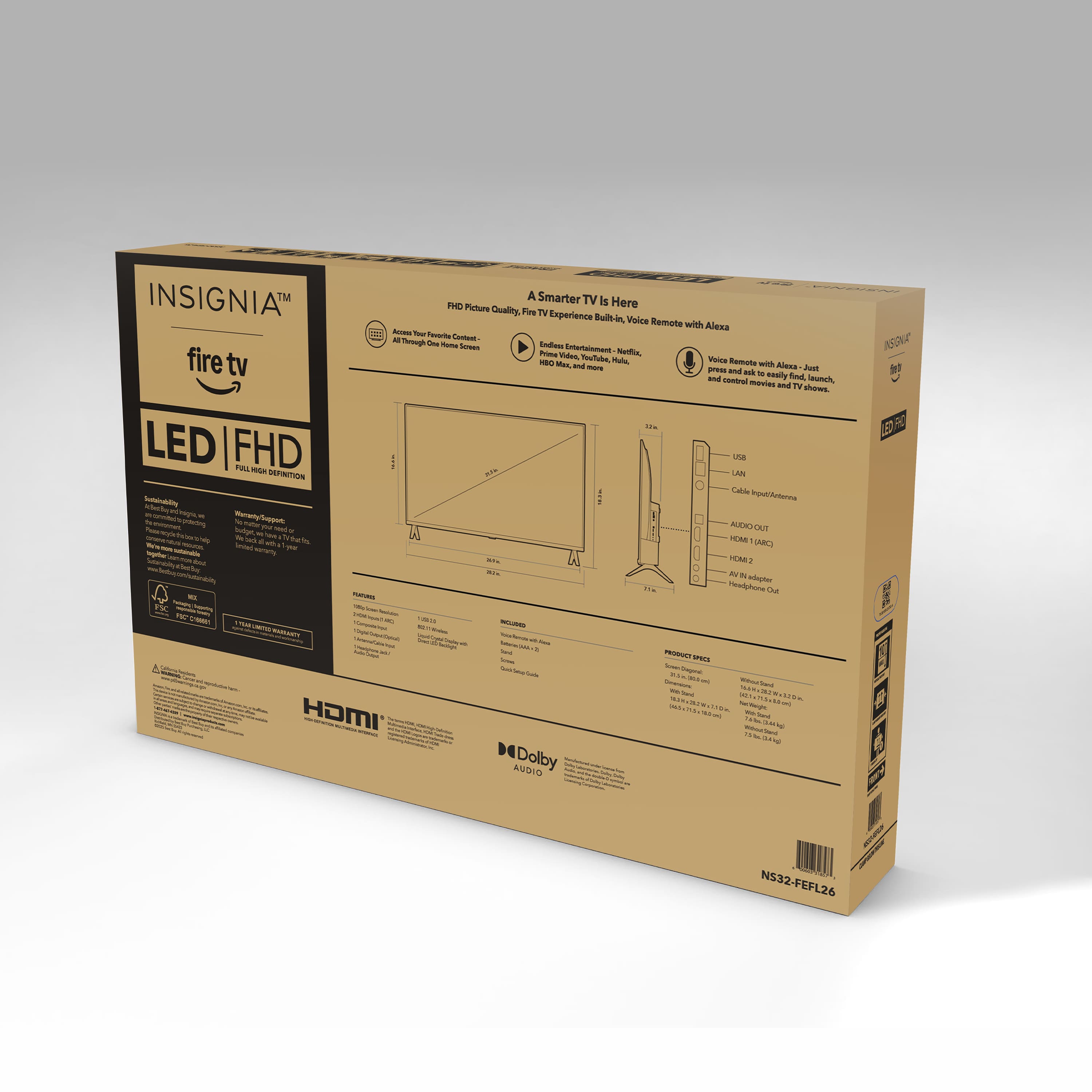
A:AnswerHi, thank you for your question. The Insignia 32" FE Series Smart Fire TV (Model NS32‑FEFL26) does not require Wi‑Fi to watch basic live TV with an antenna, but Wi‑Fi is required if you want to use Fire TV apps like Netflix, Prime Video, YouTube, or any streaming features. Shashank | Insignia Products
A:AnswerHello, and thank you for the question! The sleep timer on your Insignia FE‑Series Fire TV will turn the TV off into standby mode, just like pressing the TV’s power button. A Fire Stick sleep timer only puts the stick to sleep, so the TV itself stays on. For the TV to actually shut off, you’ll want to use the TV’s built‑in sleep timer, not the Fire Stick’s.
Poojitha | Insignia
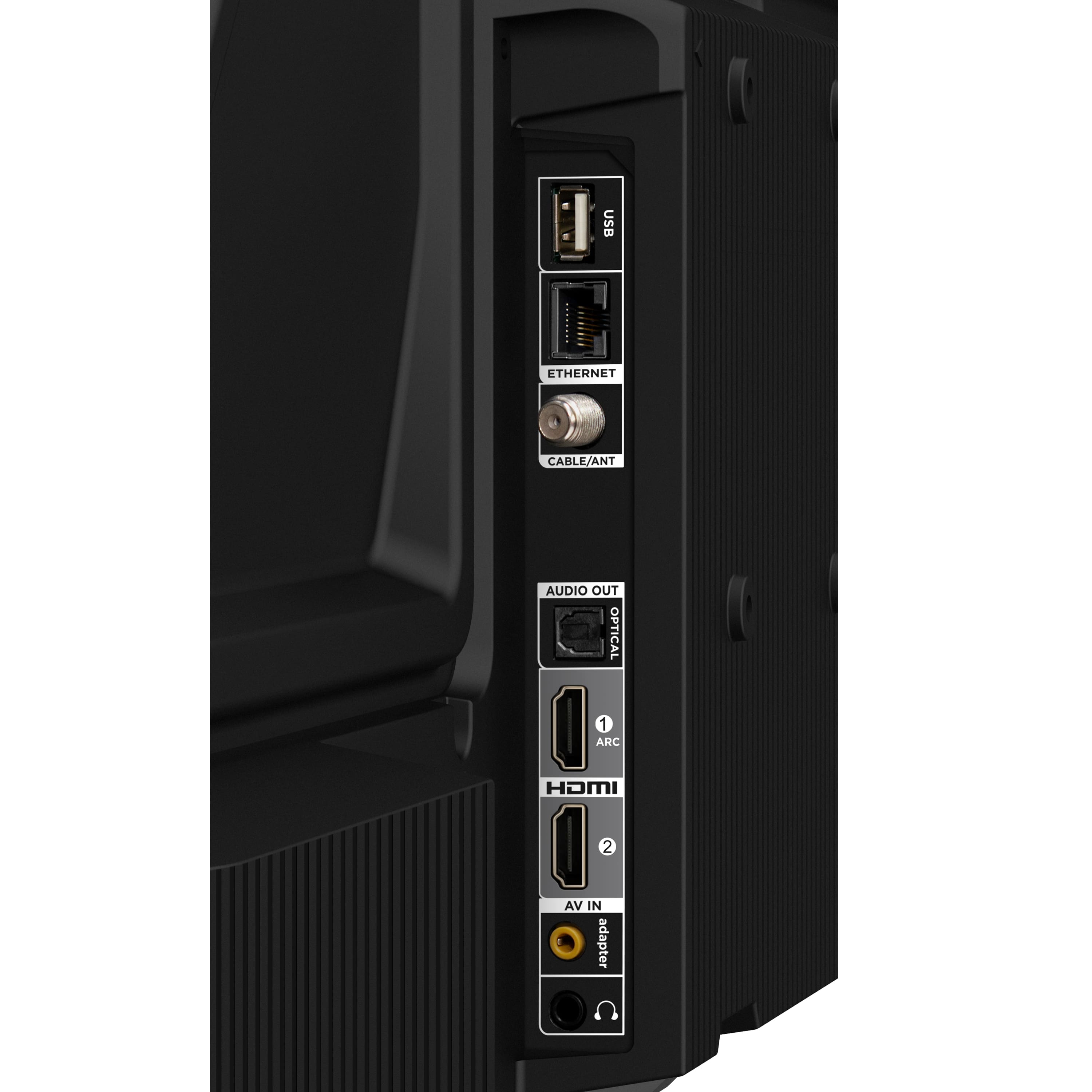
A:AnswerHello Kitty, thank you for your question. Yes, the Insignia 32" Class FE Series LED 1080p Full HD Smart Fire TV can be connected to DirecTV. You can hook it up using an HDMI cable from your DirecTV receiver to one of the TV’s HDMI ports. Once connected, just select the correct HDMI input on the TV to start watching. Sudeep | Insignia