Skip to contentGo to Product Search
Gift Ideas
45575 Dulles Eastern Plz
Ste 188
Sterling, VA 20166
Open until 7 pm
Find Another Store
Main Content

Questions & Answers

$89.99
Save $40
Comp. Value: $129.99
Page Showing 41-60 of 66 questions
  • QuestionIs this tv (alexa) hands-free capable?

    Asked by Frankieq.

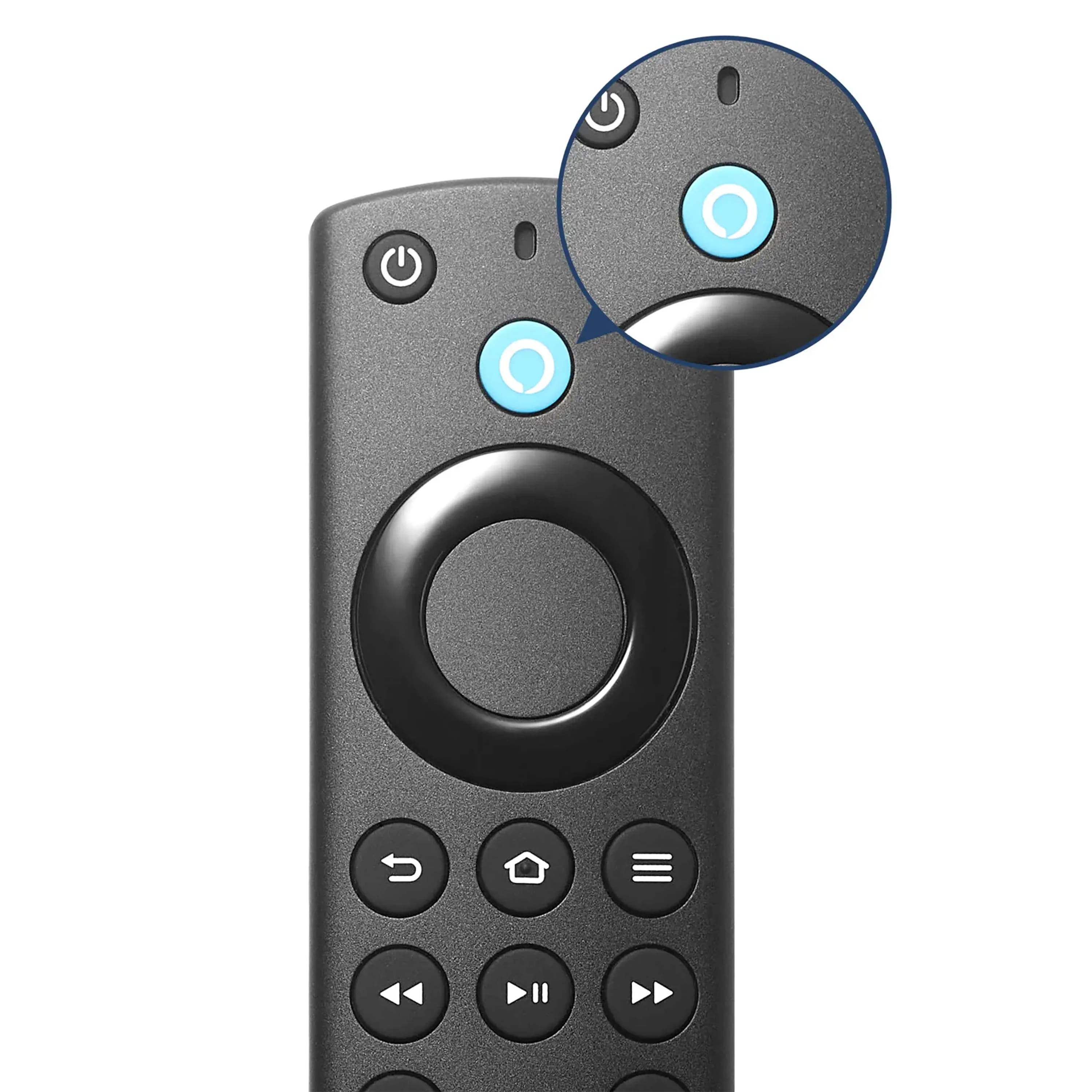
    • Answer Yes it is, but yoy need an Alexa Voice Servive Amazon Account.

      Answered by TerryO

  • QuestionIs this tv capable of (alexa) hands-free control?

    Asked by Frankieq.

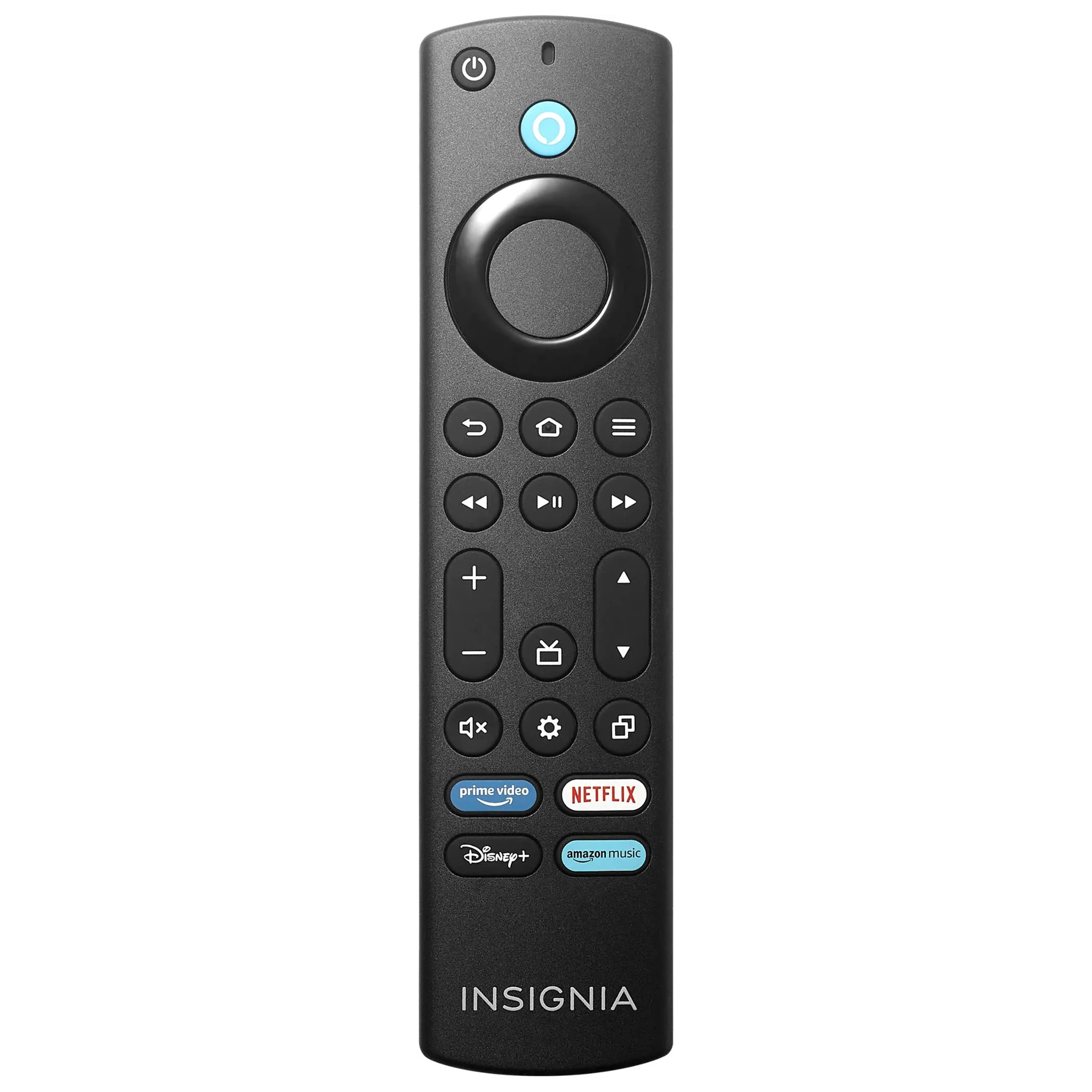
    • Answer The remote control has a microphone for voice control with Alexa. However, robots only understand your commands in certain contexts. Alexa is pretty good at understanding what you say, but isn't a person. What you say, using word choices and phrases make a difference. I haven't looked for a list of commands and phrases that Alexa can understand yet, but thought I might do that to better connect with my Alexa interface. Heck, I don't understand half of what my wife tells me either!

      Answered by Tmusic

  • QuestionDoes my Geek squad membership cover the normal table install of a purchased TV?

    Asked by Robert.

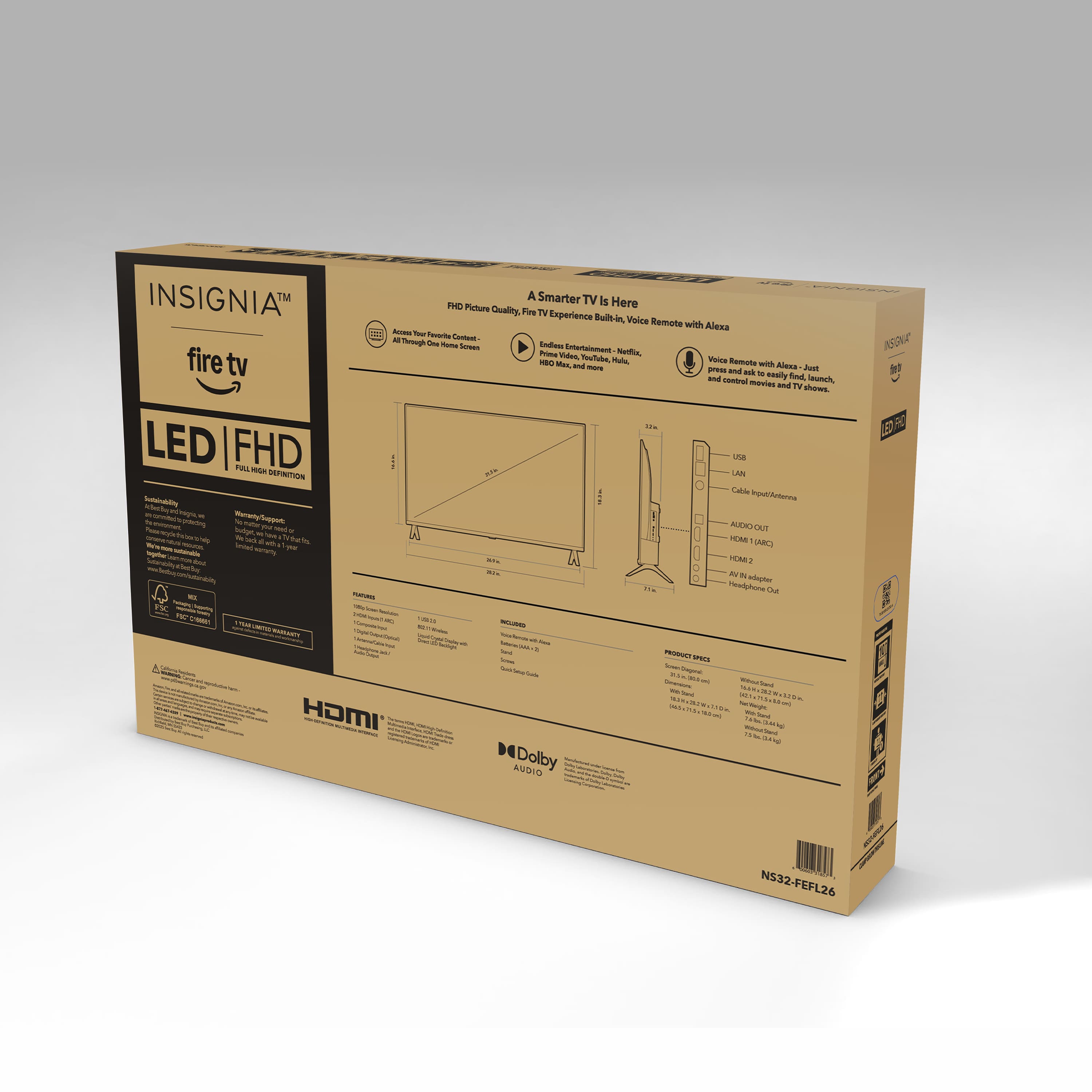
  • QuestionHow long is the power cord?

    Asked by CC.

    • Answer 5 feet.

      Answered by KATHK

  • QuestionIs there a Spotify and Sling Tv app on this tv?

    Asked by Anonymous.

    • Answer yes

      Answered by AngelaD

  • QuestionDoes this TV work with a Fire stick?

    Asked by JW.

    • Answer It’s a FireTV, so you don’t need the stick. It’s built into the TV

      Answered by Anonymous

  • QuestionDoes the NS32-FEFL26 remember last HDMI input setting, and return to it next time the TV is turned on? If so, on what page is this feature described in the user manual?

    Asked by dfcnyc.

    • Answer It does remember my soundbar (recommended to connect to HDMI 1) but my cable receiver (HDMI 2) needs to be navigated to every time you turn on the TV. It defaults to the fire tv Home Screen and you then need to navigate to HDMI 2.

      Answered by user925687

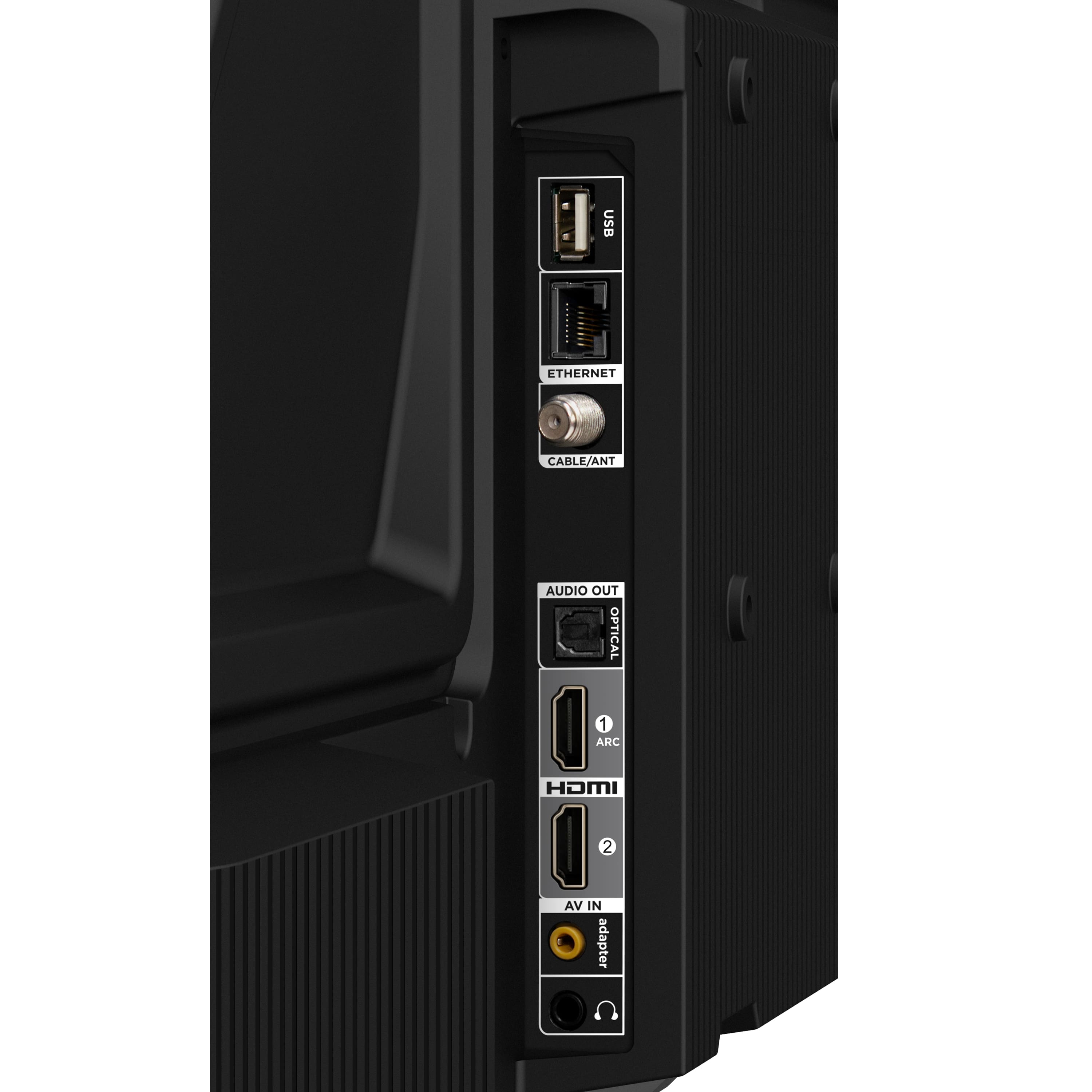
  • Questioncan this tv be hooked up to an antenna

    Asked by red.

    • Answer yes

      Answered by AngelaD

  • QuestionMy TV will not "pair" with the remote control. The remote is working; will turn the TV on/off.

    Asked by JKK1.

    • Answer I’m having the same issue. Taking it in to be repaired. TV started malfunctioning so after a day of troubleshooting I reset to factory settings and now remote won’t pair. Fed up!!! I’ve only had it for two months!

      Answered by JuMo1

  • QuestionCan you connect a gaming console to this TV?

    Asked by Chase.

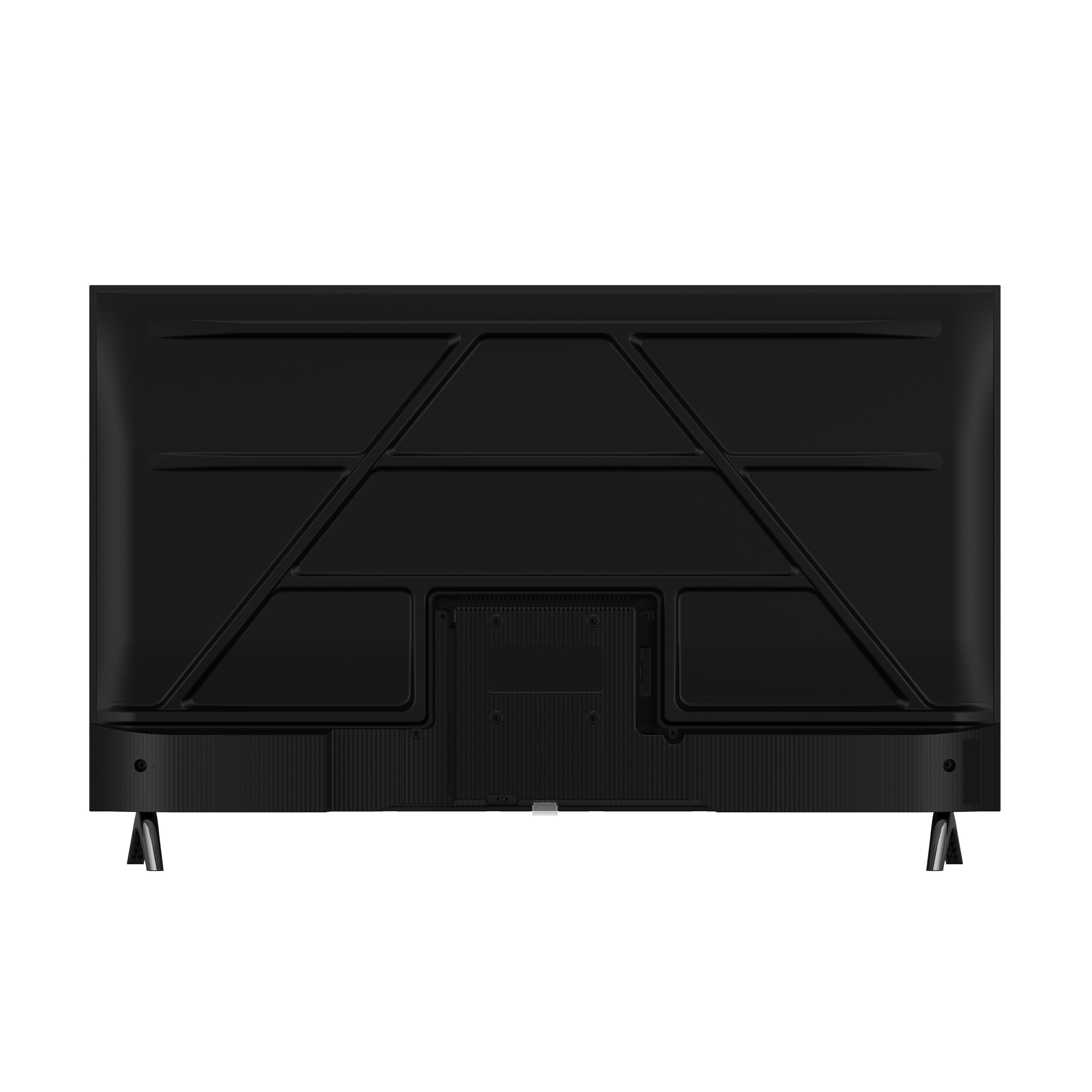
    • Answer Depends as there are many in-use combinations still to be considered these days that include ~[retro-gaming] which is picking up interest every day.. Are your referring to consoles with HDMI or from the span of earlier eras' consoles - ~1994~2010-ish - when Red+Green+Blue component served ED (480p-720p) & HD (1080i/p) resolutions or maybe S-Video's HQ color and contrast SD (480i/576i) signals served beyond the basic (low-Q SD) Yellow composite? If the non-HDMI legacy support is germane to your query: I'm in the process of receiving an answer to a pivotal question I posted of a ~40-43" TCL on the site regarding the orange "adapter" jack - seen on both these units' site images - whereas this Insignia's specific AV image is between the 2 remote control images... That jack may open the gate, since the elimination of on-board RCA jacks for cost-savings, which was tasked with the legacy, analog AV needs by way of an included or, otherwise, additionally purchased AV adapter cable supporting Red+Green+Blue or S-Video input cabling which adapted to a 3- or 4-conductor tip, headphone-style plug that would plug into these newer TVs equipped with that (typically, orange-colored) AV "adapter" jack. Noteworthy: if setting the TV to upscale to any degree, that will begin to add lag whereas upscaling too much becomes even more adversarial to fast/twitch gaming (why I'm saving up for a Retrotink product - maybe the 4k model as a future-proof investment for any, meaningful screen resolution I foresee having in my home); but, if you are in my camp of queries, I also await the answer to know whether these TVs support legacy, non-HDMI media viewing where lag isn't an issue - i.e., SD resolution concert and movie DVDs (especially those releases for which HD/BluRay remasters lacked sharpness/ had botched money-grabs and looked terrible compared to their SD DVD release) until AI and other upscaling on-the-fly playback tools are simplified for the average home viewer. That's the extent of my current understandings, as yet, and, whether it was applicable to your query, at least it may have served infilling knowledge beyond if it were to become applicable for you and/or serve others reading the answers here. Best wishes.

      Answered by Anonymous

  • QuestionI see some standard apps preloaded can you download other apps like NYC ABC channel 7 live and Peacock

    Asked by Luigi.

    • Answer Some apps come right out of the box (ie Netflix). You can download others pretty easy (Paramount+ was easy to get plugged in). So... I don't think this TV will fail you in that respect.

      Answered by user925687

  • QuestionHow can you adjust the display aspect ration?

    Asked by Bob.

    • Answer Call insignia custome service. 877-467-4289. They will giude you through the proces.

      Answered by TerryO

  • Questionis this TV cleared by California prop 65

    Asked by meeko.

  • QuestionCan I hookup an external Bluetooth speaker ?

    Asked by Robothon.

    • Answer Yes

      Answered by DavidR

  • QuestionIs a sleep timer included

    Asked by Anonymous.

    • Answer Yes. It can be found under settings.

      Answered by LS21

  • QuestionModel year?

    Asked by Anonymous.

    • Answer 2025

      Answered by DavidR

  • QuestionHow wide is the tv in inches?

    Asked by Mike.

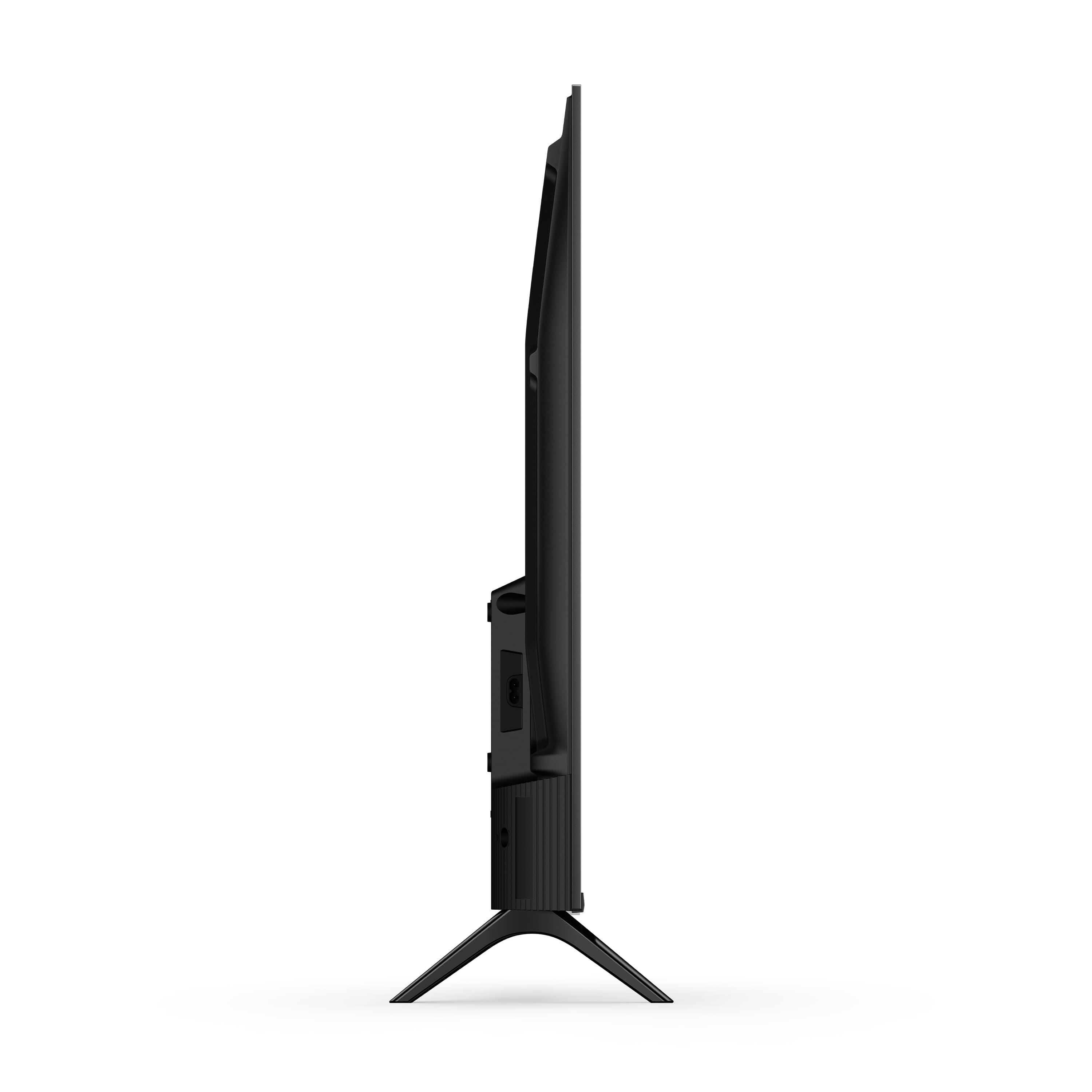
    • Answer 26 and 1/8 inches wide

      Answered by kimmer

  • Questionwhere can i find the user guide for insignia tv model ns32-fefl26

    Asked by mick.

    • Answer Hello Insignia Customer! Thank you for your question. To find the user guide on the Best Buy website, simply search for the model number (NS32-FEFL26), scroll down the product page to the "Features" section, and click the "Manuals & Guides" link to view or download the PDF. Mueez | Insignia

      Answered by InsigniaCustomerSupport

  • QuestionIs there a manual online?

    Asked by JD.

    • Answer Hello JD! Thank you for your question. Yes, you can find the user manual online. Please visit the Best Buy website and enter your model number in the search bar. Once you select your product, scroll down to the features section. At the bottom of that section, you’ll see the user manual, warranty guide, and other helpful documents. If you need anything else, feel free to reach out to us. Thank you again for your question and for considering Insignia products. Sudeep | Insignia

      Answered by InsigniaCustomerSupport

  • QuestionWhere can I get an AV adapter cable that is compatible with this TV (for an old DVD player with the Red/White/Yellow connectors)? Many adapters on the market say internal wiring for the 3.5mm jacks are different between brands.

    Asked by BP.

    • Answer unknown .. best to ask a sales rep at Best Buy

      Answered by JohnGNJ1951