A:AnswerHi there,
Please follow the troubleshooting steps below:
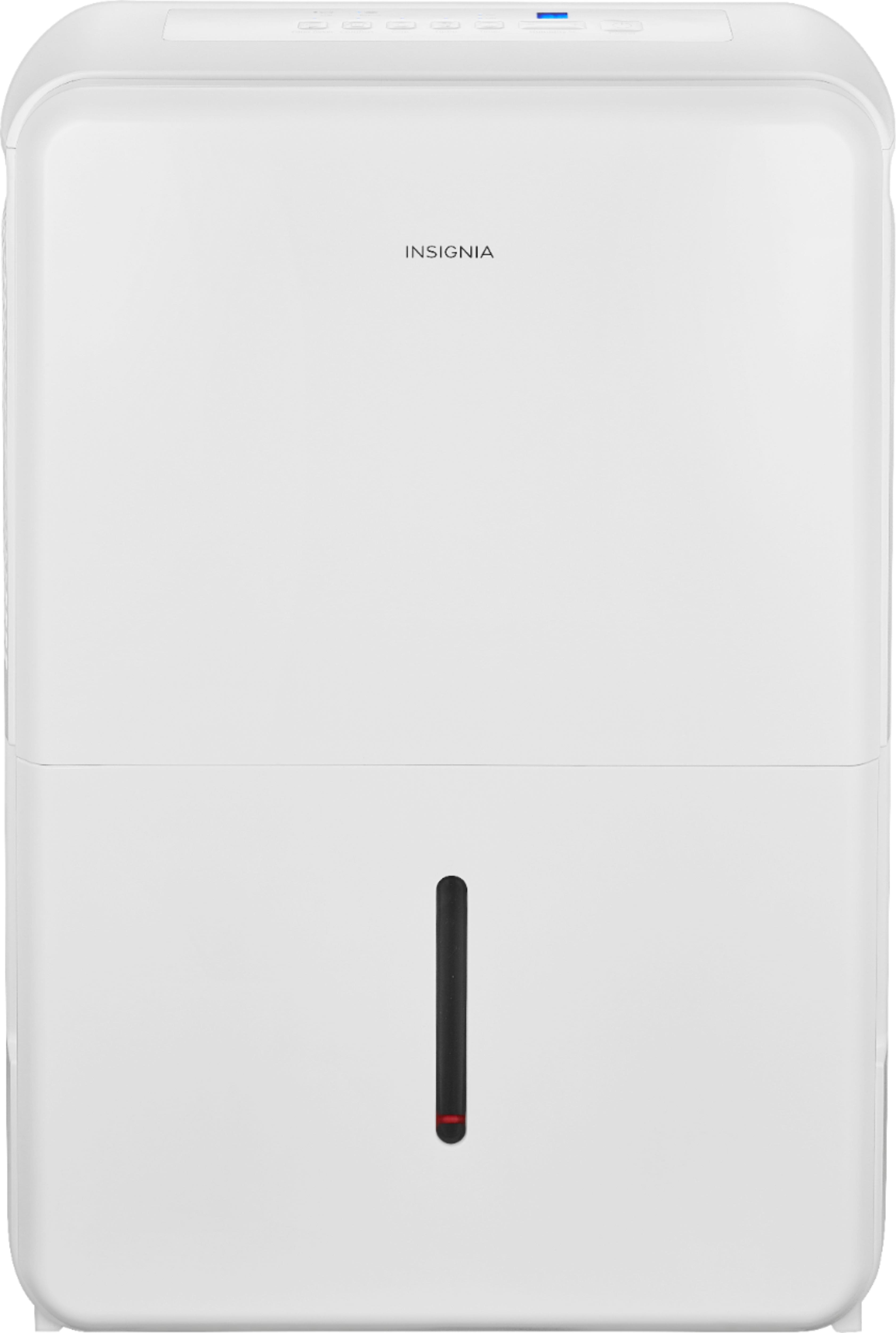
1.Make sure that your dehumidifier is plugged in.
2.Make sure that the water tank is in the proper position.
3.Check if the water tank is full.
4.Check if your dehumidifier has reached your set humidity level.
5.Check the house fuse/circuit breaker box. For further assistance, please contact our Insignia Customer Service directly at 1-877-467-4289 to sort this out.
Insignia Support
Shella
https://www.bestbuy.com/site/brands/best-buy-brands/pcmcat1596746025285.c?id=pcmcat1596746025285
A:AnswerHi there,
The water tank could be not in the correct position. Place it in the correct position. if you need further assistance, please contact our customer service at 1 (877) 467-4289 Monday-Saturday 8am - 9pm CT.
Insignia Support
Molina
https://www.bestbuy.com/site/brands/best-buy-brands/pcmcat1596746025285.c?id=pcmcat1596746025285
A:AnswerMake sure that the drain line is sloped towards the drain and that there are no high spots for the water to settle. I used a clear hose so I can see where the water stopped flowing. I adjusted the angle of the hose and now have no issues.
A:AnswerNot sure how much but it is heavy for sure. It does have wheels so it’s super easy to move around and it’s a beast at removing water, best one I’ve ever used.
A:AnswerHi Sal,
Made in China. For more product details, please visit https://www.insigniaproducts.com/.
Insignia Support
Lea
https://www.insigniaproducts.com/
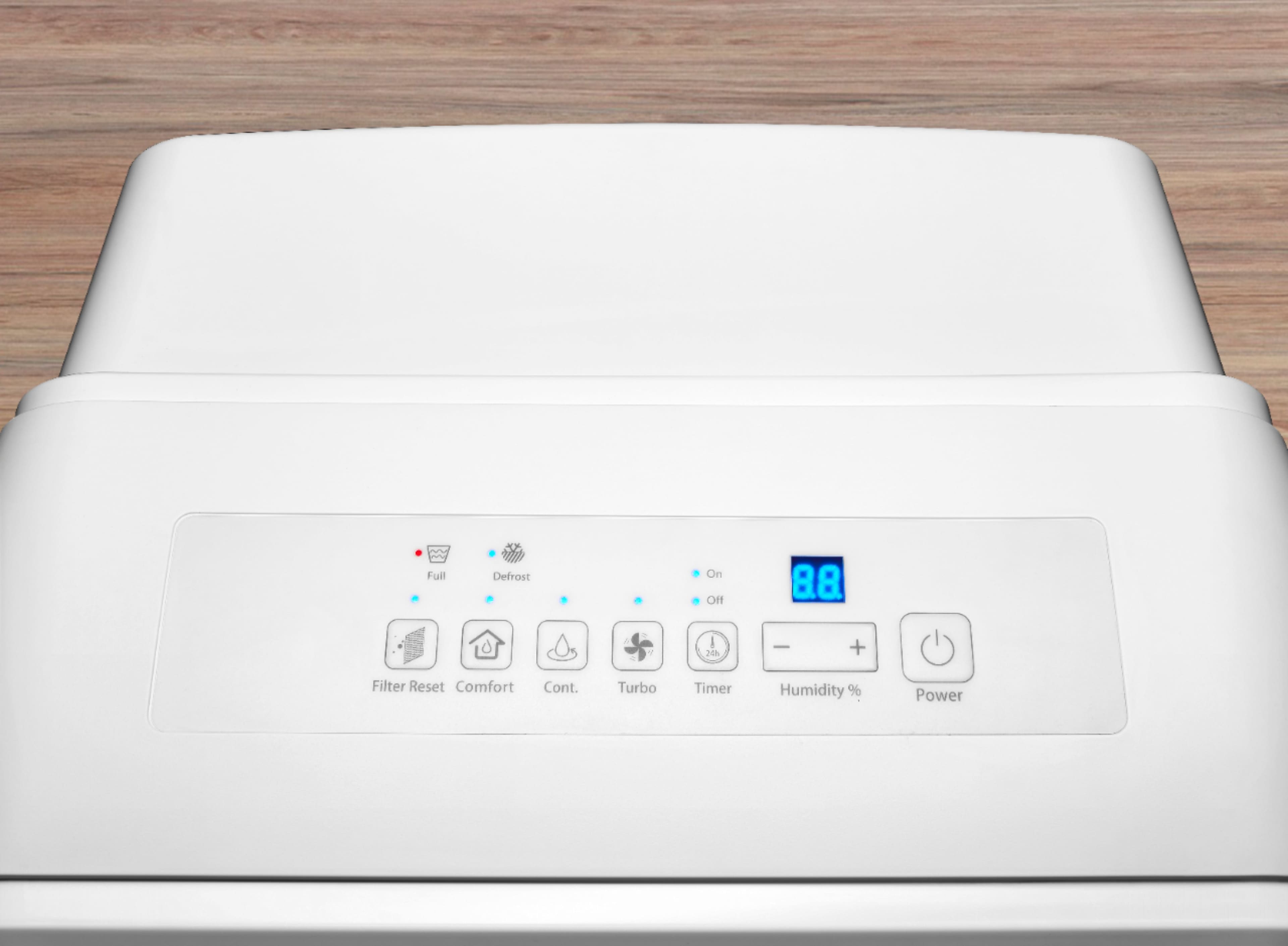
A:AnswerI don’t even know how to get it to run on a steady temperature!
It’s not user friendly at all wish I had purchased a different one!
Good luck!
L Vincent
A:AnswerThe only thing I can say is that itbhas an automatic mode, which is what I keep it in. The automatic mode supposedly operates according to the temperature and the relative humidity that the unit senses, rather than just setting it to a manual humidity percentage.