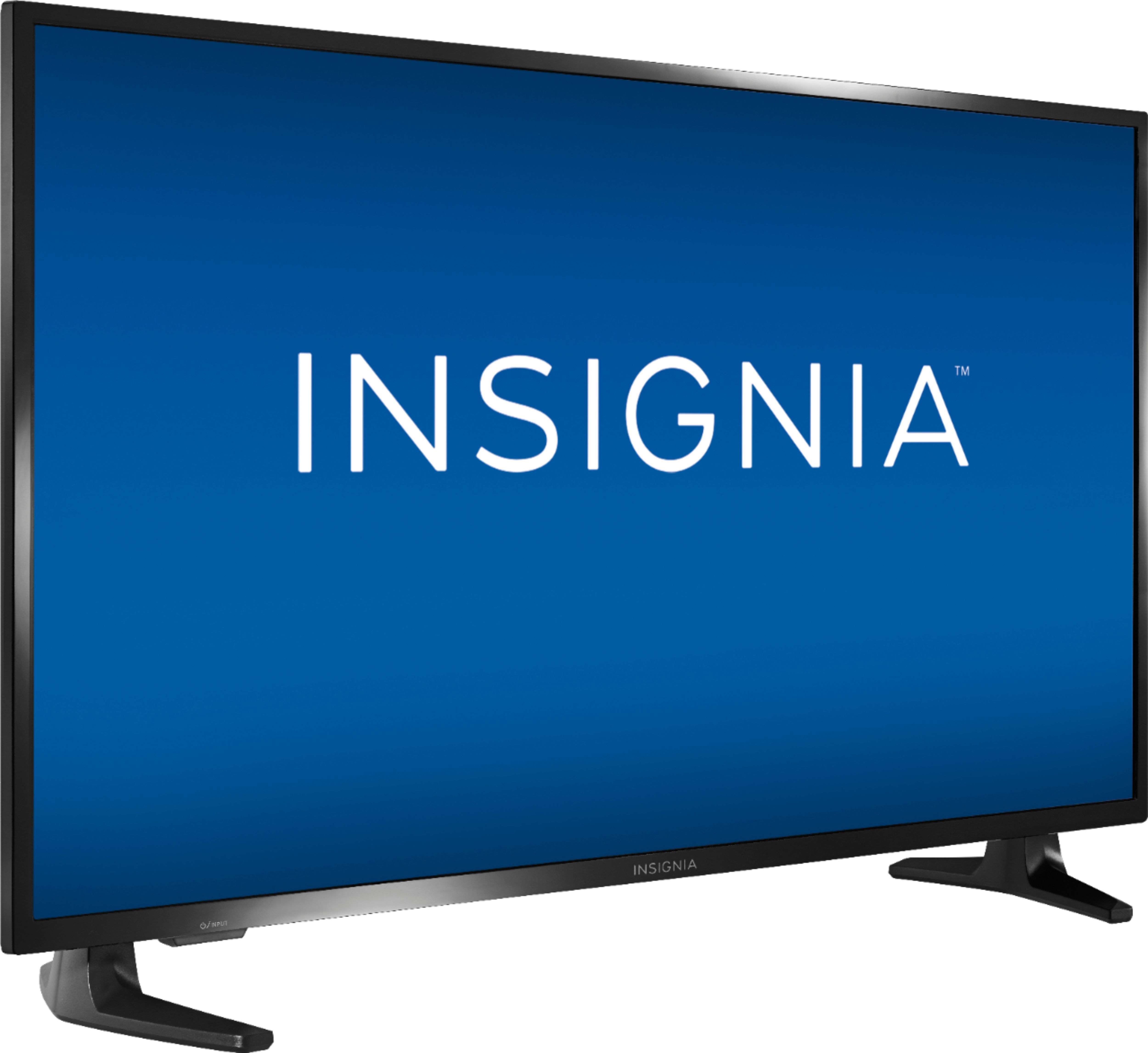
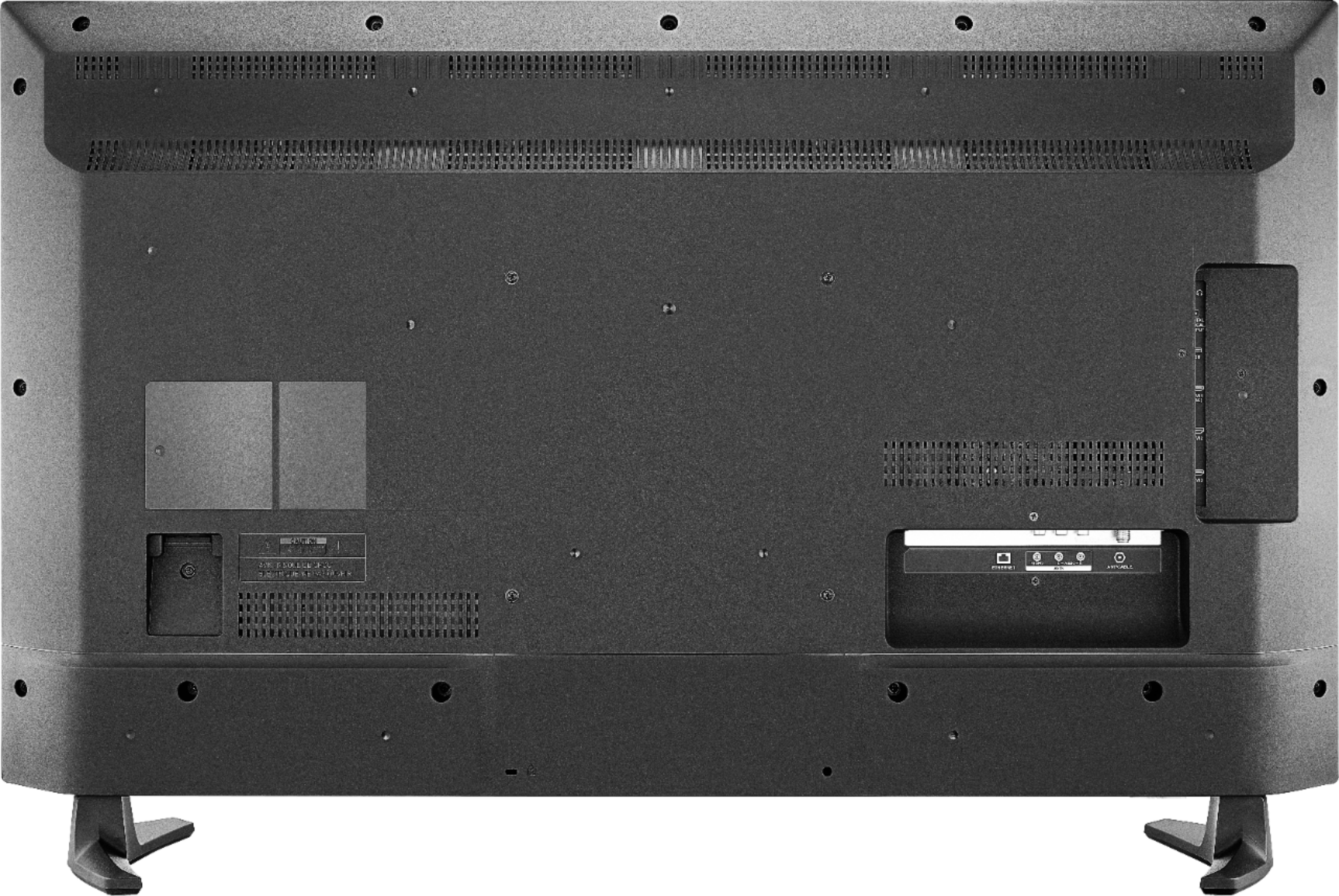
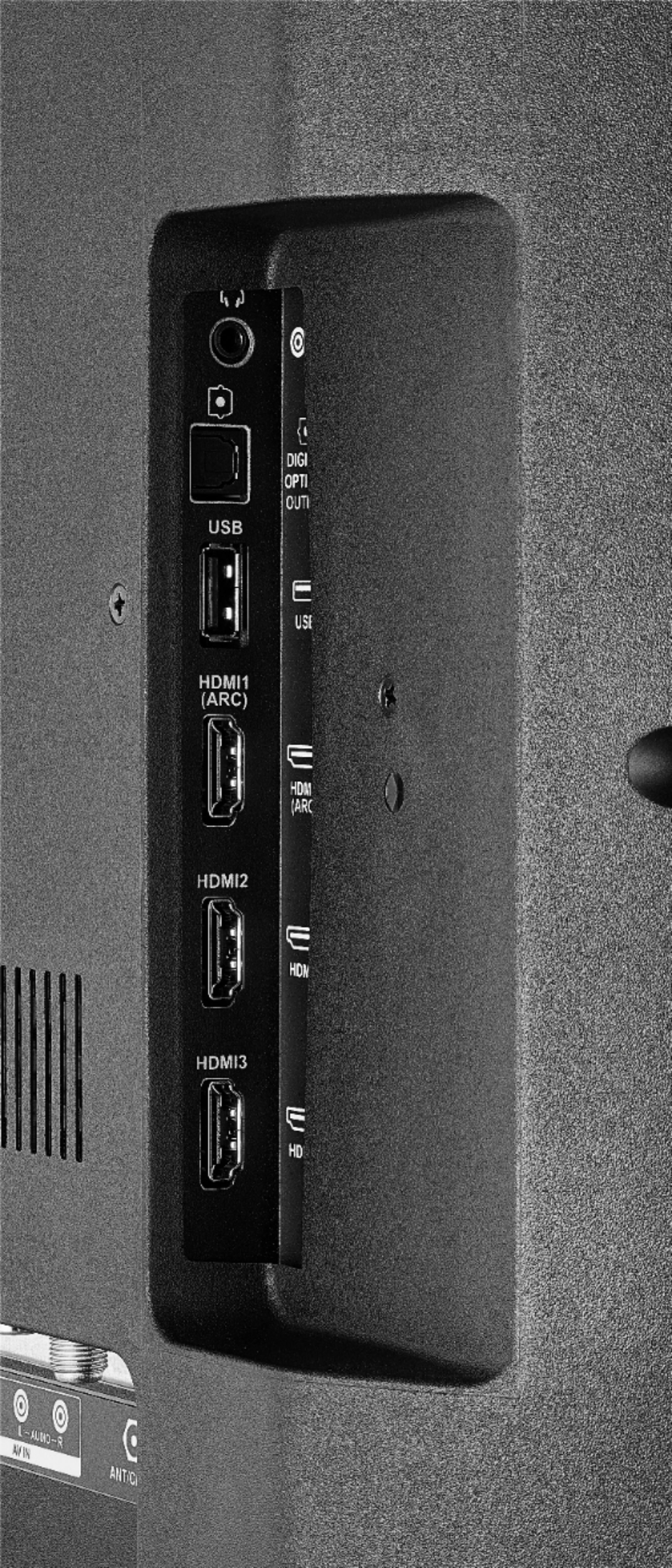
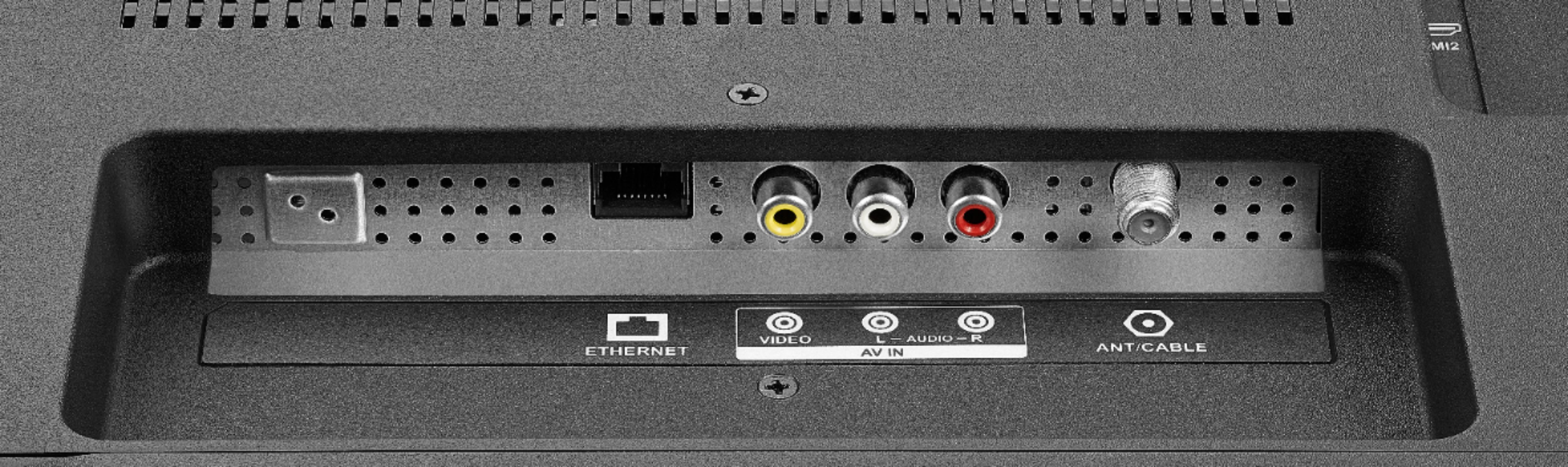
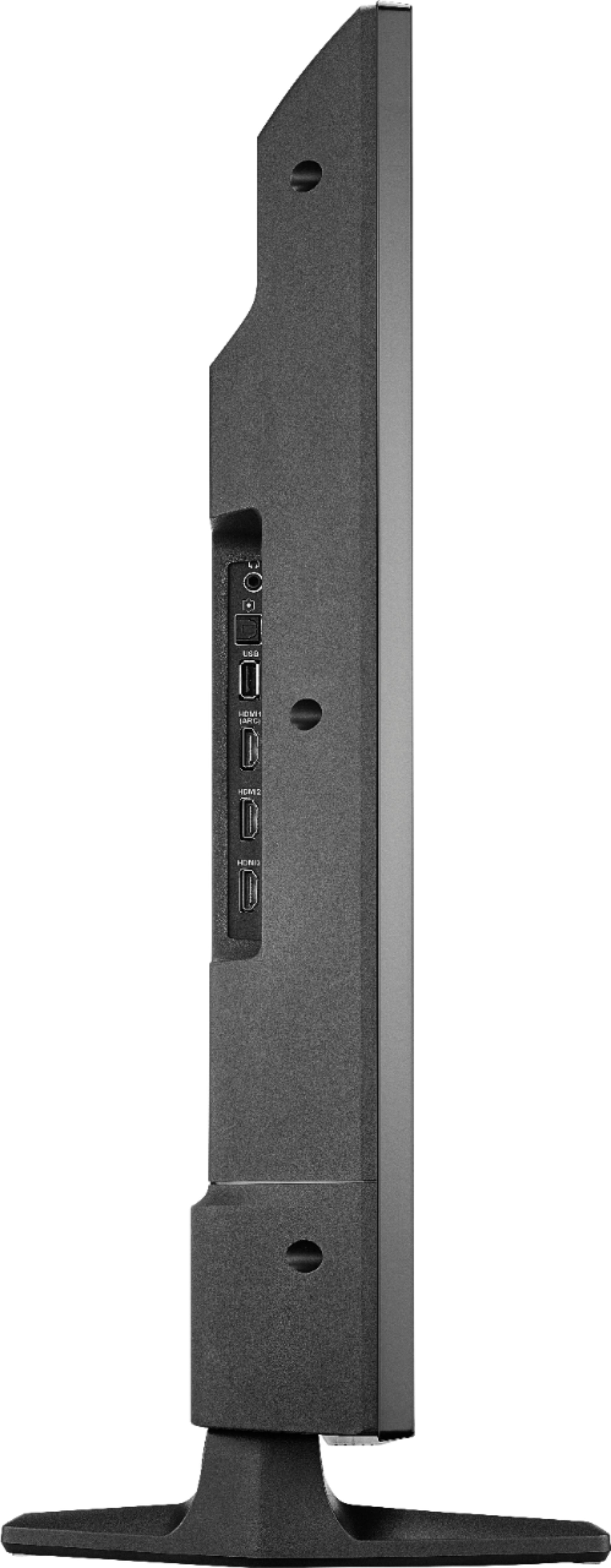
A:AnswerYou can connect your multimedia devices to the TV using HDMI.
For product support please call 1-877-467-4289 available from 8am to 9pm CT daily
David M. - Insignia Support
A:AnswerYou can watch a video from a USB Flash Drive using the app VLC for Fire.
The app VLC for Fire supports the following formats:
MKV, MP4, AVI, MOV, Ogg, FLAC, TS, M2TS, Wv and AAC
Also, the VLC app features a repeat function.
The TV supports one USB flash drive up to 128 GB formatted FAT32
David M. - Insignia Support
A:AnswerYou can link your Smartphone to YouTube:
- Launch YouTube app on the Fire TV Edition television.
- Go to Settings .
- Select Link TV and Phone and follow the on-screen instructions.
Also you can download the Amazon Fire TV app on your smartphone to control your Fire TV Edition television.
The TV does not support screen mirroring.
You can connect an Apple TV box to the television to use AirPlay.
David M. - Insignia Support

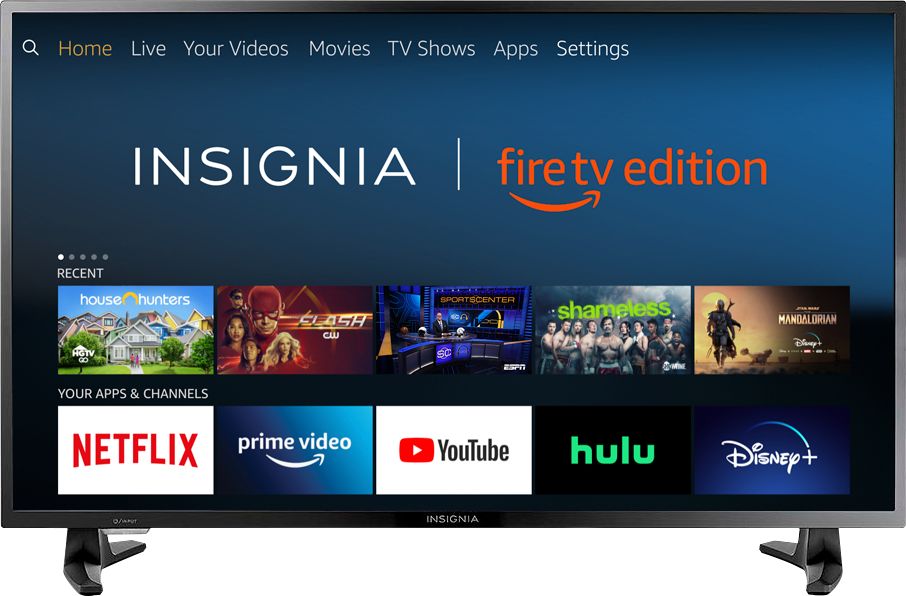
A:AnswerThe Disney + app shows as available for the Fire TV Edition experience.
To search for more apps, please visit: amazon.com > Shop By Category > Fire TV > Fire TV Apps & Channels > Refine by Device Type select Fire TV Edition TV and search.
David M. - Insignia Support

A:AnswerThe Roku app is not available for the Fire TV Edition experience.
You can connect your Roku device to the TV using HDMI.
David M. - Insignia Support