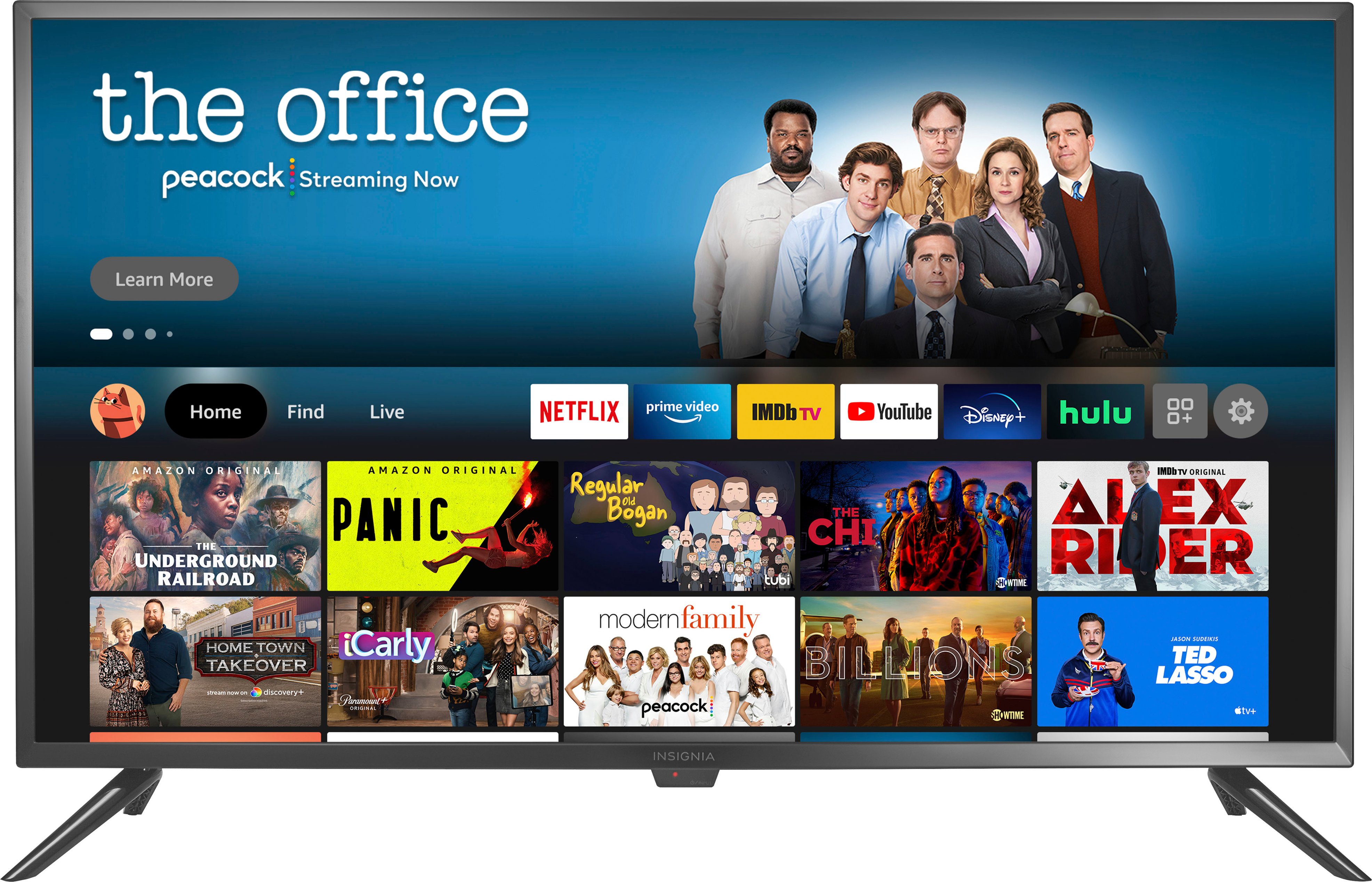
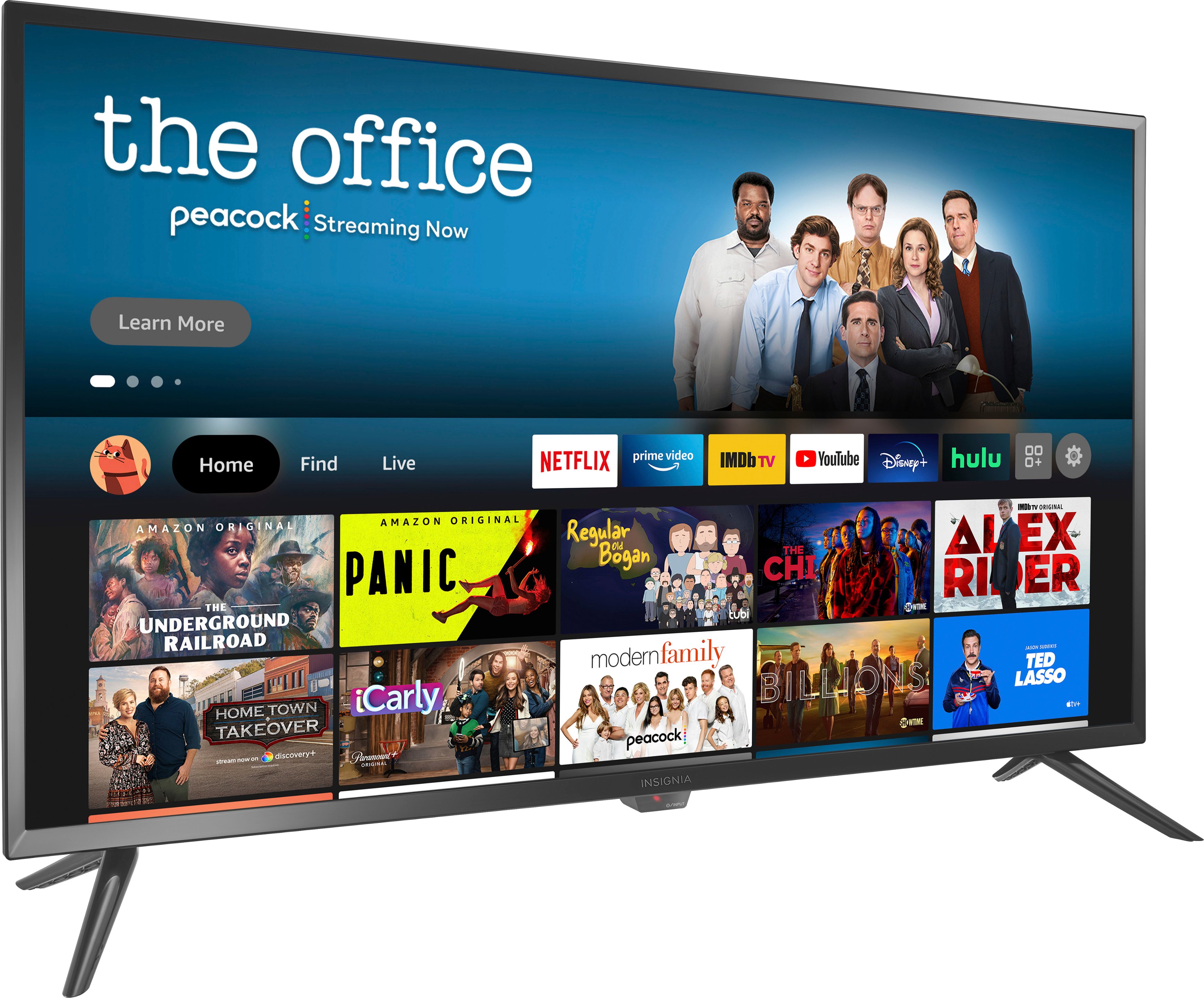
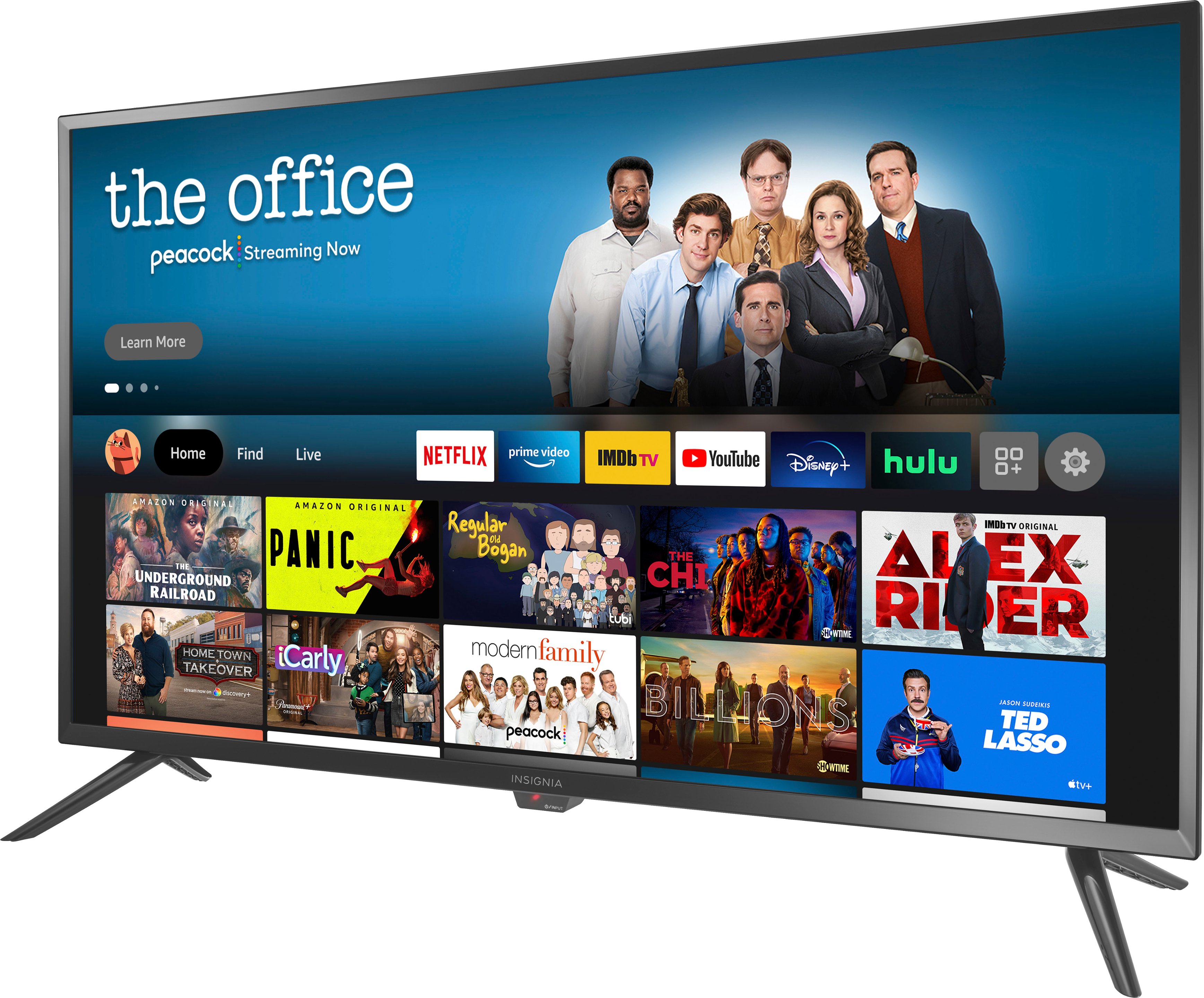
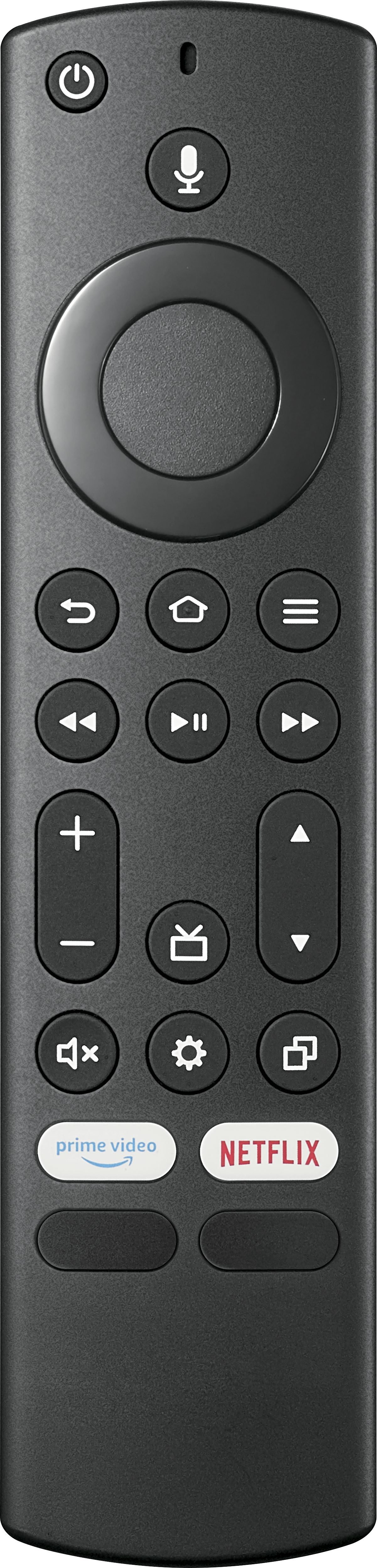
A:AnswerYou need to use the included remote to control the TV and the Comcast remote to control the Cable Box.
Try the Power On feature, when enabled, your TV turns on displaying the last used input: go Home > Settings > Display & Sounds > Power On and select Last Input.
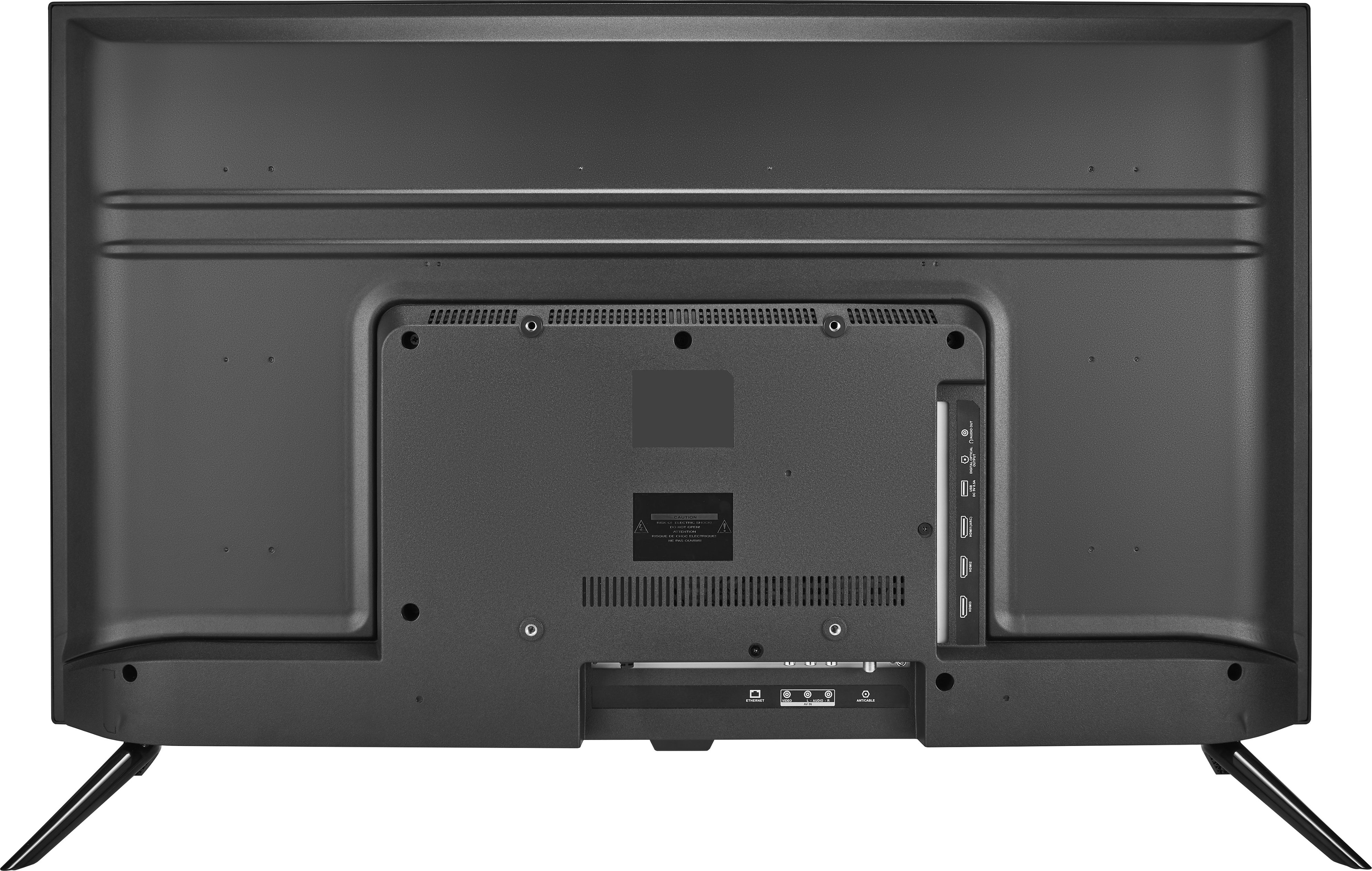
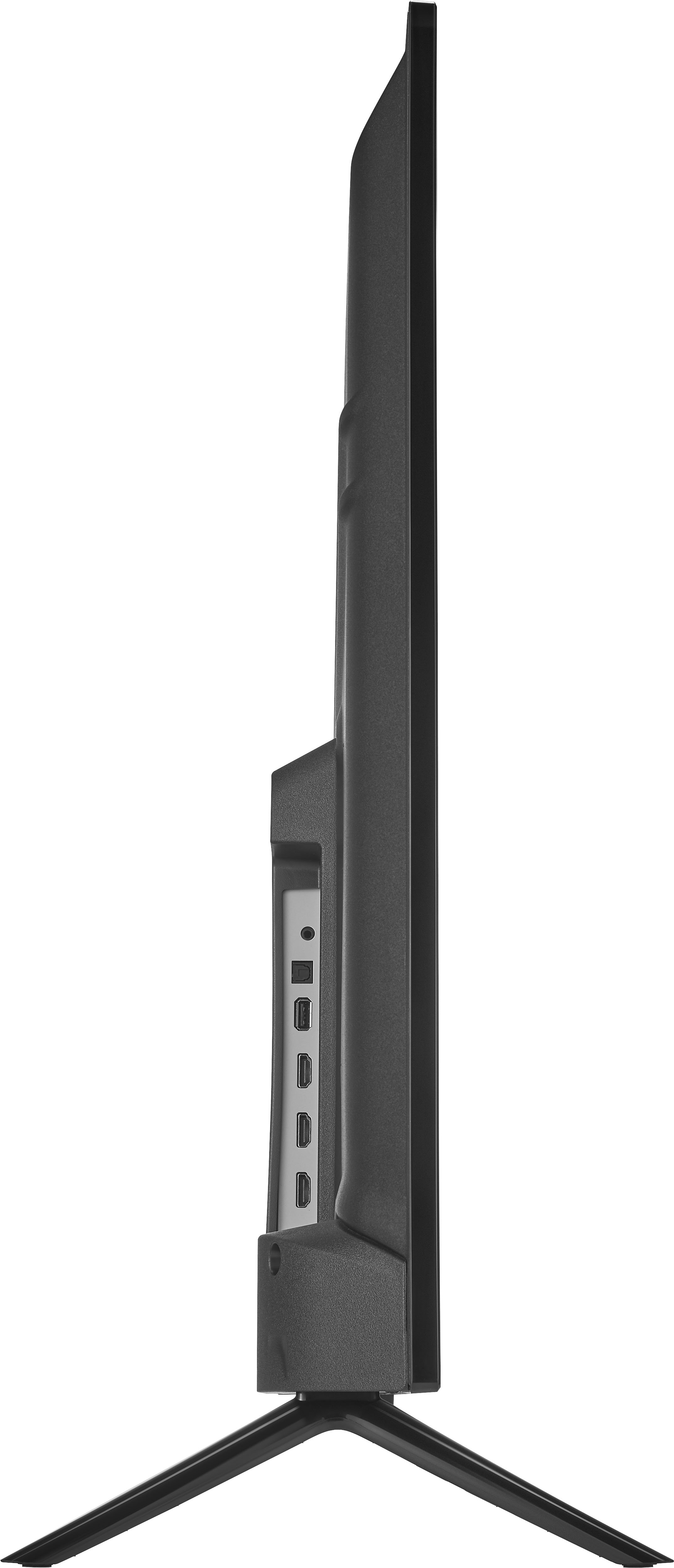
A:AnswerYou can hook up your Xfinity / Comcast Cable Box into one of the HDMI inputs on the TV. User the Xfinity/Comcast remote to change channels and use the Fire TV Edition remote to control the TV. Try the Power On feature, when enabled, your TV turns on displaying the last used input: go Home > Settings > Display & Sounds > Power On and select Last Input.
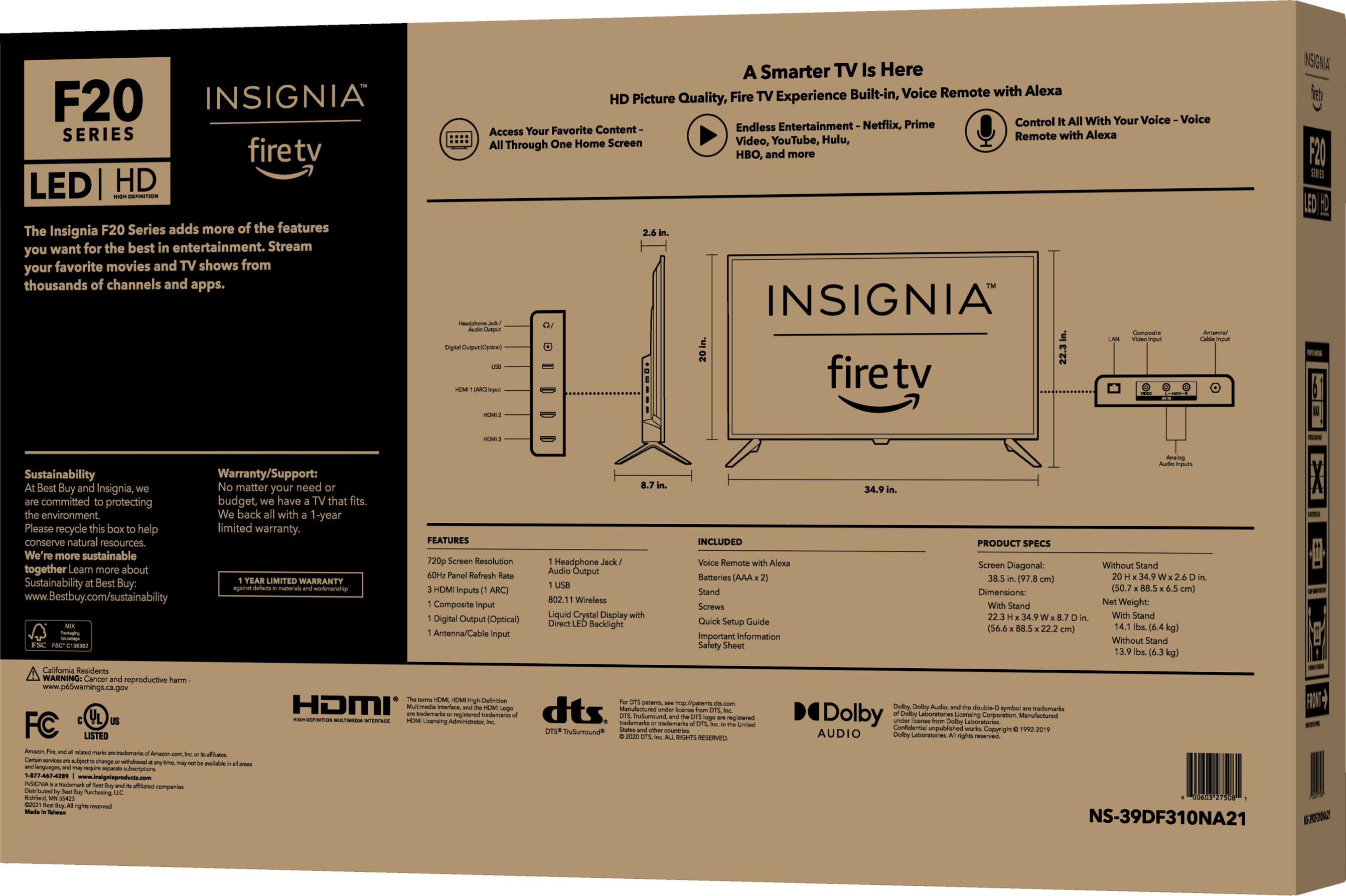
A:AnswerThe Dimensions are listed under the Specifications section.
The screen width (from side to side) is 34.8" and the height (from top to bottom) with the stand is 22.3".
A:AnswerTo set the sleep timer long press the Home Button and select Sleep Timer.
You can select between 5, 10, 15, 30, 60, 90, 120, 150, 180 and 240 minutes.
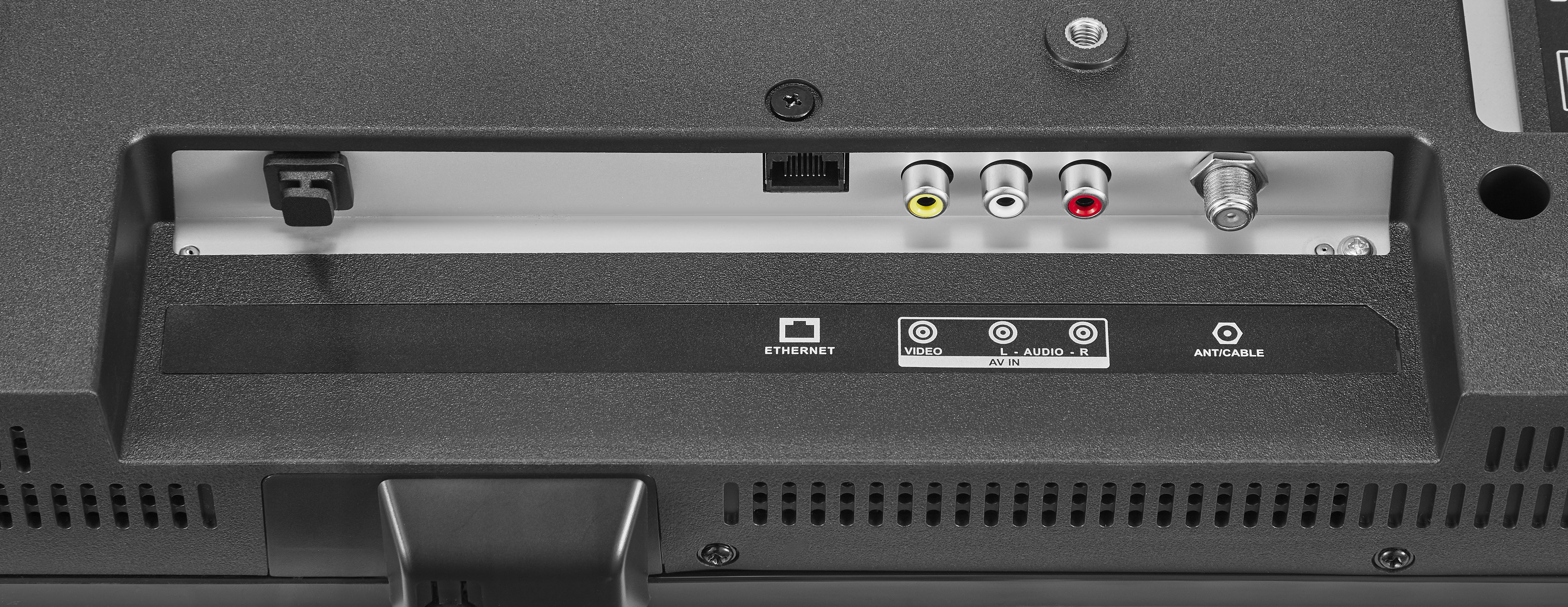
A:AnswerYou can use the Insignia - RCA to HDMI Converter - Model: NS-HZ330 to hook up your AV device into the HDMI inputs on the TV and you can use the Insignia - 3-Port HDMI Switch - Model: NS-HZ335 to connect 3 HDMI enabled devices into a single HDMI input.