A:AnswerHi,
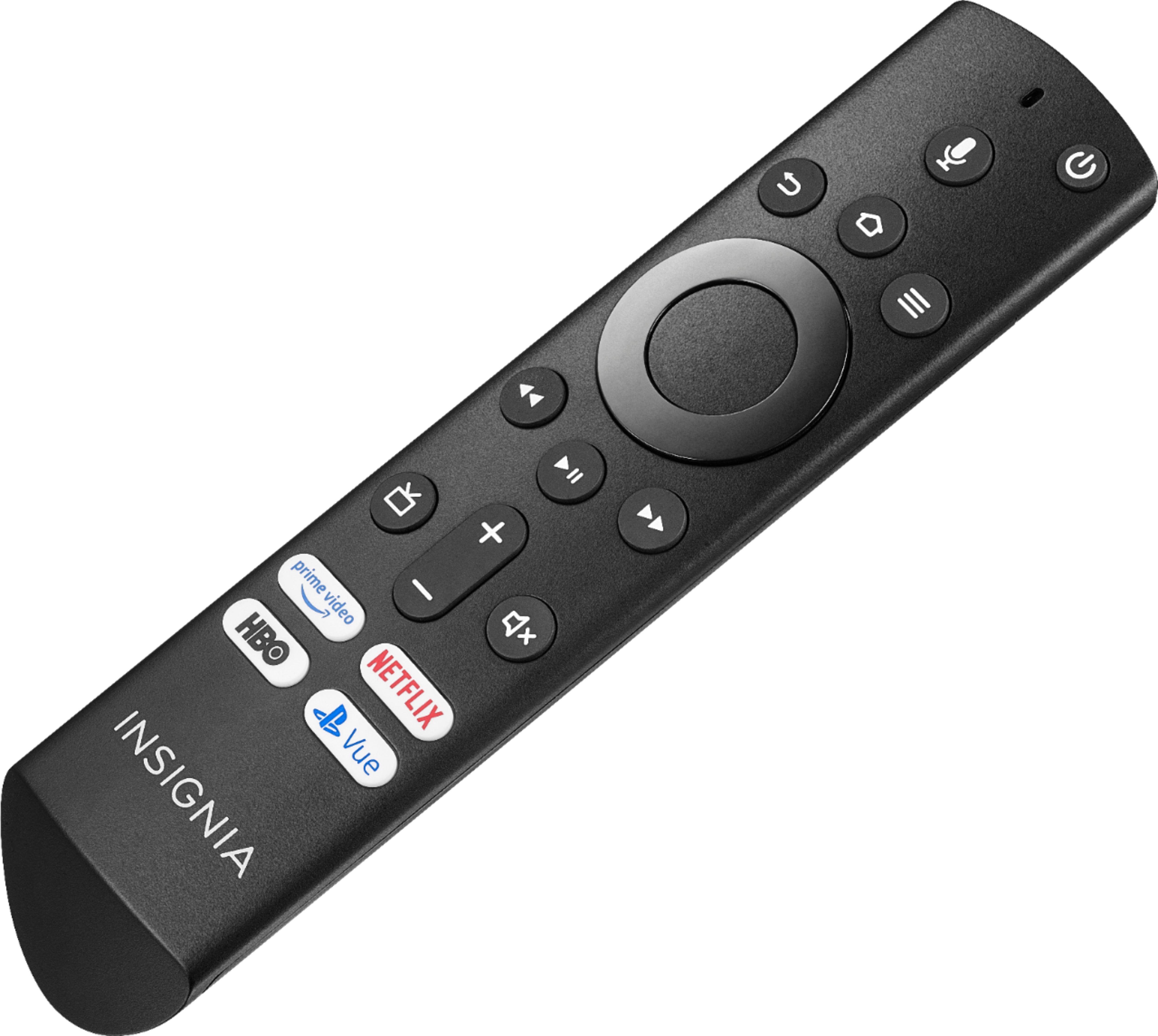
Press and hold the Home button for 3 seconds to launch the Quick Access menu, select Display settings to adjust the Picture Size and Aspect Ratio.
Alan O. - Insignia Support
A:AnswerHi,
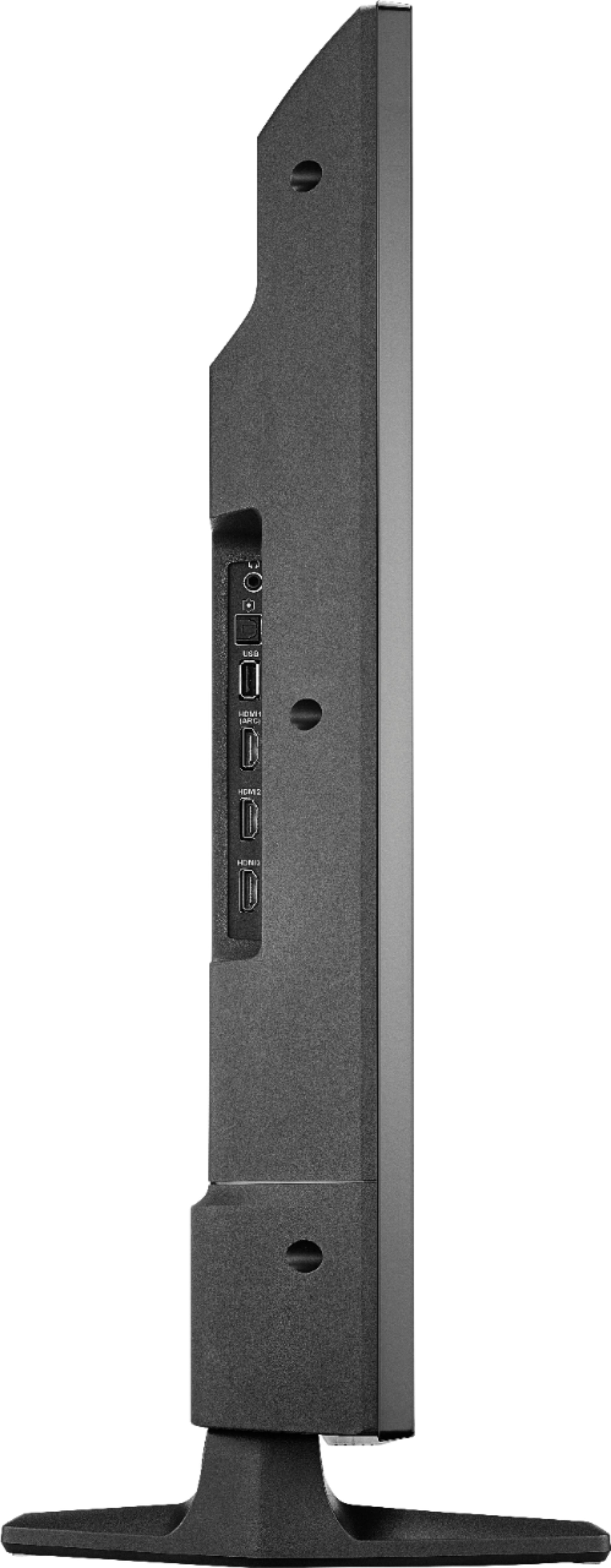
The TV does not support a Hard Drive.
You can watch a video from a USB Flash Drive using the app VLC for Fire.
The app VLC for Fire supports the following formats:
MKV, MP4, AVI, MOV, Ogg, FLAC, TS, M2TS, Wv and AAC
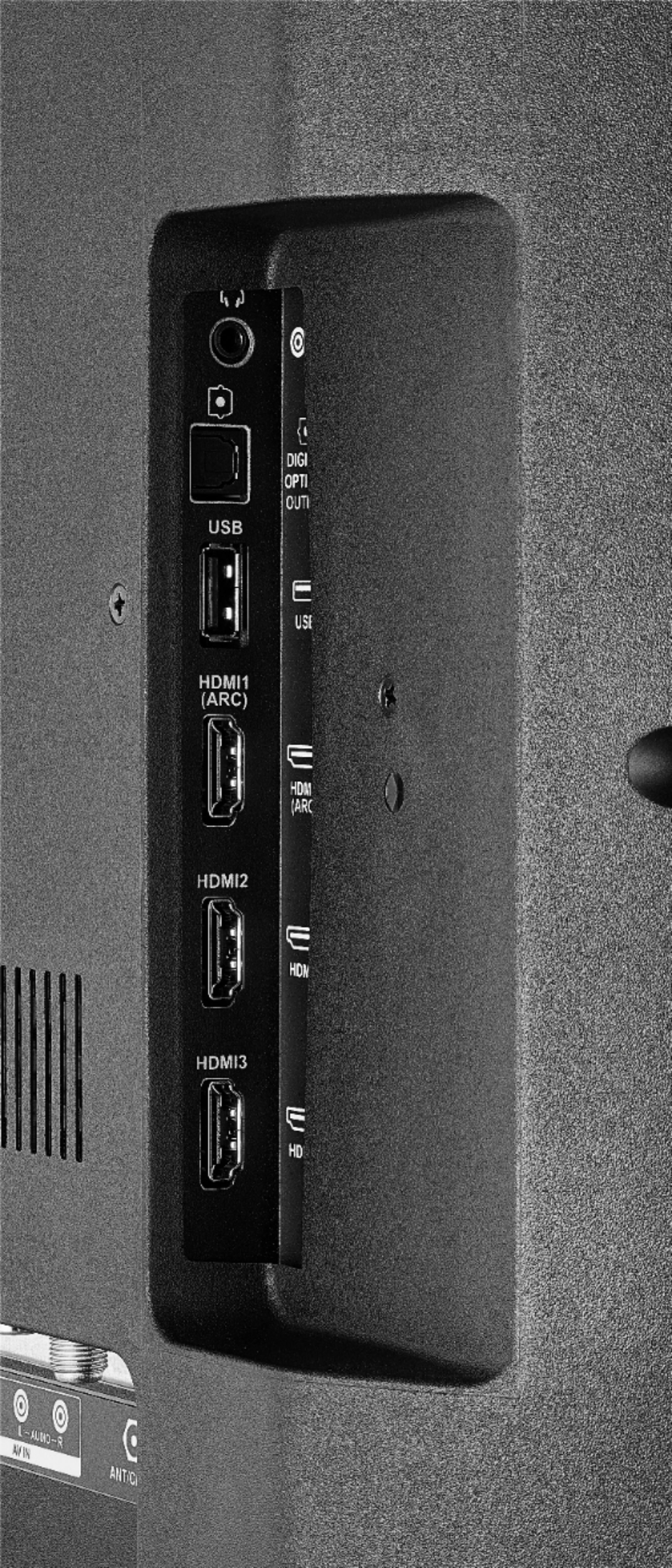
The TV supports one USB flash drive up to 128 GB formatted FAT32
Alan O. - Insignia Support
A:AnswerHi.
I highly recommend you to use your cable remote to adjust such setting, since most Cable/Satellite boxes have their own settings for picture. If you have any other inquiry, please reach us at https://www.insigniaproducts.com/contact-us
Alexander G. - Insignia Support

A:AnswerPress the Home button on the remote to launch the Home screen, from there you can select the input or app you want to watch.
David M. - Insignia Support
A:AnswerWow it actually does !
I simply said said "set an alarm for one thirty"
Alexa said "your alarm volume is low, shall I turn it up?"
I said "yes"
Alexa "alarm volume set to six alarm set for one thirty"
Being only 2 min away I turned tv Off and waited, sure enough the tv came on then alarm sounded with a new screen" 1:30 alarm"
Below "snooze" "dismiss" cool or what?
Can't wait wait to try this out a variety of ways, IE: tv show reminder for one....Bob1
A:AnswerHi.
Skype is not available for the Fire TV platform. The TV does NOT have a built-in camera and it's microphone is for Alexa use only.
Charles V. - Insignia Support
https://www.insigniaproducts.com/contact-us
A:AnswerHi.
For mirroring purposes you would need an HDMI adapter for your particular mobile device.
Charles V. - Insignia Support

https://www.insigniaproducts.com/contact-us
A:AnswerThe Fire TV Edition television features built-in Bluetooth. To pair a Bluetooth device, go Home > Settings > Controllers & Bluetooth Devices. For more information, please visit:
https://www.amazon.com/gp/help/customer/display.html?nodeId=GSBSBL44Y4QM59FV
David M. - Insignia Support

A:AnswerThe app Beachbody On Demand by Beachbody, LLC shows as available for the Fire TV Edition television experience. For more information about the app, please visit:
https://faq.beachbody.com/app/answers/detail/a_id/3346/catid/0/TLP/0
To search for available apps to download, please visit: amazon.com > Menu - Shop By Category > Fire TV > Fire TV Apps & Channels > Refine by Device Type select Fire TV Edition TV and search.
You can also connect your Roku device to the Fire TV Edition television using HDMI.
David M. - Insignia Support

A:AnswerYes, the Voice Remote works using Bluetooth technology.
To pair a Bluetooth device, go Home > Settings > Controllers & Bluetooth Devices.
For more information, please visit:
https://www.amazon.com/gp/help/customer/display.html?nodeId=GSBSBL44Y4QM59FV
David M. - Insignia Support

A:AnswerTo pair a Bluetooth device, go Home > Settings > Controllers & Bluetooth Devices. For more information, please visit:
https://www.amazon.com/gp/help/customer/display.html?nodeId=GSBSBL44Y4QM59FV
David M. - Insignia Support

A:AnswerHi.
Thank you for sharing this inquiry with us. The TV's USB port was only designed to read USB flashdrives formatted to FAT32 and with files such as JPEG or MP4. Hard drives are not compatible.
Alexander G. - Insignia Support

A:AnswerHi Scott.
The Fire TV requires an Amazon account for online usage, this is free. YouTube's app download and usage is completely free. The app buttons are fixed and the logos on them are not labels, are printed.
Charles V. - Insignia Support

https://www.insigniaproducts.com/contact-us
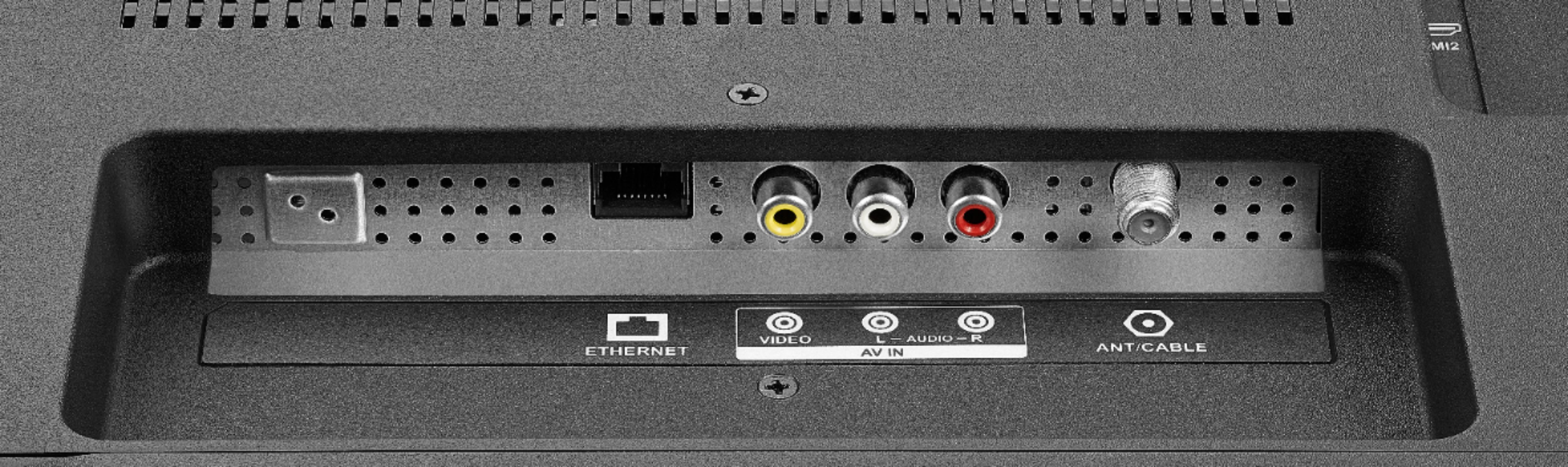
A:AnswerYes, you can connect an Antenna to watch free over-the-air broadcasts from your local channels. To watch Fire TV Edition TV Help Videos, please visit:
https://www.amazon.com/gp/help/customer/display.html?nodeId=202162190
David M. - Insignia Support