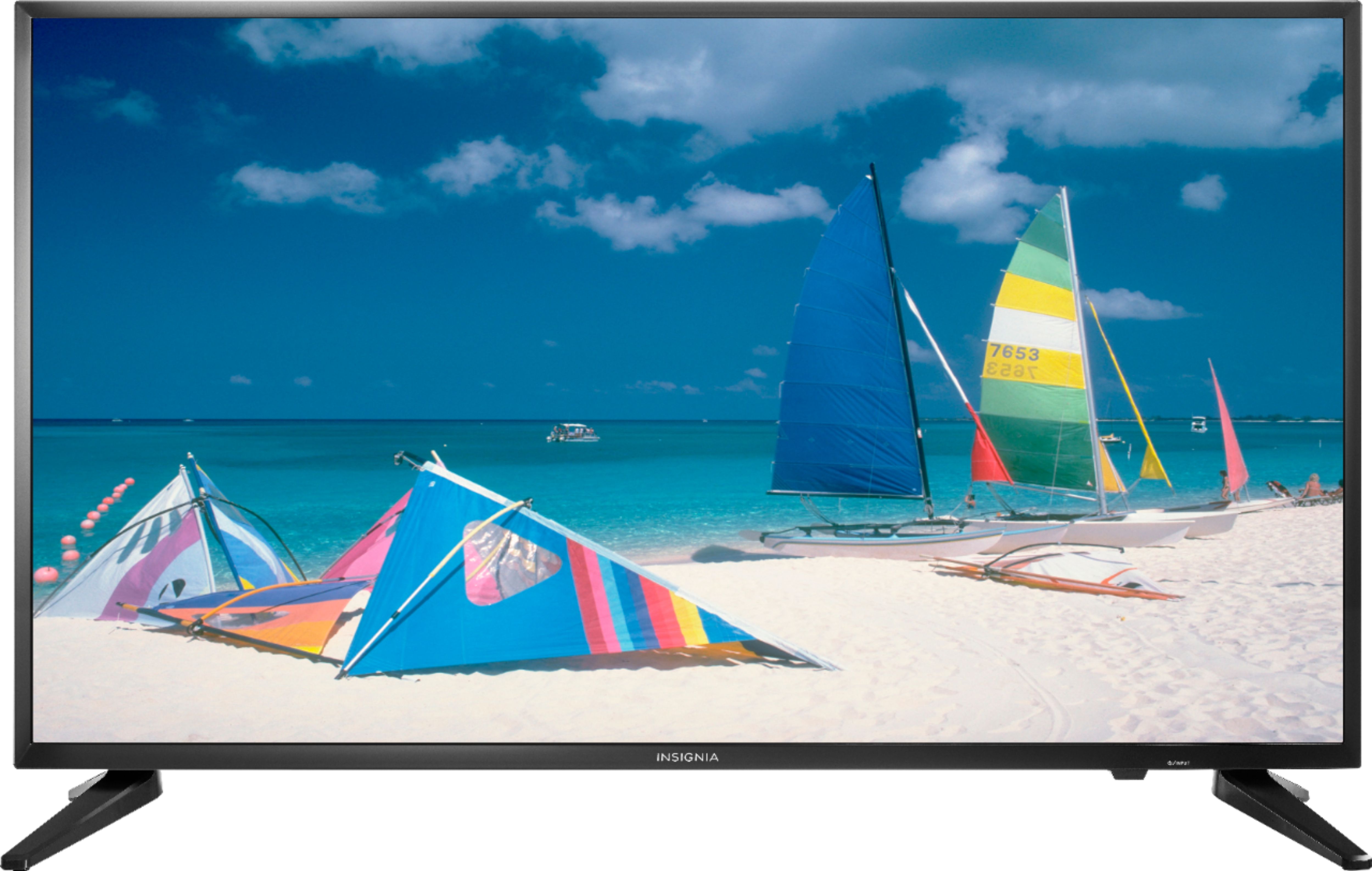
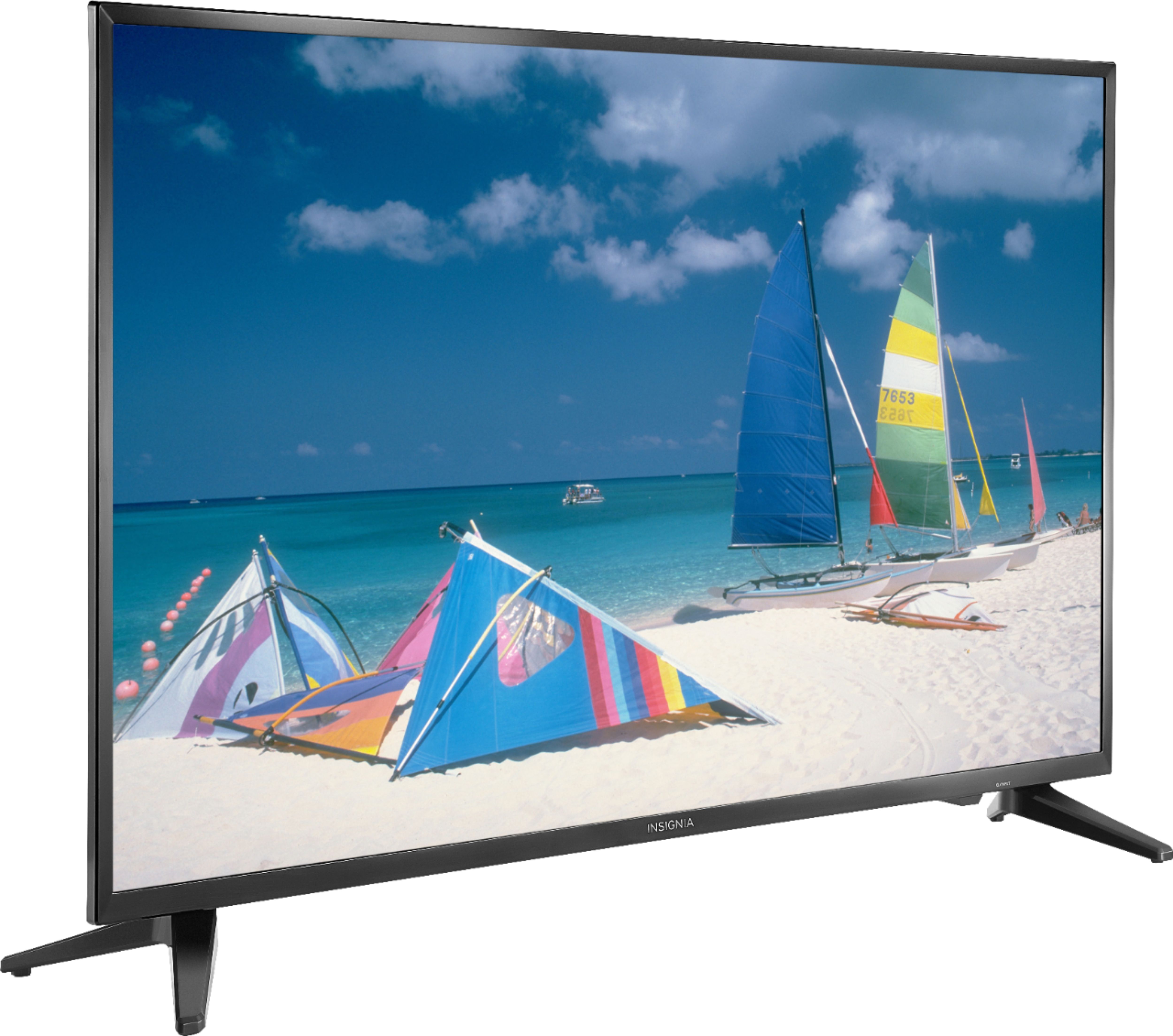
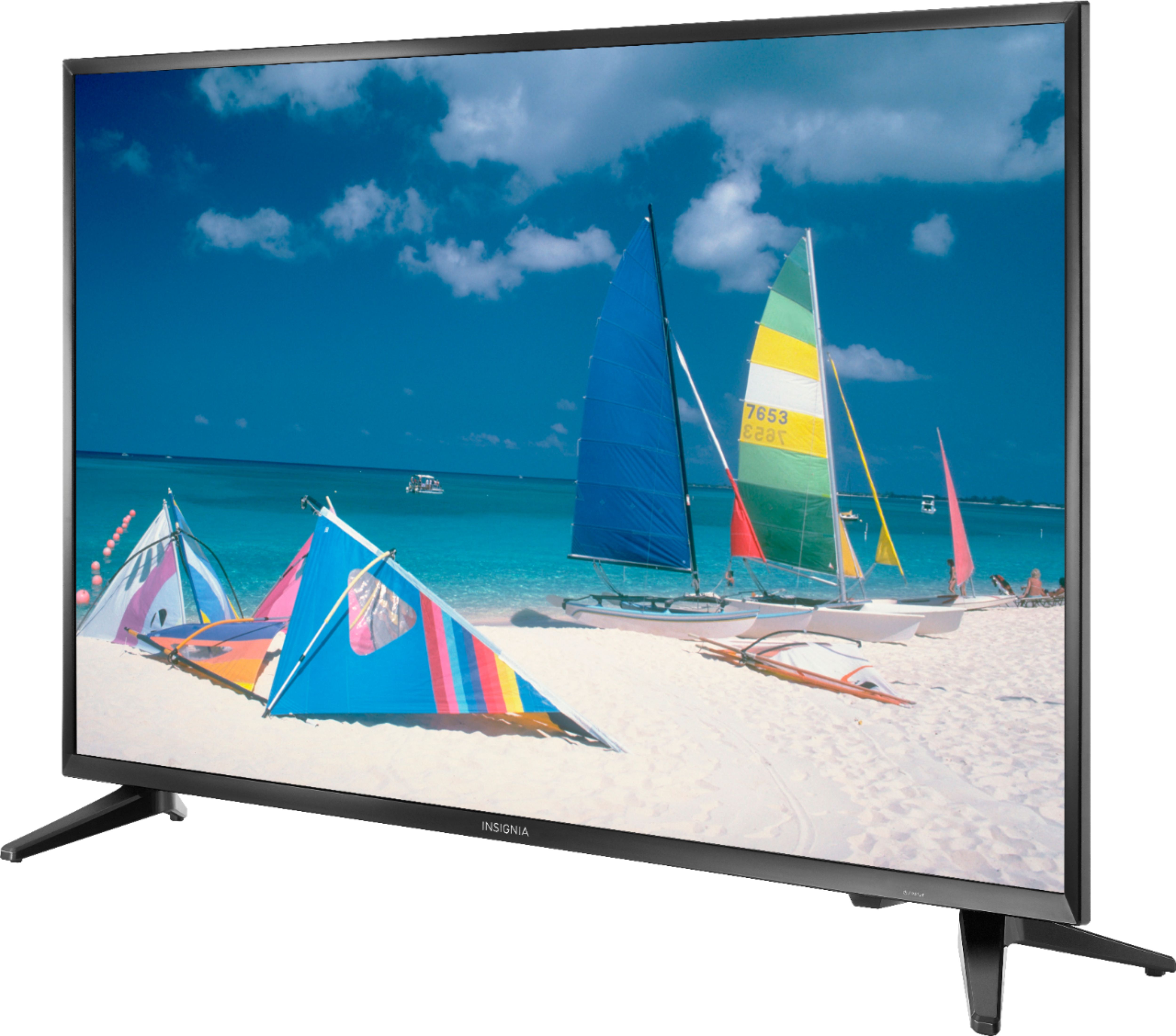
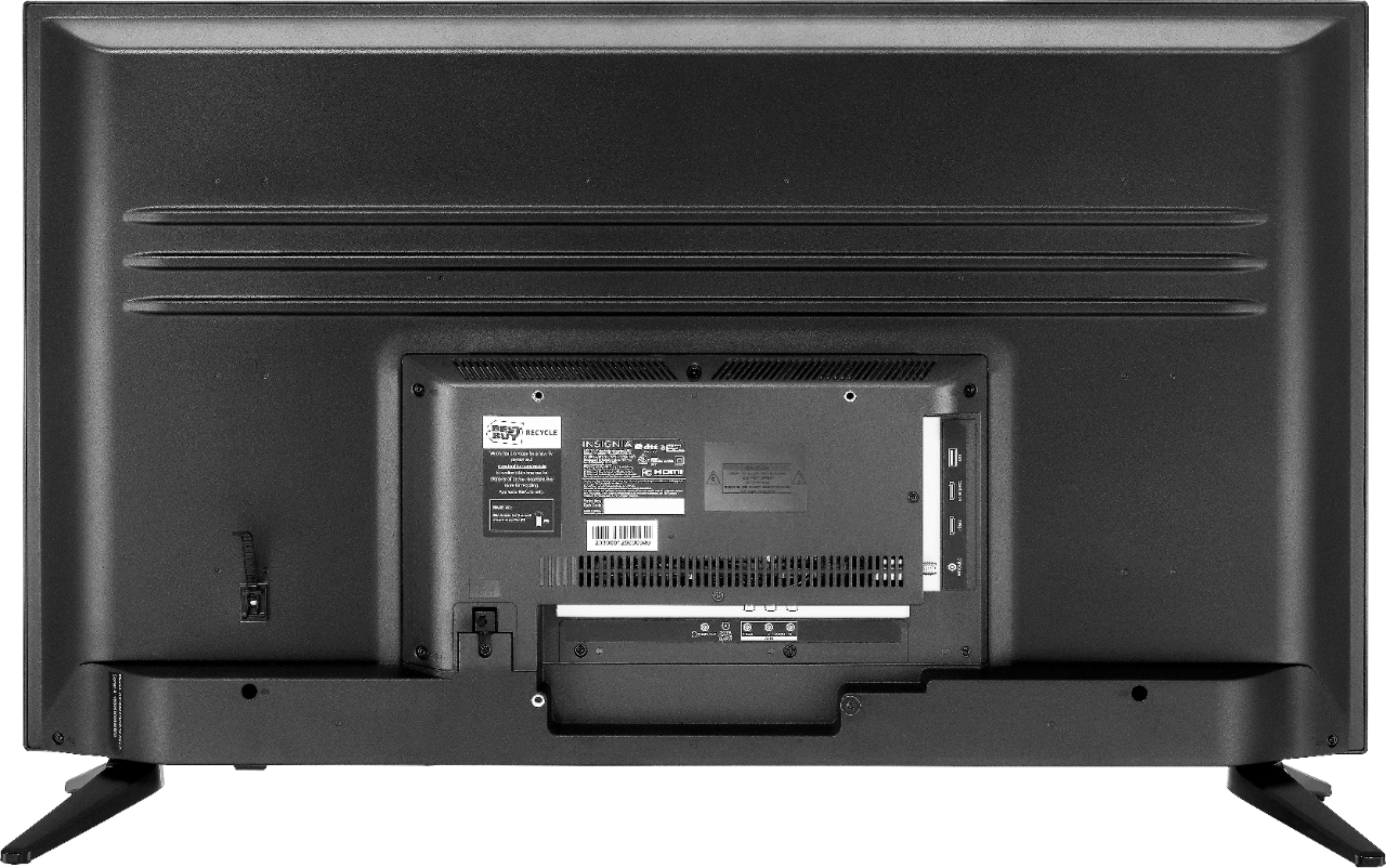
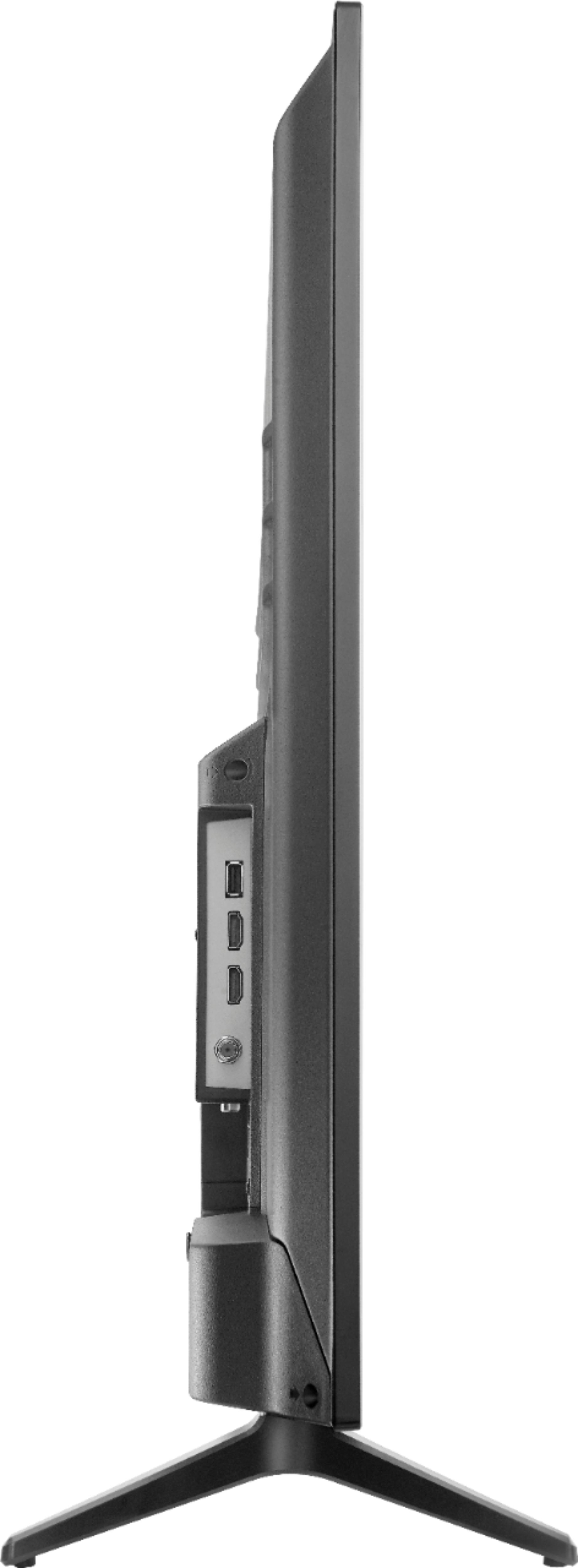
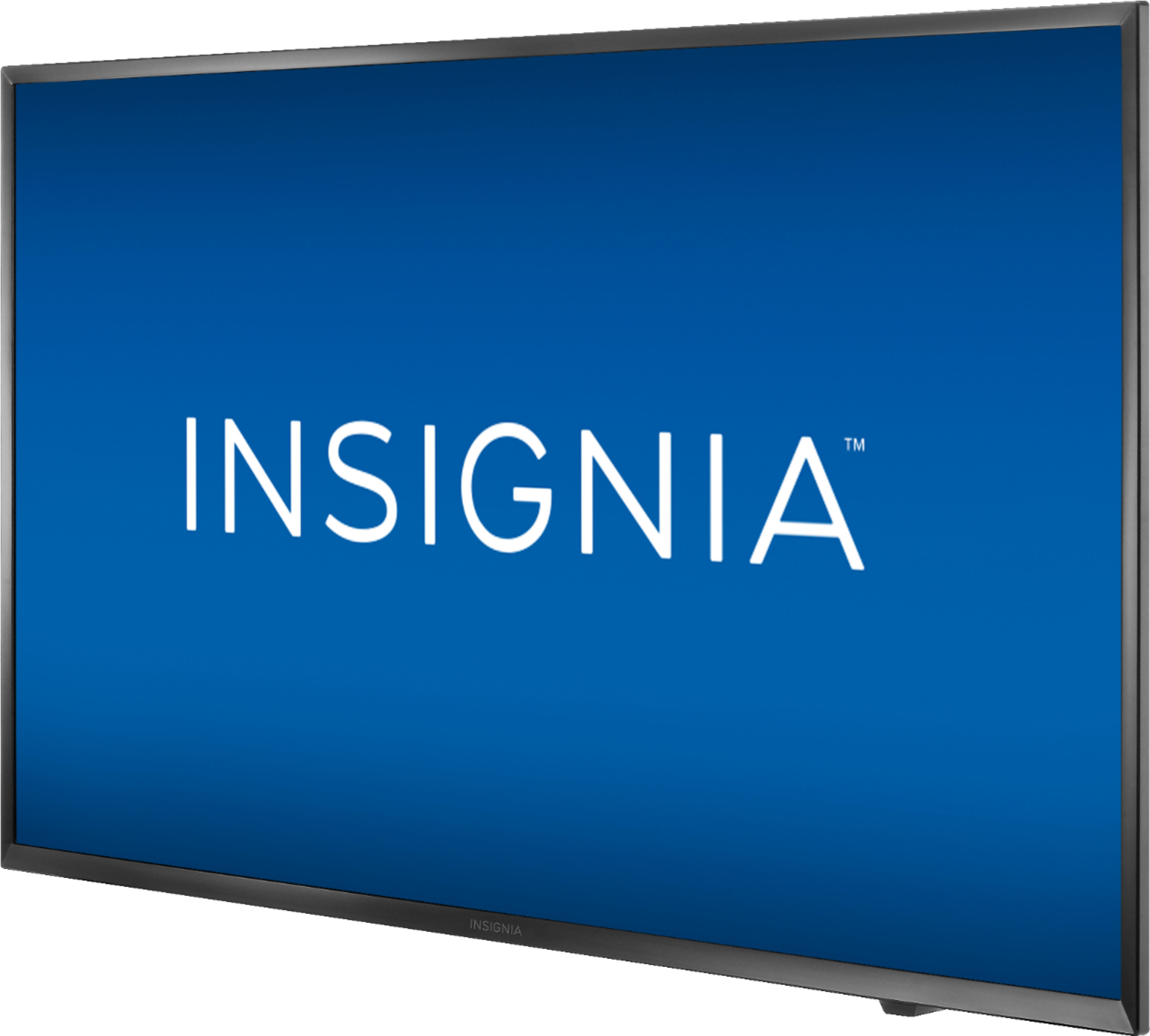
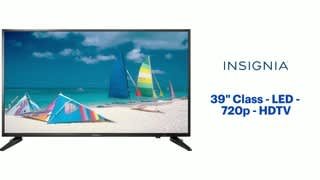
A:AnswerActual measurements on this TV (Insignia mod # NS-39D310NA19): 34.75" wide x 10.25" high x 2.5" deep (without the feet) or 8" deep (with the feet)
A:AnswerI do not have this issue with this tv. However, on another tv I did. All I had to do was unplug the tv for about 60 seconds to let the innerds re-set and plug it back in. Maybe this will help you.
A:AnswerThis TV is not a smart TV, but why bother to buy a smart TV? They cost sometimes a hundred dollars more, and for $20 you can get a Firestick and make it better than any smart TV interface.
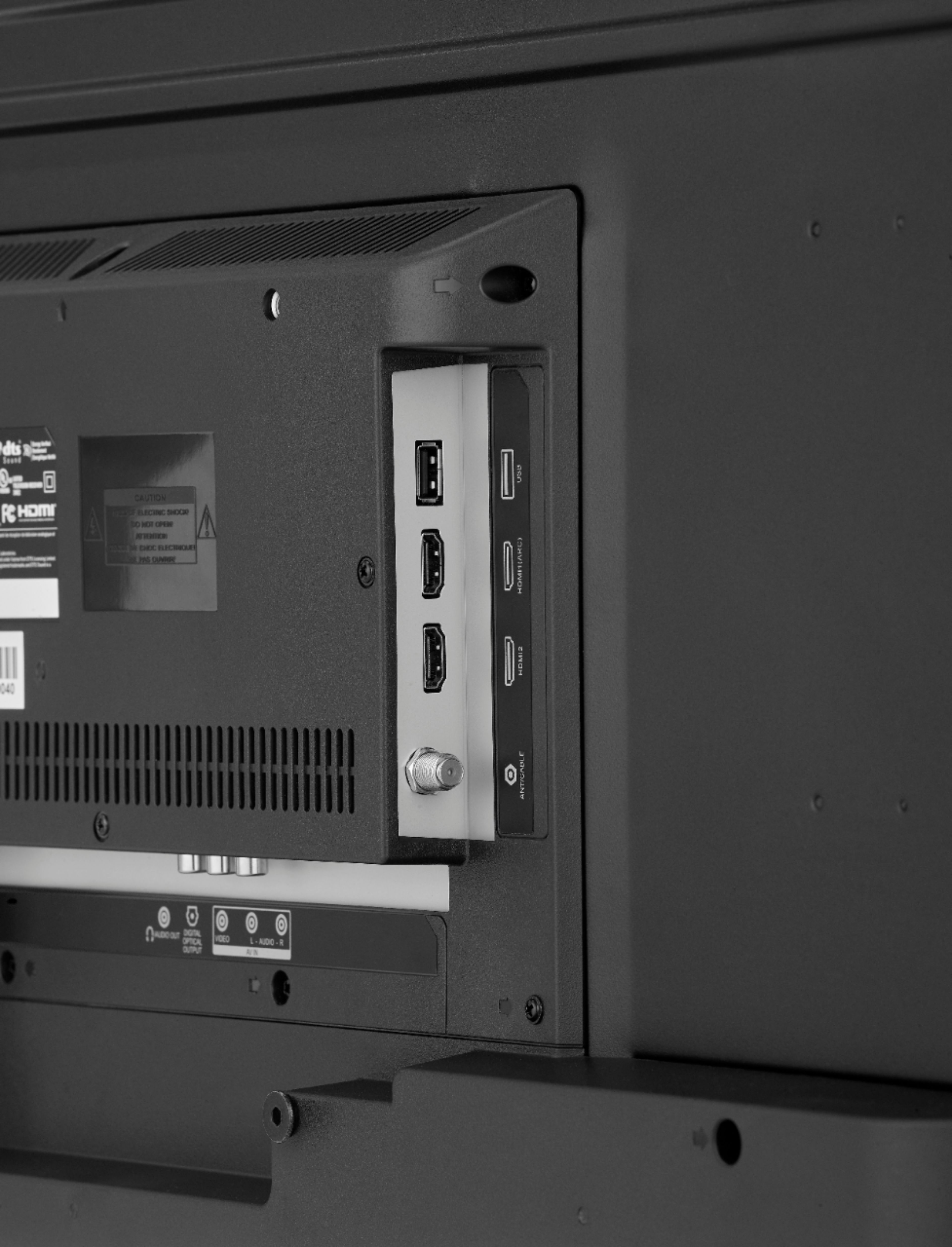
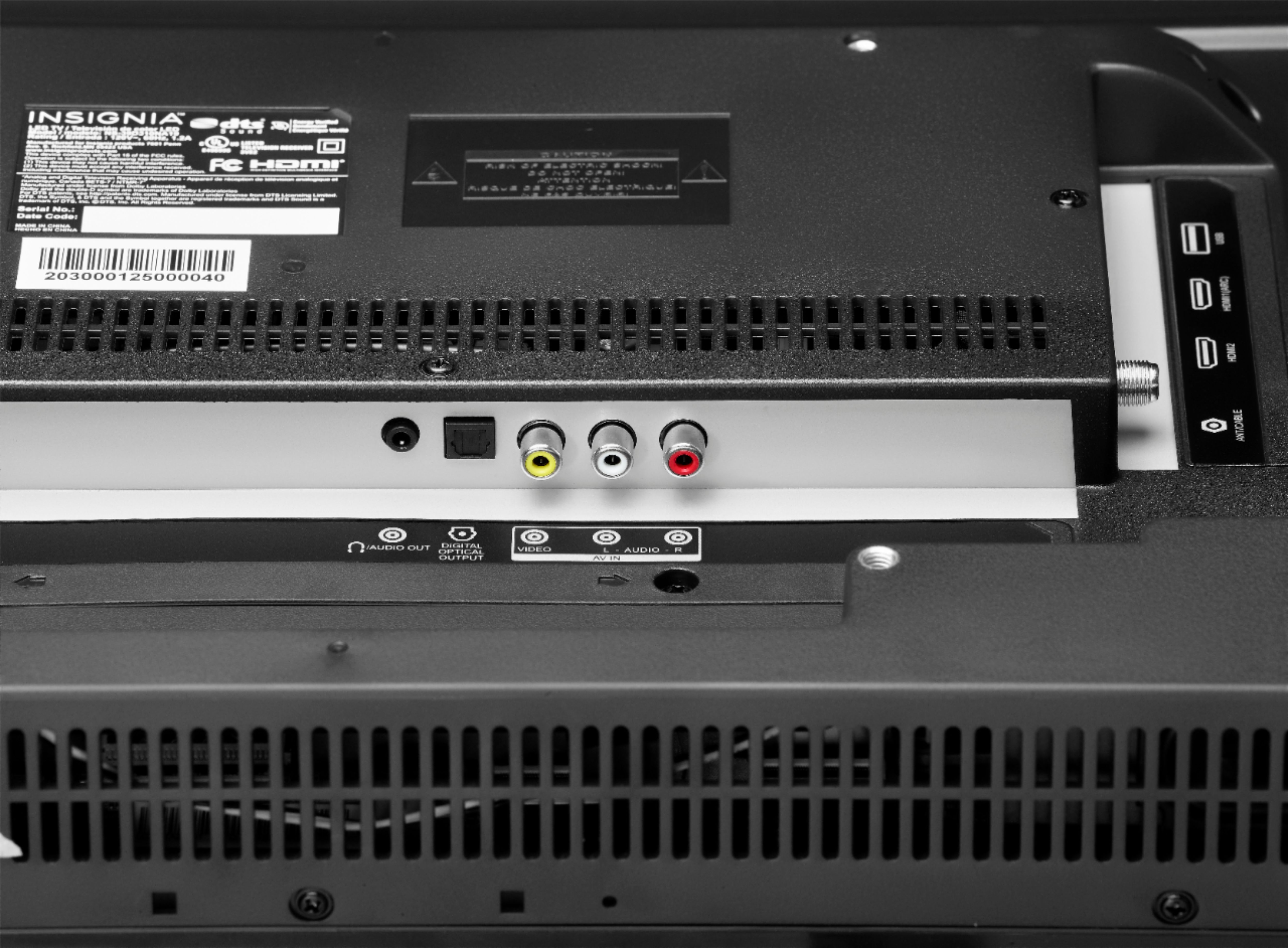
A:AnswerI'd have to say there is a place where a hdmi cord on the left side of the TV for computers and other devices so I think that if you saved them to your computer then connected the hdmi cord I'm pretty sure it would work that way.
A:AnswerUnfortunately, all newer flat screen TVs have speakers that face downward. The assumption is most will buy and use a sound bar. Hope this helps. But the sound quality is superior to my tvs that i paid three times as much!
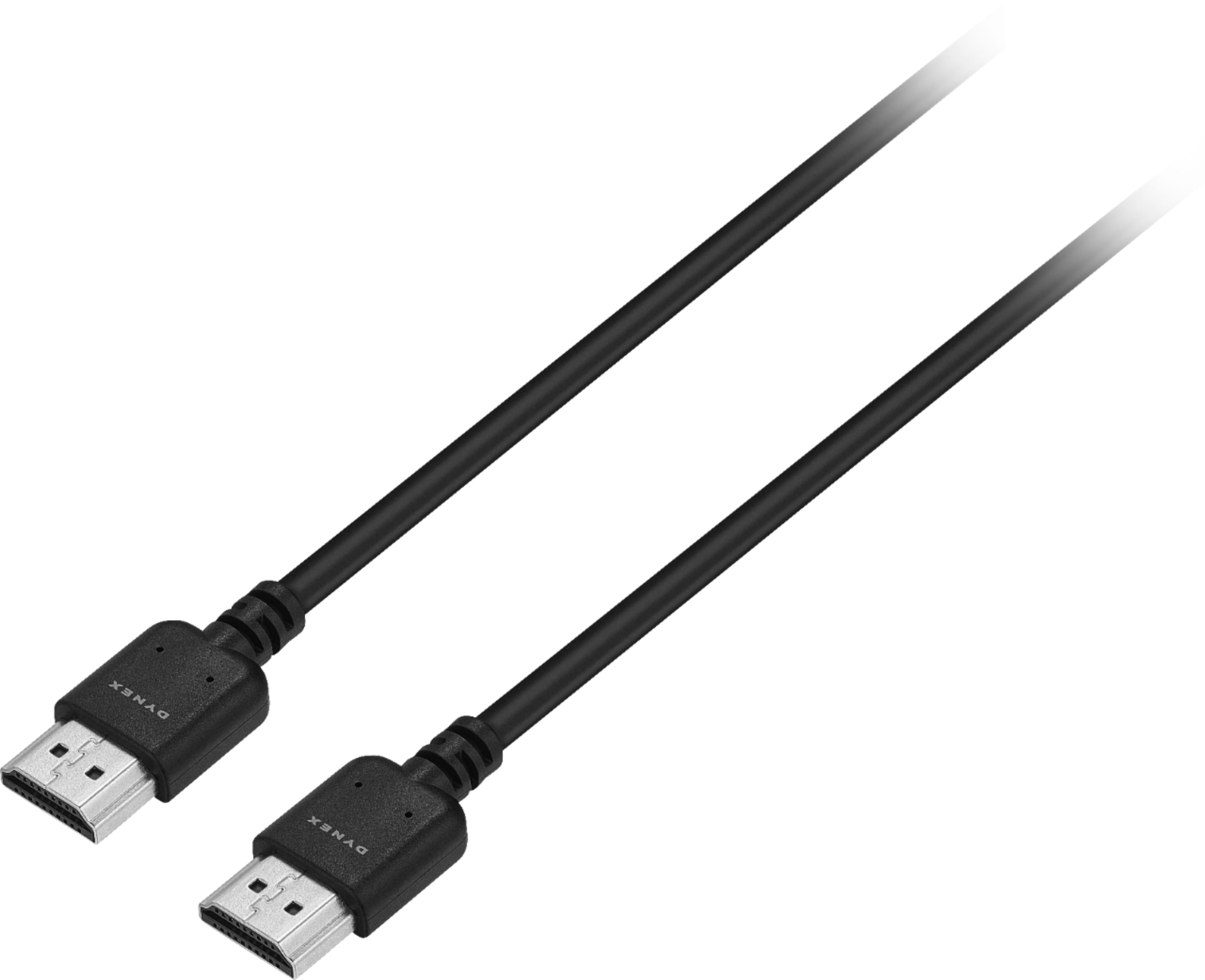
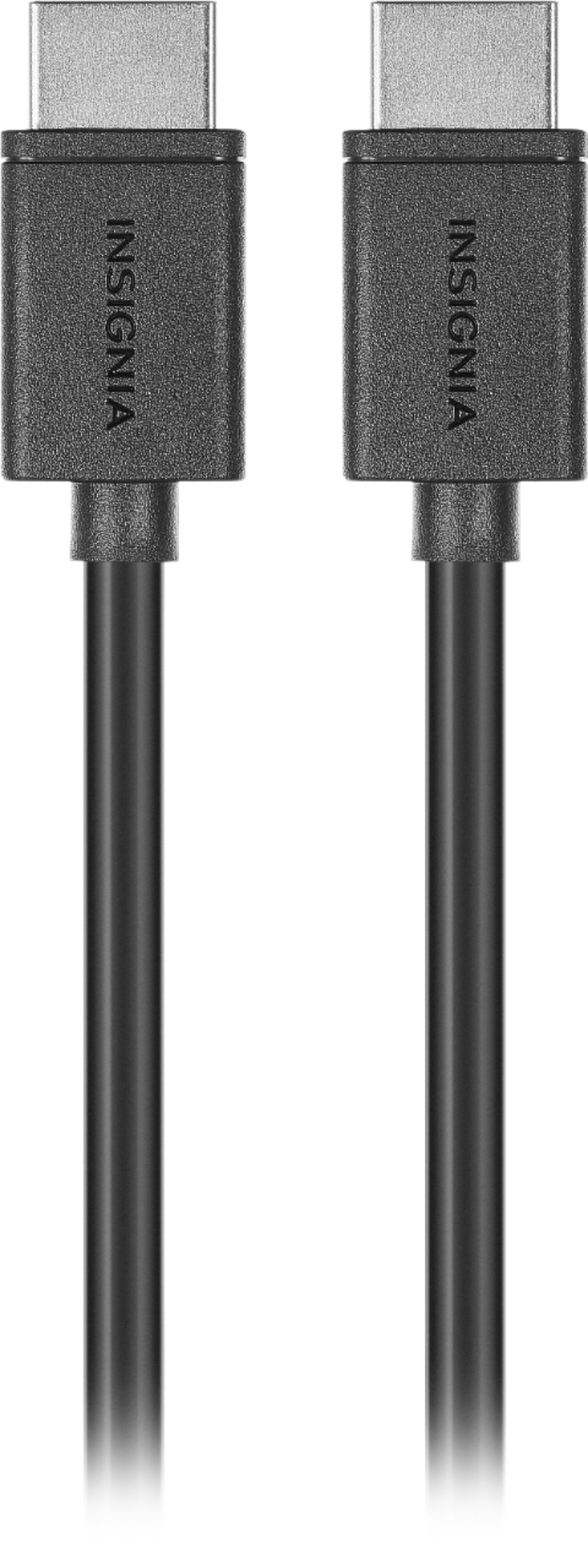
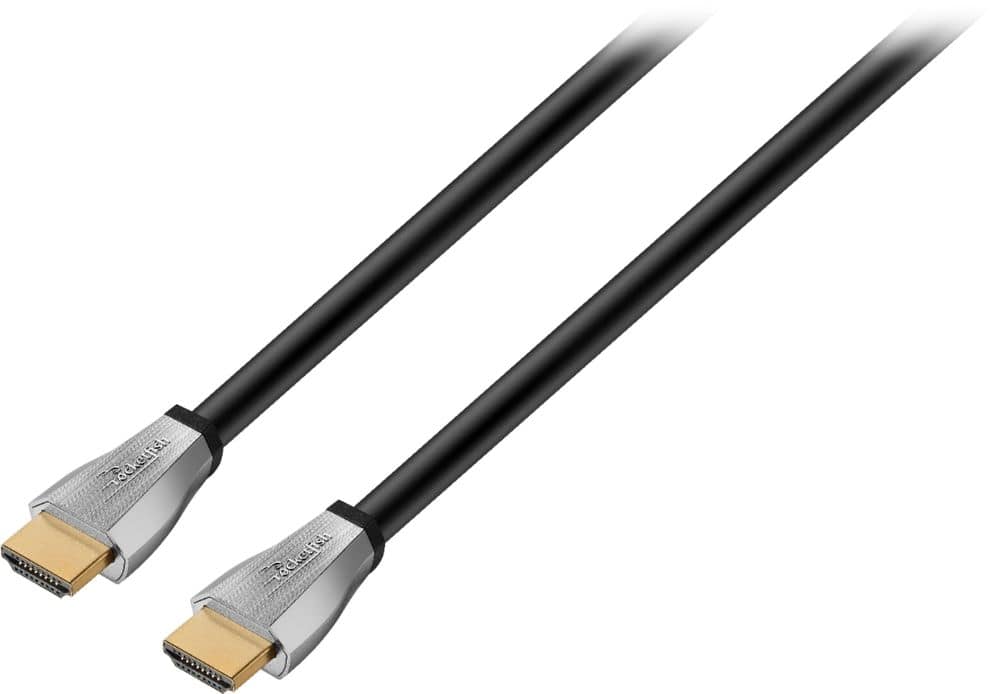
A:AnswerAs in HDMI cables to plug into your dvd, bluray, or home theater system? Yes, you will also need to buy those. The tv only comes with the power cord.
A:AnswerThis will work provided the screen resolution will work for you and your system or computer. This set has a 1280 x 720 native resolution due to the 720P display panel.