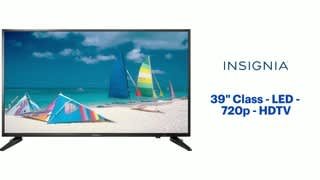
A:AnswerMine has plenty of volume with both broadcast and HDMI. Make sure to turn off volume leveling in the audio menu. An option is to add computer speakers for added volume. All flat panel sets have speakers facing down or backwards for wall placement (the wall improves the sound).
A:AnswerThe sound is a little tinny, which isn't surprising given the size and price range of this TV. I use a Bose soundbar, and it sounds great with that.
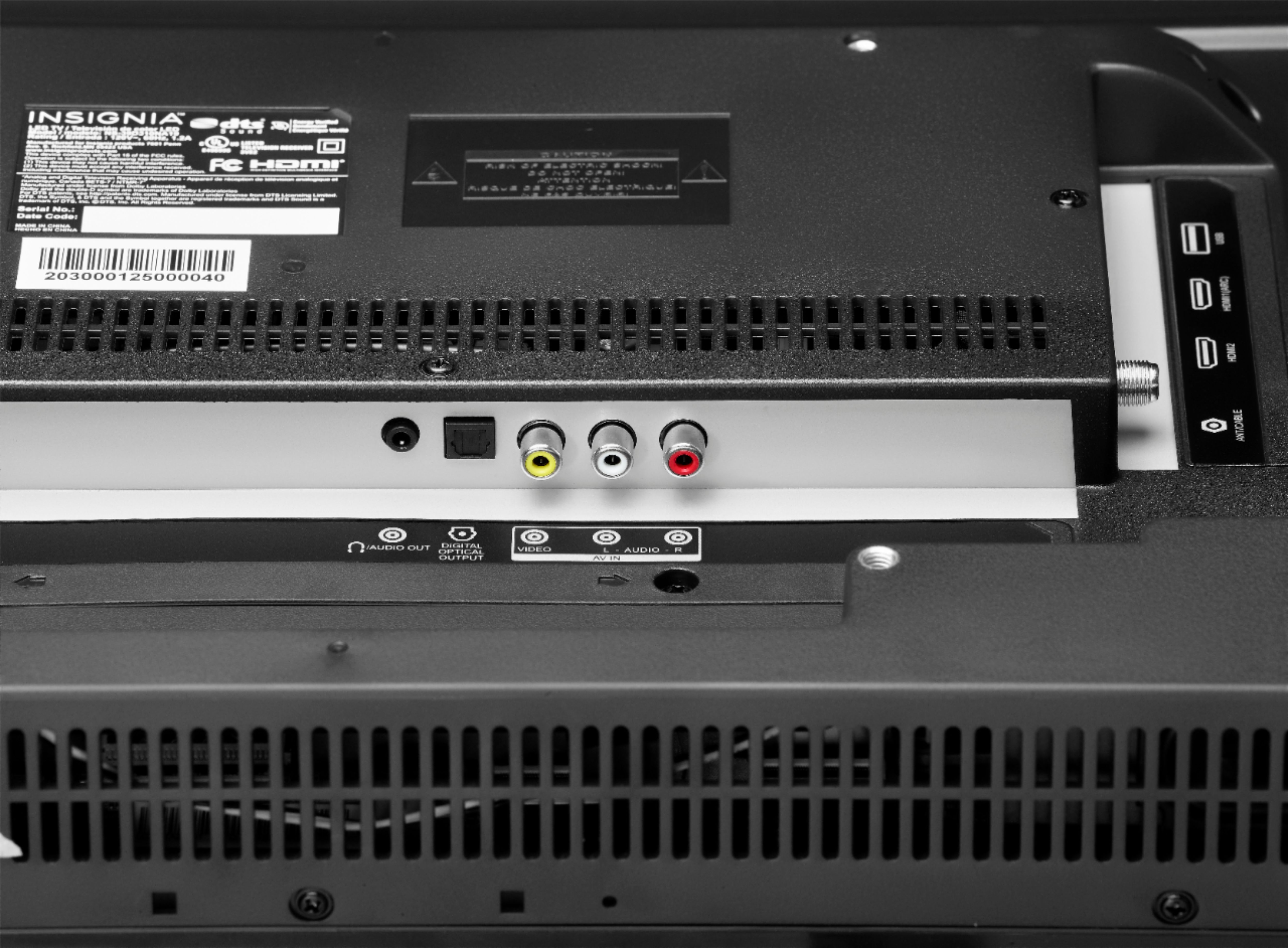
A:AnswerUsing R/W/Y for FiOS STB box and that is limited by the box to 480. My older generation DVD is also composite and quality is very good but # unknown. Tested new DVD via HDMI and it is the best same with Android TV box both rated for 1080 output using HDMI.
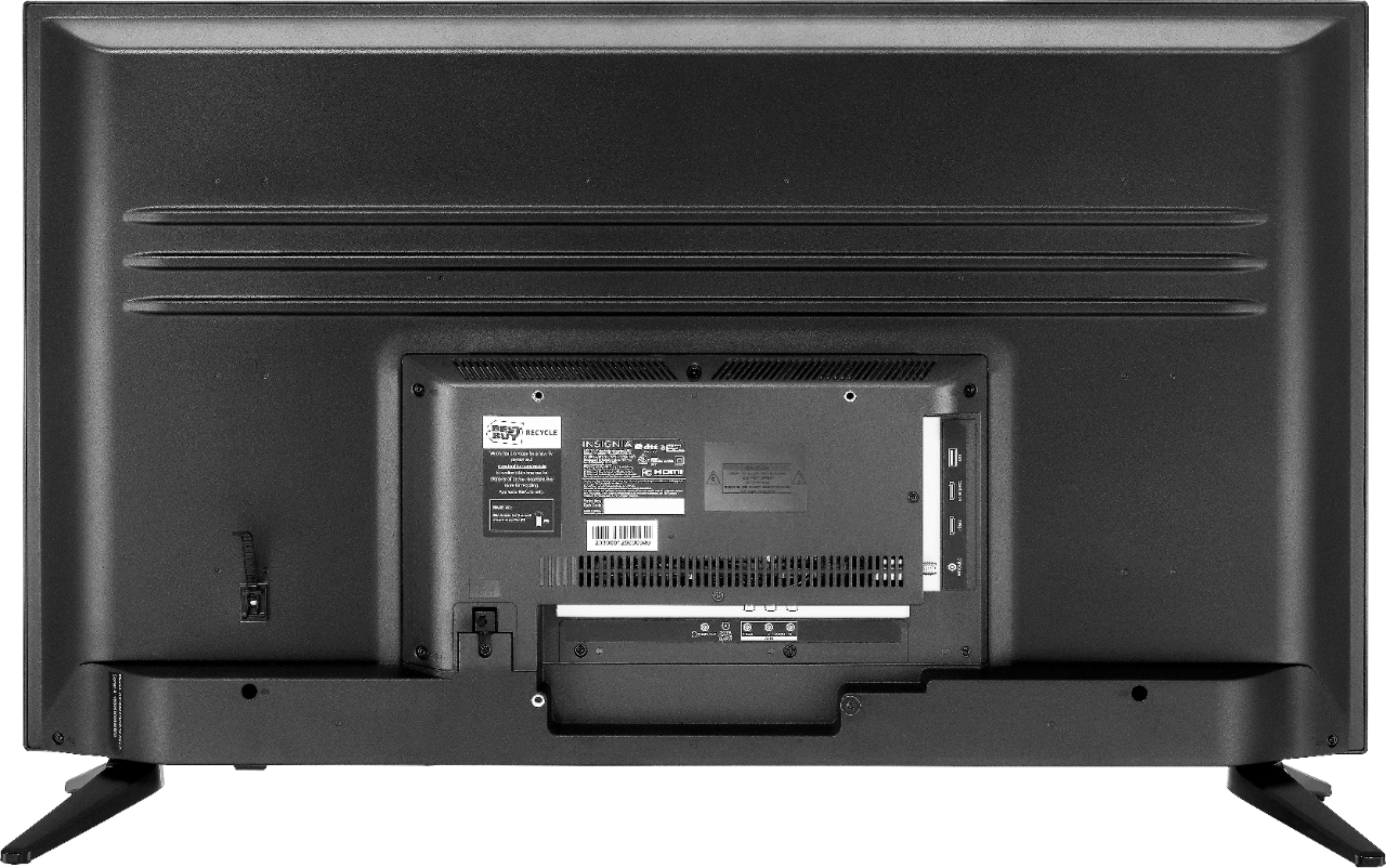
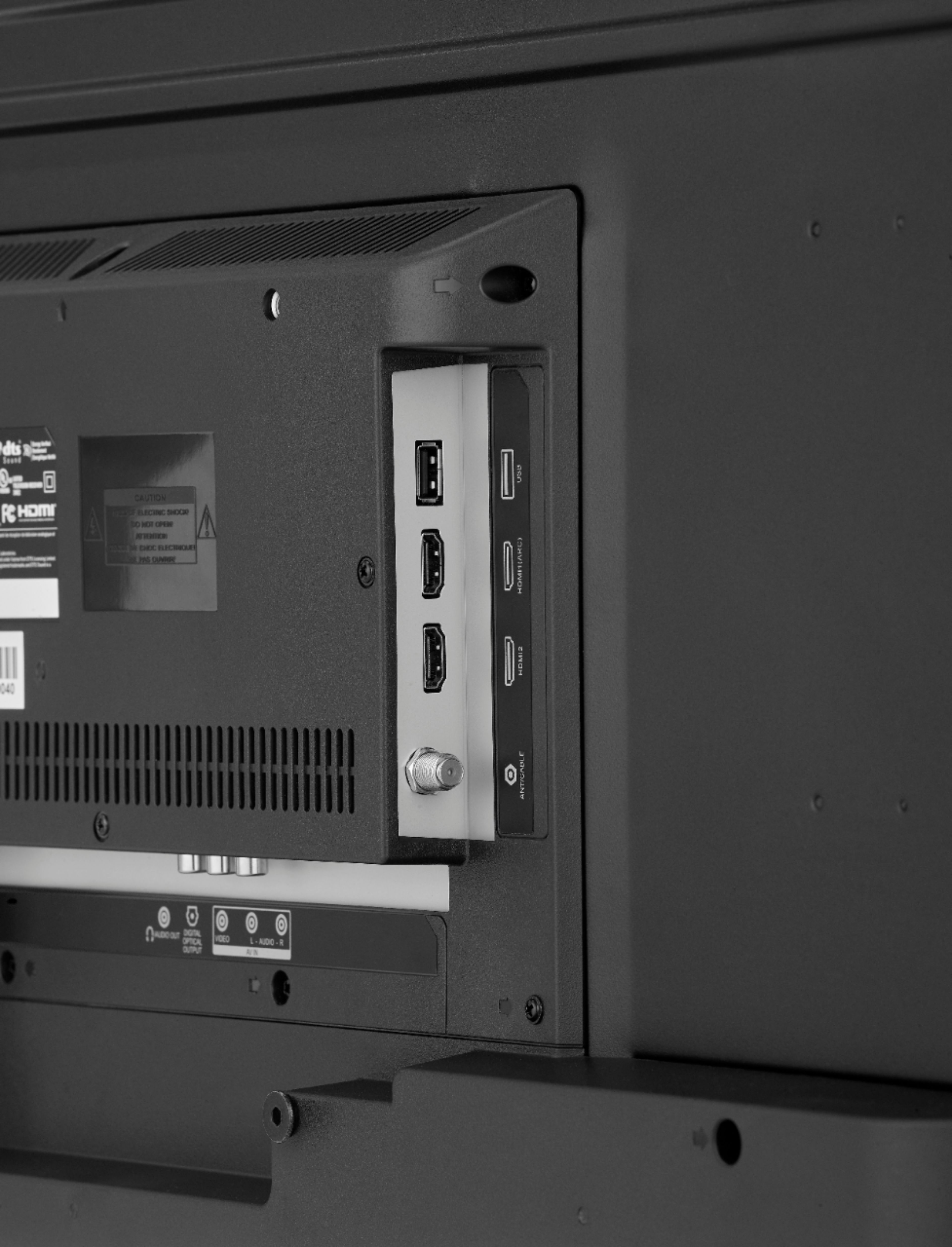
A:AnswerThe TV has two HDMI ports as well as audio ports that you can connect a speaker or headphone to. There are no cables that come with the TV except for the tv plug. The TV does come with a manual as well a voice guide on the TV to help you as well. If all else fails, call insignia support to help you set up the TV. I hope this helps.
A:AnswerHello, Pagosa,
The measurements you are looking for are:
Height With Stand - 21.9 inches
Height Without Stand - 20 inches
Width - 34.8 inches
Eduardo L - Insignia Support
https://www.insigniaproducts.com/contact-us
A:AnswerYou can cancel your order online, when you pull up your order details, then reorder the size you want. If the deal you want is over, then that's a question for Best Buy.
A:AnswerHi! I am sorry to read that you are having issues with the TV settings. Since the picture mode depends on the devices connected, signal and set up, please contact us on the link below so we can further assist you. Viri E. Insignia Support. https://www.insigniaproducts.com/contact-us
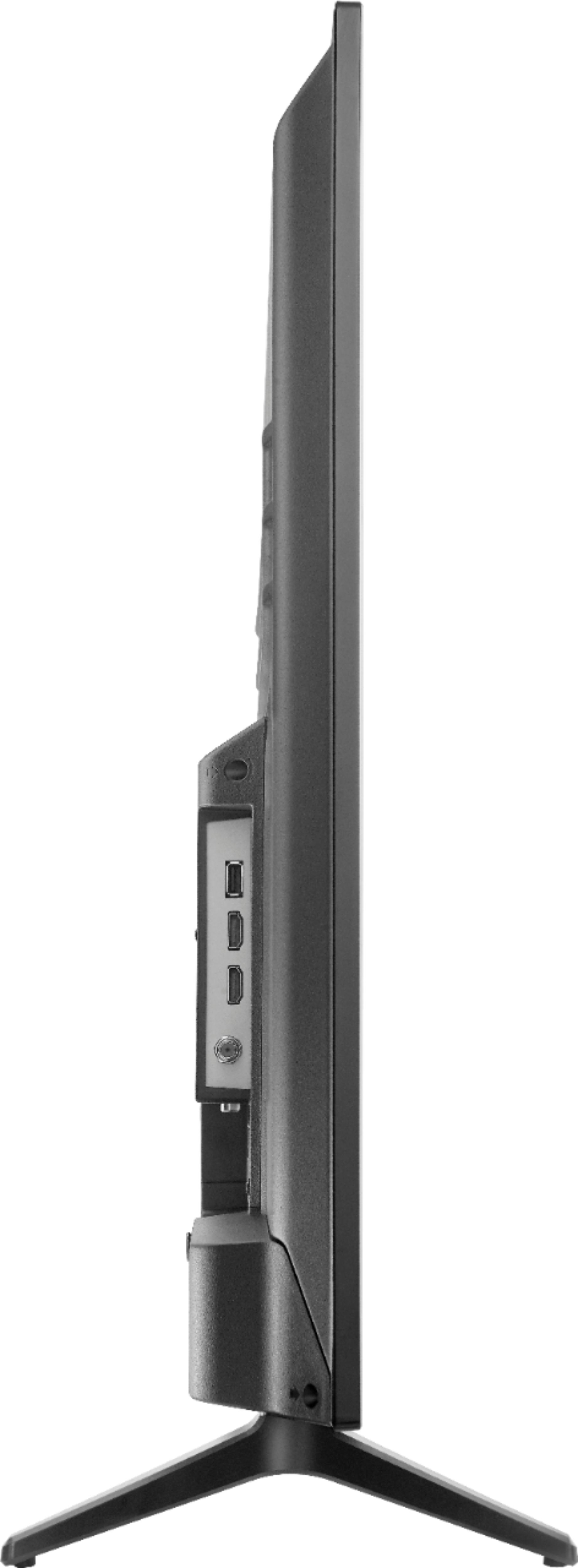
A:AnswerIts easy you just need a philips screwdriver. There will be 2 screws for each leg to hold the TV. Be careful and follow the directions in the manual. You don't want to break the screen so lay the tv on a flat surface with nothing touching the screen and don't put any pressure on the TV or that could damage the screen. Also don't over tighten your screws tighten till they are just tight. don't worry they will hold strong. Feel free to message if you still have trouble with it.