A:AnswerIt would let you display your phone screen on a TV, but Netflix uses DRM (digital rights management) to protect its content, so I doubt that'll work. Netflix and HBOgo etc will probably throw an error if you try to play content with this cable plugged in.
A:AnswerWhen this cord is being used, video and audio will be routed to the device with the full size HDMI port. The cord itself does not need a power source, both the phone or tablet and the TV or monitor have their own power sources.
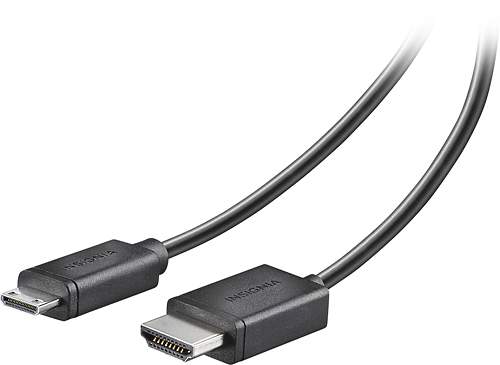
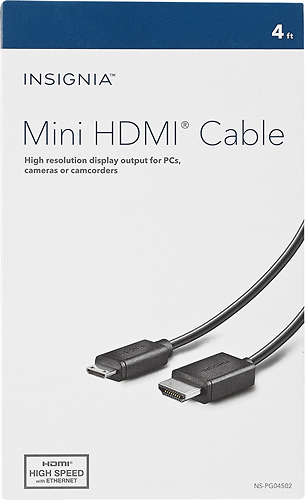
A:AnswerOne side will connect to the normal hdmi port, the miniature side will connect to your portable projectors cameras or computers (if newer) and phones.
A:AnswerYou should be able to with smart screen. If you swipe down from the top of your phone, swipe down once more to reveal more settings and the swipe right by to left. You will see a smart screen icon. Use it to connect to your TV. It is Samsung's version of smart screen.
If your TV is compatible, you will see everything that is on your phone on your TV.
A:AnswerLooking at the specs for your phone it doesn't have a mini hdmi port on it. You may have to use the charging cable on your phone to the usb port on the TV (if it has one).
A:AnswerI have a doubt about it: one of the cable's connectors is an HDMI mini, which is very unlikely to fit a TV normal HDMI. HDMI mini are intended for small camcorders and photo cameras, rather than normal size TVs.
A:AnswerIf you need a USB-C to USB-B adapter this will work. Look at the specification of the equipment you are trying to connect to confirm these are the correct connectors.
A:AnswerI don't believe so .... I know it will do full 1080 and 3D but can't say for sure on 4k...and the specified... Id hit the insignia chat on their site and verify.
A:AnswerHi there,
Yes, it will work just ask you BestBuy rep which is the one that is compatible with the Surface Pro and LG Monitor.
Renee,
Insignia Support