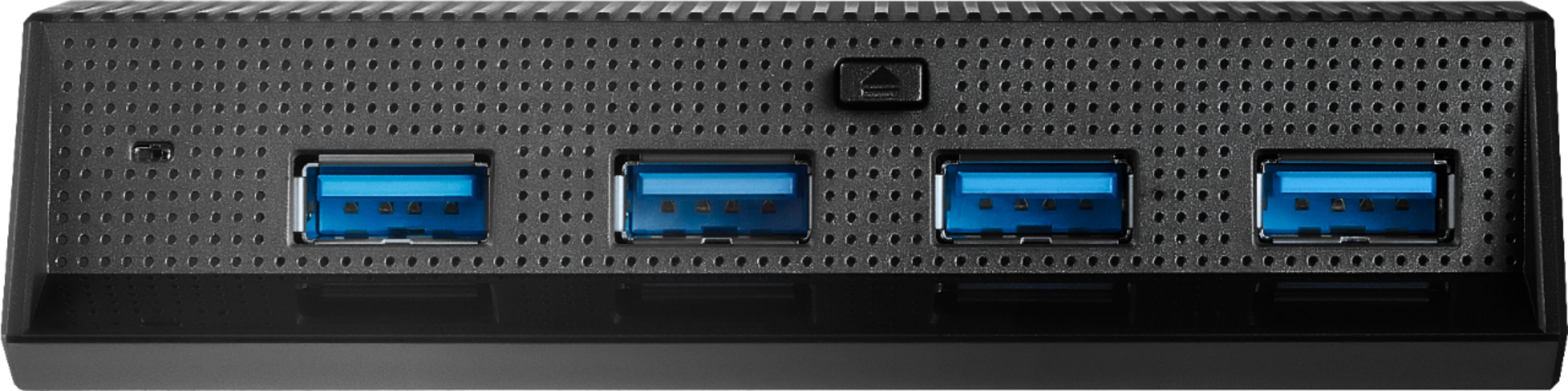
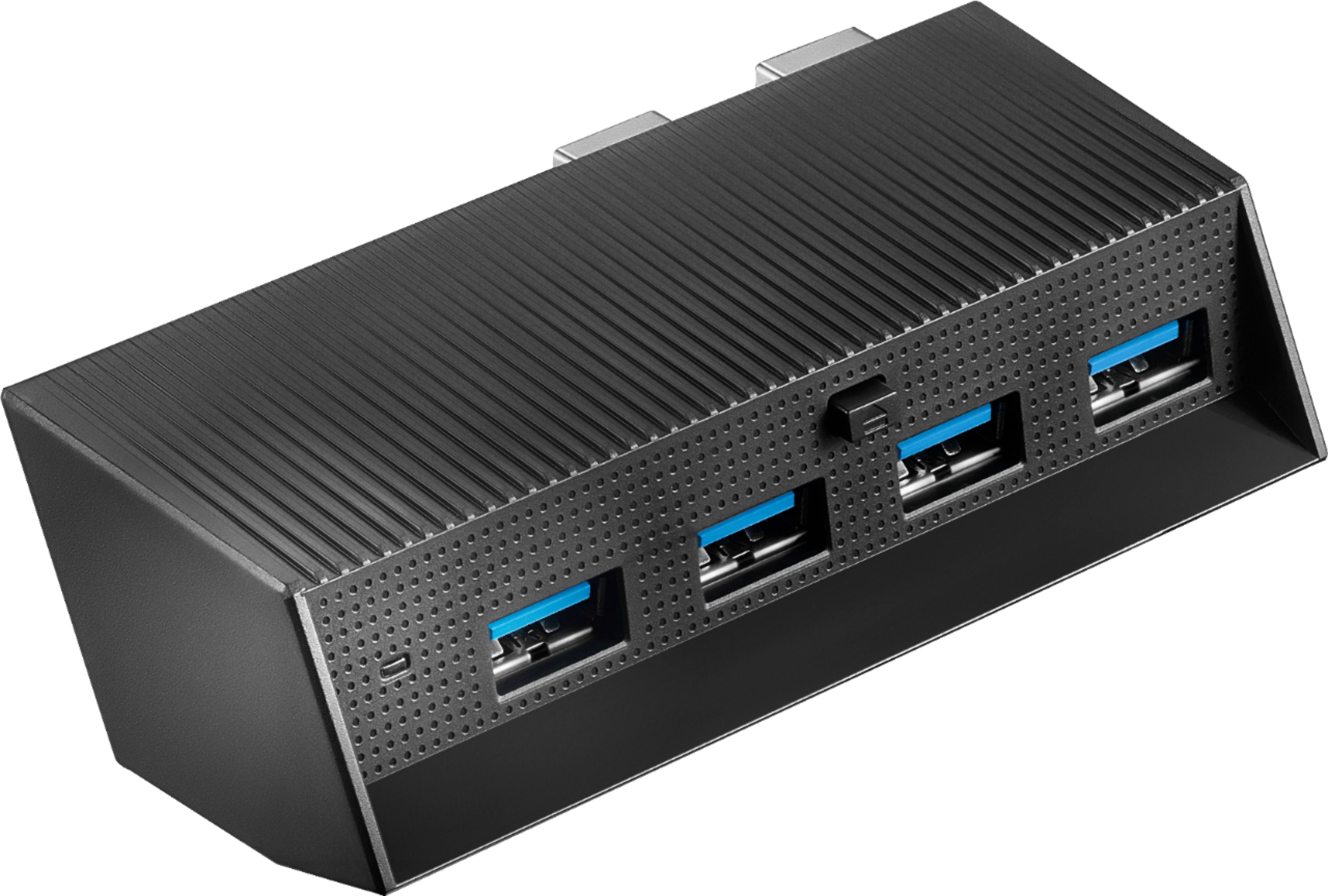
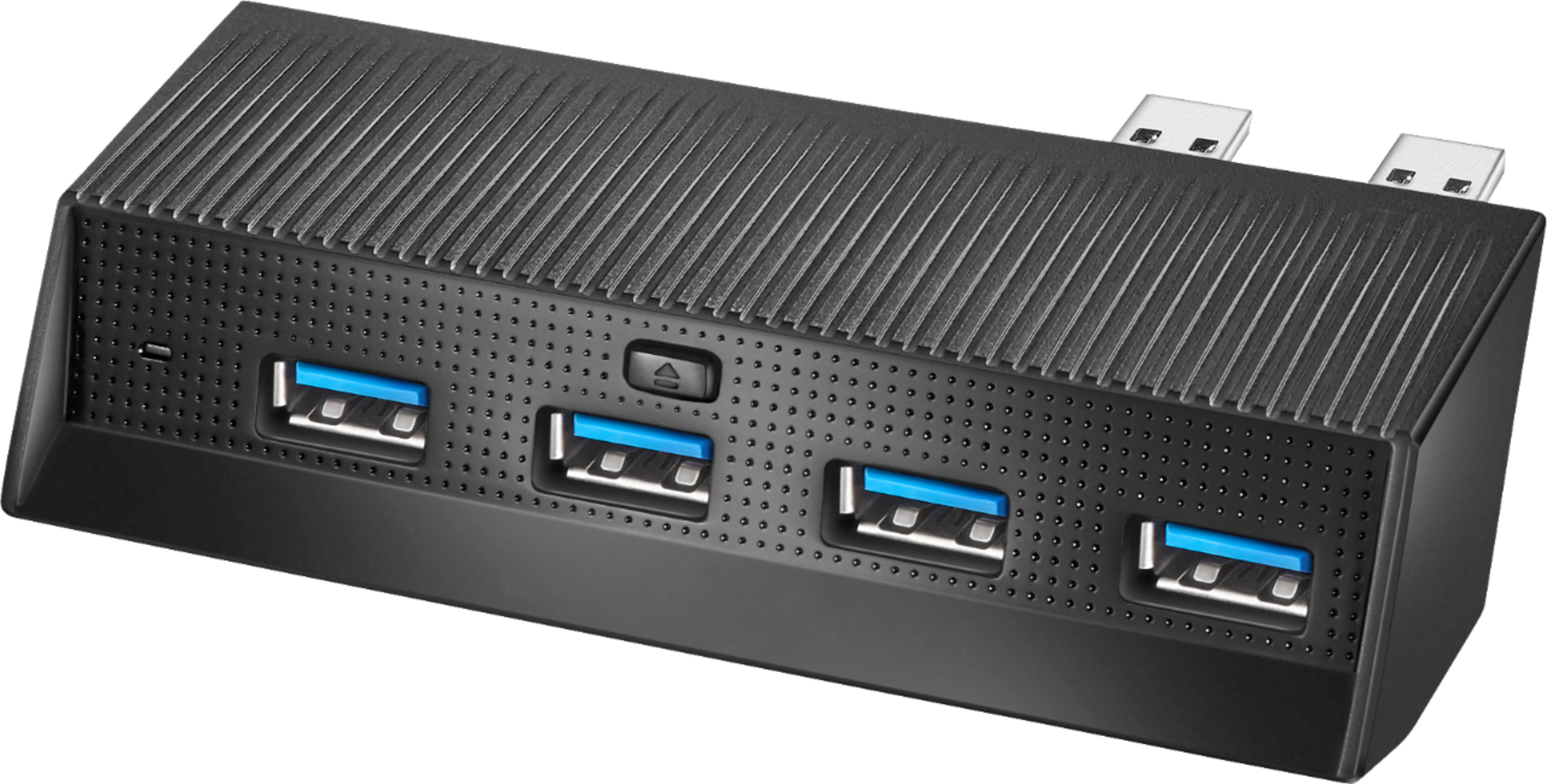
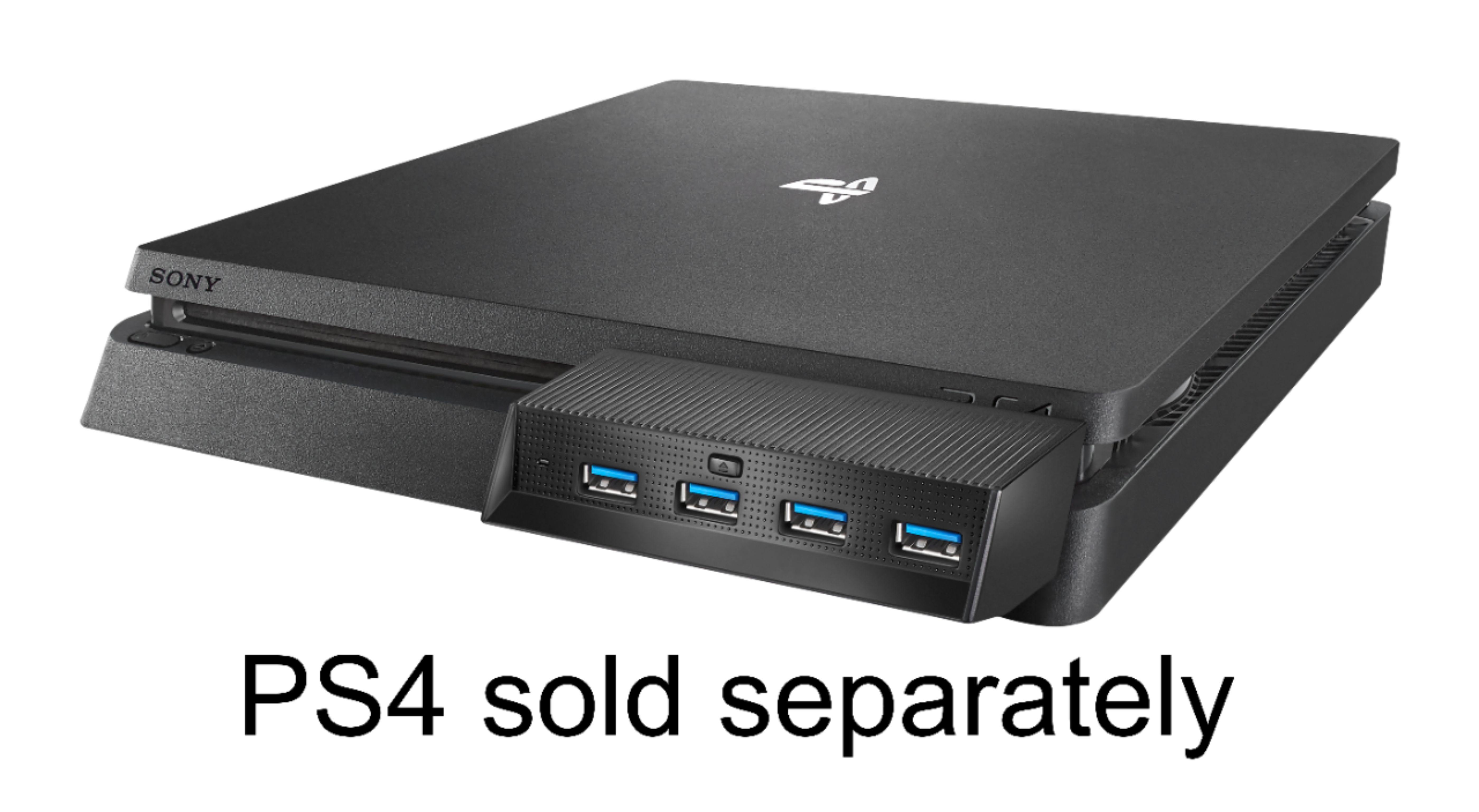
A:AnswerNot sure about your question BUT careful with what hard drive/ Game Drive you purchase with the hub. I purchased the USB 3.0 Game Drive and it stated it was not compatible with the hubs USB ports.
A:AnswerI am not 100% sure, but I can say from experience their tends to be a slight interference problem when using headphones... Not controllers... Headphones. I have tried several pair of headphones and they all disconnect and reconnect without warning.
A:AnswerIf it fits the ports is able to but try not to use all the parts at once maximum use two or three can use all four sometimes the system gets all confused.For example I use my headphones and my controller the thumb stick and a charging port to charge my iPhone sometimes when I was playing mid game my head phone disconnected and reconnected all by Themselves
A:AnswerNo don’t waste your time. Do more research on google you can find a usb hub on amazon more of what you are looking for. Just search extra USB ports for ps4 for use with HDD drives.
A:AnswerIn this case in order to help you better I think that it would be convenient if you give us a call at 1-877-467-4289, one of our agents will look for that information.
Ruben- Insignia support
A:AnswerYes it does : all you have to do is look in the back and there is a tiny sliding button that has to be positioned to “unlock” symbol and you’ll be able to pull out one of the two usbs and reposition it to another slot and afterwards don’t forget to slide the lil button back to “locked” position
A:AnswerAlmost the exact same amount as any 1 of the standard 2 USB ports. A small amount of current is lost to this units LED light. It doesn't include an additional power supply so the voltage times ampers (V • i = Watts) is only what the standard 2 USB ports provide, minus lost current to the LED and electrical resistance to the metal on metal connection between it and the 2 USB ports. If maximum wattage is important to you I'd recommend only connecting to the standard 2 USB ports of the PS4 and only use this when required.