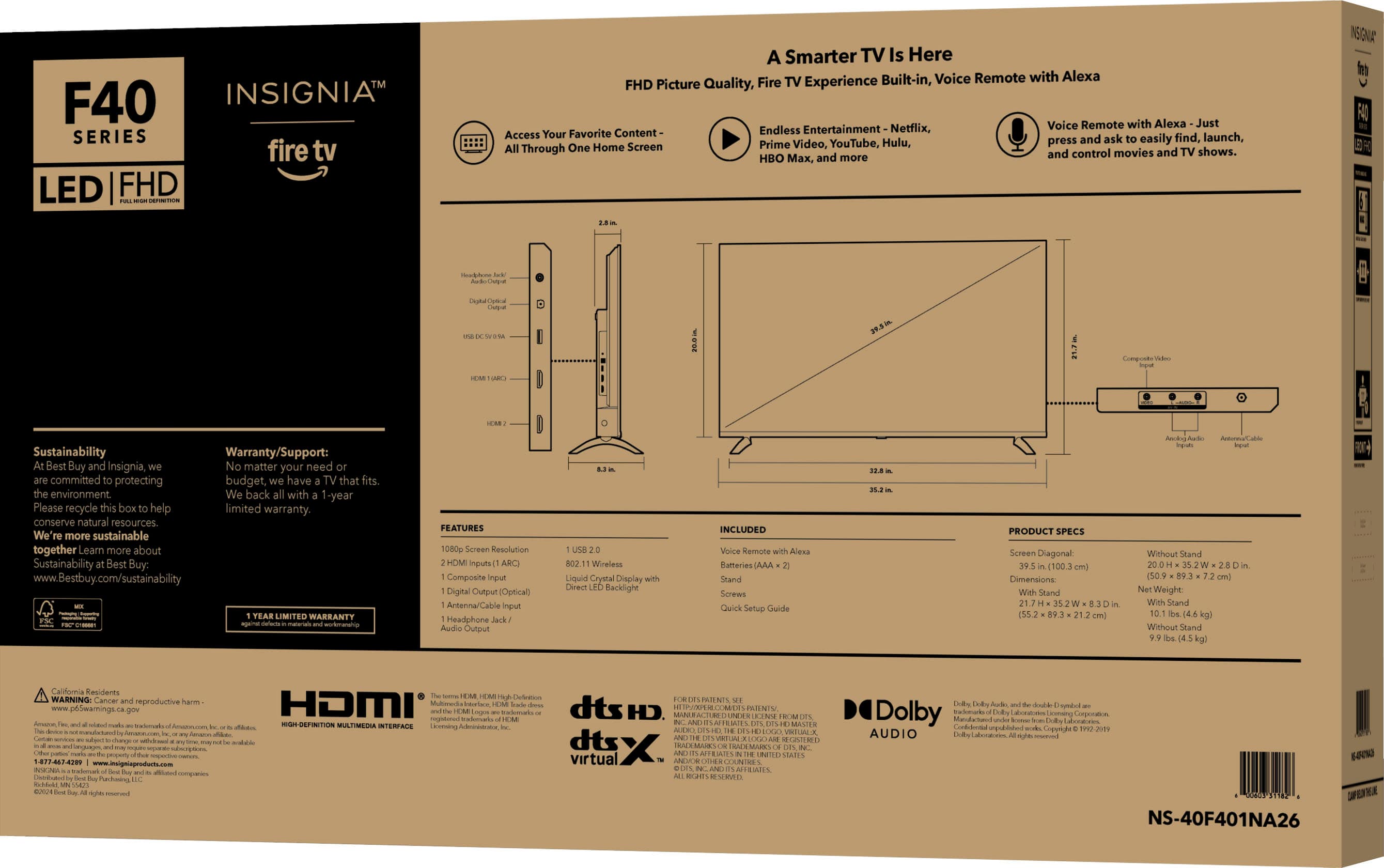
A:AnswerThe serial code in you have to put the serial on it once you put the serial code in you should be able to find anything and everything about that TV just put Siri call me Google and see what you might if you can't get it from that's fine but I know they will give it to me
A:Answernot hard at all ! literally just a plug into the wall and it’s on, you have to create an account obviously since it’s a amazon fire tv, but that was easy as well & you were able to just sign in off a qr code
A:AnswerHello, Thank you for contacting us.
I’m sorry to hear you’re having trouble pairing the remote — that can definitely be frustrating when you’re just trying to get your TV set up. For pairing issues with the Insignia F40 Series Fire TV, Best Buy Support handles all Fire TV setup and remote troubleshooting. Please reach out to them at [email protected] and they’ll be able to assist you further.
Narendra | Insignia
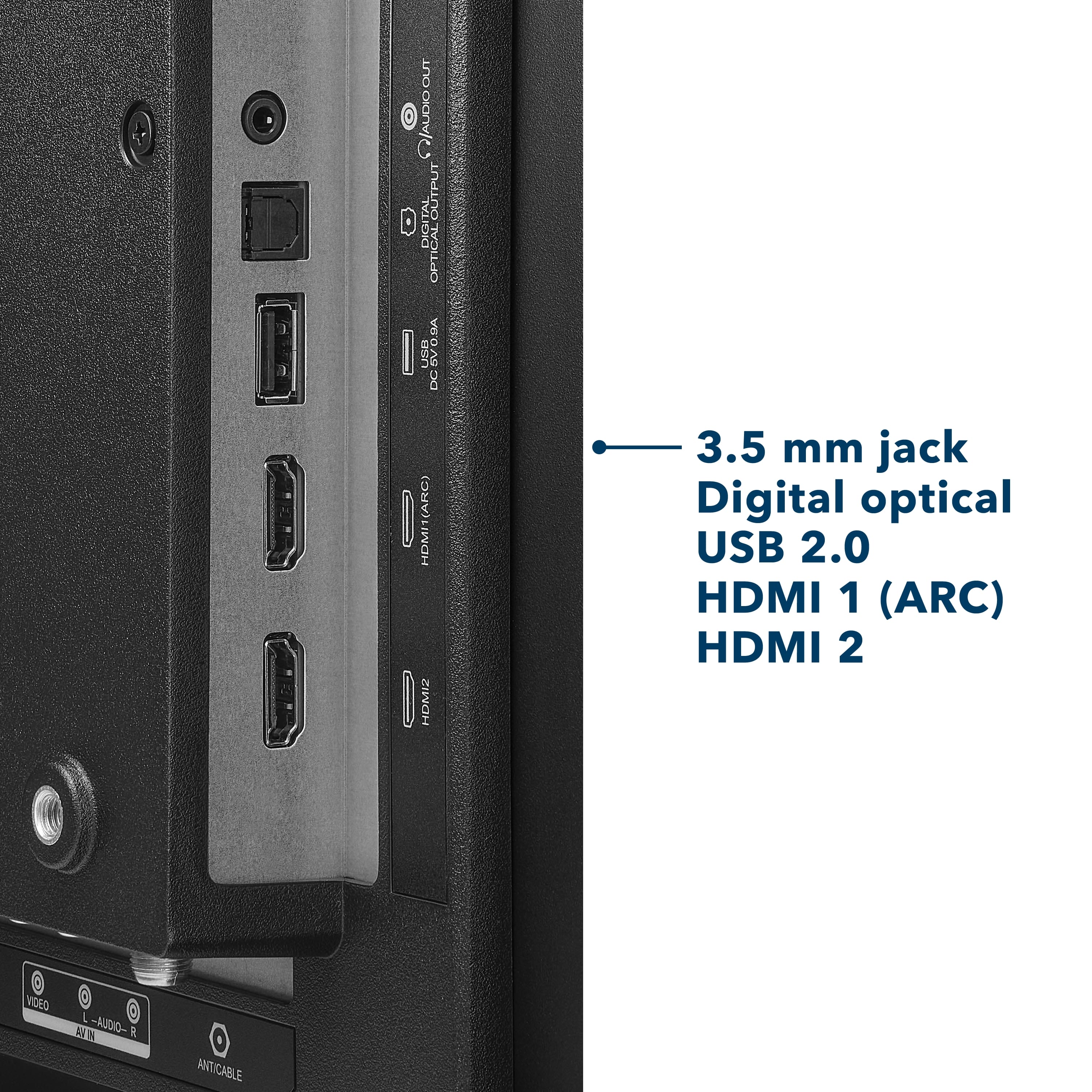
A:AnswerHello Nemo! Thank you for your question. A green screen on your Insignia 40" F40 Series Fire TV can happen for a few reasons, like a loose HDMI cable, a faulty HDMI port, or a temporary software glitch, and checking the cable connections or restarting the TV usually clears it up. If the issue keeps happening, our Insignia support team can help you troubleshoot further, you can reach them at 877‑467‑4289 or by email at [email protected].
Darshan | Insignia