Black Friday is hereShop new DoorbustersShop now

Main Content

Questions & Answers

Your price for this item is $135.99
Clearance
The comparable value price is $169.99
Page Showing 101-120 of 255 questions
  • Questionwhere does the dvd get inserted

    Asked by md0526.

    • Answer Thank you for your inquiry! The Insignia™ 43" Class F30 Series LED 4K UHD Smart Fire TV does not have a built-in DVD player. This model is designed as a smart TV with integrated Fire TV functionality, allowing you to stream content from apps like Netflix, Prime Video, and Hulu, but it does not include any physical media drive for DVDs or Blu-rays. Keith | Insignia Support

      Answered by InsigniaCustomerSupport

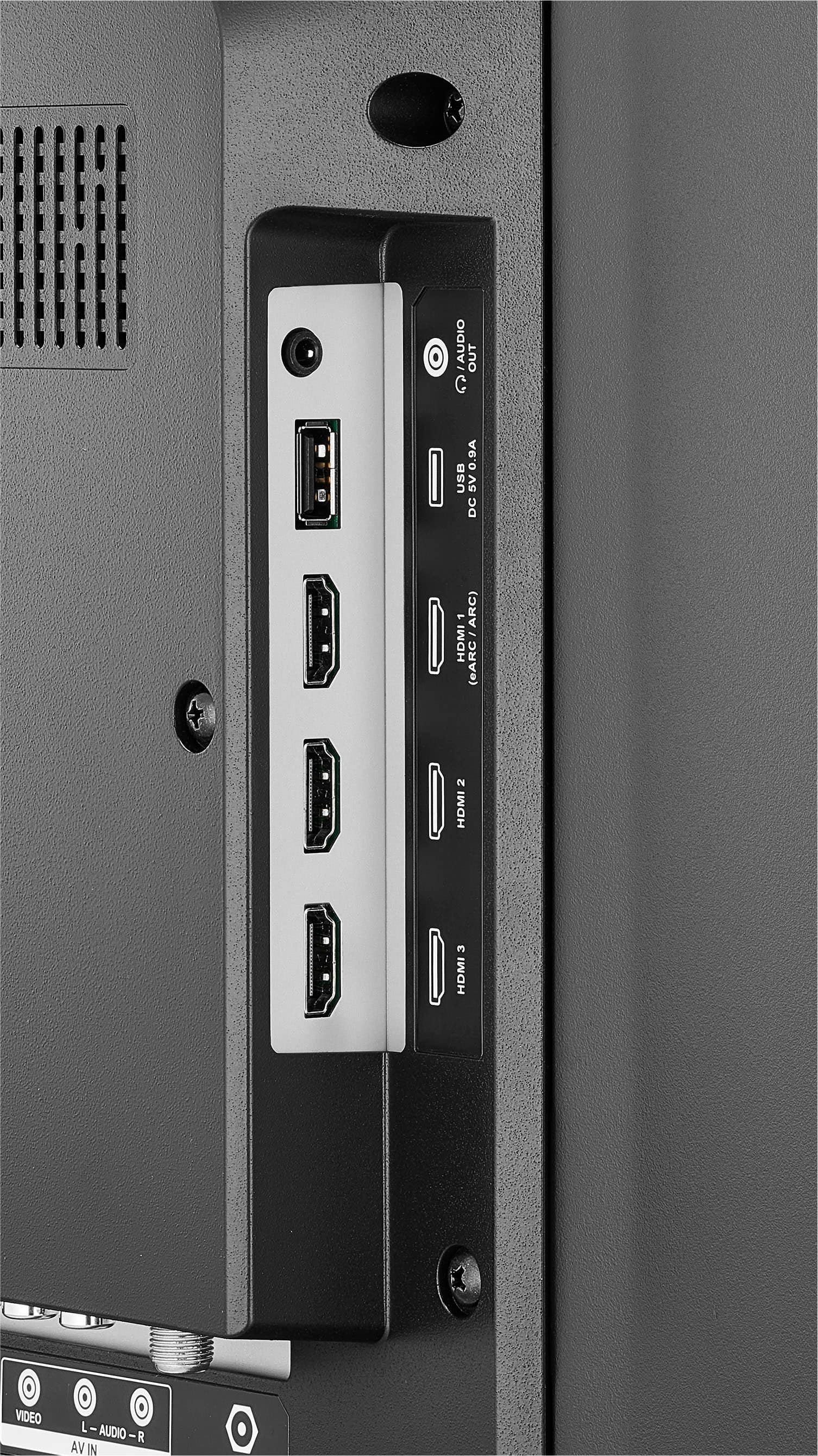
  • QuestionCan the USB be used to sent audio to a sound bar?

    Asked by Robert.

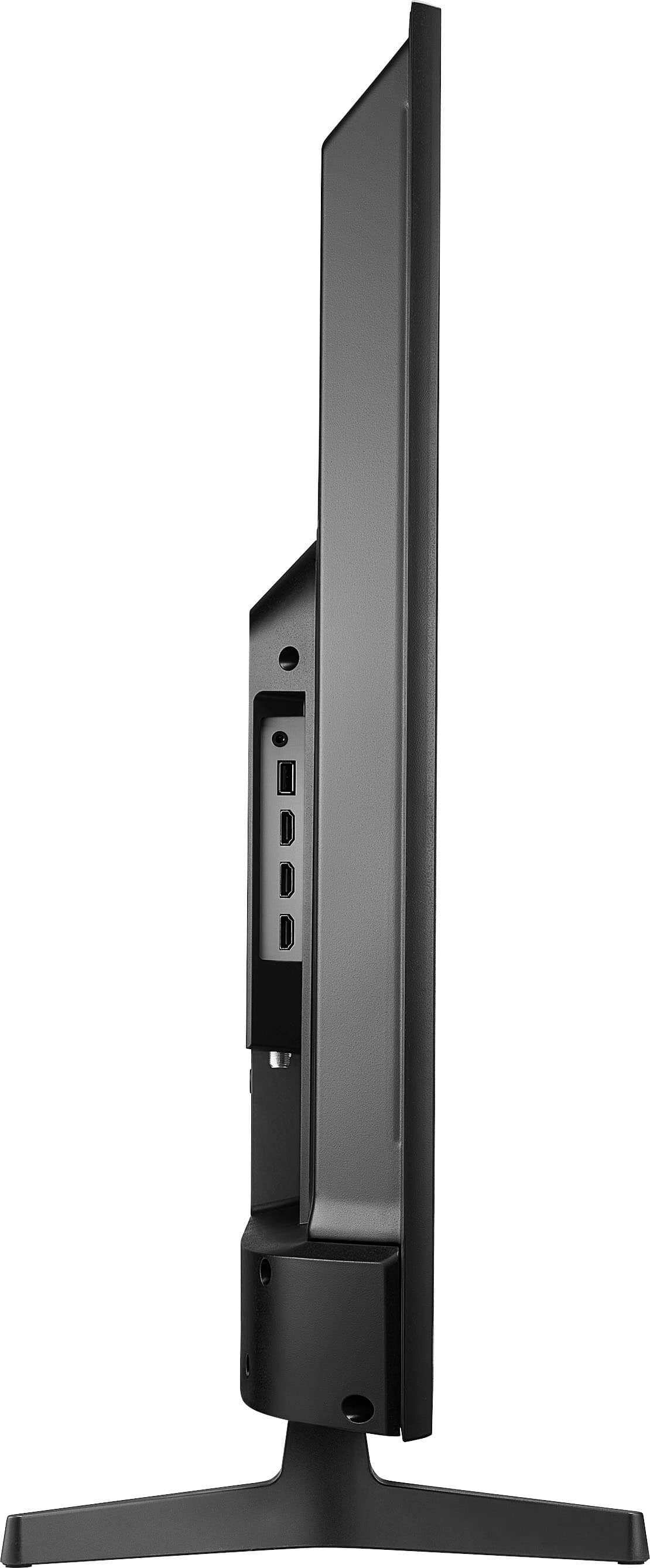
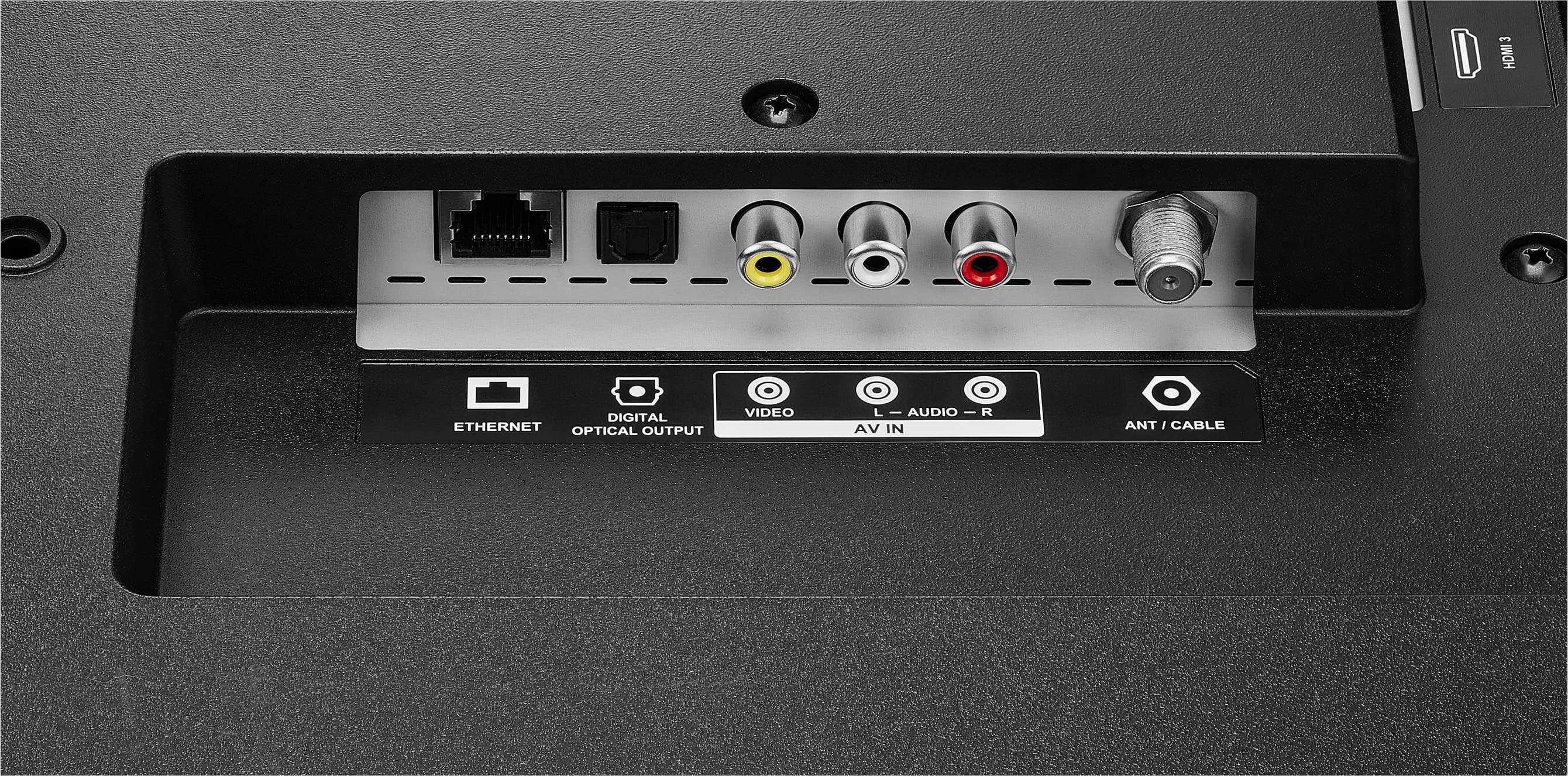
    • Answer Hi Robert! The USB port on the Insignia™ 43" Class F30 Series Fire TV is primarily designed for media playback and connecting storage devices, such as USB flash drives or external hard drives. It supports playing video, music, and photo files directly from the drive. However, it does not support sending audio to a soundbar via USB. For audio output to a soundbar, you should use one of the following options instead: - HDMI ARC (Audio Return Channel) – if your soundbar and TV both support it. - Optical audio output – for digital soundbars. - Bluetooth – if both your TV and soundbar support Bluetooth audio. - 3.5mm headphone jack or RCA – for analog connections (if available on your TV and soundbar). - Shiela | Insignia Support

      Answered by InsigniaCustomerSupport

  • QuestionDoes tv have ACR automatic content revognition

    Asked by Belle.

    • Answer Thank you for your inquiry! The Insignia™ 43" Class F30 Series LED 4K UHD Smart Fire TV does not appear to include Automatic Content Recognition (ACR) technology. ACR is typically used to track viewing habits across live TV, streaming, and other inputs to personalize content or serve targeted ads. This feature is more commonly found in TVs from brands like Samsung (under "Viewing Information Services") or LG (under "Live Plus"). The F30 Series runs on Amazon’s Fire TV OS, which may collect some viewing data through your Amazon account, but it does not use ACR in the traditional sense. You can manage privacy settings through the Fire TV interface, including limiting data collection and ad personalization. Keith | Insignia Support

      Answered by InsigniaCustomerSupport

  • QuestionIf the 43" Insignia TV is only 38" across what size TV do I order if I want a 43" TV across? And isn't it false advertising if the store ad and box say 43" and it is only 38"?

    Asked by Ashleigh.

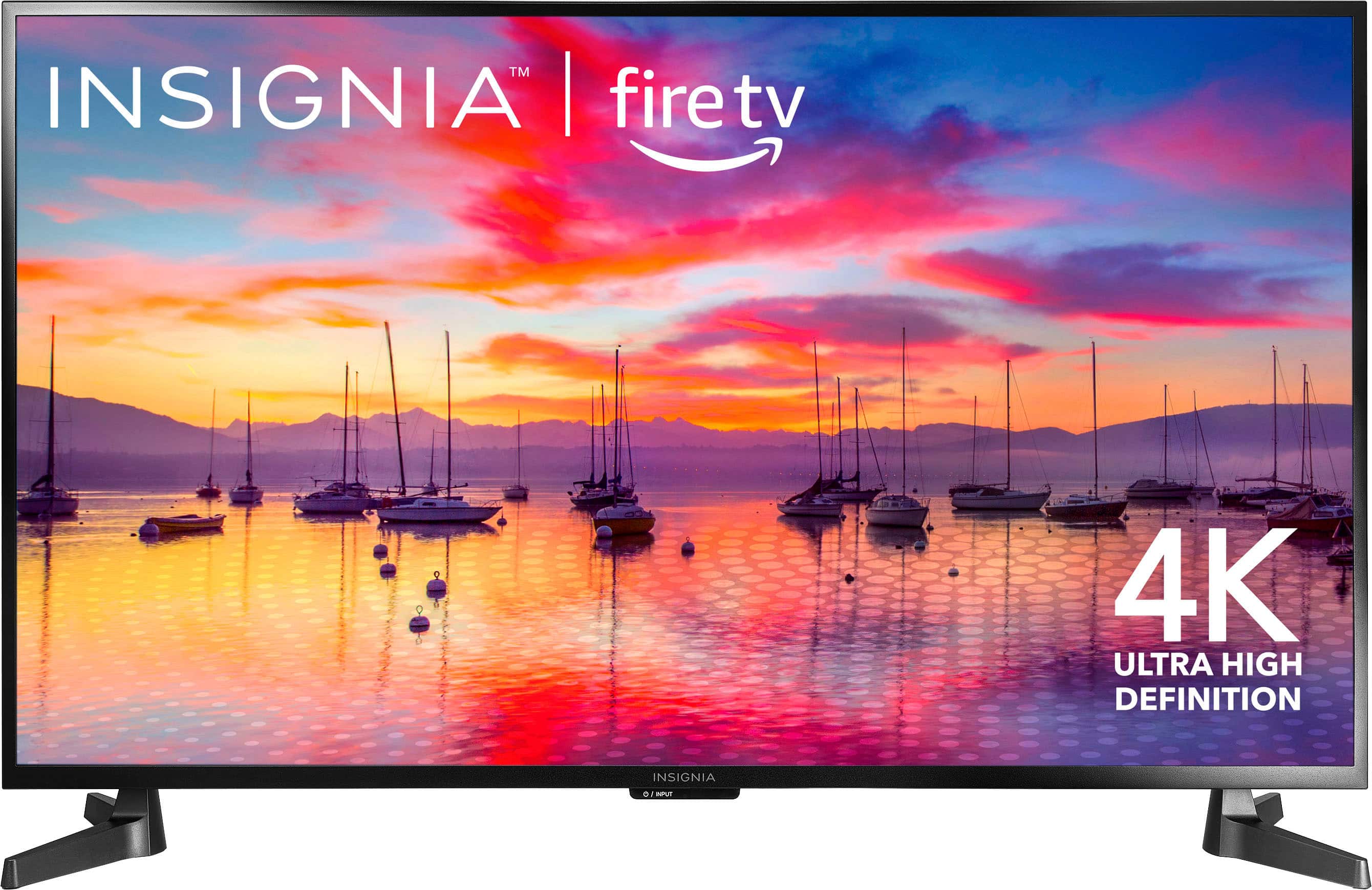
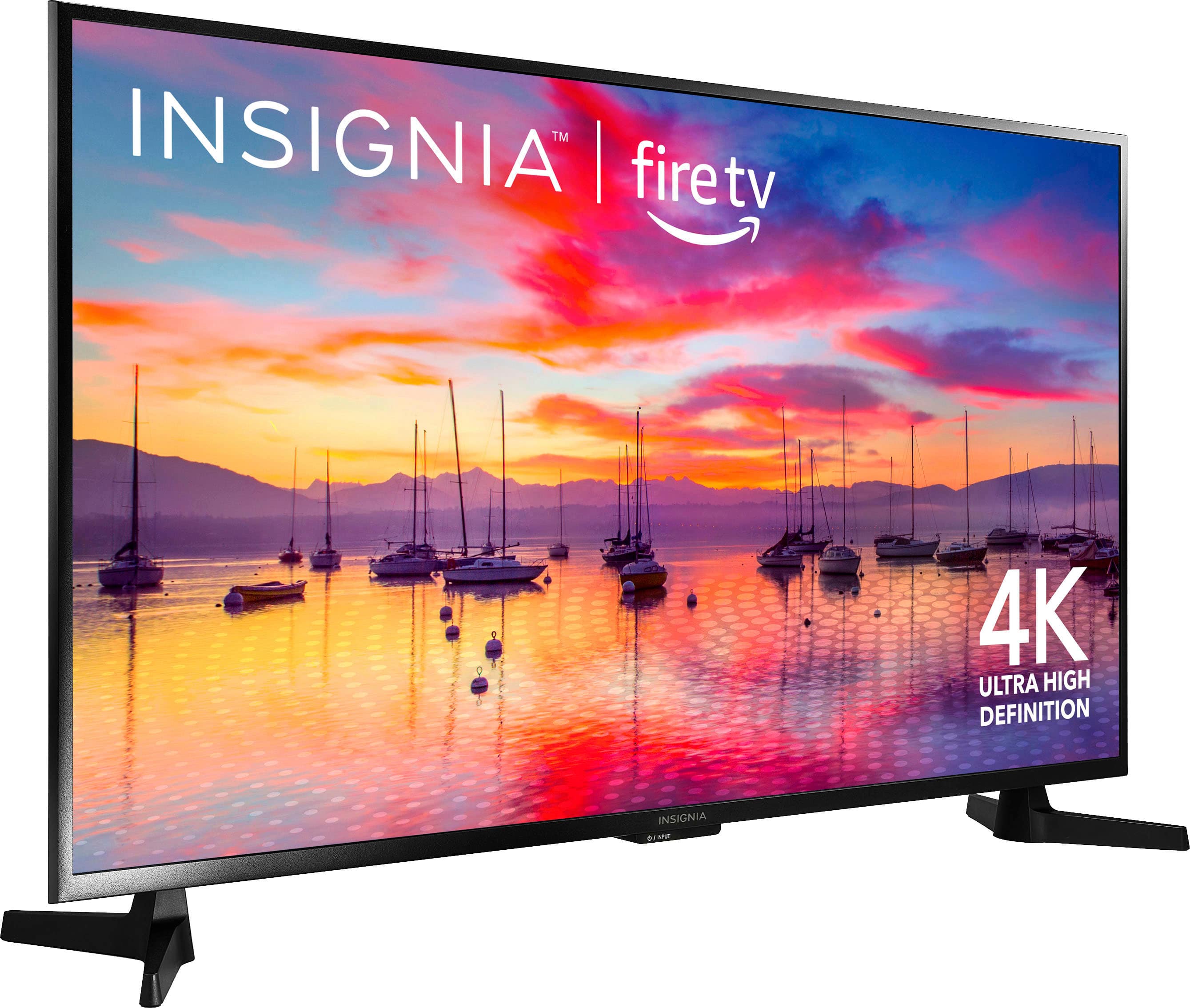
    • Answer The advertised size of a TV, like 43 inches, refers to the diagonal measurement of the screen, from the top-left corner to the bottom-right corner. It does not refer to the width of the TV.   It is standard practice in the TV industry to advertise screen size by its diagonal measurement. So, a 43" TV will indeed measure approximately 43 inches diagonally. The actual width of a 43" TV will typically be around 38 inches, depending on the aspect ratio (usually 16:9) and the bezel size.   Therefore, if you want a TV that is 43 inches across in width, you would need to order a TV with a larger advertised screen size, likely around 50 inches or more. While it can be confusing, advertising by diagonal screen size is the industry standard and not considered false advertising as long as the diagonal measurement is accurate. The product specifications usually provide the actual width and height dimensions if you need those for fitting the TV into a space. If you have any other questions or need further assistance, feel free to ask! - Mae | Insignia Support
      Answered by InsigniaCustomerSupport

  • QuestionCan you load roku?

    Asked by Bruce.

    • Answer Bruce, thanks for your question! Yes, you can use a Roku device with the Insignia™ 43" Class F30 Series LED 4K UHD Smart Fire TV. Simply connect the Roku device to one of the HDMI ports on the TV and select the appropriate HDMI input using the TV remote. - Shiela | Insignia Support

      Answered by InsigniaCustomerSupport

  • QuestionWhat are the specifications for the mounting holes on the back of the tv?

    Asked by JoshB.

    • Answer I purchased the Insignia TV stand. The holes on the stand and on the TV matched up perfectly. A friend and I attached it and had no issues at all. What I really like about it is you can adjust the height to your liking and you can swivel the tv to your needs.

      Answered by KathleenOC

  • QuestionIs it good for playing PS5?

    Asked by Anonymous.

    • Answer Yes, the Insignia™ - 43" Class F30 Series LED 4K UHD Smart Fire TV is good for playing PS5 games. It supports 4K resolution and HDR, enhancing the visual quality of games, and has multiple HDMI ports for easy connectivity. Patricia | Insignia Support

      Answered by InsigniaCustomerSupport

  • QuestionCan I password or PIN protect my settings? If I want to disable the smart capabilities and be sure that no one in the household can turn them back on. Thank you .

    Asked by LakeO.

    • Answer Thank you for your inquiry! Unfortunately, the Insignia™ 43" Class F30 Series LED 4K UHD Smart Fire TV does not have a built-in feature to password or PIN protect the settings specifically to disable smart capabilities. However, you can manage parental controls and restrict access to certain apps and features through the Fire TV settings. Keith | Insignia Support

      Answered by InsigniaCustomerSupport

  • Questiondoes it have a sleep timer

    Asked by Anonymous.

    • Answer Thank you for your inquiry! Yes, the Insignia™ 43" Class F30 Series LED 4K UHD Smart Fire TV does have a sleep timer feature. You can set the TV to turn off automatically after a specified period, which is useful for conserving energy and ensuring the TV doesn't stay on all night. Keith | Insignia Support

      Answered by InsigniaCustomerSupport

  • QuestionHi, I understand this TV is capable of Zoom meetings without using a mirroring device. How to do zoom meetings on thisTV and do I need any accessories?

    Asked by Edie2011.

    • Answer Thank you for your inquiry. Unfortunately, the Insignia™ 43" Class F30 Series LED 4K UHD Smart Fire TV does not support Zoom meetings directly without using a mirroring device. To conduct Zoom meetings on this TV, you will need to use a laptop and mirror the screen via an HDMI connection. If you have any further questions or need assistance, please feel free to reach out. Patricia | Insignia Support

      Answered by InsigniaCustomerSupport

  • QuestionCan I use this for my cable company’s streaming service?

    Asked by Terri.

    • Answer Hi there. Yes, you can use the Insignia™ 43" Class F30 Series LED 4K UHD Smart Fire TV for your cable company's streaming service. This TV is equipped with the Fire TV OS, which supports a wide range of streaming services including Netflix, Hulu, Prime Video, and more. It also has multiple HDMI ports and Wi-Fi connectivity, making it versatile for various streaming needs. If you have any questions or need further assistance, please don't hesitate to reach out. Ivy | Insignia Support

      Answered by InsigniaCustomerSupport

  • QuestionDoes this tv have USB?

    Asked by Maze.

    • Answer Yes.

      Answered by Megan

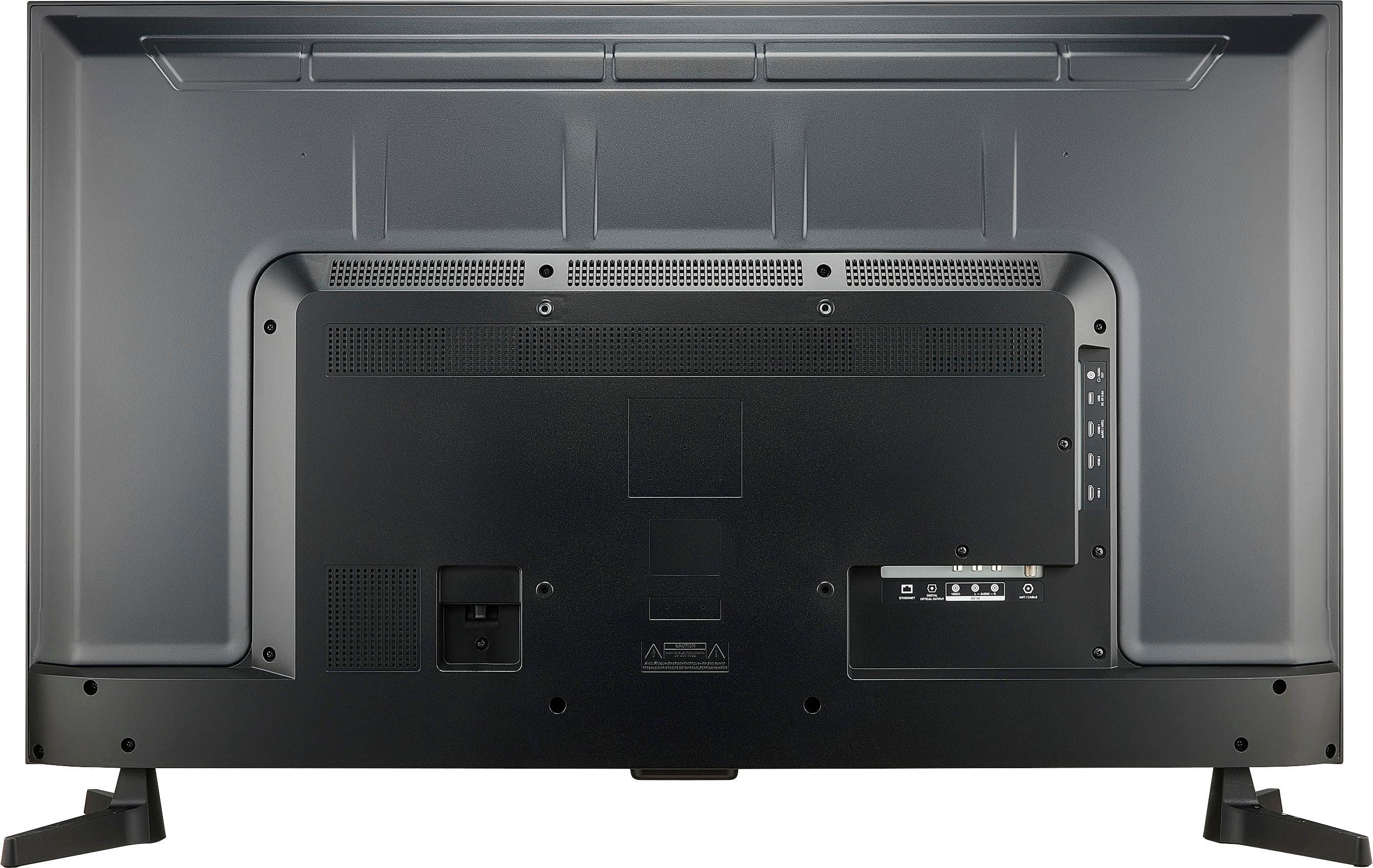
  • QuestionIs this set capable of connecting to outside sources via RCA jacks. Tried connecting to a stereo receiver but couldn’t find a setting in audio menu

    Asked by Anonymous.

    • Answer Thank you for your inquiry! The Insignia™ 43" Class F30 Series LED 4K UHD Smart Fire TV does have RCA jacks for connecting to external audio sources.

      Answered by InsigniaCustomerSupport

  • QuestionCan I chromecast to this TV from a chromebook?

    Asked by RobertR.

    • Answer ROBERT, thank you for your question. Our Insignia™ 43" Class F30 Series LED 4K UHD Smart Fire TV has the Fire TV platform built-in, not Chromecast. Therefore, you cannot directly Chromecast from your Chromebook to this TV. However, you can explore the screen mirroring feature available on your Chromebook, which might allow you to cast your screen content to the TV. Alternatively, you can access many of the same streaming services available on Chromecast directly through the Fire TV interface on the TV itself. If you have any other questions or need further assistance, feel free to contact our Insignia customer support team (877-467-4289). - Mae | Insignia Support

      Answered by InsigniaCustomerSupport

  • QuestionWhere is the serial number

    Asked by RobertR.

    • Answer Hi Robert! The serial number for the Insignia™ 43" Class F30 Series LED 4K UHD Smart Fire TV is typically located on the back of the TV. You can find it on a sticker or label near the power cord or input ports. - Shiela | Insignia Support
      Answered by InsigniaCustomerSupport

  • QuestionCan the legs on the stand be installed in reverse so that they point inwards instead of outwards? my t.v. stand is slightly too small for the legs to be facing outward/the normal way.

    Asked by Kevin.

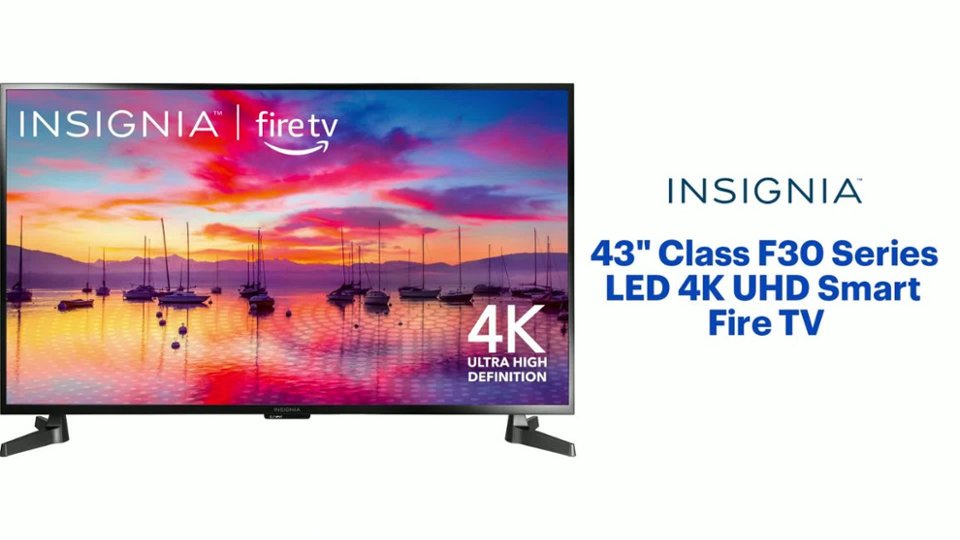
    • Answer Thank you for your inquiry! The legs on the Insignia™ 43" Class F30 Series LED 4K UHD Smart Fire TV are designed to be installed in a specific orientation for stability and safety. Unfortunately, they cannot be reversed to point inwards. Keith | Insignia Support
      Answered by InsigniaCustomerSupport

  • QuestionBought this tv. trying to connect to Optimum tv How do you turn tv on and be already connected to optimum cable with out using input to press hdmi 1 to get to Optimum. I just want to turn on tv be connected to optimum without and not deal with many steps

    Asked by Lala.

    • Answer Simply talk to one of the amazing techs at the Best Buy Store. They will be able to help you with getting your TV set up.

      Answered by Ste568

  • QuestionIs this TV Roku ready?

    Asked by Oakley.

    • Answer Thank you for your inquiry! The Insignia™ 43" Class F30 Series LED 4K UHD Smart Fire TV comes with the Fire TV operating system, which provides access to a wide range of streaming services and apps, including Netflix, Hulu, Prime Video, and more. While it doesn't have Roku built-in, you can still use a Roku streaming device with this TV by connecting it to one of the HDMI ports. Keith | Insignia Support

      Answered by InsigniaCustomerSupport

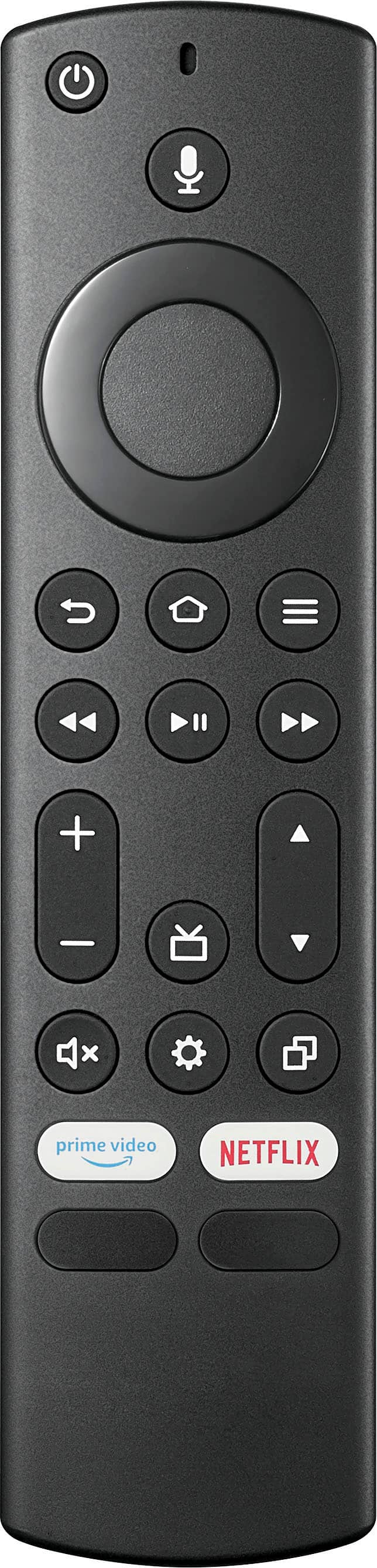
  • QuestionSay I've paired my headphones with the TV. Will the sound resume on the speakers when I turn the headphone off?

    Asked by RobertR.

    • Answer Thank you for your inquiry! Yes, when you turn off your paired headphones, the sound should automatically resume on the TV's built-in speakers. This is a common feature in most smart TVs, including the Insignia™ 43" Class F30 Series LED 4K UHD Smart Fire TV. If you encounter any issues with this, you might want to check the audio settings or restart the TV to ensure everything is functioning correctly. Keith | Insignia Support

      Answered by InsigniaCustomerSupport

  • QuestionHow do I pair my headphones to this TV

    Asked by RobertR.

    • Answer Hi there. To pair your headphones with the Insignia™ 43" Class F30 Series LED 4K UHD Smart Fire TV, start by turning on your TV. Next, put your headphones in pairing mode. Then, press the Home button on your remote, navigate to Settings, select Controllers & Bluetooth Devices, and choose Bluetooth Devices. Select Add Bluetooth Devices and pick your headphones from the list of available devices. Once paired, your TV's audio will route through your headphones. If you need further assistance, feel free to ask! Ivy | Insignia Support

      Answered by InsigniaCustomerSupport