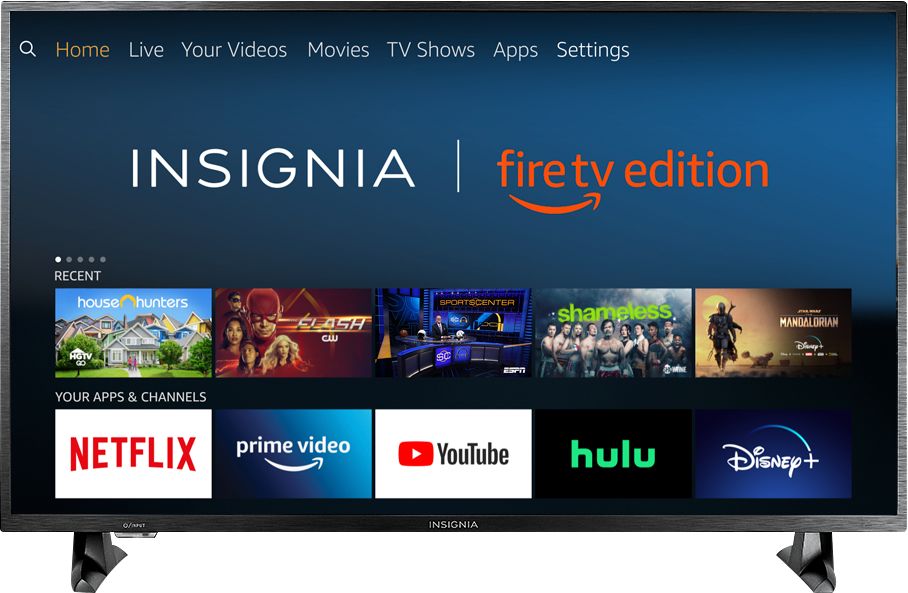
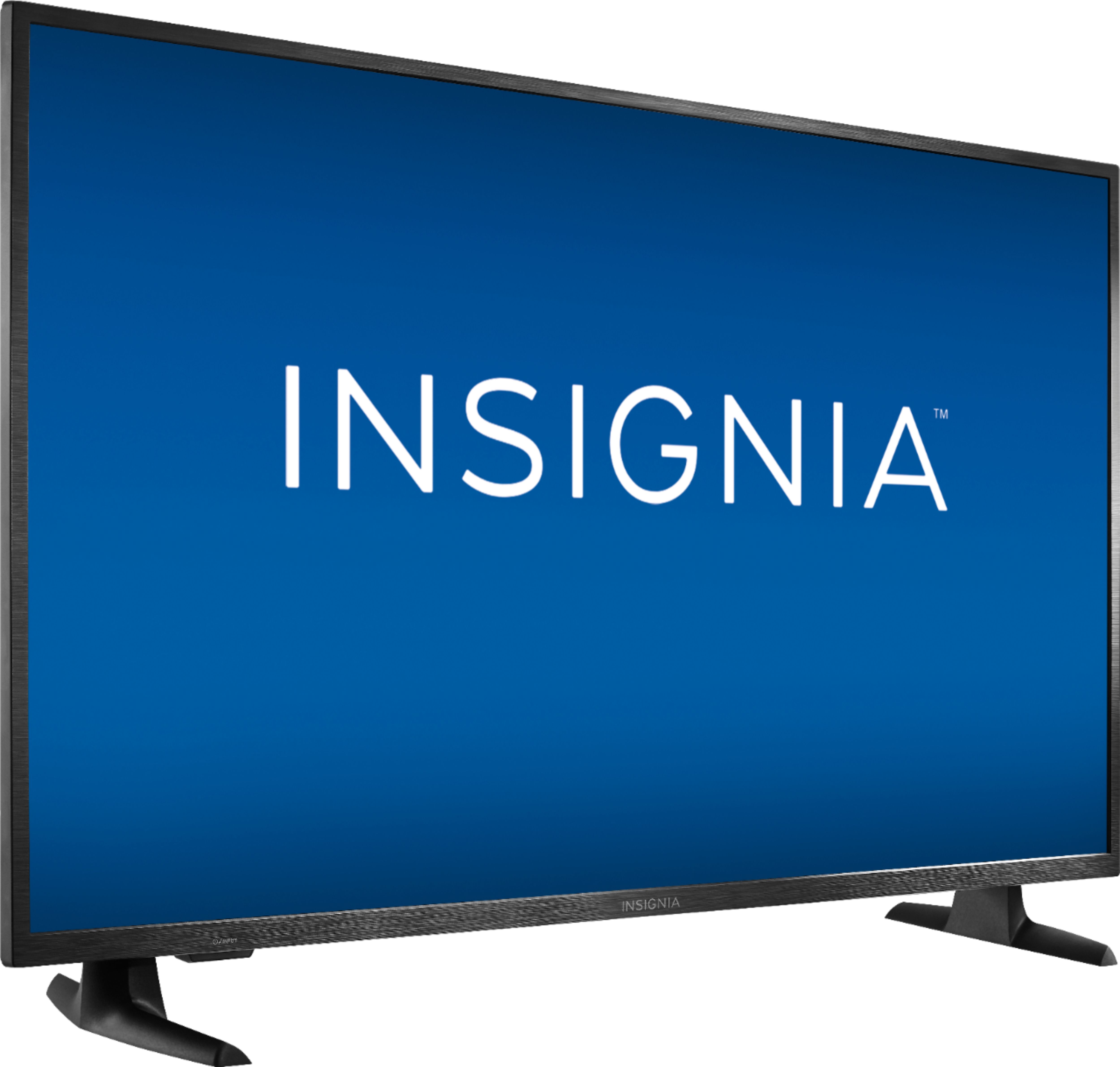
A:AnswerThe Fire TV Edition television does not support cast nor screen mirror from your phone.
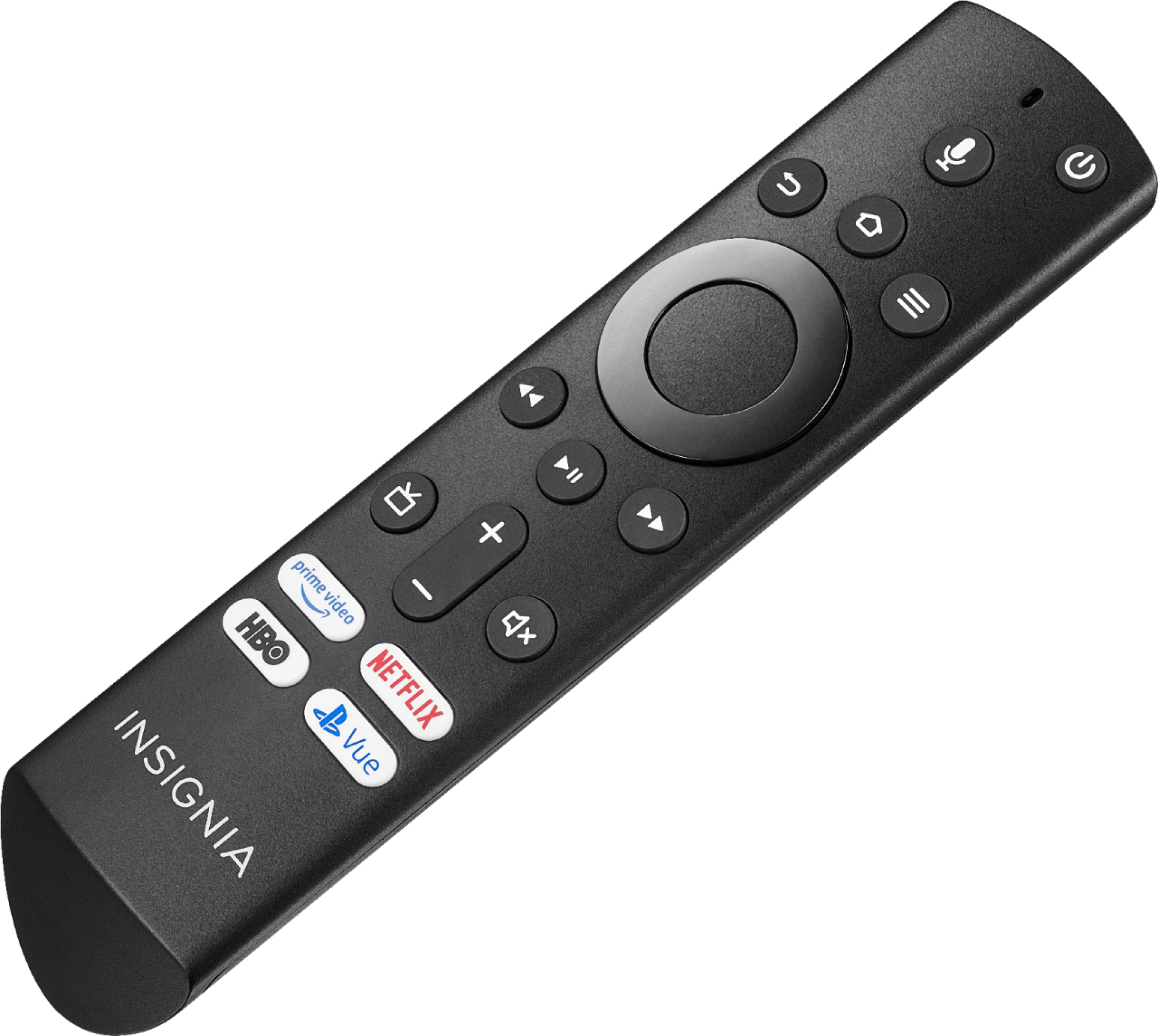
You can download the Amazon Fire TV app on your smartphone to control your TV.
David M. - Insignia Support
A:AnswerThe Fire TV Edition television does not include an Echo in the box.
For online -Included Free- offers, please visit bestbuy.com and add the item to your cart to see what is included with your purchase.
David M. - Insignia Support
A:AnswerPurchased and returned the same day. The tv worked fine for graphics however text is blurry compared to my computer monitors. I ended up purchasing a 32" LG monitor. Text and graphics look good on the LG.
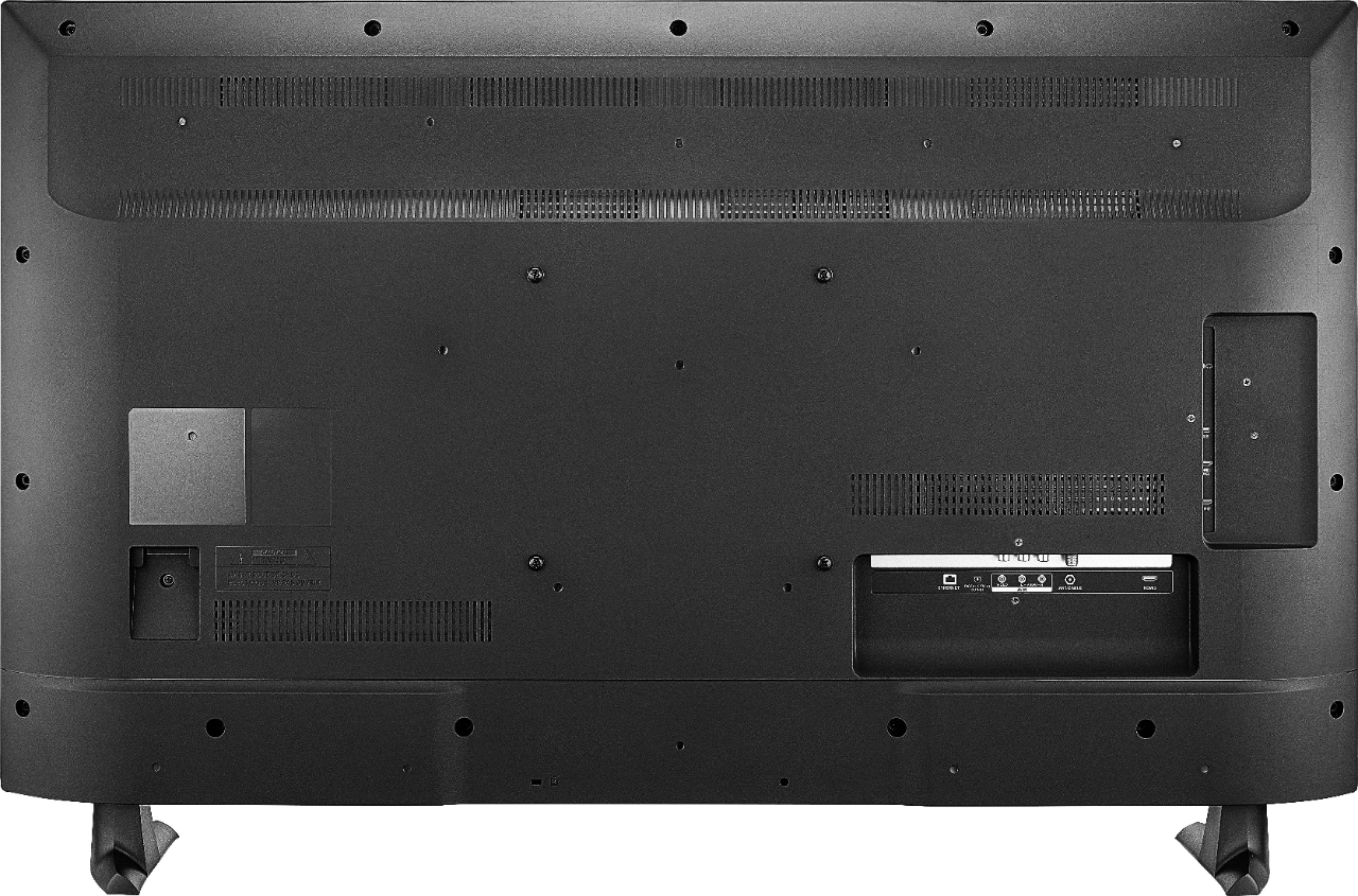
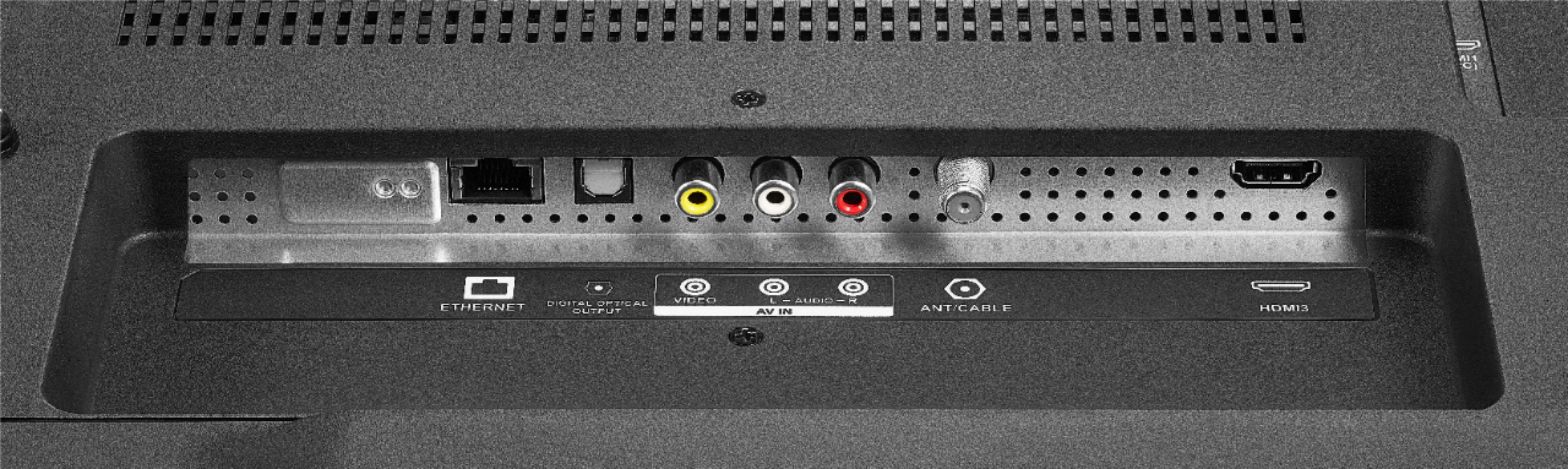
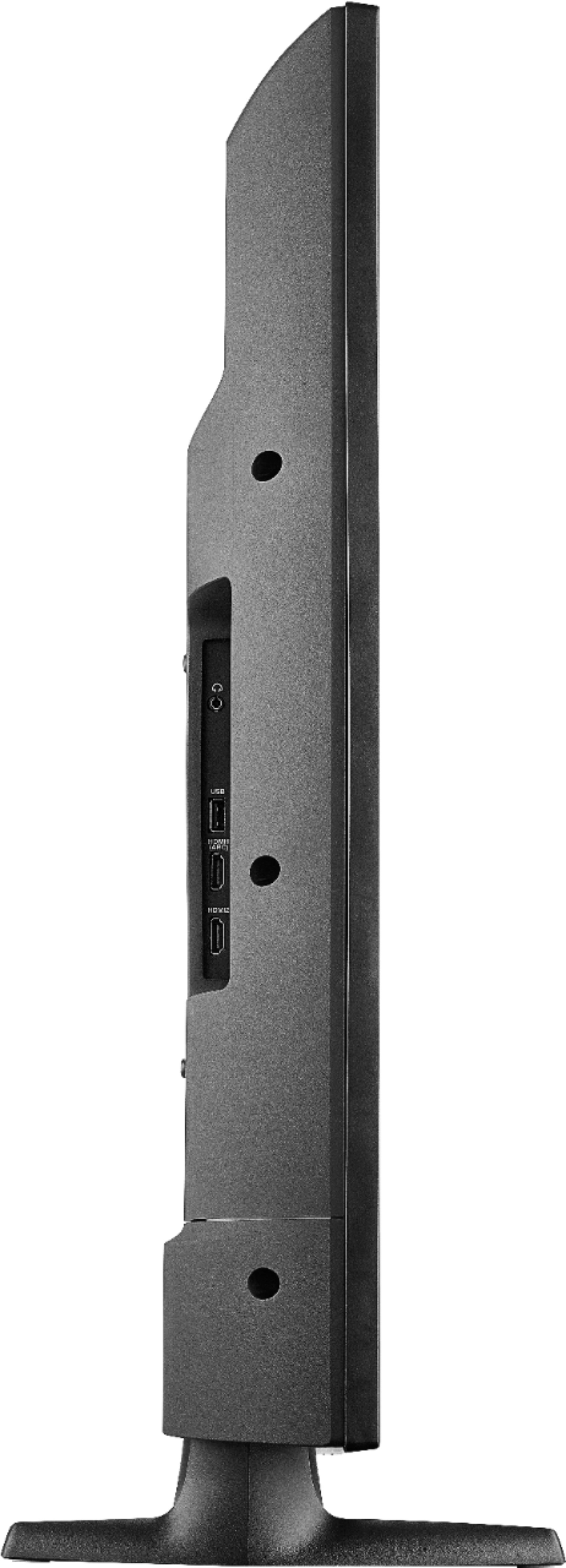
A:AnswerHi! This TV can be mounted by using a wall mount compatible with this product. If you would like to do so, please keep in mind that you need a wall mount compatible with VESA 200mm x 200mm and that can hold the TV's weight 19.6 pounds. Viridiana E. Insignia Support. https://www.insigniaproducts.com/contact-us
A:AnswerHi, Agentj.
I thank you for reaching us with this inquiry. Please contact us at https://www.insigniaproducts.com/contact-us so we can provide you with the correct troubleshooting steps for this situation.
Cesar G. - Insignia Support
A:AnswerThe Fire TV Edition television does not support screen mirroring.
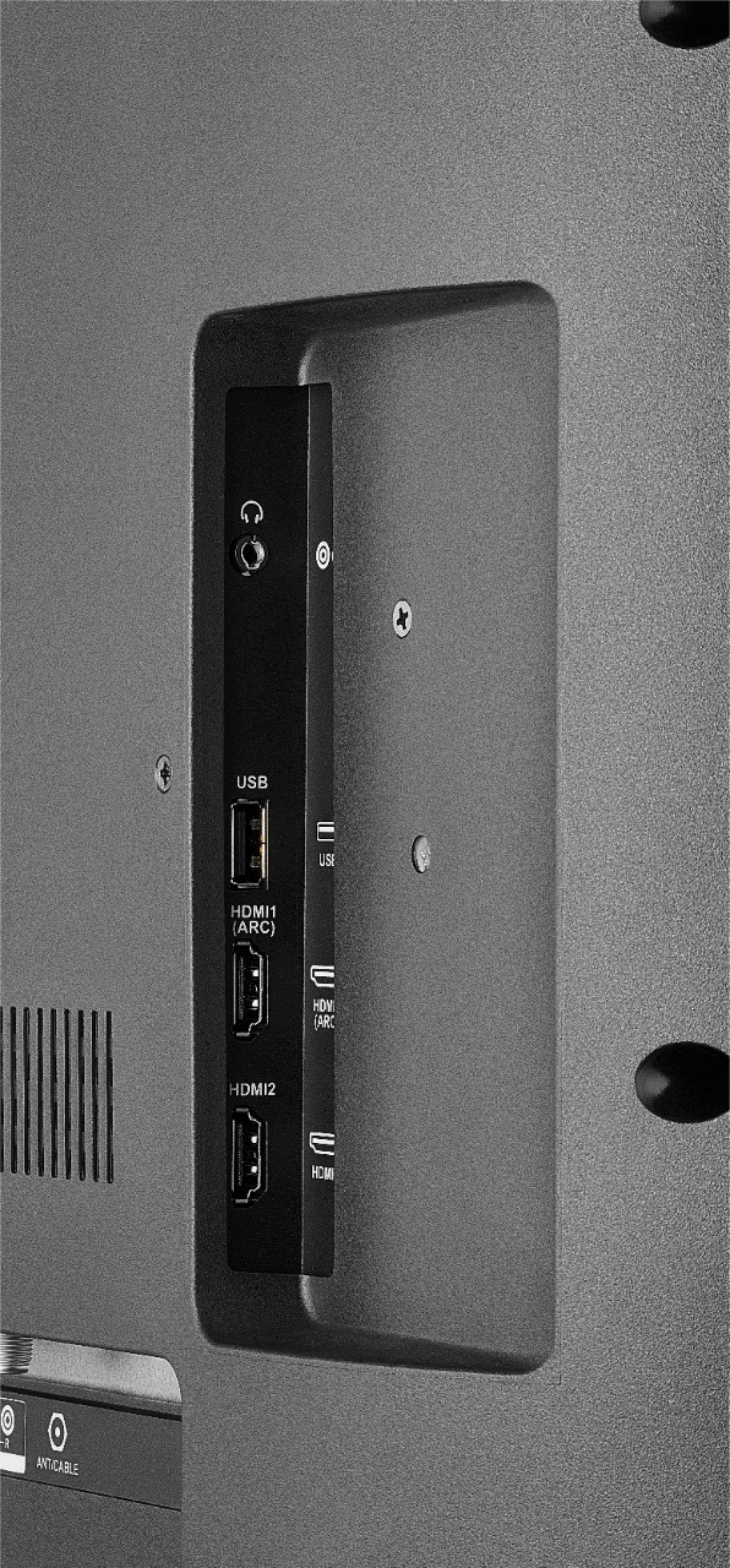
You can connect a device that supports Miracast to the TV using HDMI.
David M. - Insignia Support
A:AnswerFor a list of Alexa commands to control your Fire TV Edition television, please visit:
https://www.amazon.com/gp/help/customer/display.html?nodeId=202174250
David M. - Insignia Support