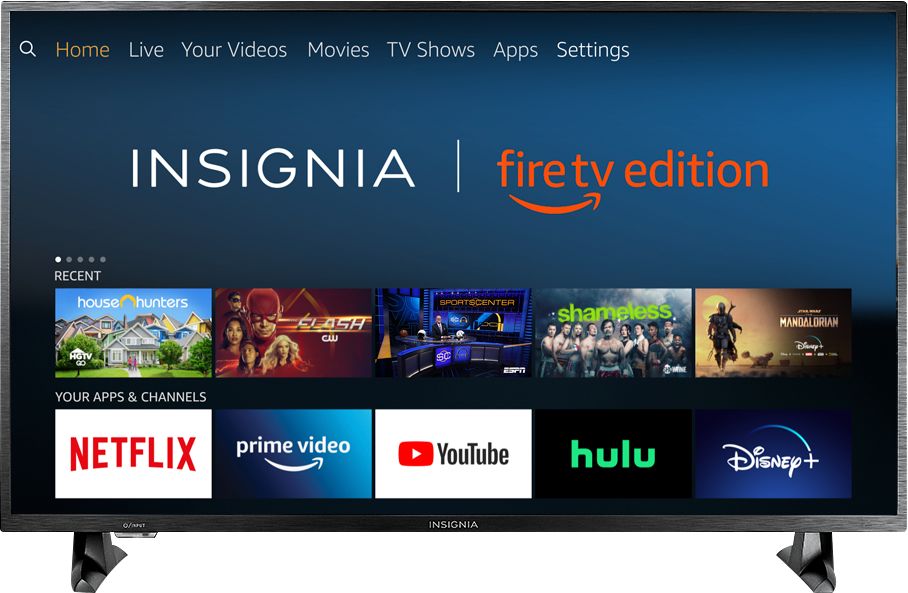
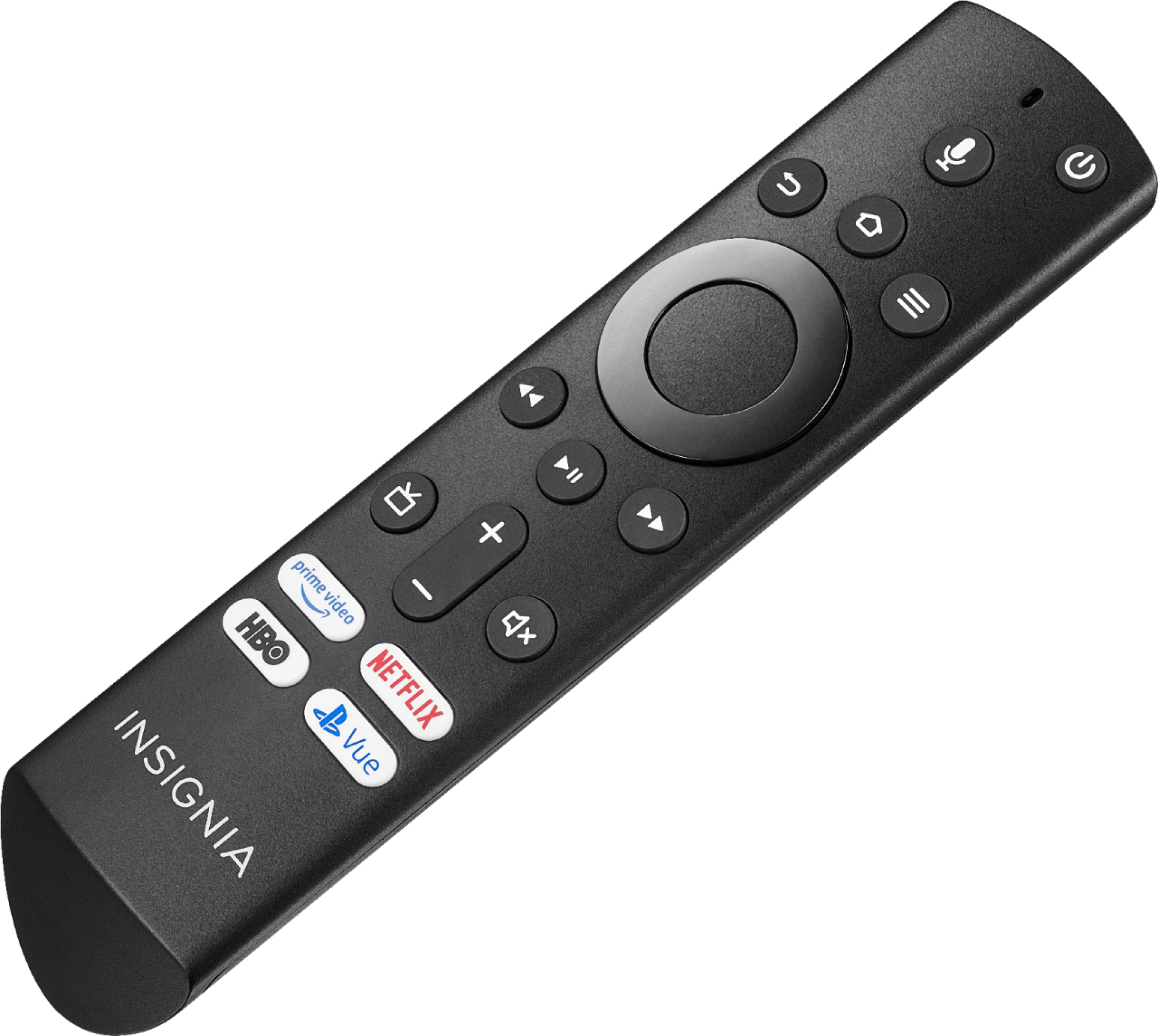
A:AnswerUse the Fire TV Edition included Voice Remote to control your TV.
You can also download the Amazon Fire TV app on your smartphone to control your Fire TV Edition television. The replacement remote for the Fire TV Edition television is available at Best Buy - Model: NS-RCFNA-19
David M. - Insignia Support
A:AnswerI recommend going to the Insignia website:
https://www.insigniaproducts.com/support
I would just send you my stands and screws because I mounted this to the wall but I'm pretty sure this website will not allow for person-to-person communication.
A:AnswerThis Fire TV Edition television Power Rating is: 120V – 60Hz - 1.3A
The Tuner is ATSC Tuner with Clear QAM; NTSC.
The TV is not supported nor shipped outside of the USA.
David M. - Insignia Support
A:AnswerTry this, using the included Voice Remote press and hold for 3 seconds the Home button to launch the Quick Access menu, then go to: Sound > Advanced Settings > TruVolume : Select ON.
David M. - Insignia Support
A:AnswerConnect your Cable / Satellite box to the Fire TV Edition television using HDMI.
Use the Cable / Satellite remote to control the Cable / Satellite box.
Use the Fire TV Edition television Voice Remote to control the TV.
Try to use the Power On feature. Go Home > Settings > Display & Sounds > Power On and select Last Input.
David M. - Insignia Support
A:AnswerThe Fire TV Edition television has the Fire TV experience built-in.
For more information, please visit:
https://www.amazon.com/gp/help/customer/display.html?nodeId=202162190
David M. - Insignia Support
A:AnswerCould be your router/modem. You either have to unplug your router and then turn it back on or have your ISP send a signal to it. You might have too many items fighting for gigahertz. The 2.4 GHz band is a crowded place because it’s used by more than just Wi-Fi. Cordless phones, Alexa or Google home, baby monitors, and other devices tend to use the 2.4 GHz band. The longer waves used by the 2.4 GHz band are better suited to longer ranges and transmission through walls and solid objects. Try setting it up on 5G or changing the channel on modem.
A:AnswerYou can connect your Cable Box at any time using HDMI.
The apps HBO GO by HBO and HBO NOW: Stream TV & Movies by HBO Digital Services, Inc. are available for the Fire TV Edition television experience.
For HBO GO help please contact:
https://help.hbogo.com
For HBO NOW help, please contact:
http://help.hbonow.com/
David M. - Insignia Support
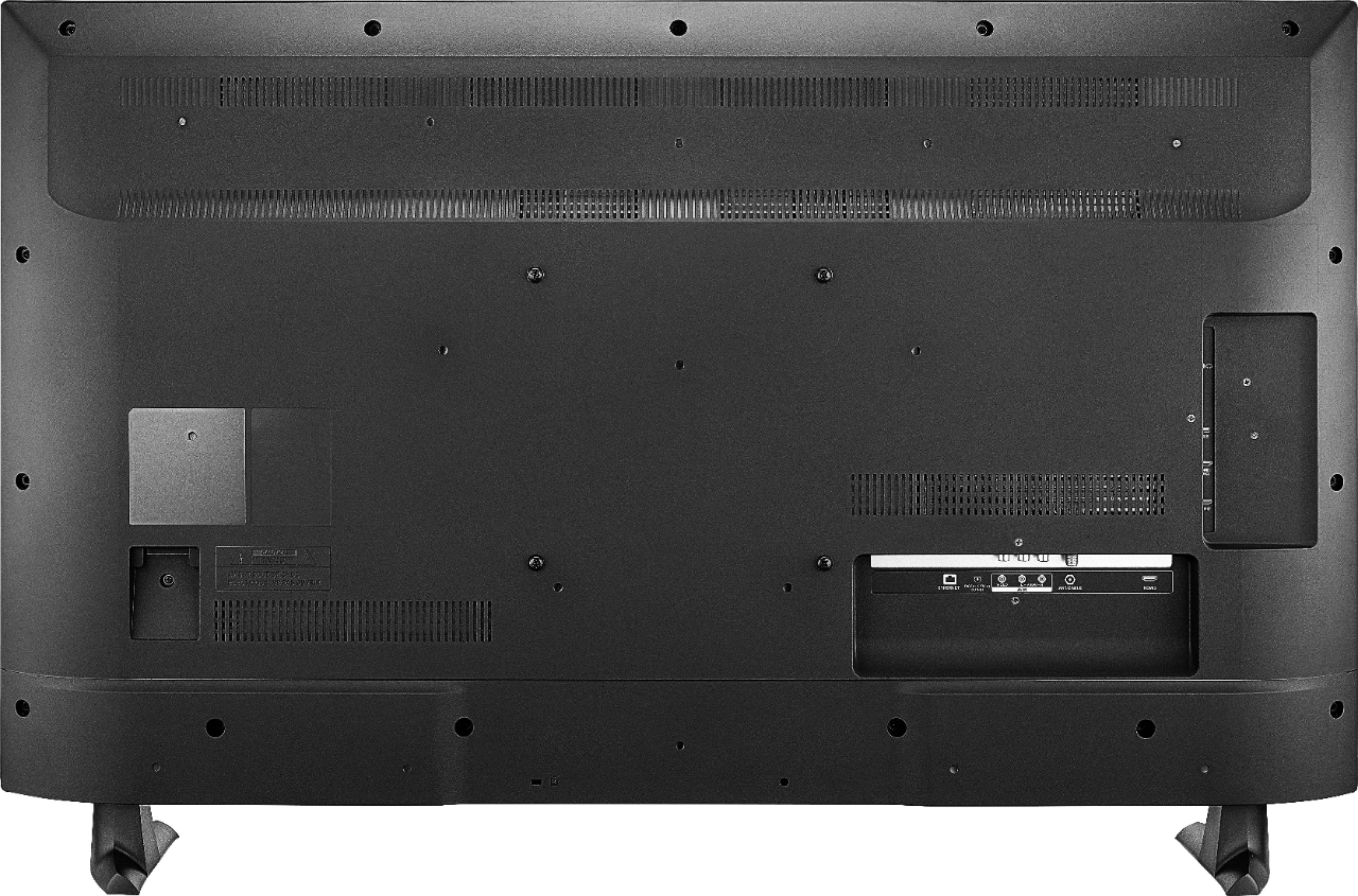
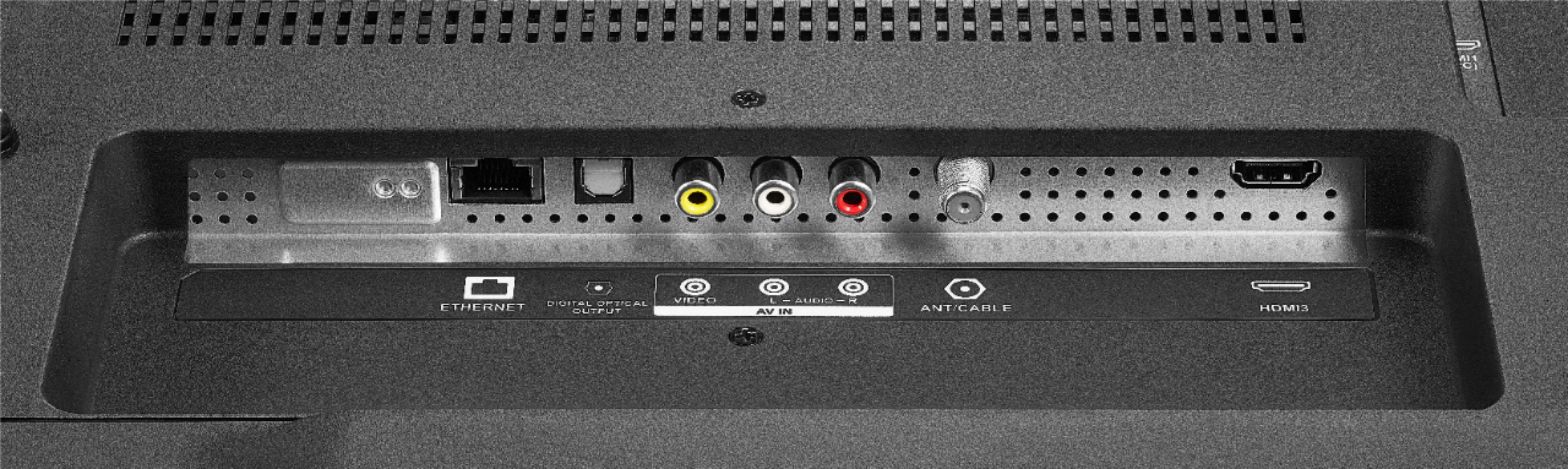
A:AnswerYes, the Fire TV Edition television has 1 AV port.
For more information about the TV, please visit:
https://www.insigniaproducts.com/pdp/NS-43DF710NA19/6245701
David M. - Insignia Support
A:AnswerThe Sling TV app is available for the Fire TV Edition television.
To search for available apps, go to:
amazon.com > Menu - Shop By Category > Fire TV > Fire TV Apps & Channels > Refine by Device Type select Fire TV Edition TV and search.
David M. - Insignia Support
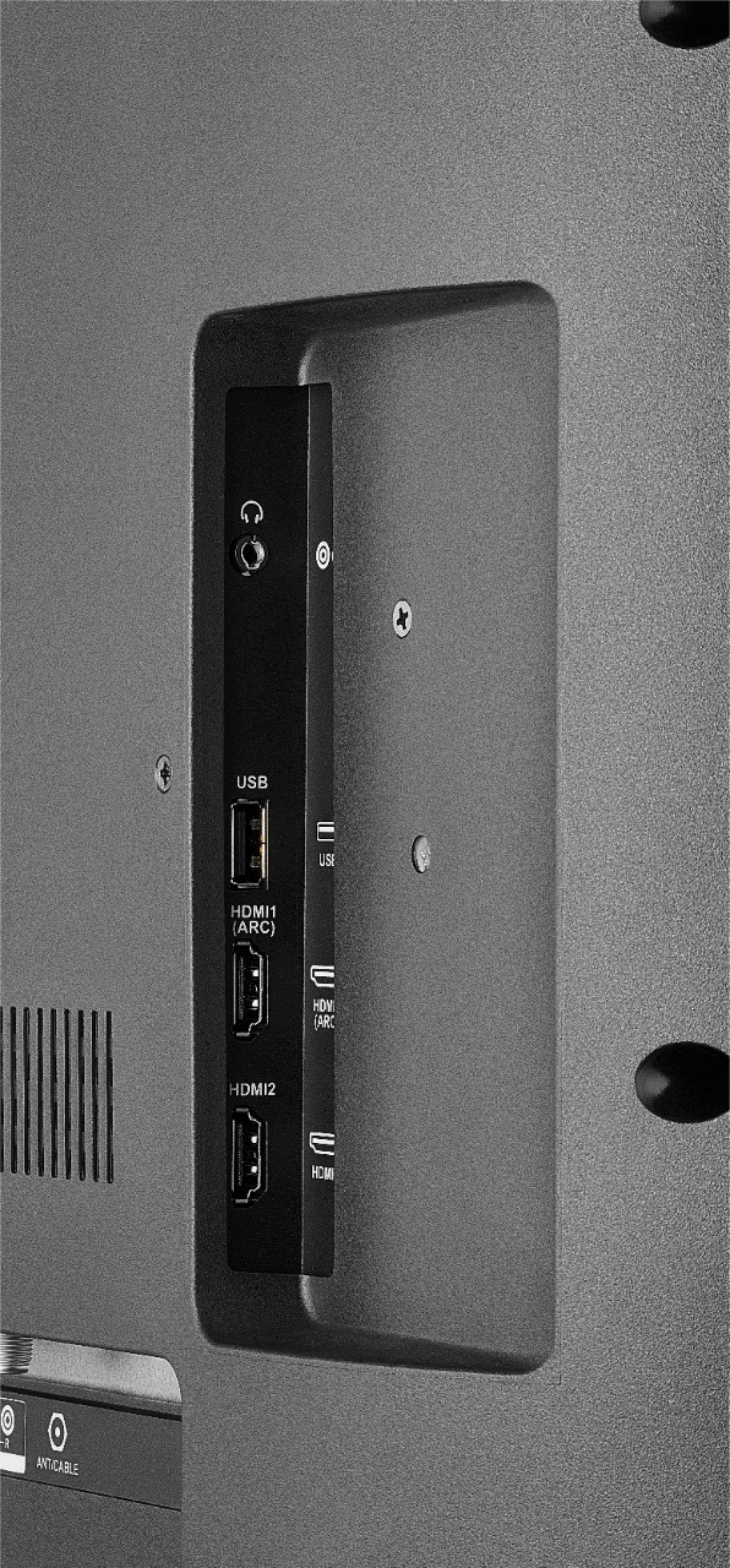
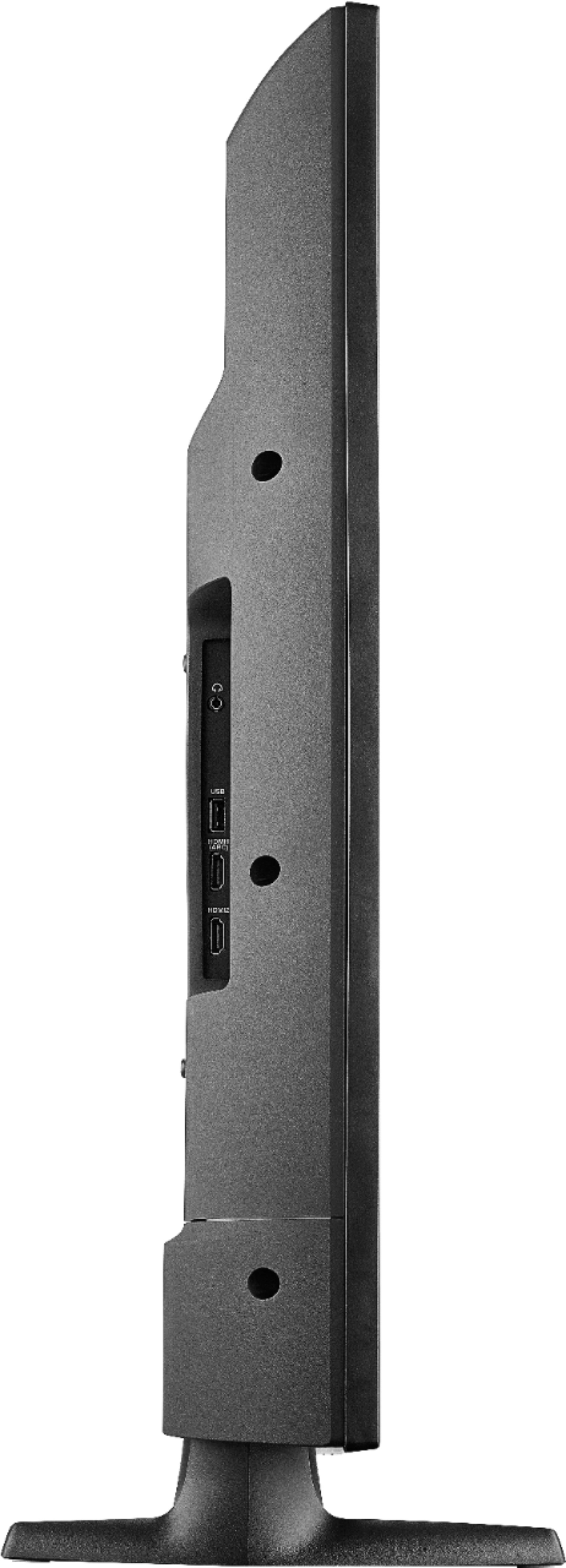
A:AnswerHDMI ARC or Optical is your best bet. Use HDMI1 out to your soundbar for ARC and anything you plug into HDMI 2 and 3 will play through the soundbar. Don't way to lose the HDMI port, run optical.
A:AnswerThis tv has a Ethernet, Digital Optical Audio Outputs, USB, Component Video, Composite Video, Analog Audio, and RF Antenna port. In addition there is a headphone jack.