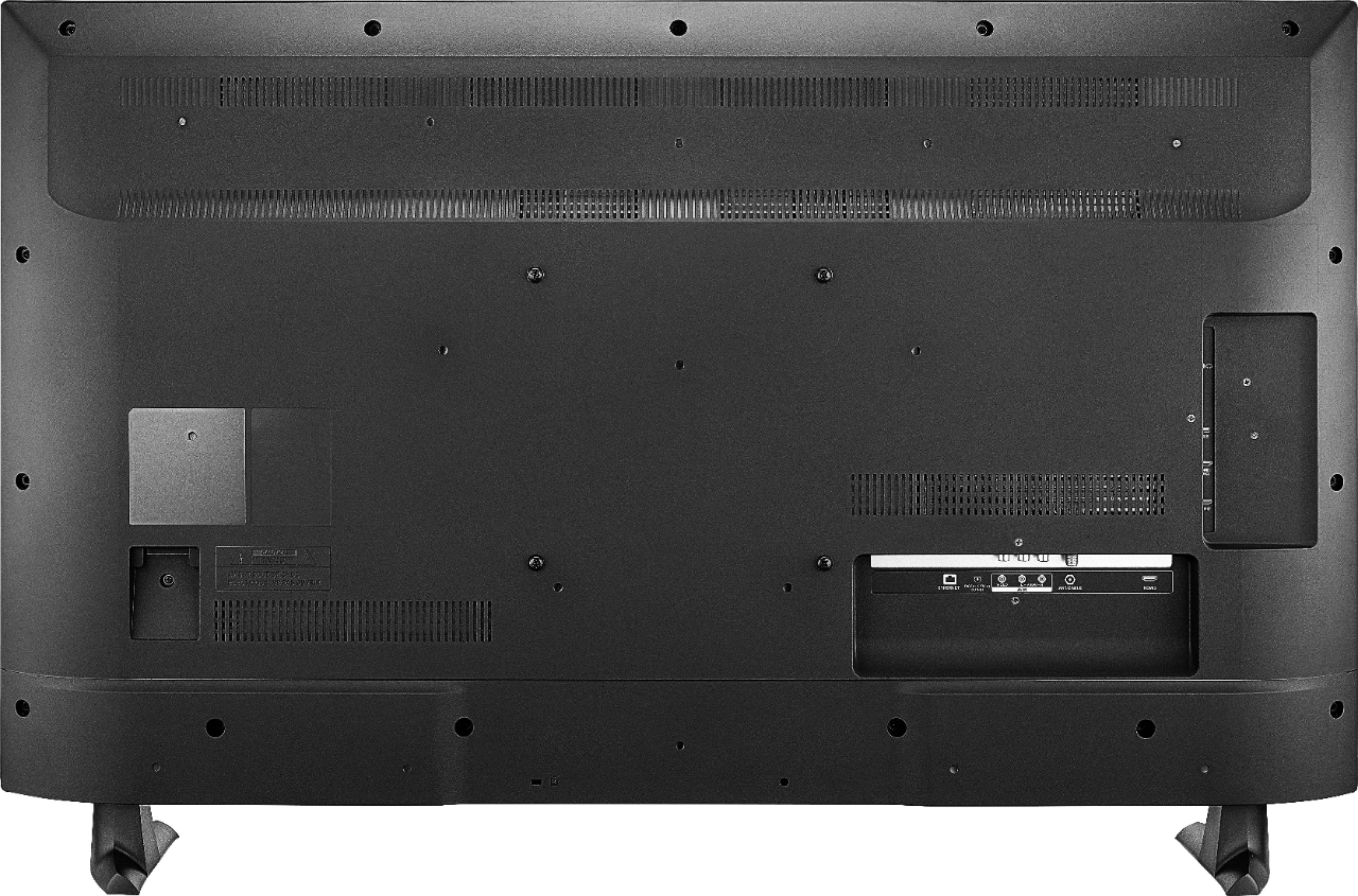
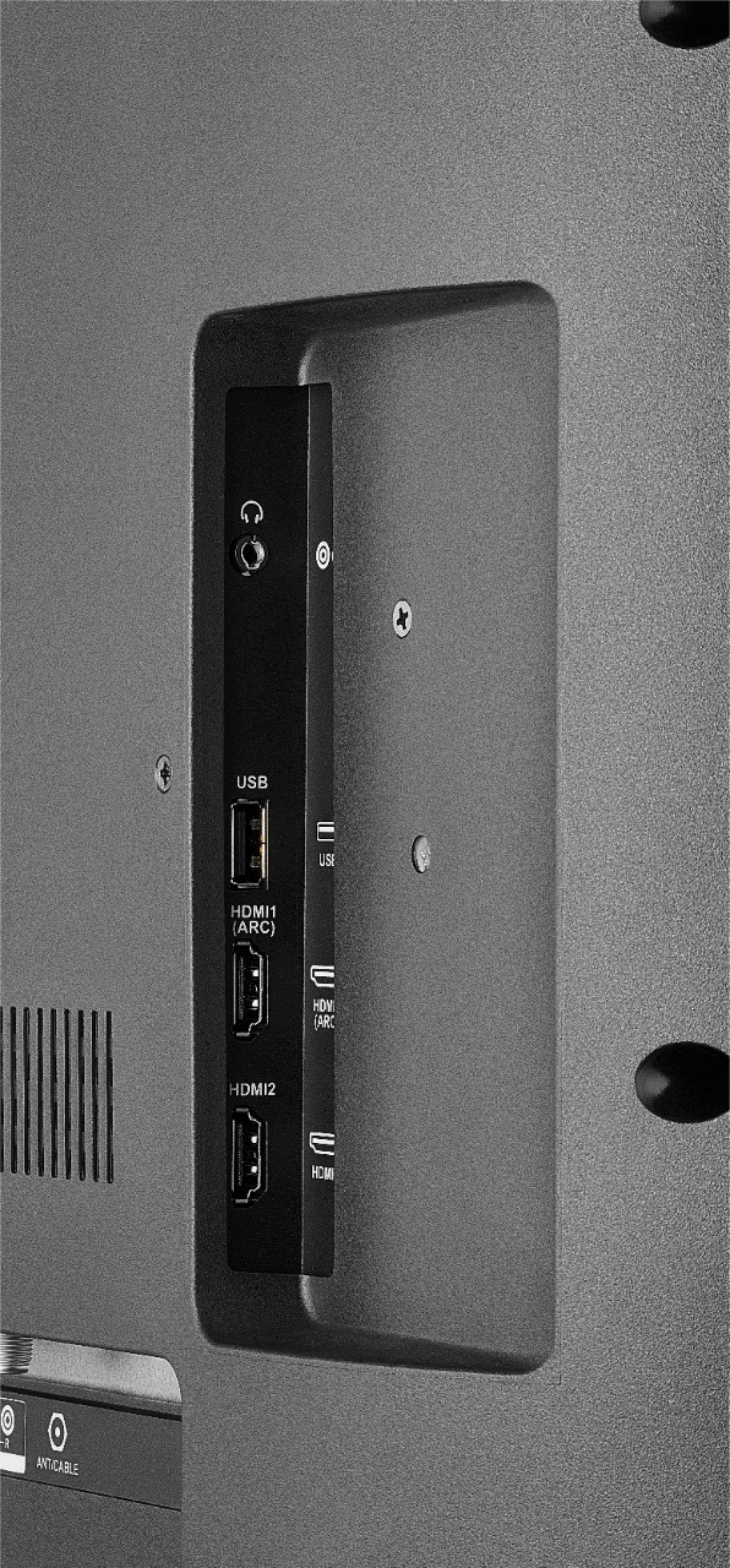
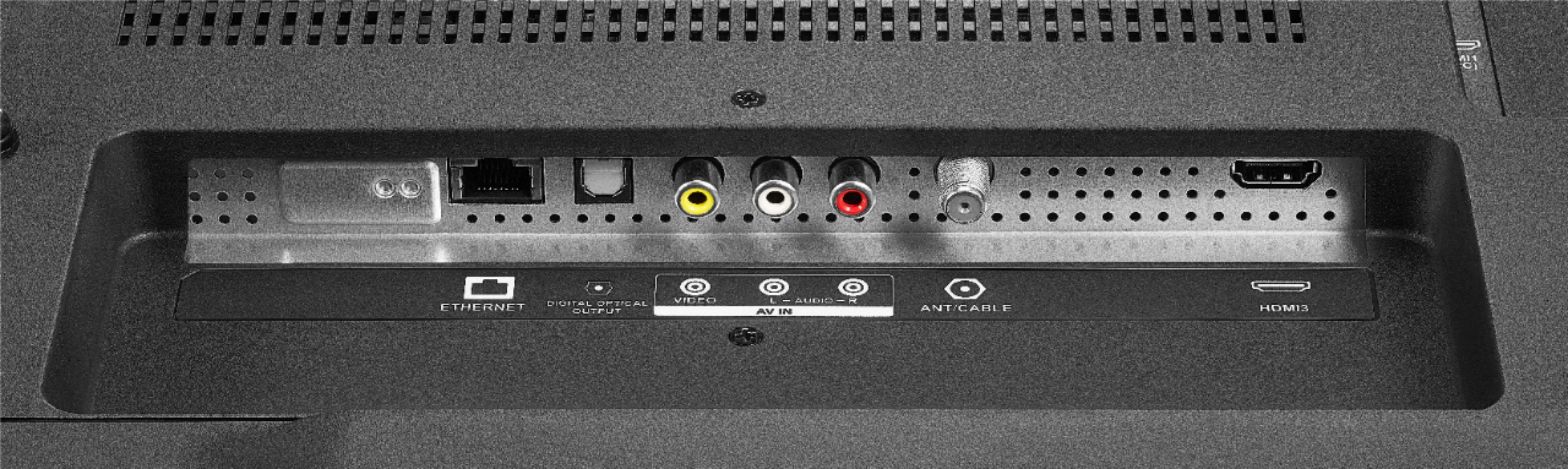
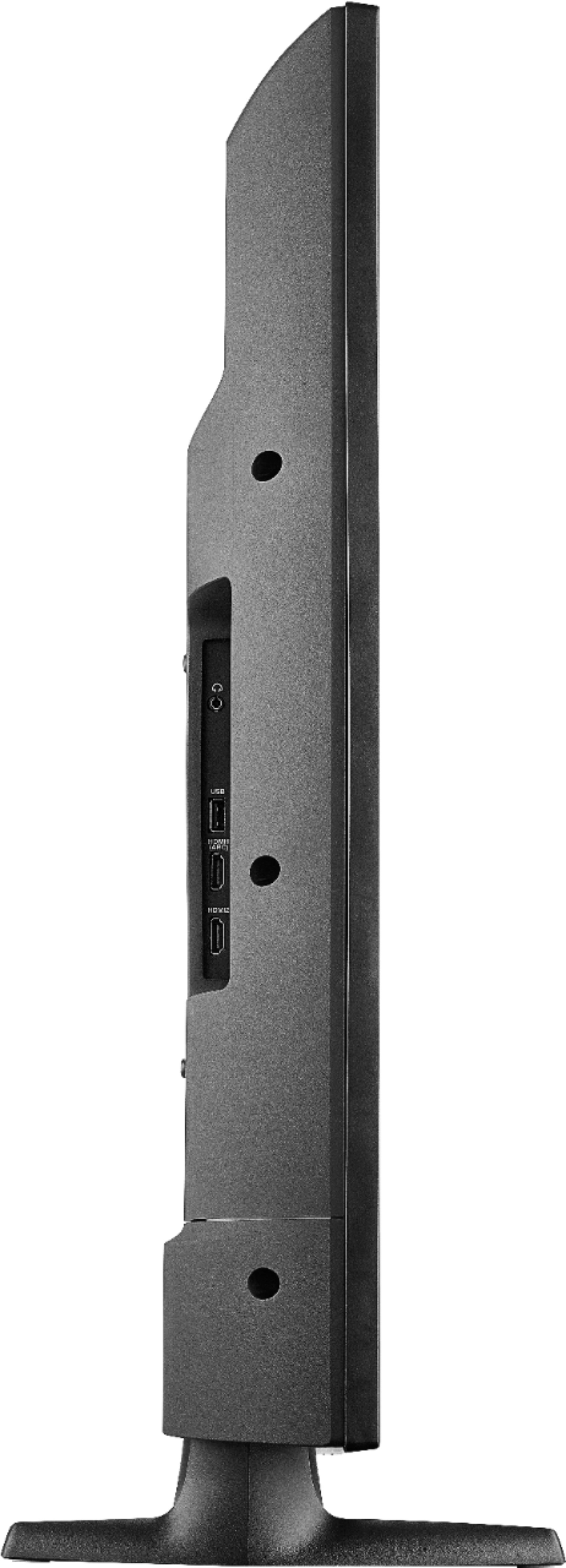
A:AnswerThis tv has a Ethernet, Digital Optical Audio Outputs, USB, Component Video, Composite Video, Analog Audio, and RF Antenna port. In addition there is a headphone jack.
A:AnswerUse the Alexa app. Its the easiest. The you are able to pair the TV to it (go to settings on TV for pairing devices) and the echo will be able to control the TV with just your voice. Ex "Alexa, play 'The Terminator' on FIRETV.".
A:AnswerThe app Hulu: Live and On Demand TV, Movies, Originals, More by Hulu, is available for the Fire TV Edition experience.
For more information about HULU, please visit:
https://help.hulu.com/en-us/supported-devices
David M. - Insignia Support
A:AnswerThe Charter TV app is not available for the Fire TV Edition television.
Please contact your Cable provider for a list of supported devices.
David M. - Insignia Support
A:AnswerThe Fire TV Edition television has the Power On feature; to enable it go Home > Settings > Display & Sounds > Power On and select Last Input.
David M. - Insignia Support
A:AnswerYou must do a channel scan when you have something connected to the ANT jack on the back of the Fire TV Edition television.
For best video quality connect your Satellite Box to the Fire TV Edition television using HDMI.
David M. - Insignia Support
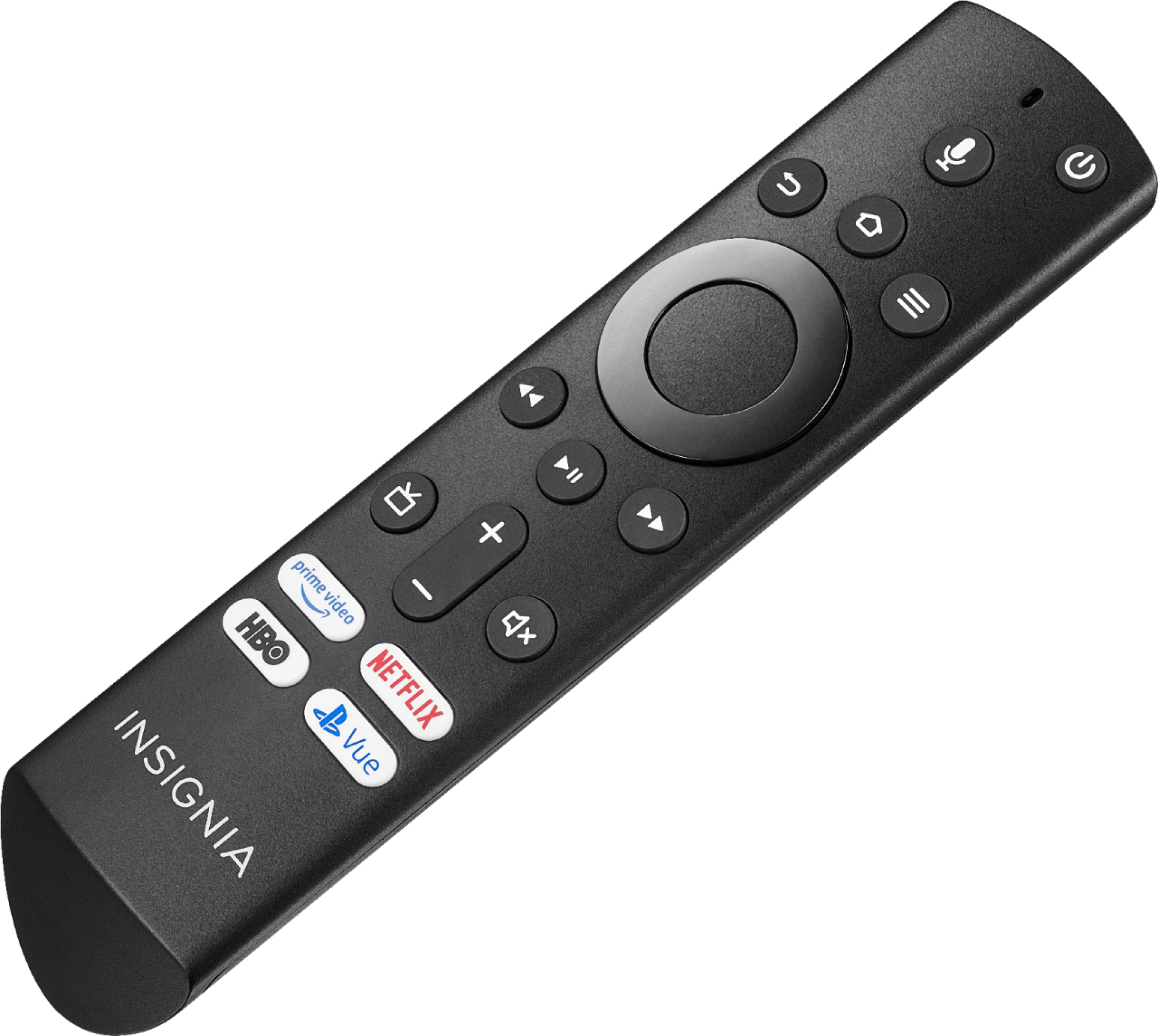
A:AnswerPress the HOME key on remote. From the top line MENU, scroll to the far right and select SETTINGS. Then DISPLAY & SOUNDS - ANTENNA - PICTURE SETTINGS. Here you can select to set: contrast, color, brightness, tint, sharpness, advanced settings.