A:AnswerHi There,
To connect a Non-Smart TV to Wi-Fi, use a streaming device, an HDMI cable, a Blu-Ray player, a gaming console, or even Mirroring/Screencasting from another device
Insignia Products
Lisa
https://insigniaproducts.com
A:AnswerHello Saint,
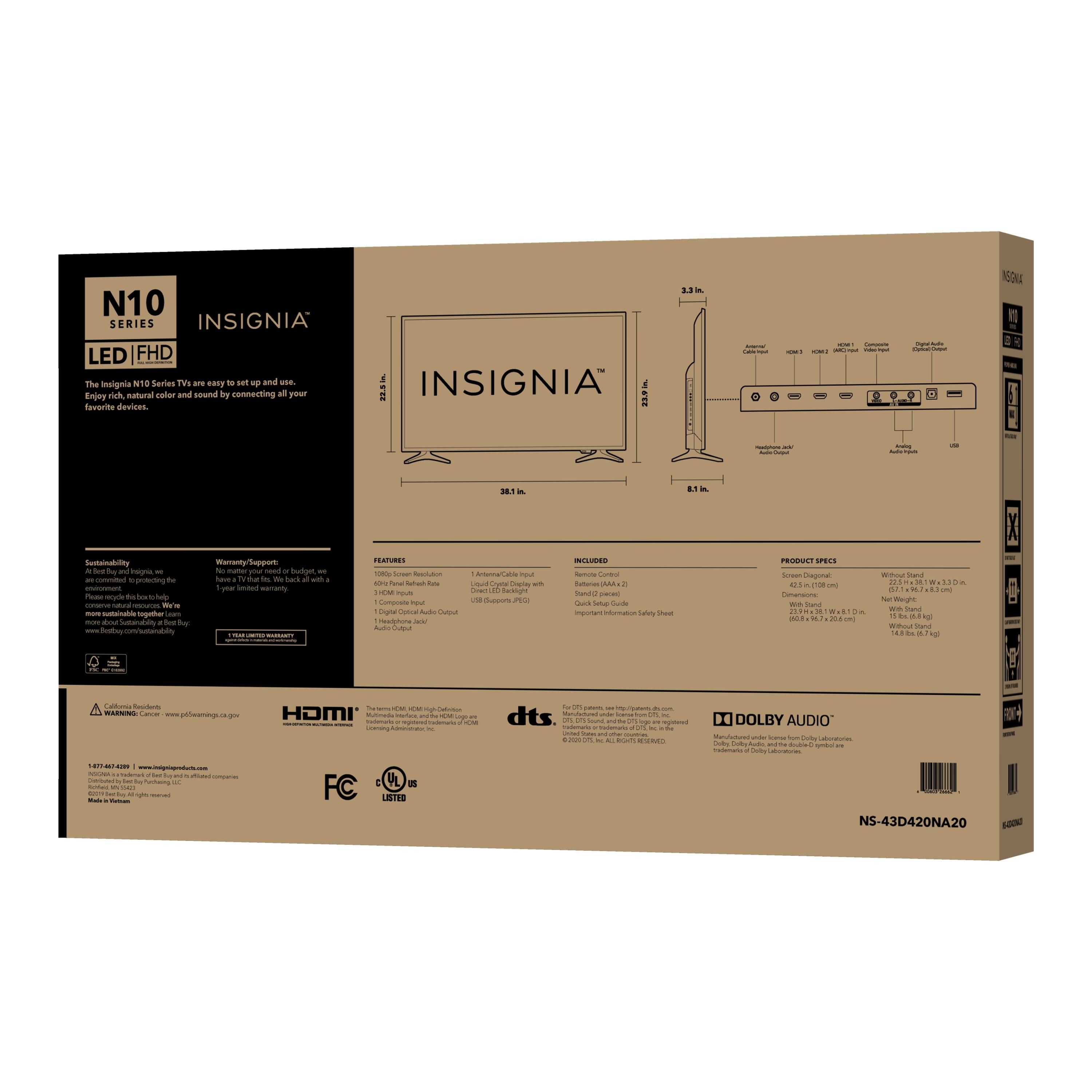
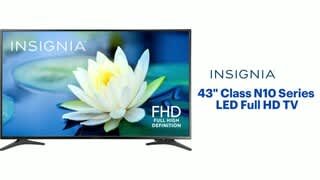
Product Weight With Stand is 15 pounds.
Product Weight Without Stand is 14.8 pounds.
Insignia Support
Louise
www.insigniaproducts.com/support
A:AnswerHi Lee,
You need to have another device to connect your USB. As long as you can access the video file from your USB drive, then you should be able to play it, so long as you have a player that supports the video format.
Insignia Support
Lea
https://www.insigniaproducts.com/
A:AnswerHi Lisa,
Yes, you can always shut off the bluetooth on your TV. If you have any questions or concerns, please use the link below to reach us and also you can contact this phone number 877-467-4289 for further assistance.
Insignia Products
Nikki
https://insigniaproducts.com
A:AnswerHello Noel,
Recording capabilities are absent on Best Buy's Insignia Connected TVs due to the lack of an incorporated hard drive or storage attachment.
Insignia Support,
Merjorie
www.insigniaproducts.com/support
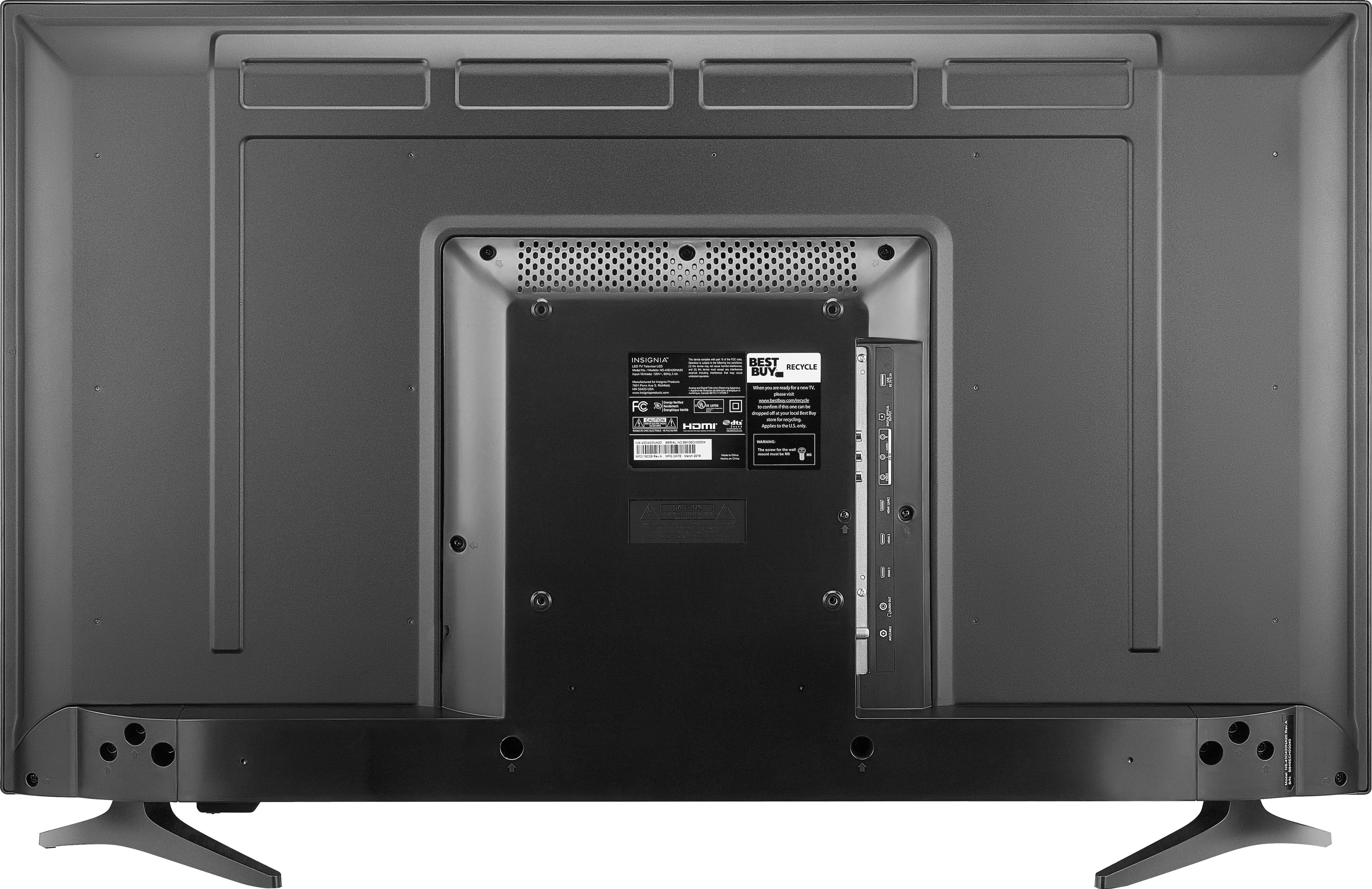
A:AnswerVESA Mounting Pattern 200 x 200 mm Screws: type M6, 10 mm minimum length depending on the wall-mount.
Dina | Insignia Support | https://www.insigniaproducts.com/contact-us
A:AnswerHi Tuner,
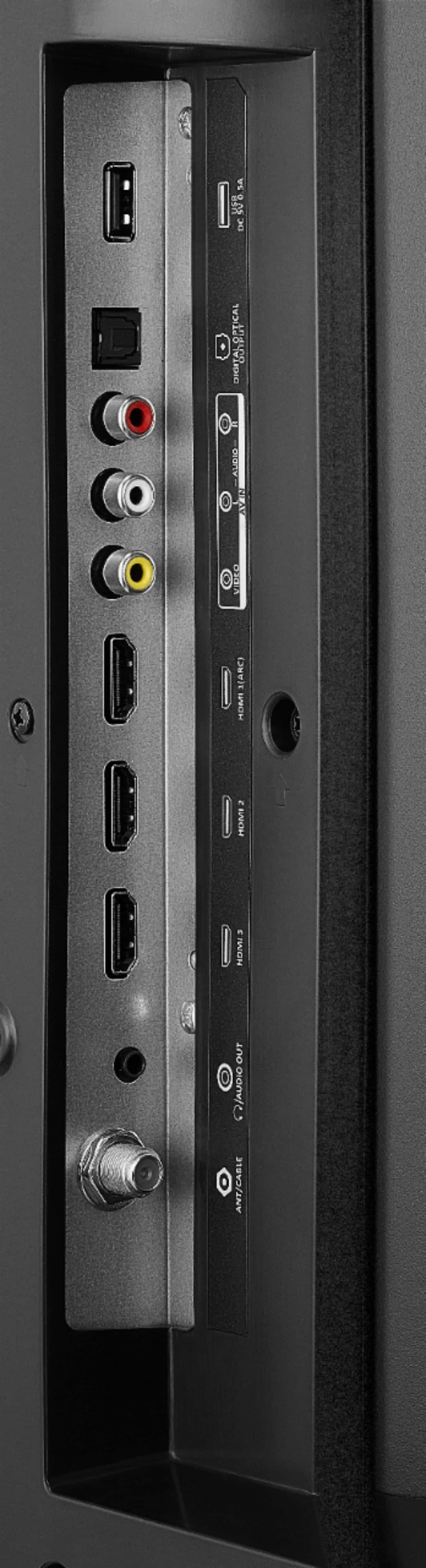
Plug your device cable into your TV's HDMI port.
Plugin your USB cable into your device as well as your TV USB port.
Switch on your old TV and pair the input with your device.
Download the required app if you need to via internet.
Accept all the escape clauses to begin streaming. If you have any questions or concerns, please use the link below to reach us and also you can contact this phone number 877-467-4289 for further assistance.
Insignia Products
Nikki
https://insigniaproducts.com
A:AnswerHi,
Works with any TV that has optical output. If you have any questions or concerns, please use the link below to reach us and also you can contact this phone number 877-467-4289 for further assistance.
Insignia Products
Nikki
https://insigniaproducts.com
A:AnswerTry to use the Apple - Lightning Digital A/V Adapter - Model: MD826ZM/A SKU: 7007013 and HDMI cable to connect an iPhone into one of the HDMI inputs on the TV.