A:AnswerI think the best solution to all your current and future problems with this machine is to buy an extended warranty... all evidence indicates that just after the manufacturer warranty expires your set will die... mine and hundreds of others did. Be Forwarned. Research the brand
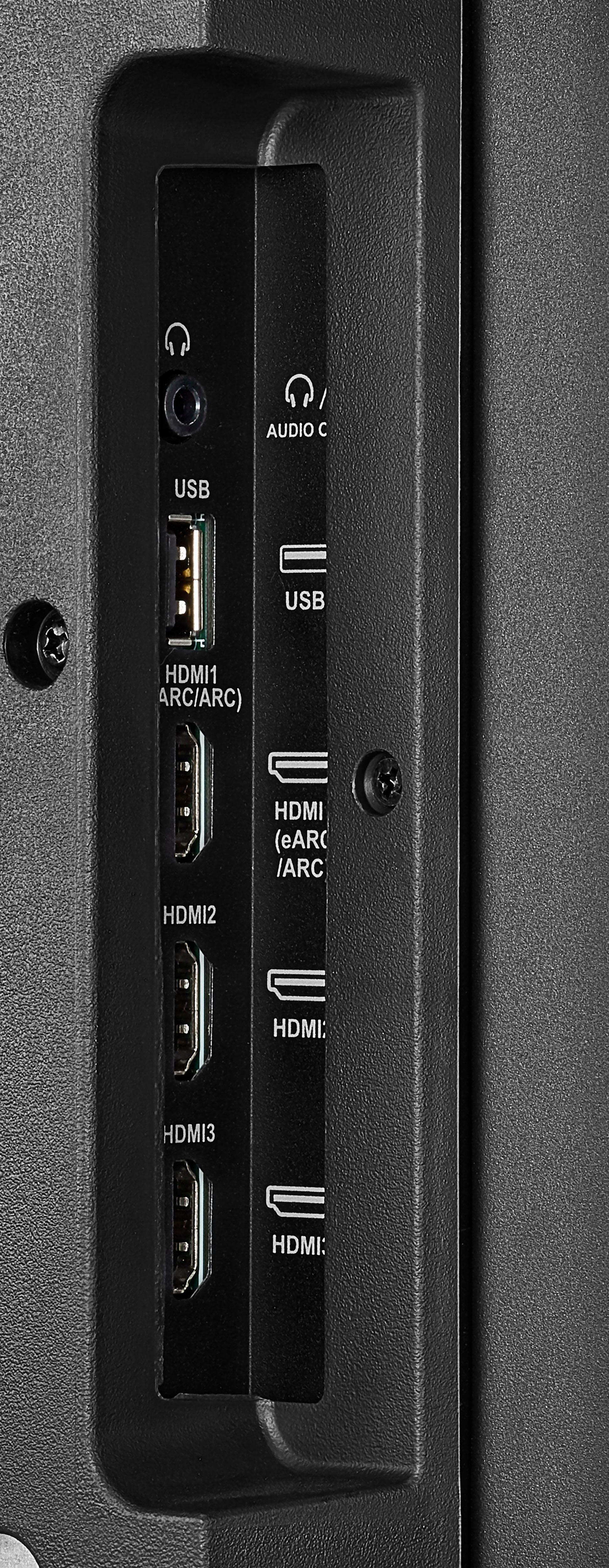
A:AnswerHdmi ports but let me give you a bonus bit of advice: I think the best solution to all your current and future problems with this machine is to buy an extended warranty... all evidence indicates that just after the manufacturer warranty expires your set will die... mine and hundreds of others did. Be Forwarned. Research the brand
A:AnswerLet me give you a bonus bit of advice: I think the best solution to all your current and future problems with this machine is to buy an extended warranty... all evidence indicates that just after the manufacturer warranty expires your set will die... mine and hundreds of others did. Be Forwarned. Research the brand
A:AnswerTry to set the power On feature again, go Home > Settings > Display & Sounds > Power On and select Last Input.
For product support, please visit https://www.insigniaproducts.com/email-us
A:AnswerNo, you cannot pair your computer to the TV via Bluetooth.
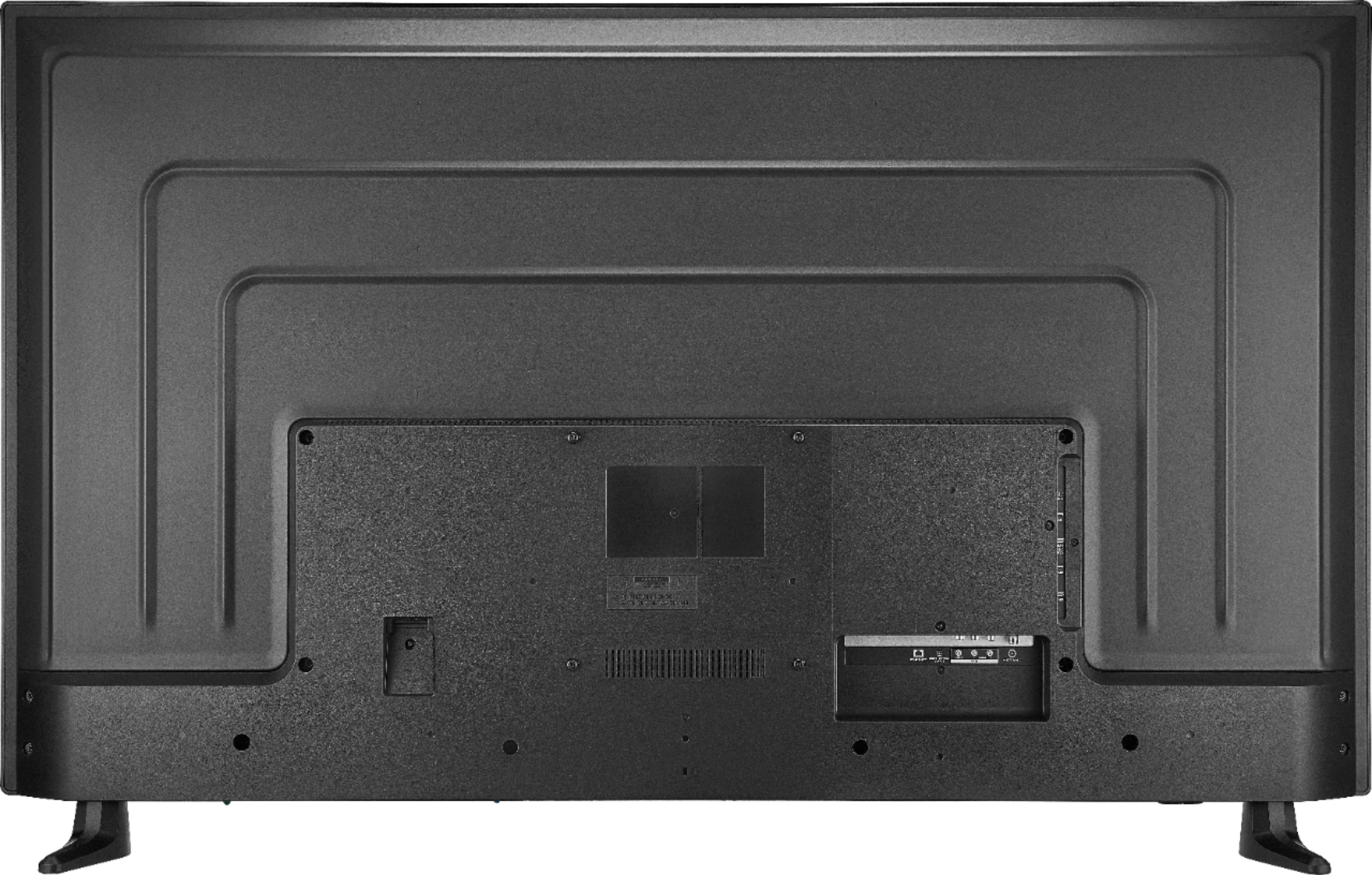
You can hook up your Wireless Receiver or computer to one of the HDMI inputs on the TV.