A:AnswerHi, Mamabear.
We will be more than happy to properly assist you with the initial st up of your TV. Please reach us at https://www.insigniaproducts.com/contact-us so we can properly assist you.
Cesar G. - Insignia Support
A:AnswerI figured out the last output thing by myself it works if you turn the tv off then right back on but if it is overnight it goes right back to the tv instead of cable. Annoying.
A:AnswerHi, LRF75.
there are a couple of ways to adjust the picture size, but they entirely rely on the source device and its configurations. We can help you with this if you reach https://www.insigniaproducts.com/contact-us.
Cesar G. - Insignia Support
A:AnswerThere is an option to allow the installation of applications that are not from Appstore.
This option is used only to install apps from reliable sources as a developer.
David M. - Insignia Support
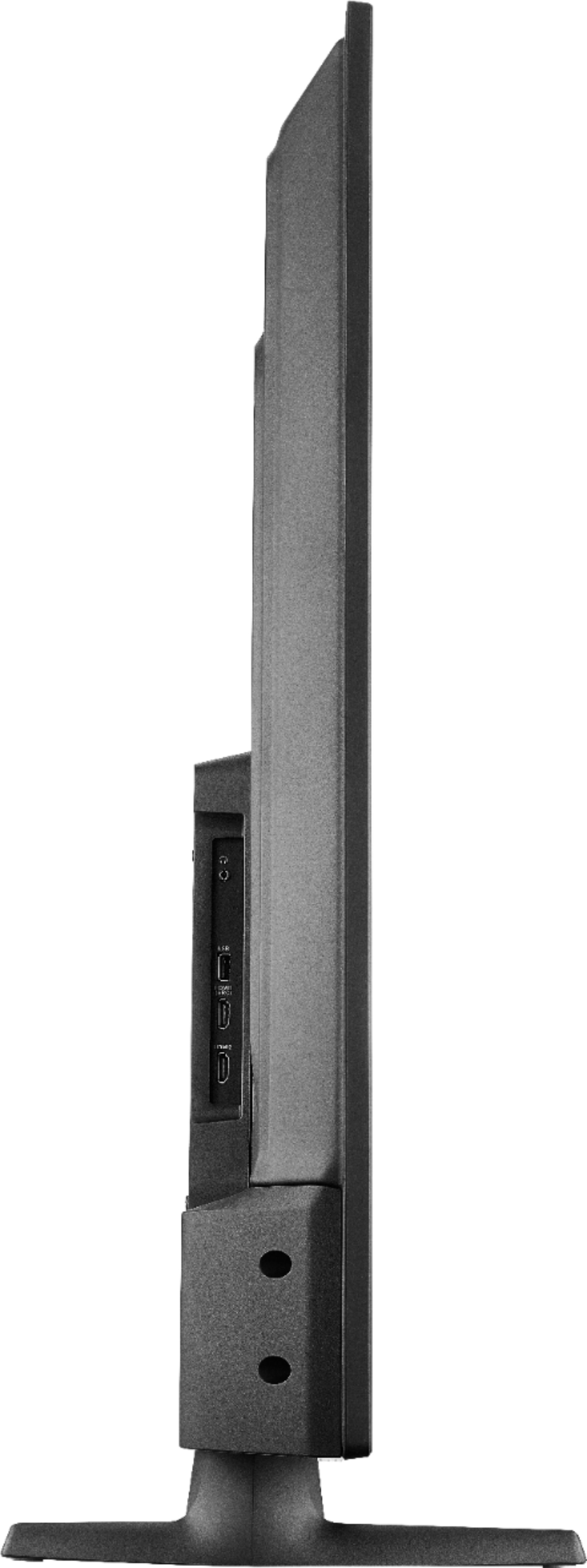
A:AnswerThe stand width at the widest part (footprint) is 38.38 inches.
You can attach a VESA compliant Universal Pedestal TV stand.
David M. - Insignia Support
A:AnswerThe YouTube TV app shows as available for the Fire TV Edition experience.
For more information, please visit: support.google.com/youtubetv
David M. - Insignia Support
A:AnswerYou need to use a Fire TV Recast, it's a DVR that lets you watch and record over-the-air TV at home with Fire TV. For more information, please visit: http://amazon.com/firetvrecast
David M. - Insignia Support
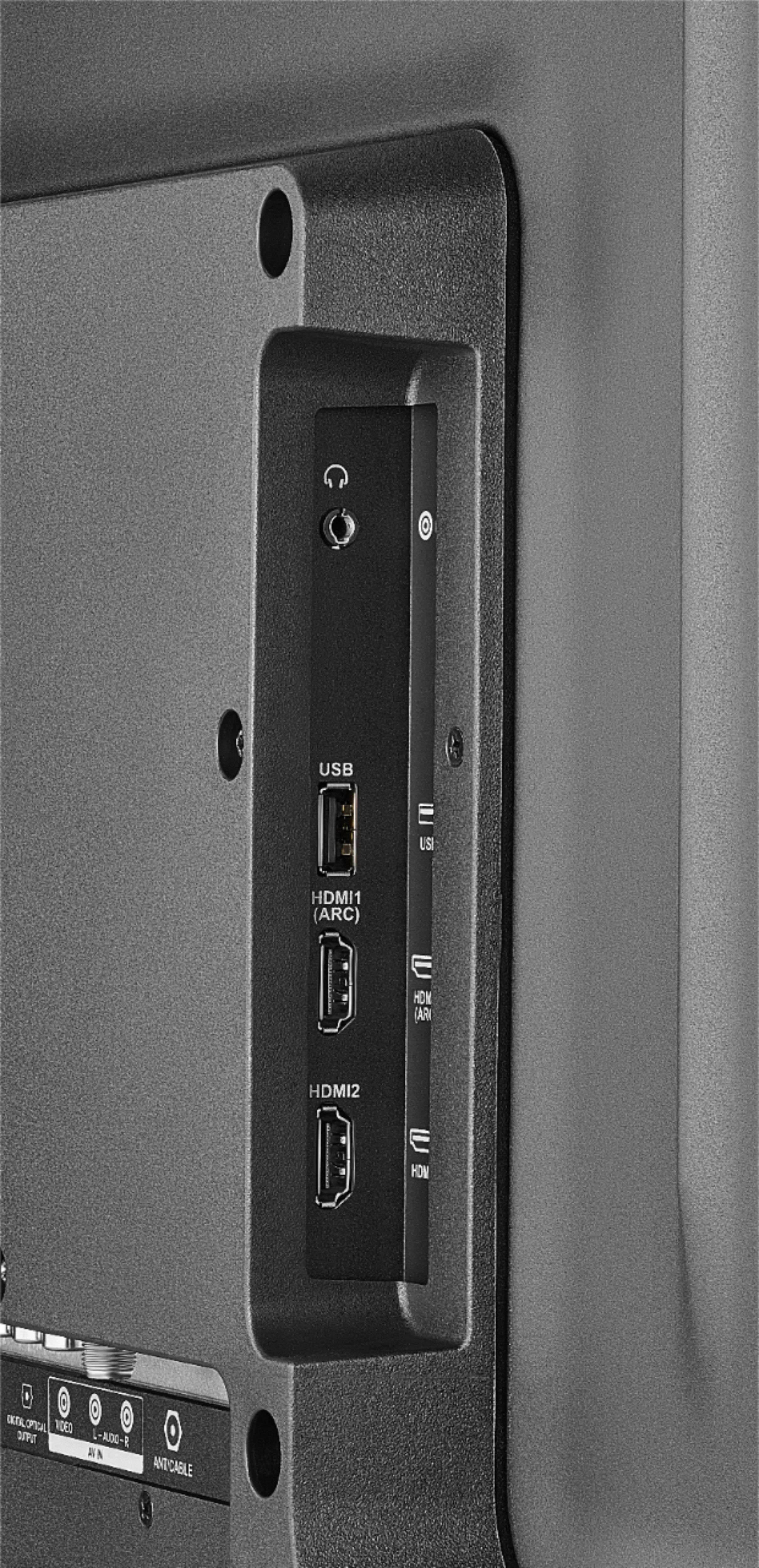
A:AnswerHi! I am sorry to read that you are having issues with the HDMI connection with your TV. My recommendation in this case would be for you to contact us on the link below, so that we can investigate your situation and try some troubleshooting steps in case that it is just a minor glitch.
Viridiana E.
Insignia Support.
https://www.insigniaproducts.com/contact-us
A:AnswerTry to use an Ethernet cable for a direct and more stable connection.
For personalized assistance, please call 1-877-467-4289 available from 8am to 9pm CT daily.
David M. - Insignia Support