A:AnswerHi.
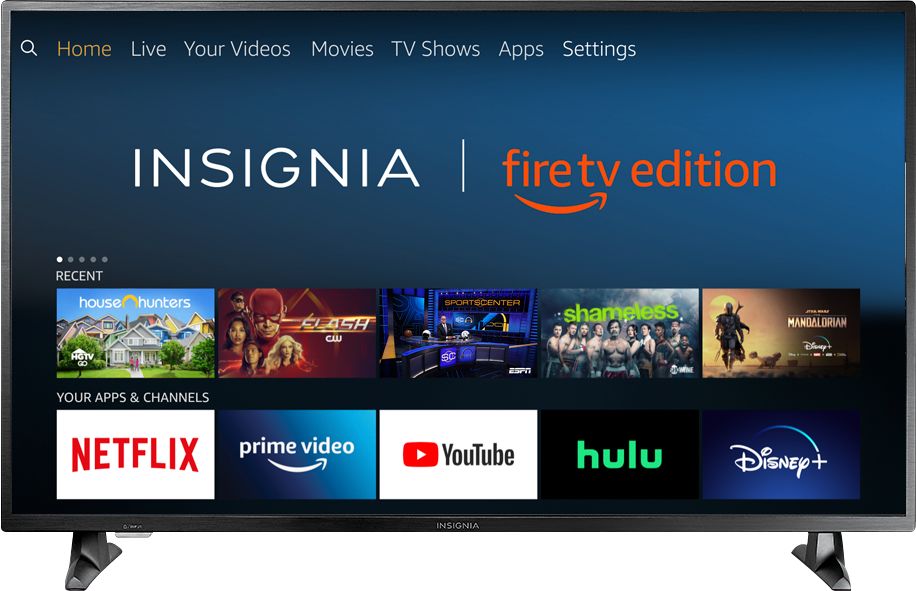
Thank you for taking the time to share your inquiry. This TV runs a Fire TV system with all its options and available content. You do require to log in into an Amazon account on the initial set up. This is totally free.
Alexander G. - Insignia Support
A:AnswerThe Fire TV Edition television features built-in Wi-Fi 802.11 a/b/g/n/ac; 2x2 MIMO, supports 2.4 GHz and 5.0 GHz dual band. So you can connect the TV to your home wireless network.
David M. - Insignia Support
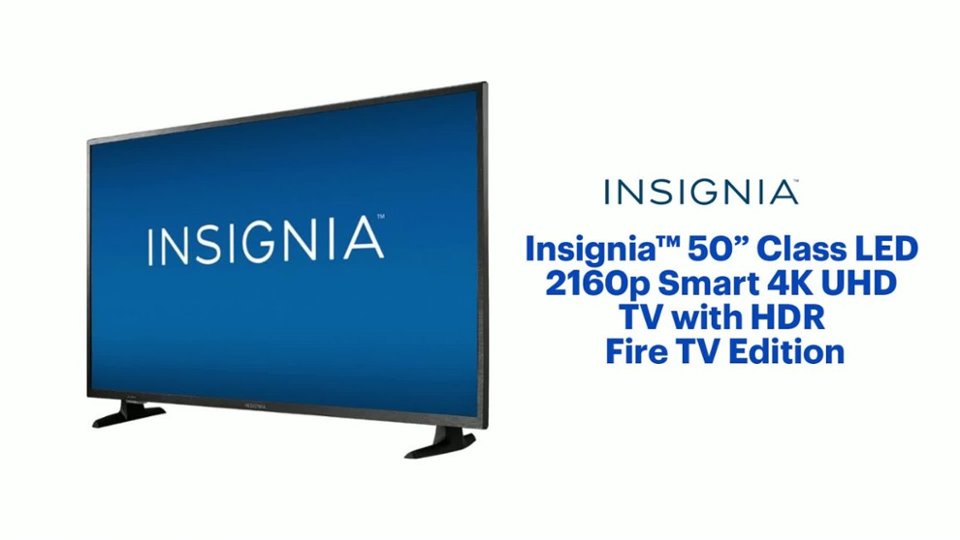
A:AnswerYes, for the Fire TV Edition television Model: NS-50DF710NA19
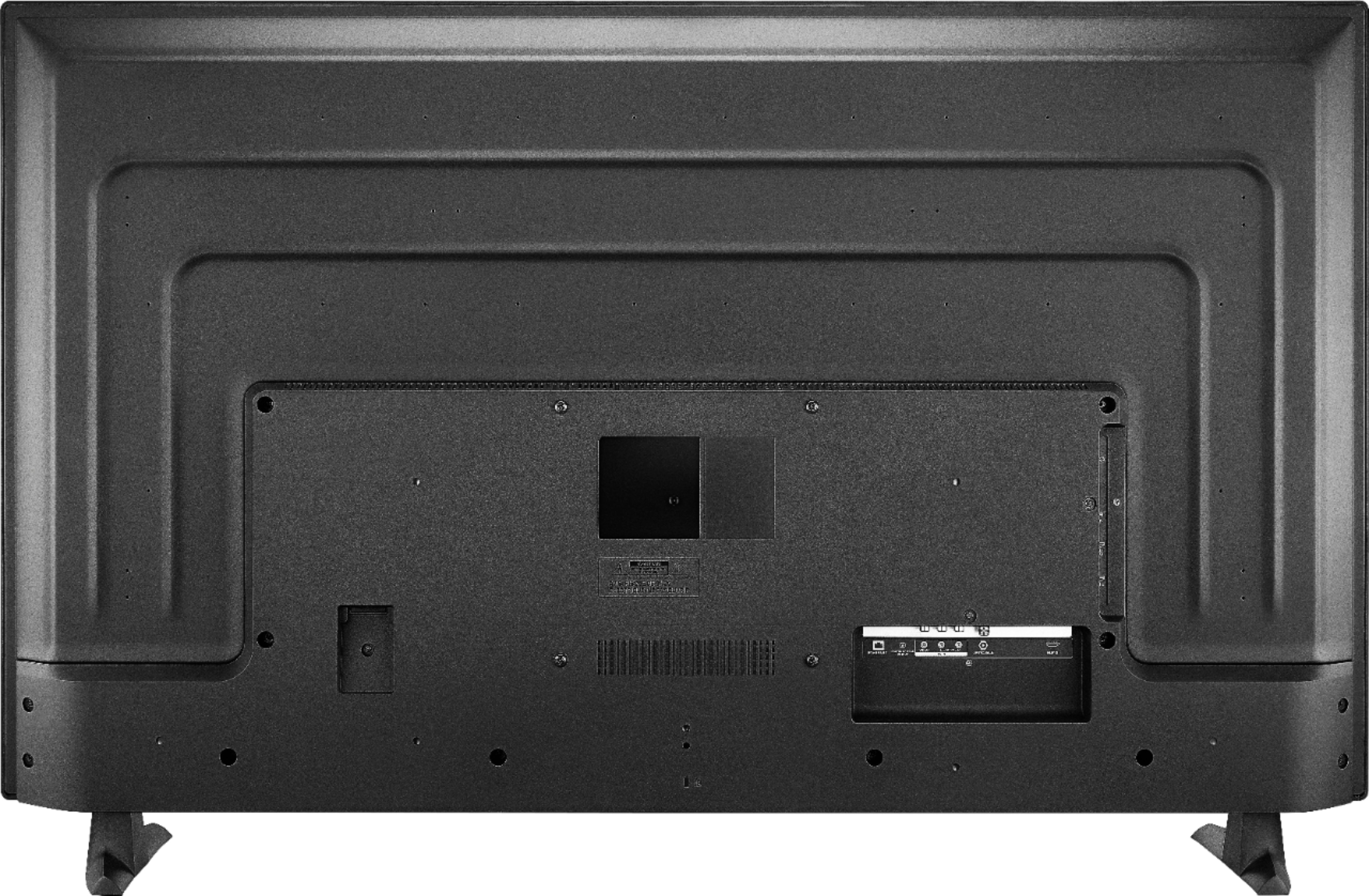
VESA Mounting Pattern: 200x200mm - Screws type M6, 14mm length *minimum 12mm / maximum 15mm
David M. - Insignia Support
A:AnswerHi, Futon.
Thank you for sharing your inquiry with us. This TV runs a Fire TV system and does not have the Roku app available to download.
Alexander G. - Insignia Support
A:AnswerThe Fire TV Edition television does not support screen mirroring.
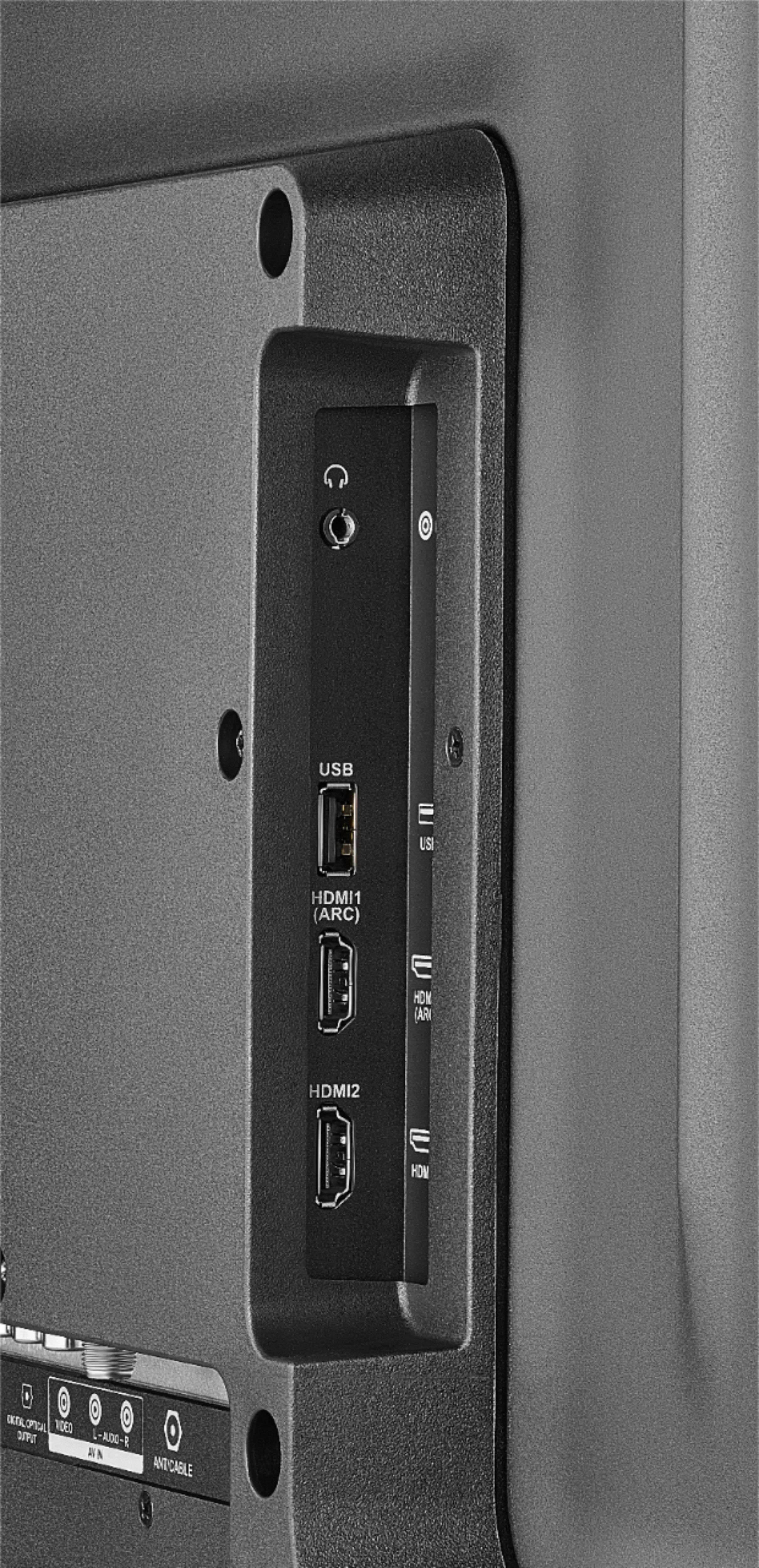
You can connect an adapter or streaming device that supports it using HDMI.
David M. - Insignia Support
A:AnswerThe Fire TV Edition television does not support screen mirroring. You can connect an adapter or streaming device that supports it using HDMI. David M. - Insignia Support
A:AnswerThe Fire TV Edition television requires a strong stable high-speed internet connection to stream content. For example Netflix recommends an internet speed of 25 Mbps.
The Fire TV Edition television also features Data Monitoring, go Home > Settings > Preferences > Data Monitoring > ON and then Set Video Quality.
David M. - Toshiba Support
A:AnswerHi, Juan.
Thank you for sharing your inquiry with us. Each app has its own audio settings. You need to check with the developer of each app to learn how to adjust them in order to provide sound the way you want them to.
Alexander G. - Insignia Support
A:AnswerHi, J.
Thank you for sharing your inquiry with us. This TV has its own app store with all the apps compatible with Amazon Fire TV. It cannot access a different app store.
Alexander G. - Insignia Support
A:AnswerYes, the app YouTube by Google LLC is available for the Fire TV Edition television experience.
To search for more available apps, please visit:
amazon.com > Menu - Shop By Category > Fire TV > Fire TV Apps & Channels > Refine by Device Type select Fire TV Edition TV and search.
David M. - Insignia Support
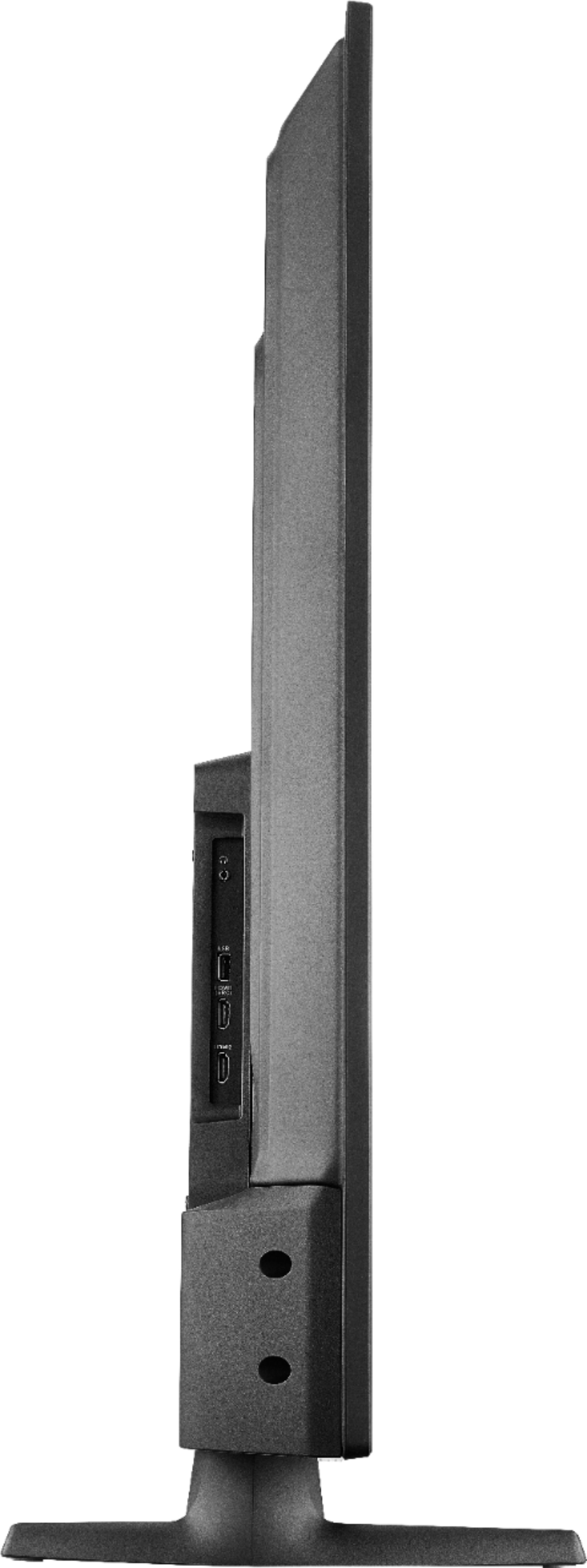
A:AnswerDimensions with stand (HxWxD): 27.8 × 44.4 × 10.4 in.
For more information, please visit:
https://www.insigniaproducts.com/pdp/NS-50DF710NA19/6245704
David M. - Insignia Support
A:AnswerPlease visit https://www.bestbuy.com/site/insignia-50-class-led-2160p-smart-4k-uhd-tv-with-hdr-fire-tv-edition/6245704.p?skuId=6245704 and add the item to your cart to see the professional services available.
David M. - Insignia Support
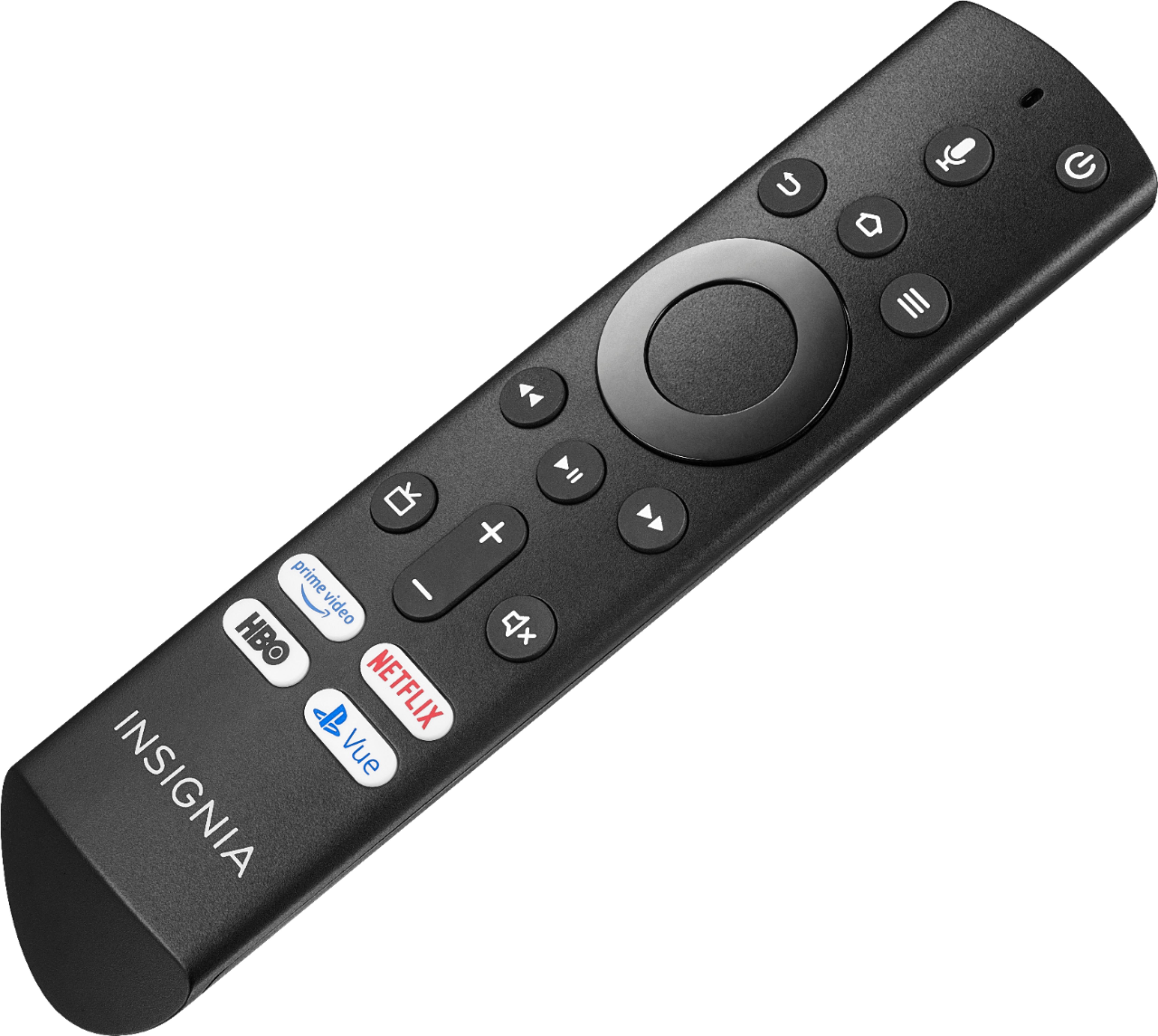
A:AnswerTo link your Alexa enabled device (Echo) to the Fire TV Edition television use the Alexa app. If you are using the smartphone app, go Home > Menu > Settings > Video and TV > Fire TV and follow the on-screen instructions.
For more information about the Alexa commands please visit:
https://www.amazon.com/gp/help/customer/display.html?nodeId=202174250
David M. - Insignia Support
A:AnswerWhile watching Live TV, press and hold the Home button for 3 seconds to launch the Quick Access menu, select Display settings to adjust the Picture Size and Aspect Ratio.
David M. - Insignia Support