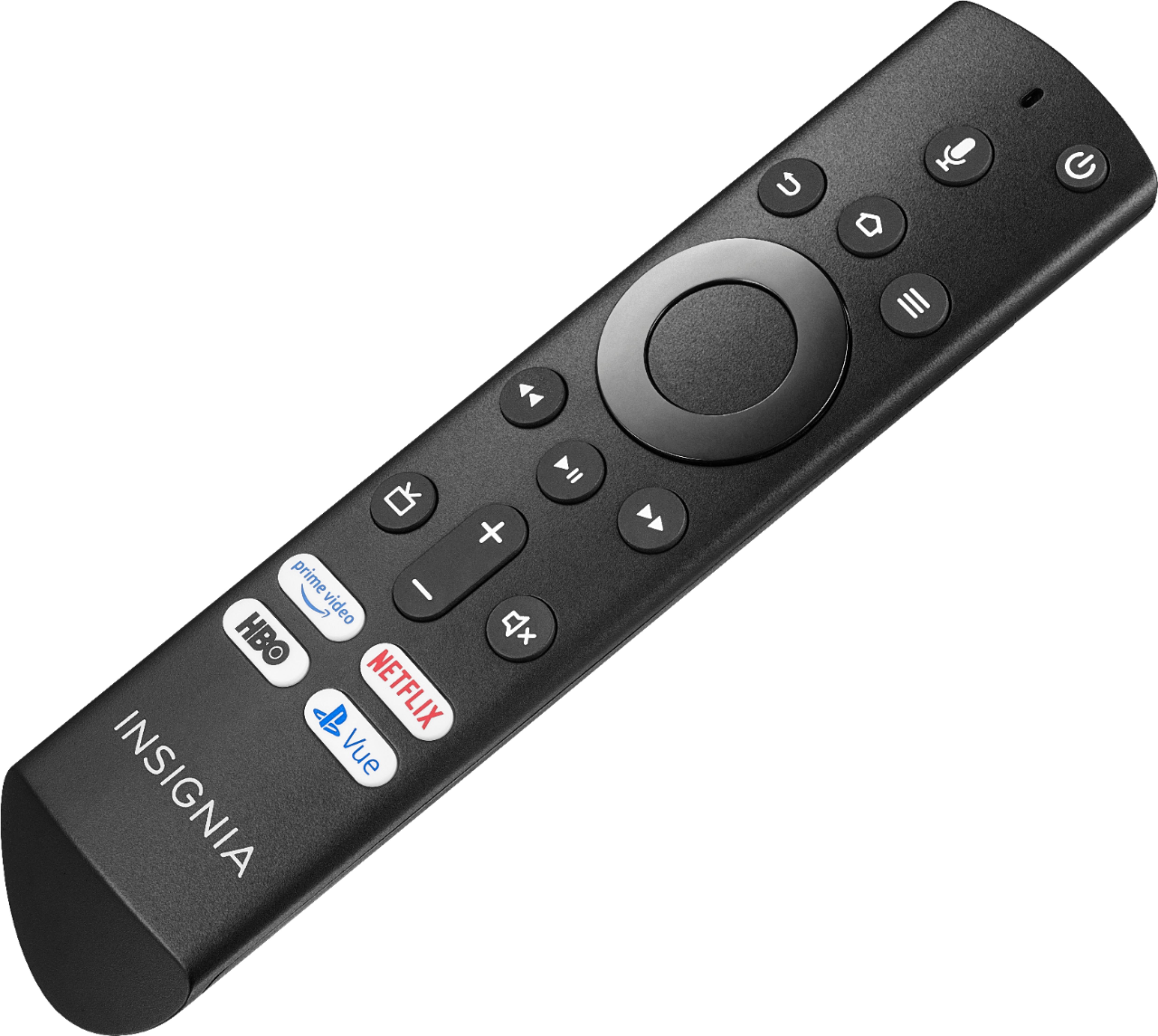
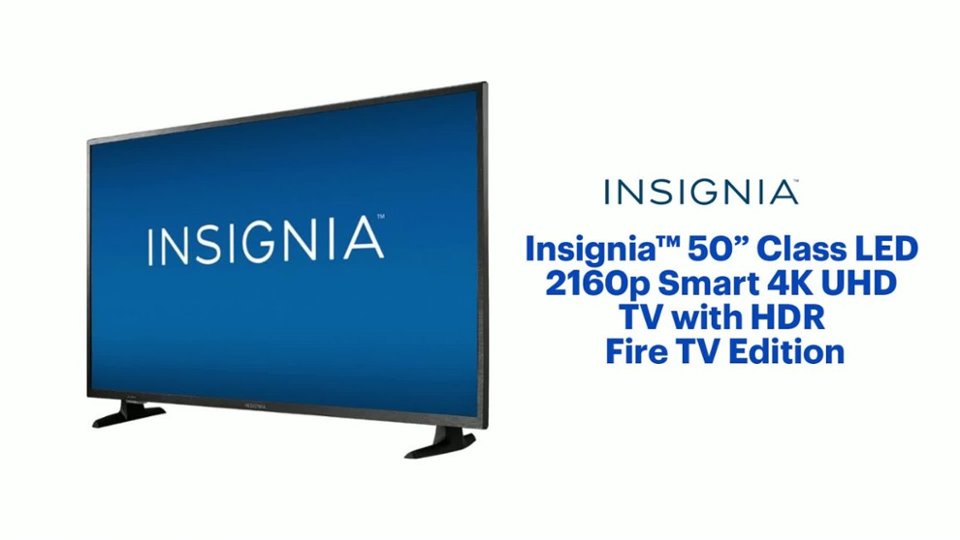
A:AnswerAs part of the set-up process, you are able to select PlayStation Vue as a streaming service. The icon is pre-loaded in the system and, when selected, it downloads the application to your TV. The remote has a dedicated PlayStation Vue button.
The TV is controlled by an integrated remote that is similar to other Fire TV remotes. The system has integrated Alexa with a microphone on the remote. Aside from the power button, the other functions can be accessed by pressing the microphone button on the remote and saying the command, including most Amazon Alexa functionality. I don't believe it has any Google integration.
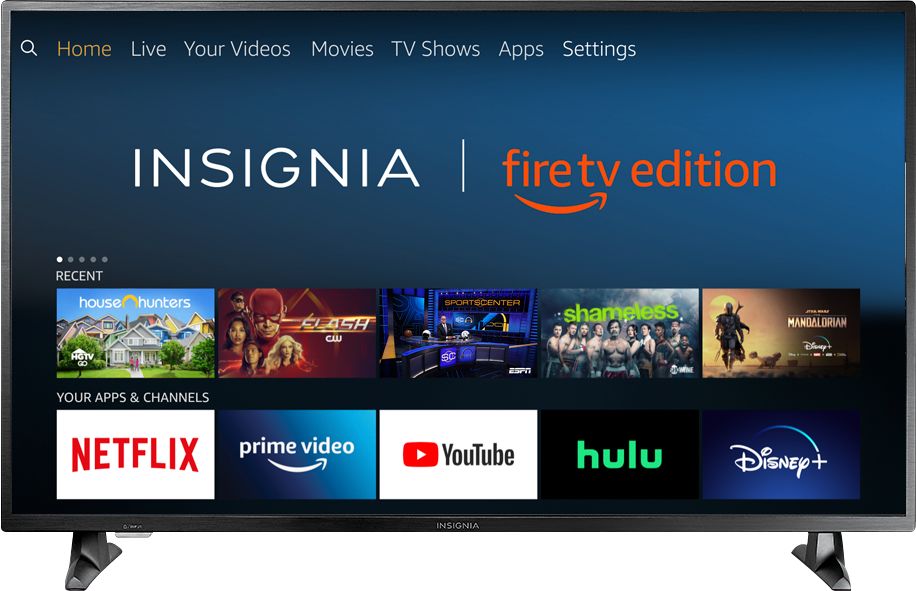
A:AnswerThe Fire TV Edition television does not support expandable storage. You can try to move apps to USB External Storage.
First format the USB Drive:
Home > Settings > Device and Software > USB Drive > Format to External Storage
Then, to Move the App
Home > Settings > Applications > Manage Installed Applications > Select the app > Move to External Storage
*Not all the apps support Moving to External Storage
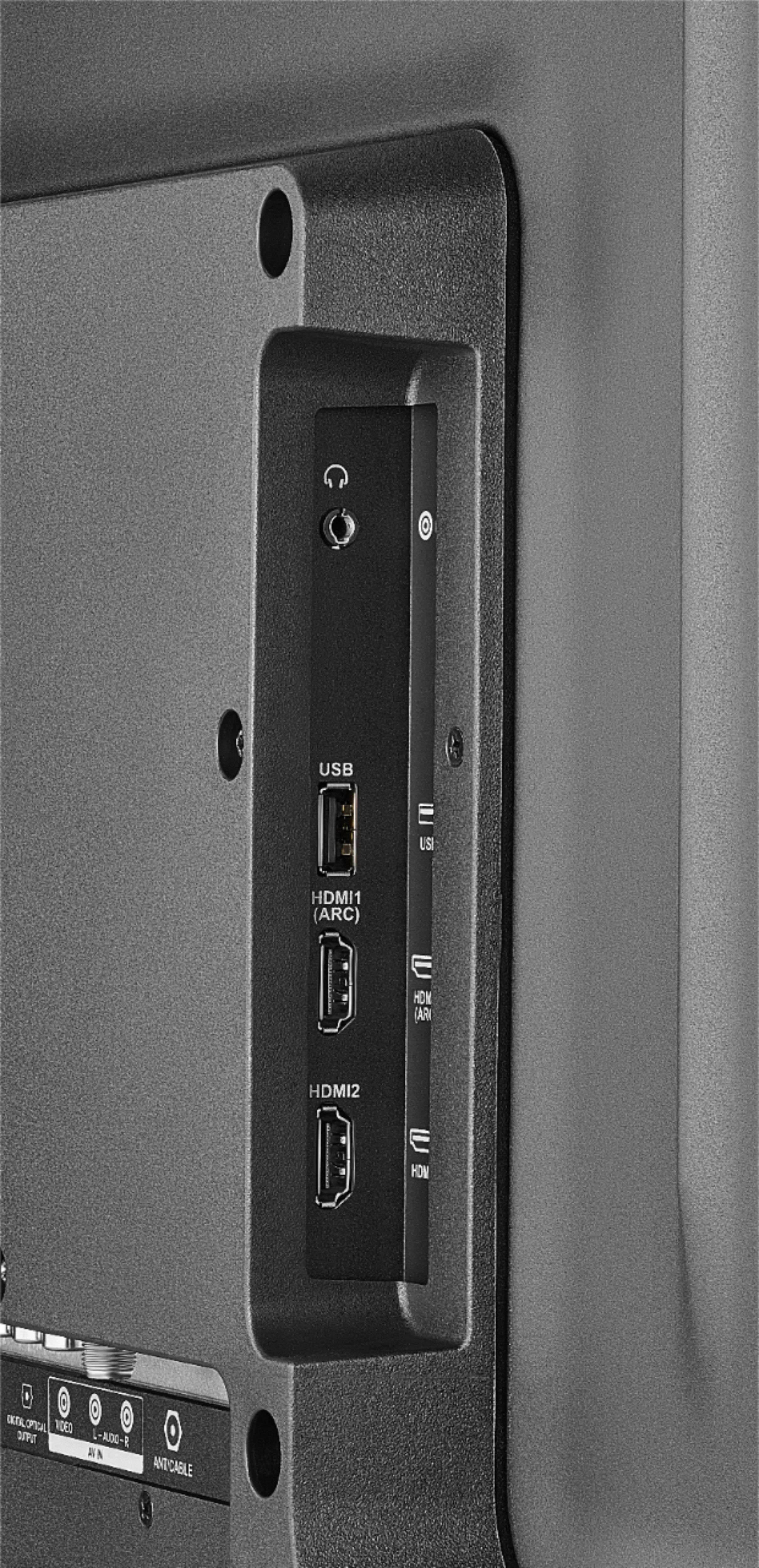
The Fire TV Edition television supports a USB Flash Drive up to 128 GB.
Alan O. - Insignia Support
A:AnswerTry this, using the included Voice Remote press and hold for 3 seconds the Home button to launch the Quick Access menu, then go to: Sound > Advanced Settings > TruVolume : Select ON.
David M. - Insignia Support
A:AnswerThe Apple TV app is not available for the Fire TV Edition experience.
You can connect your Apple TV 4K box to the Fire TV Edition television using HDMI.
David M. - Insignia Support
A:AnswerUsing the included Voice Remote, while watching a video, press and hold for 3 seconds the Home button to launch the Quick Access Menu, select Picture to adjust the Picture Settings on the Fire TV Edition television.
David M. - Insignia Support
A:AnswerHi Tim.
Thank you for trusting us, knowing that we will answer your question accurately. YES, this TV has Close Captions (Just be mindful, for Antenna TV only.) and it does have a Sleep Timer, is an option directly on the Settings menu. We are always here to help you and thanks for your interest in this product.
Charles V. - Insignia Support
https://www.insigniaproducts.com/contact-us
A:AnswerFor the Fire TV Edition television Model: NS-50DF710NA19
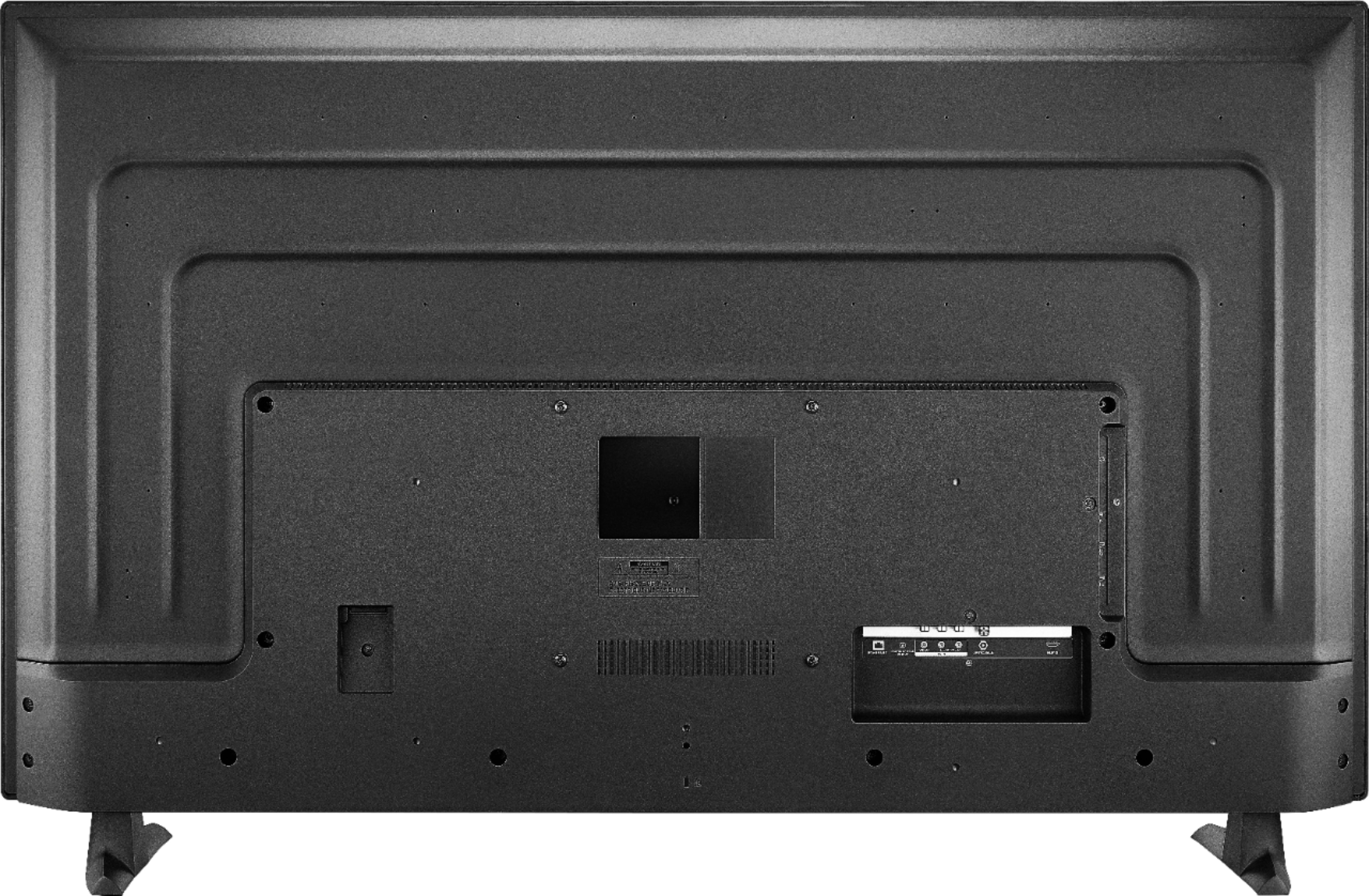
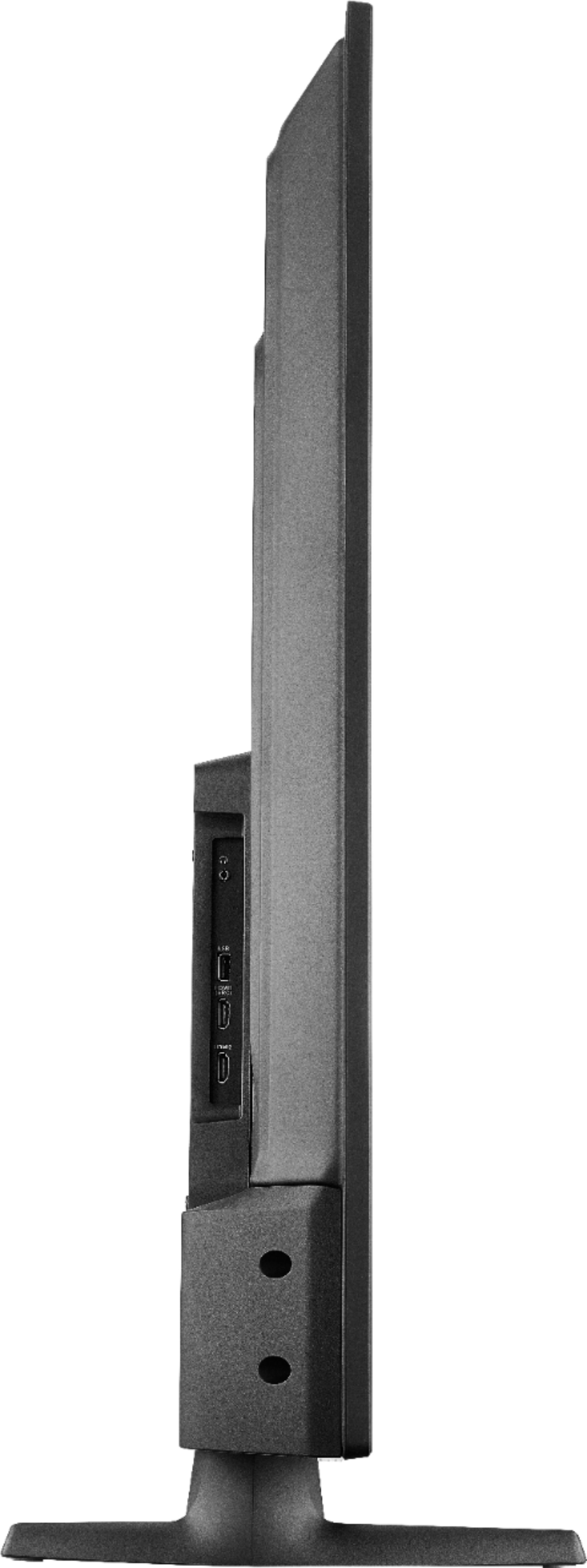
VESA Mounting Pattern: 200x200mm - Screws type M6, 14mm length *minimum 12mm / maximum 15mm
David M. - Insignia Support
A:AnswerHi, Jack.
To set up your TV to turn on to a specific input please try the following (please consider that the TV has to be connected to a network and the system needs to be updated to have this function):
-From the Homescreen go to SETTINGS.
-Select DISPLAY & SOUND.
-Choose POWER ON.
-Click on LAST INPUT.
This should bypass the Homescreen and take you to the last input watched. If you have any other inquiry please contact us at 1-877-467-4289 or send us an e-mail to https://www.insigniaproducts.com/contact-us we will be really happy to assist you.
Alexander G. - Insignia Support
A:AnswerHello Robert804, I understand that this maybe frustrating for you to go back and forward from the home screen and the cable box. At this moment there is no that will go automatically to HDMI. However, there is a setting called "Last input used". This configurations will allow you to go the last screen you where before turning the unit on.
Please follow the steps below to make this changes:
Settings> Display & Sounds> Power On> Last Input used.
-Grace Insignia products
https://www.insigniaproducts.com/contact-us
A:AnswerHello, At the moment there is a Last input used. Settings> Display & Sounds> Power On> Last Input used. However, this will go the last screen seen before turning the unit off.
-Grace Insignia products
https://www.insigniaproducts.com/contact-us
A:AnswerYes! You can download the Firefox browser to surf the web! You can potentially cast using Android devices. It doesn't work very well with Apple devices, so I usually hardwire suing an HDMI cable for that application. That said, I can find just about anything I want to watch on the FireTV apps so I don't need to use my laptop hardly ever.

A:AnswerThe Sling app is available on this Fire TV, you only need to download it and then when you open it you will be able to sign in to your existing account.
Ruben- Insignia support
A:AnswerThis works with my current Apple TV 4k. but keep in mind that in order to get both HDR video and sound you must do a few things. Purchase a 4K HDR HDMI Cable, I bout the dynes 6ft 4k HDMI cable at Best Buy at $6.99 each. Second you must change the Picture settings to HDMI 1.4 as oppose to HDMI 2.0, you will find this option under SETTINGS, DISPLAY/SOUND, ADVANCED and then all the way down in the bottom go to HDMI and you can switch it there, I also changed the audio output to PCM to work with my external speakers with the Fiber Optical output on the TV. I don't think this TV has any bluetooth capabilities.