A:AnswerAlone, the TV can’t direct show share screen from mobile phone, this TV does not support Miracast nor Smartview.
But you could try to download an app, for example the "AirScreen", "All cast" or "All screen receiver" apps.
David M. - Insignia Support
A:AnswerYou will not need any additional items to use 4K if you already have an HDMI cable. You will ;however, be limited by hardware you own if it supports 4k resolution or not. The hardware that does not meet these requirements will instead use the maximum resolution the device can access.
A:AnswerNo, this TV does not have share screen capabilities.
You can connect your multimedia devices at any time using HDMI.
David M. - Insignia Support
A:AnswerThey have very similar features, the difference is the design. Also, the remote included with the model NS-50DF710NA21 has channel up/down buttons.
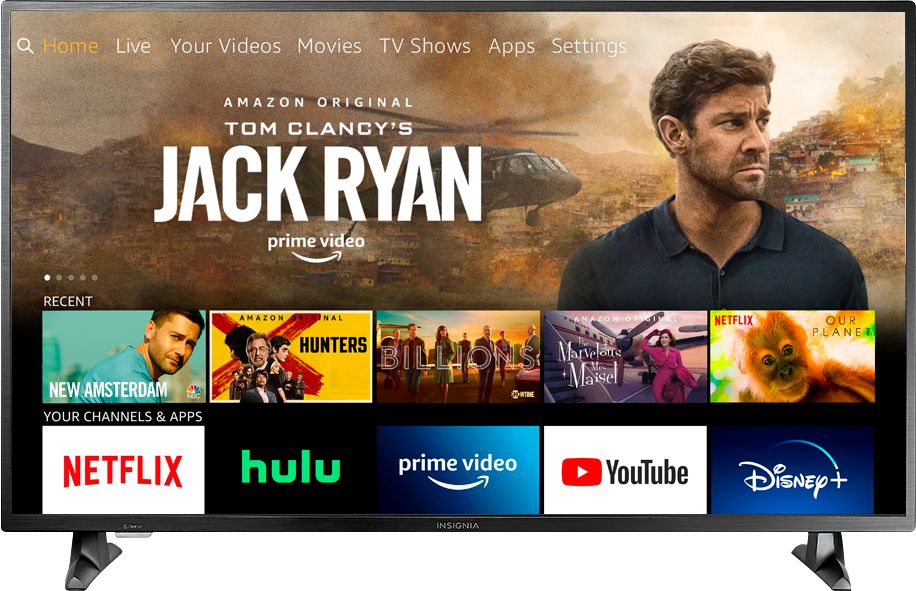
A:AnswerThis TV has the Fire TV Edition experience built-in already.
There is no need to plug in an external Fire Stick.
You need to use the included remote to control your TV.
If you connect an external multimedia device, you need to use the remote for that device to control the device.
A:AnswerYes, this TV has the Fire TV Edition experience built-in and it's the new 2020 model.
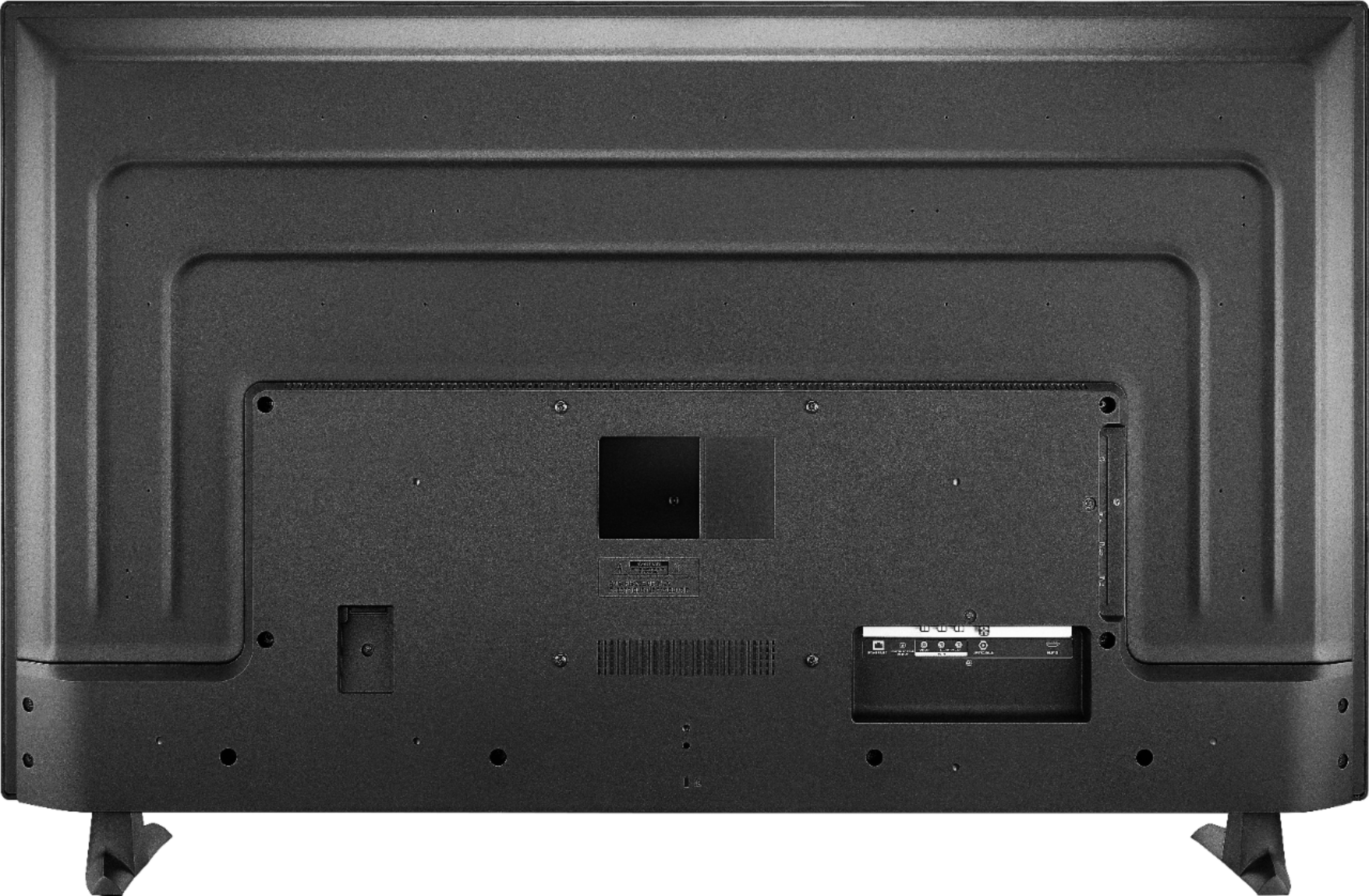
This TV has one AV input (red, white and yellow) on the back tucked underneath, visible from the bottom.
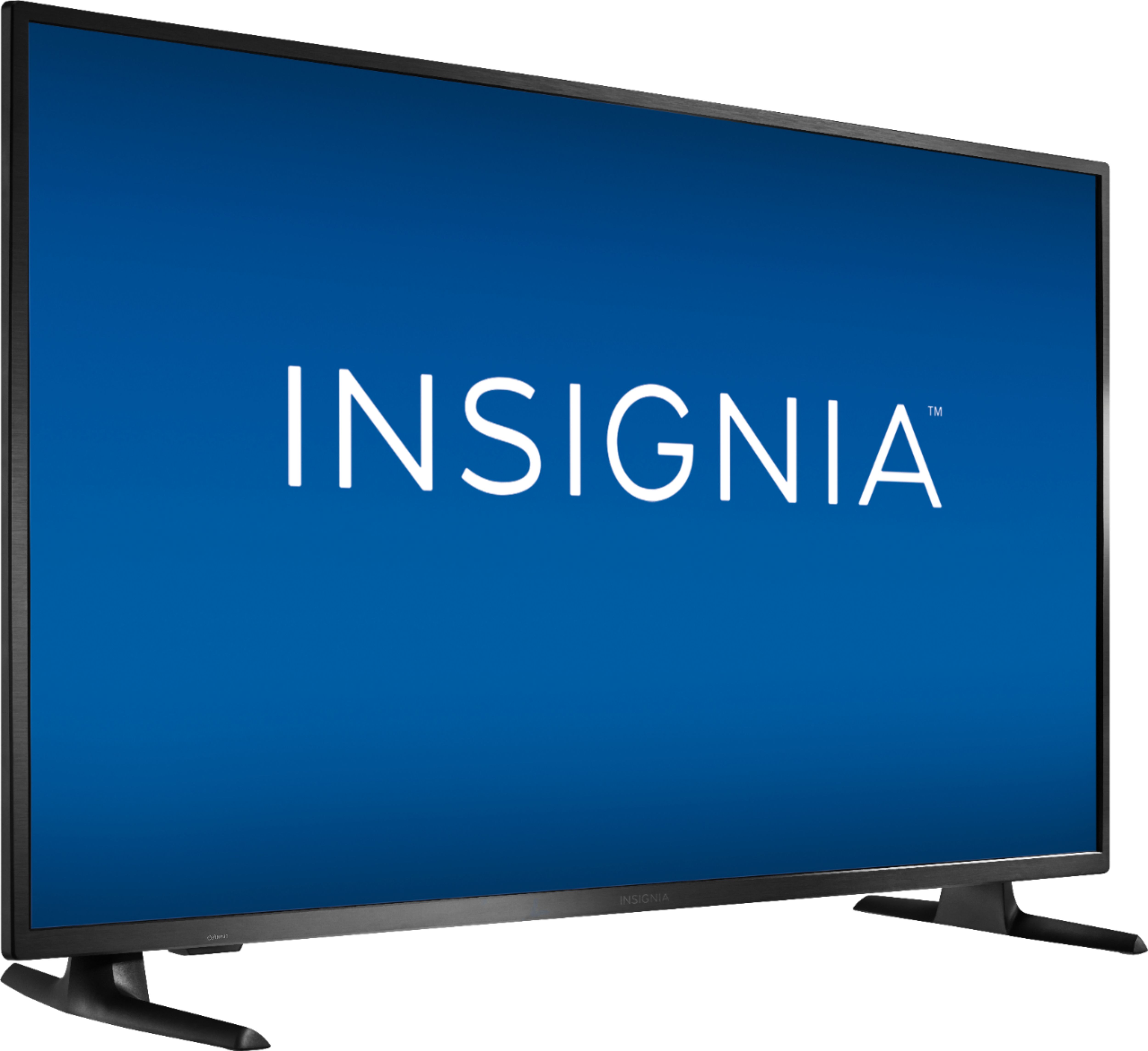
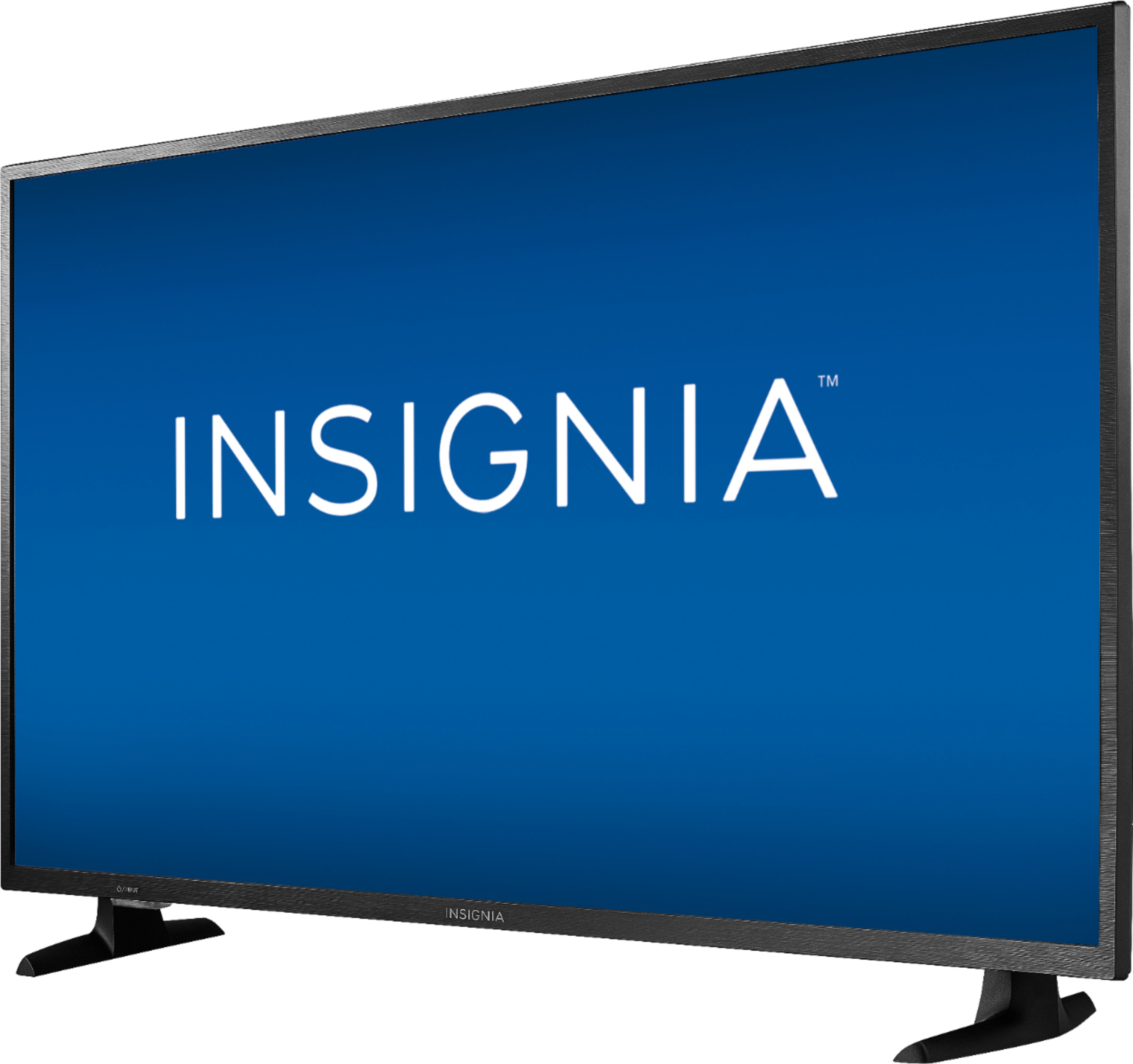
A:AnswerThe measurements are:
Product Height With Stand - 27.8 inches
Product Width - 44.4 inches
Product Depth With Stand - 10.4 inches
Product Height Without Stand - 26.1 inches
Product Depth Without Stand - 3.3 inches
A:AnswerHi Brooke!
This model is not a Roku TV. This is a Fire TV edition, so it is also a smart TV.
- Janína G. | Insignia Support | https://www.insigniaproducts.com/contact-us
A:AnswerNo, this is not a Smart TV. It does not support the installation of any app.
You could try to connect your smartphone to the TV using an Adapter and HDMI cable.
David M. - Insignia Support
A:AnswerUnfortunately, this TV doesn't feature a Maximum Volume Control Setting.
You can download the Amazon Fire TV app on your smartphone to control your TV over WiFi.