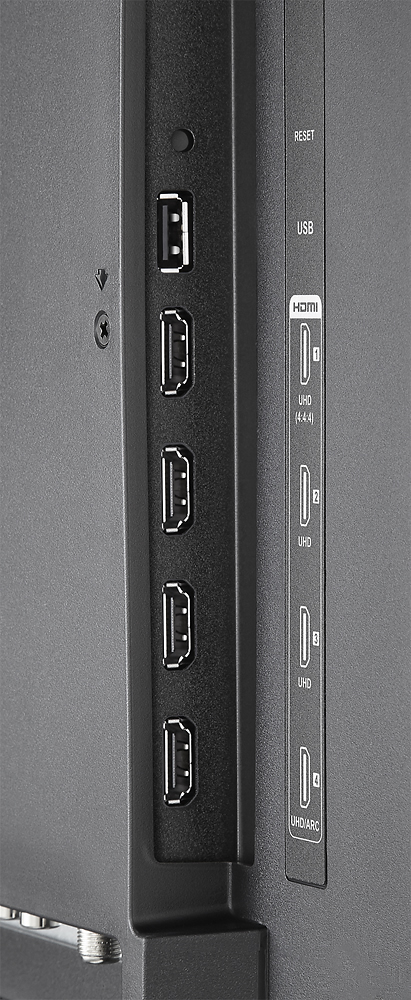
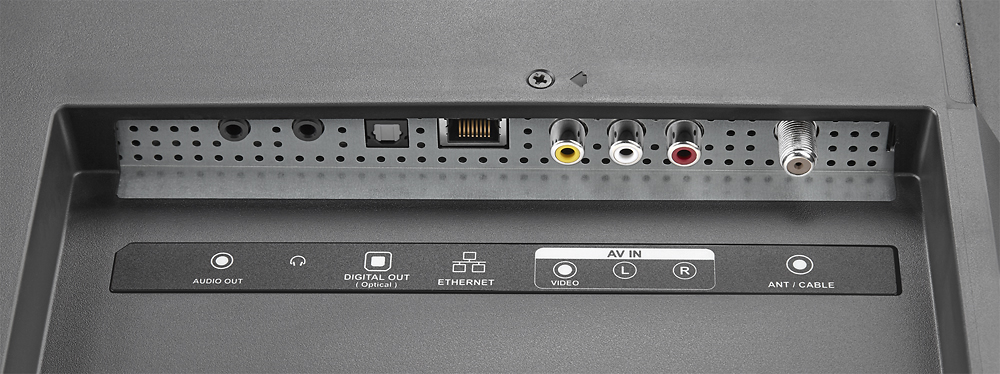
A:AnswerI'm not sure if we had the same problem but we had to get one more cord so we could use the audio for Netflix and cable from our surround sound.
A:AnswerAlternative till you buy the remote:
1. Use the TV remote to switch on/off the cable
2. Install the Roku app on your smartphone. Works perfectly for all the TV video streaming applications. Once you get used to the phone remote, you may not want to switch back (my personal experience).
A:AnswerSome of the Roku TVs and roku set top boxes have a headphone jack in the remote. This might help your hearing impaired husband. Also, also, some of the Polkaudio soundbars have dialog enhancing features.
A:AnswerTry .avi however mine excepts .mp4 however there are different .mp4 formats like .264 or .265 and a couple more so you need to convert to the common .264 version if none work then your either doing something wrong or there is something wrong with the TV.
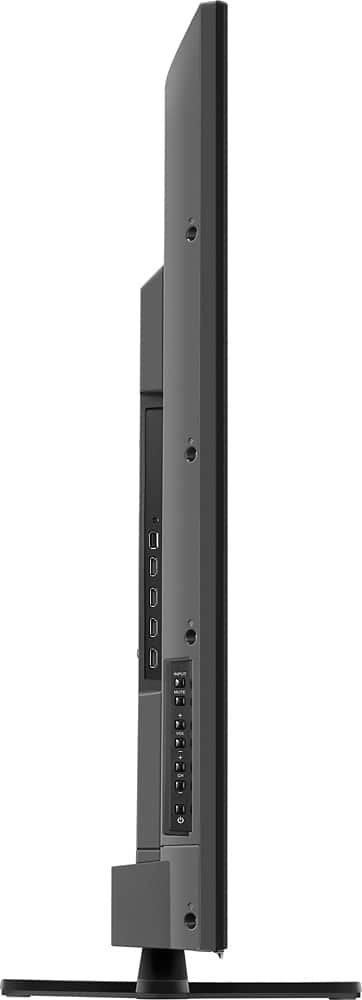
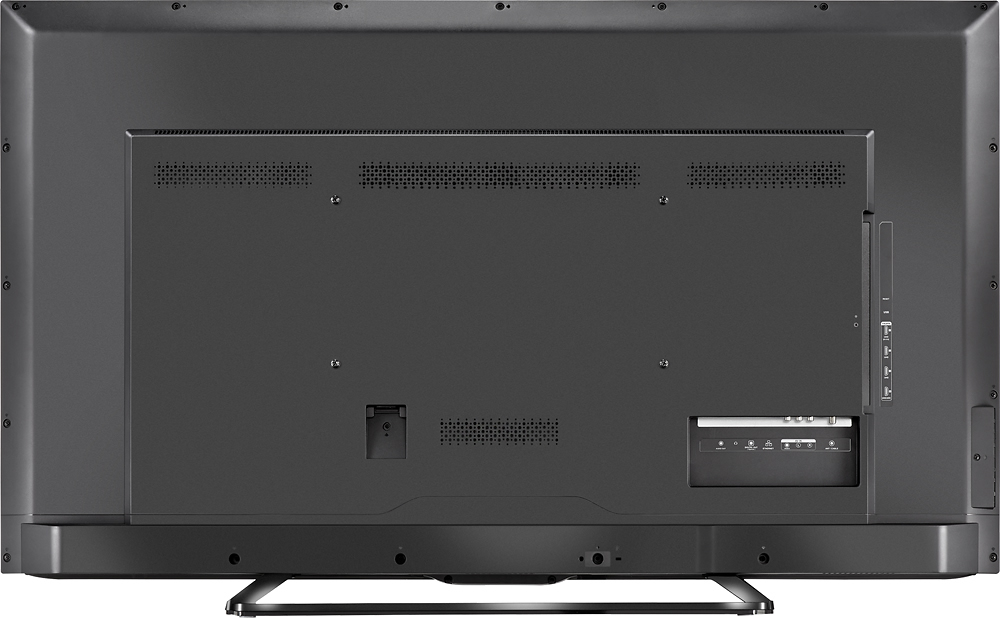
A:AnswerYou DO have buttons. When facing the TV, the buttons are on the left side -NOT the rear. The LEFT side. It is a very small area about 3 or 4 inches high which includes volume, power etc.
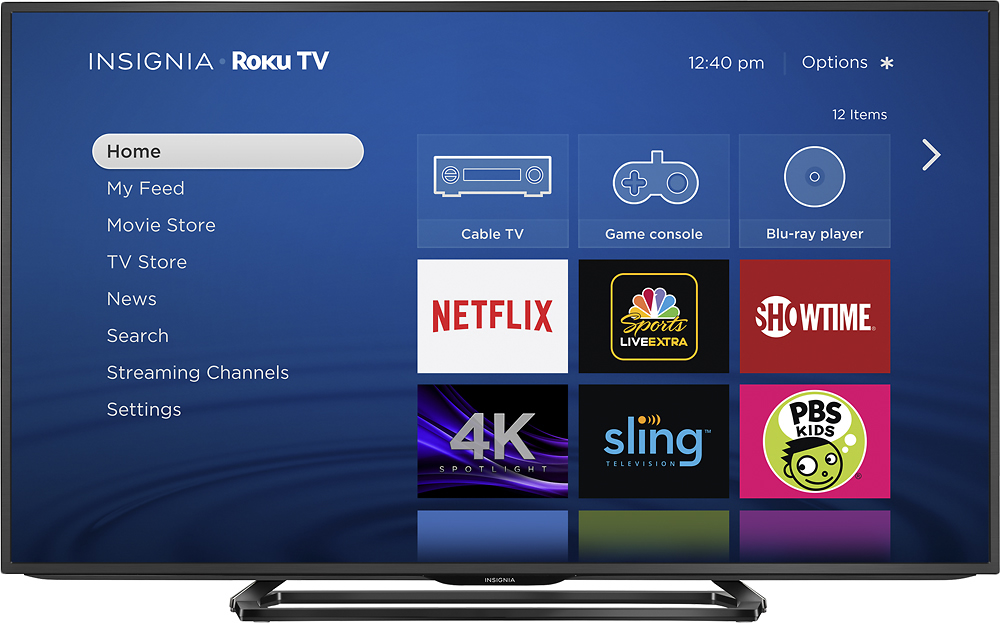
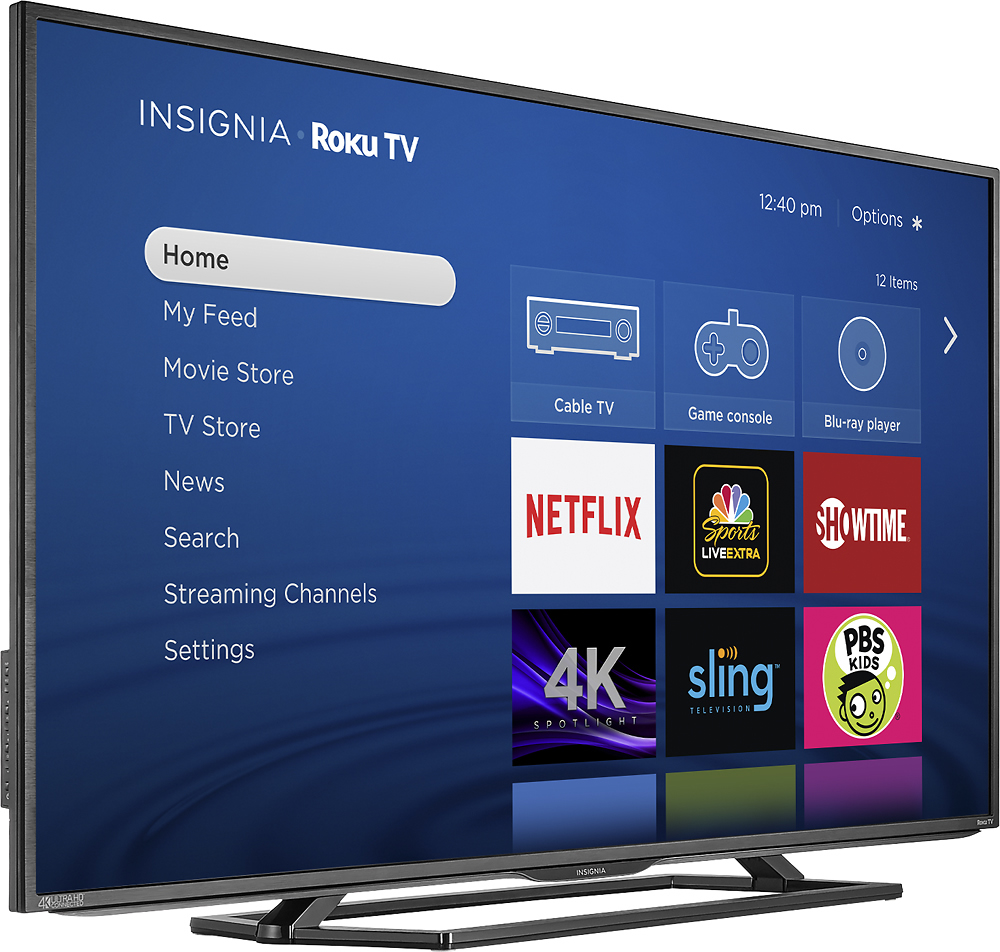
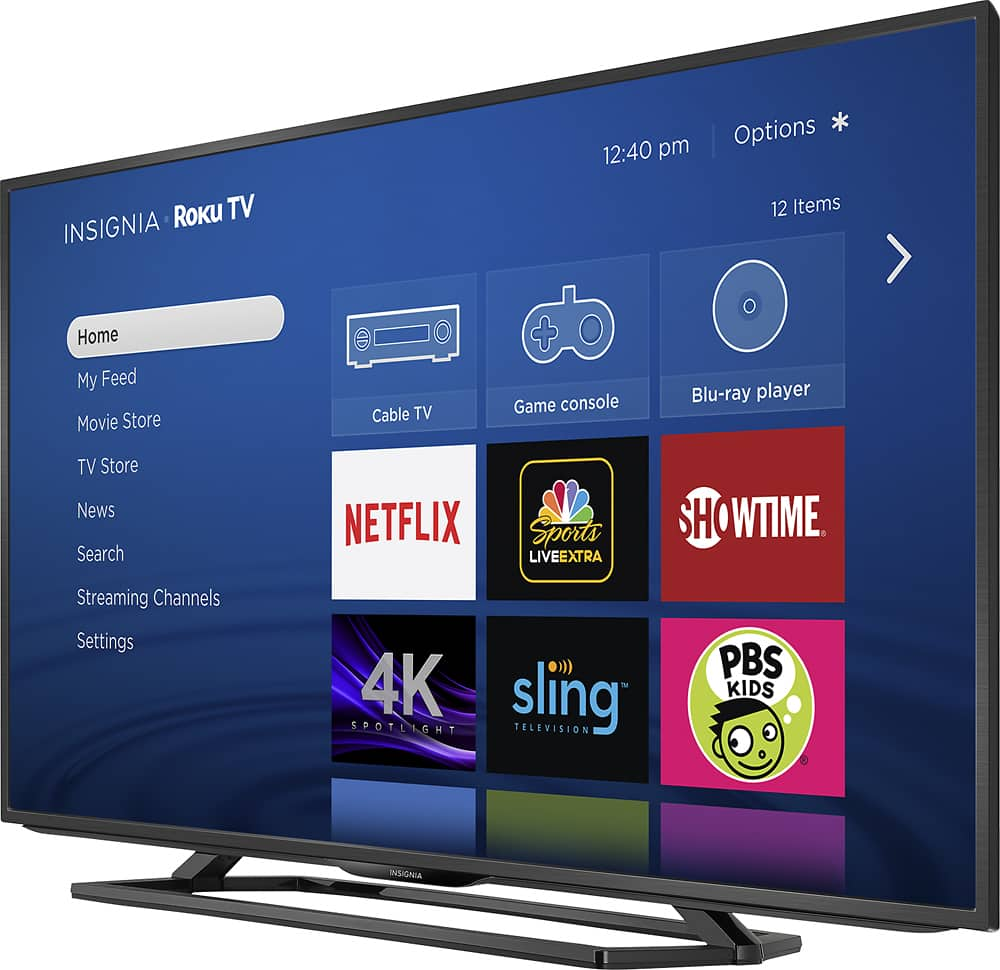
A:AnswerPress the star in the upper right hand corner of the screen. A menu panel will show up on the left side of the tv. Using directional arrows, press up or down to get to desired input, press okay. If it's not working after you on the right input make sure device is on and check cables. Hopefully this helps!
A:AnswerYes you have to have internet and both devices have to be on the same network (wifi name/address). I use my Android all the time with smartview.