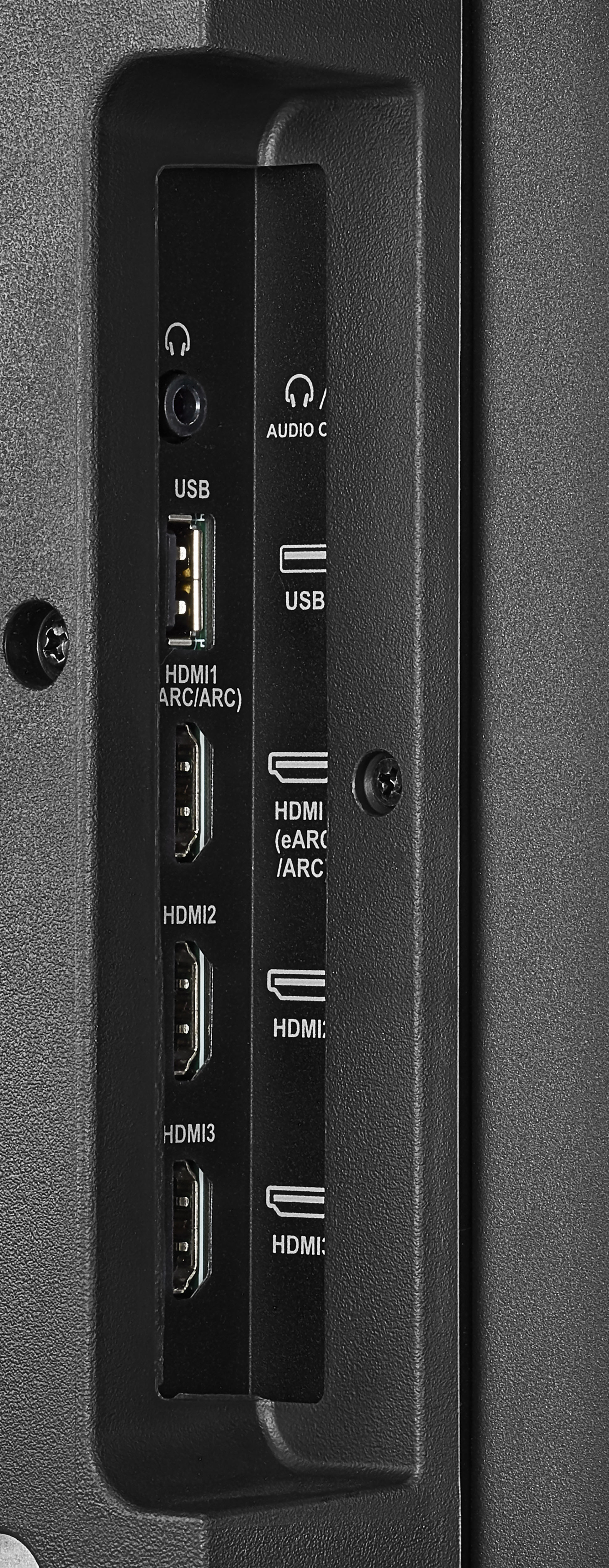
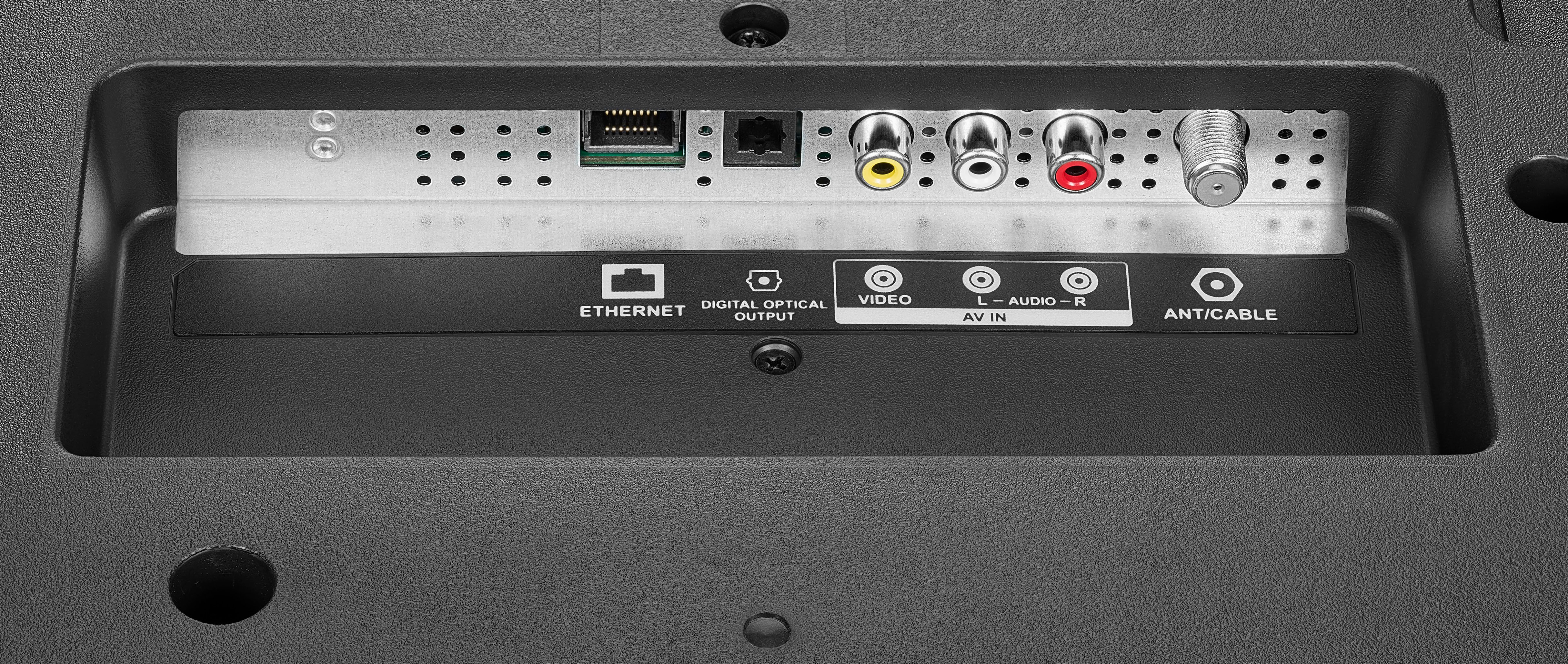
A:AnswerTry this: go Home > Settings > Display & Sounds > HDMI CEC Device Control and select On. Also, Home > Settings > Display & Sounds > Audio Output > Turn TV Speakers OFF and Select Digital Audio Format Auto.
For product support, please visit https://www.insigniaproducts.com/email-us
A:AnswerYes, you can link your Echo to the TV, open the Alexa app on your smartphone, tap Menu > Settings > Video and TV > Fire TV and follow the on-screen instructions. Then you can say: "Alexa, turn off Fire TV".
A:AnswerUnfortunately, this TV is not compatible with the Echo Home Theater setup.
For more information, please visit https://www.amazon.com/gp/help/customer/display.html?nodeId=GYYMWGZJUK28FEN6