A:AnswerHi, thank you for sharing your inquiry.
Your TV already has one-year limited warranty. Also, a Geek Squad Protection plan can be added during the standard return/exchange period for your product.
I hope this answers your question.
Deneb M.- Insignia Support.
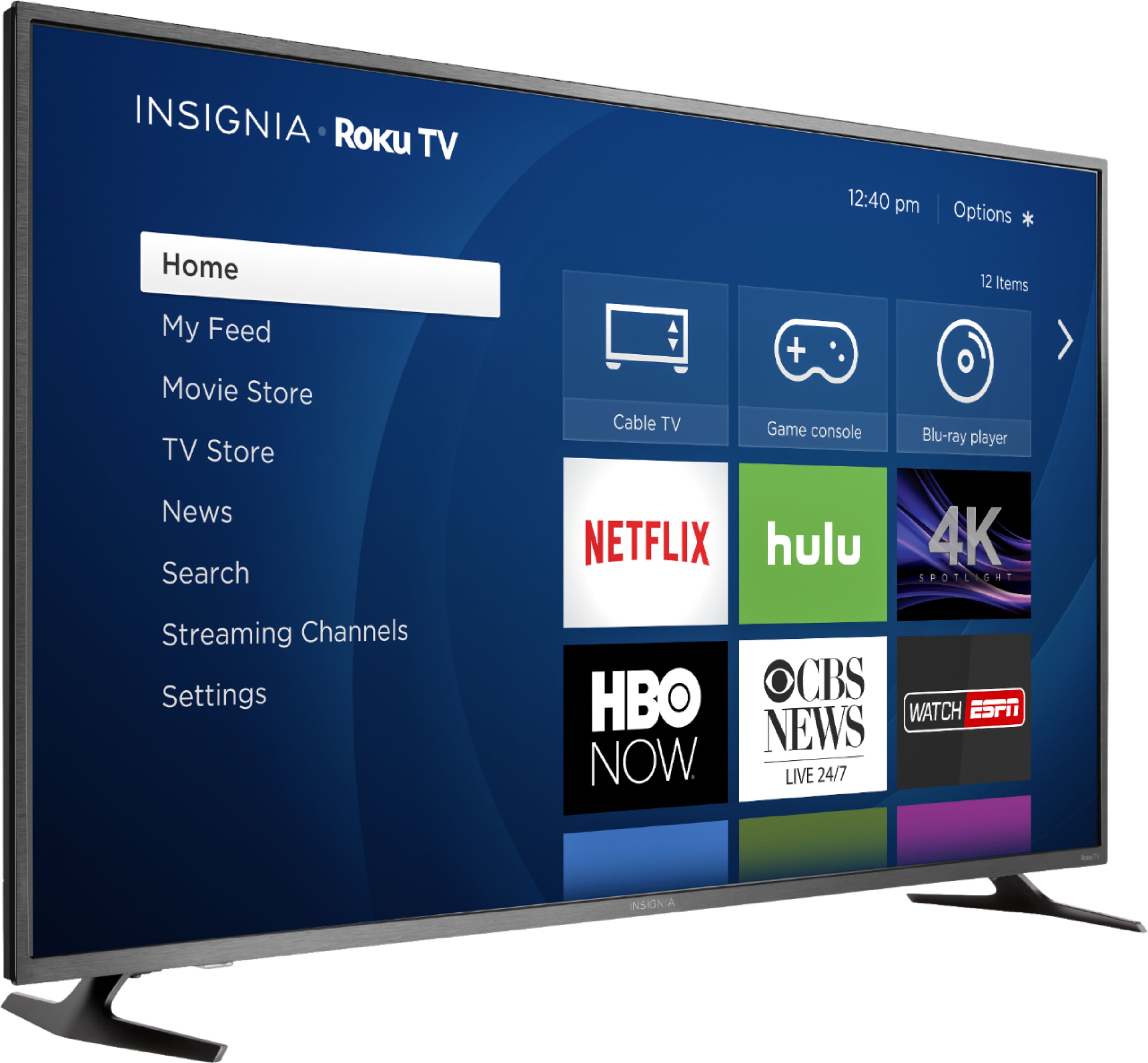
A:AnswerPicture adjustments are made by hitting the * button. Switching sources (xbox, dvd player) is done by hitting the home button on the top right.
A:AnswerOn the Roku menu, go to Settings > System > Power > Power on to Cable Box. The TV will automatically boot up to your cable box, and the Roku remote will not be required.
A:AnswerNo I don't believe you did. I got a Dynex TV from Best Buy back in 2010 and it still works great and I've moved a billion times. Insignia I guess bought out Dynex and became the new Best Buy brand. I bought an insignia a few weeks ago and have had no problem with it.
A:AnswerI was able to get it to work with my Spectrum remote so you have a good chance for success. Try your codes again very carefully. I can’t tell you the number of times I’ve goofed a sequence up and thought I had a bad code. Try the remote scanning feature if it has one. It will cycle through all the codes until the TV turns off then you set it. I know I am specking from a Spectrum cable point of view, but trying again on yours may help.
A:AnswerAre you sitting on the remote? If you aren't "butt surfing" with the remote try unplugging everything (this causes the TV software to re-boot).
A:AnswerI did a comparison between the two models and the one which ends in a number 8 is Digital; the one which ends in a number 7 - which is $50 less - is analog (according to specifications).