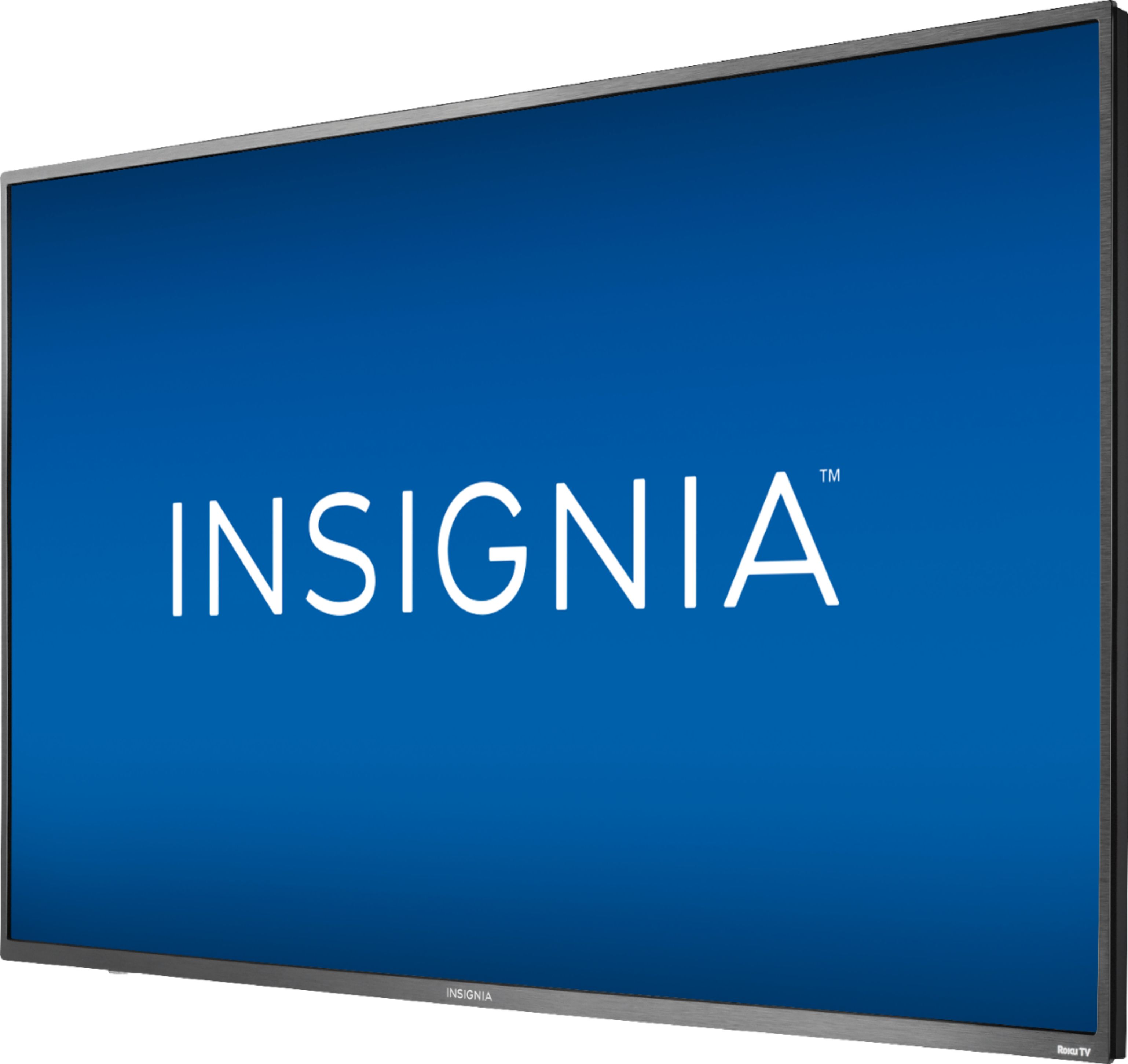
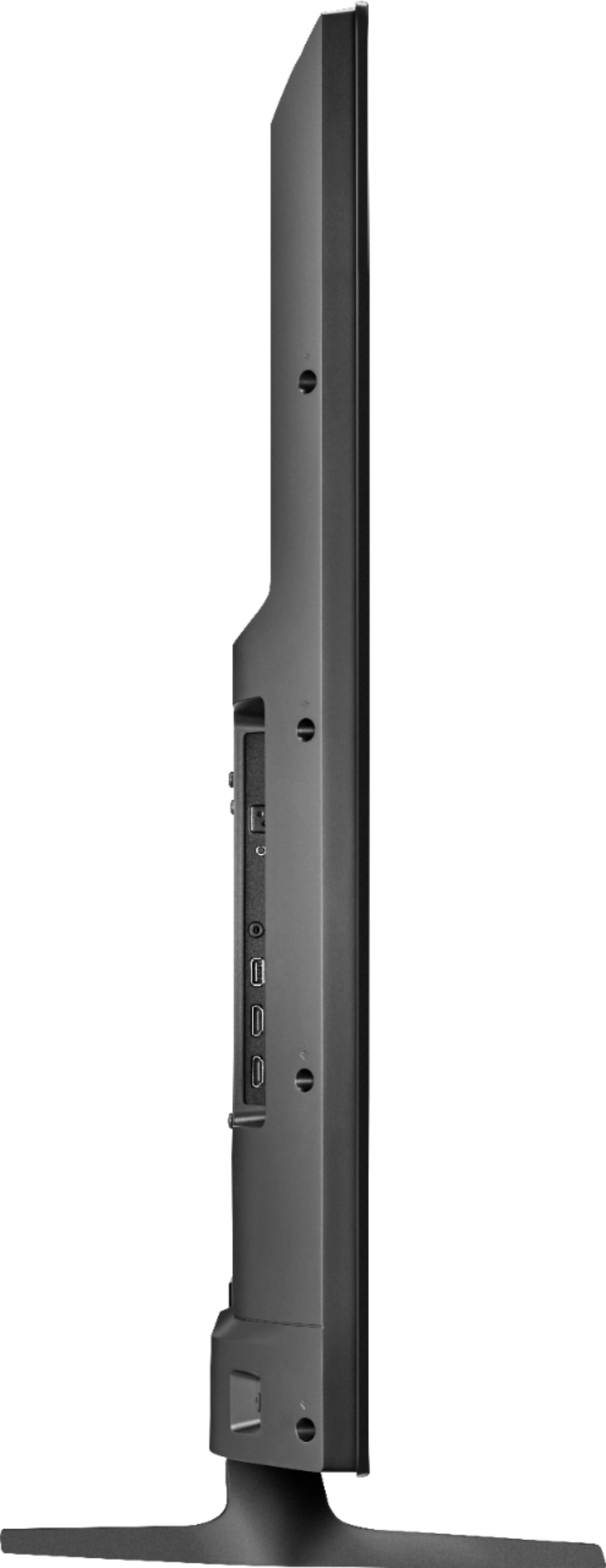
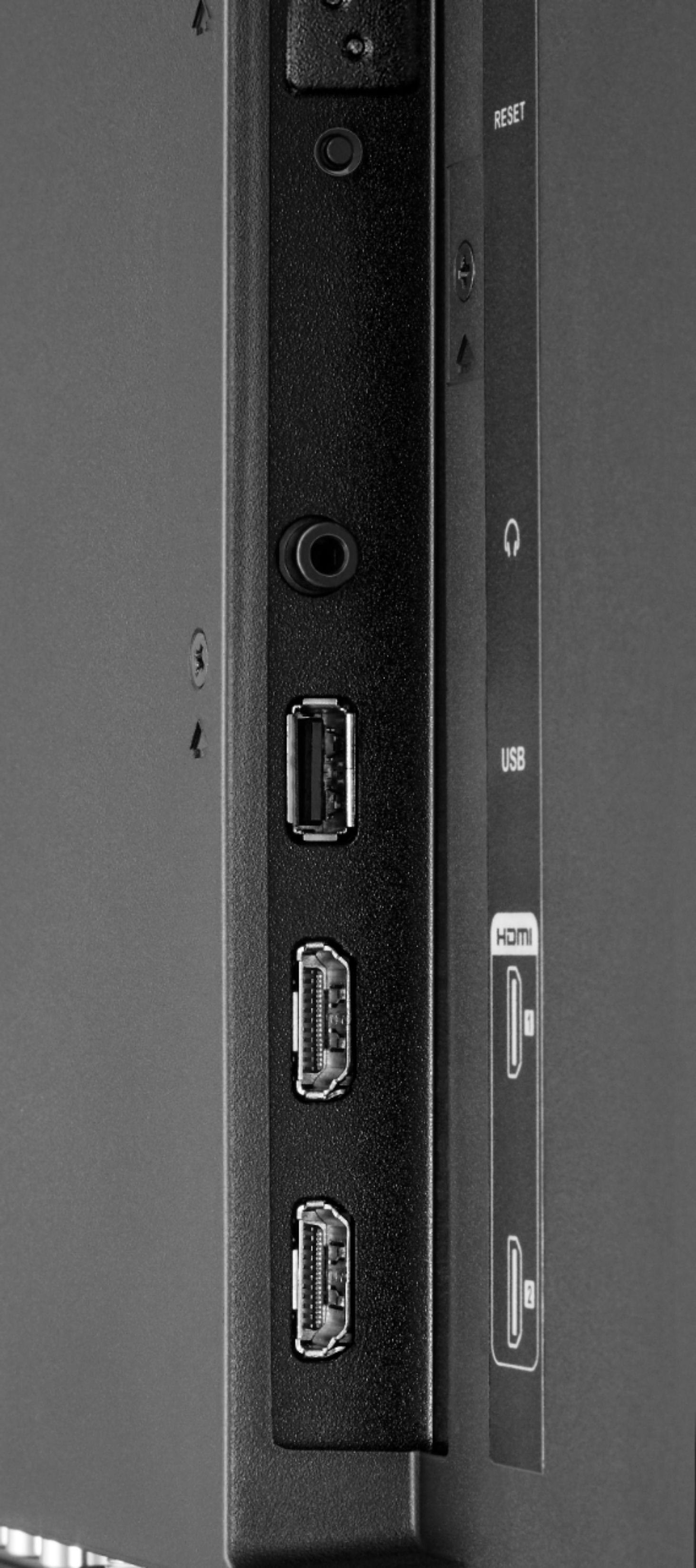
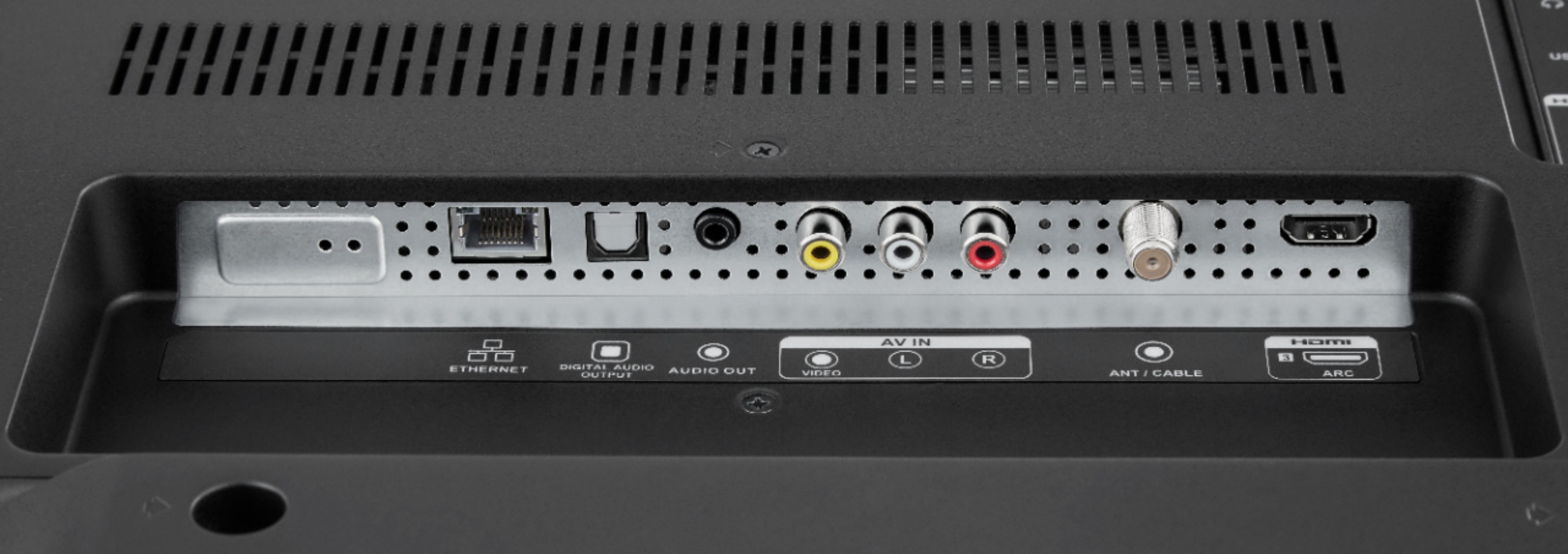
A:AnswerGo into settings and disable it, or change it to your favorite pics. I use YouTube or Google for easy, step by step instructions... just enter the make & model of your TV.
A:AnswerHello,
I understand that sometimes the menu on the TV could be confusing, so my best advise would be to contact us at 877-467-4289 where one of our representatives will be able to guide you step by step to change this settings on the device and get you the right Date and Time.
Hector S. - Insignia Support
A:AnswerHello Bennett,
This behavior is not normal on the TV, since it should be connecting automatically to the network you entered.
Please contact us at 877-467-4289, so we can assist you to get this situation resolved.
Hector S- Insignia Support
A:AnswerIn this case I think that it would be convenient if you give us a call at 1-877-467-4289, one of our agents will answer all of your questions.
Ruben- Insignia support
A:AnswerThe great thing about this TV is if you have a wireless router / modem you don't have to plug any devices into it
, it will recognize your Wi-Fi. You'll be up and running in no time.