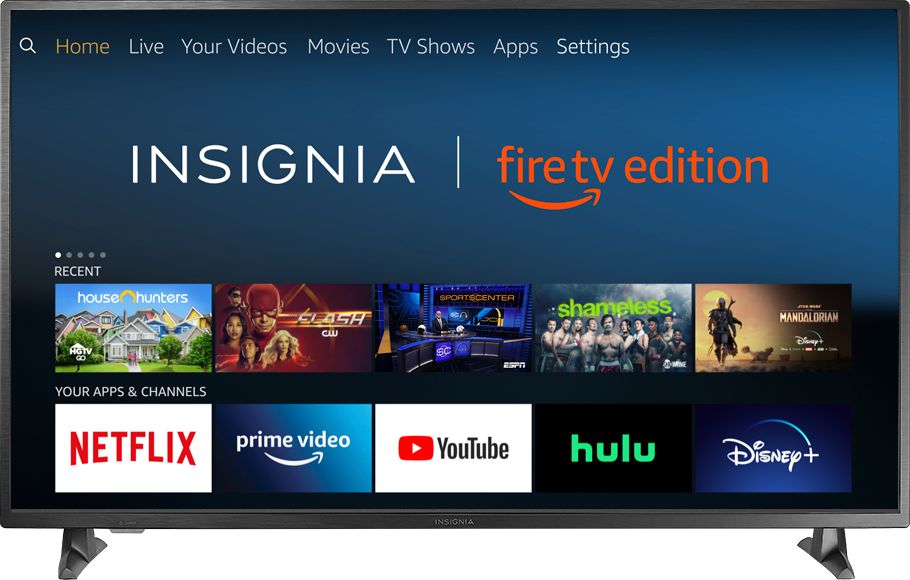
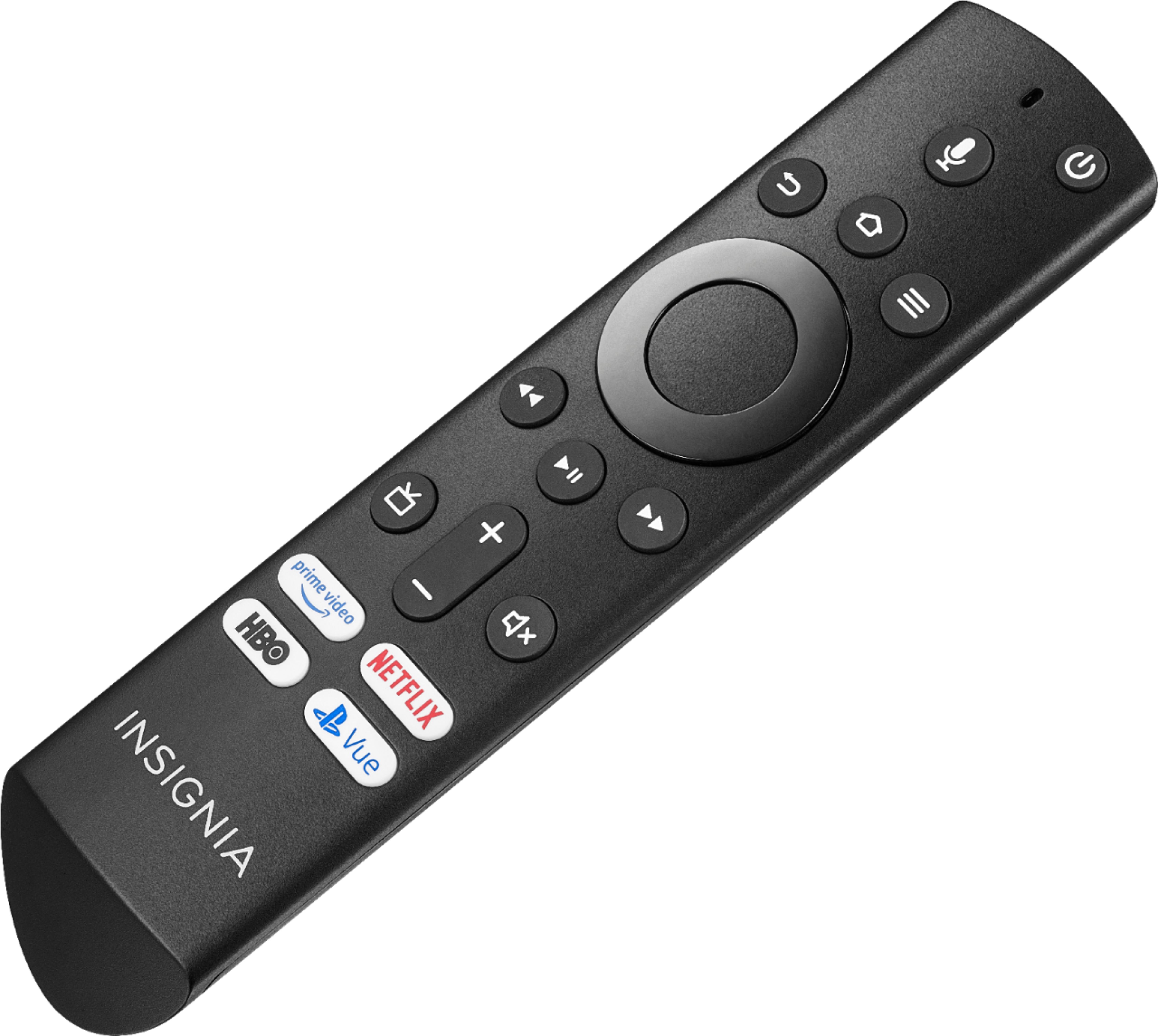
A:Answer Bluetooth devices (headsets, keyboards, controllers, etc.) can be added by going to Settings > Controllers & Bluetooth device , then choose “Other Bluetooth devices” make sure you have your device (headset, keyboard, etc.) in pairing mode and it should show in the available list. Select it with your remote and it should prompt you to hit something on the keyboard (could be a pin, could just be return key. Then you’re done.