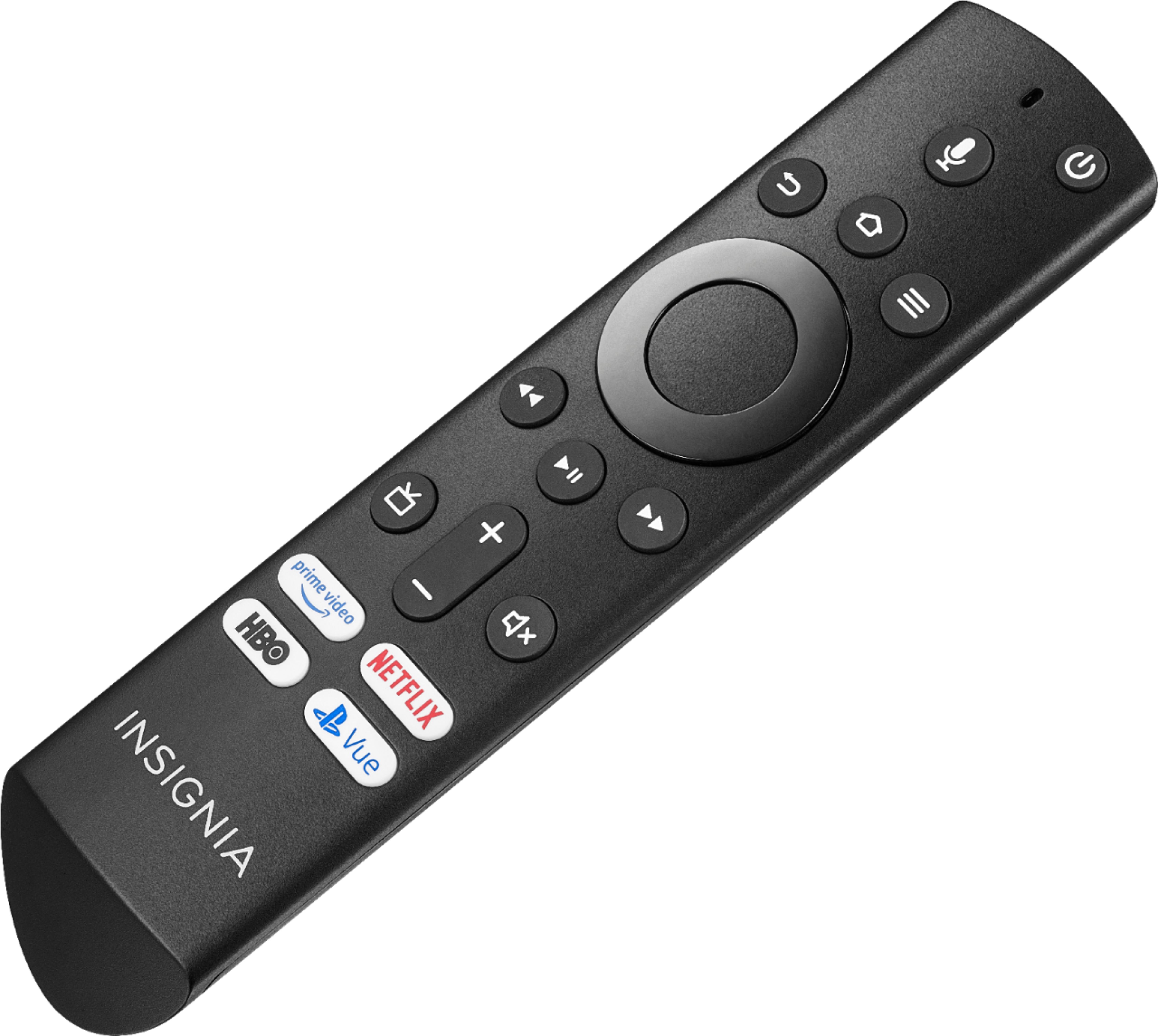
A:AnswerUsing the included Voice Remote, while watching a video, press and hold for 3 seconds the Home button to launch the Quick Access Menu, select Picture > Advanced Settings. You can try different picture modes and turn off Motion Processing.
David M. - Insignia Support
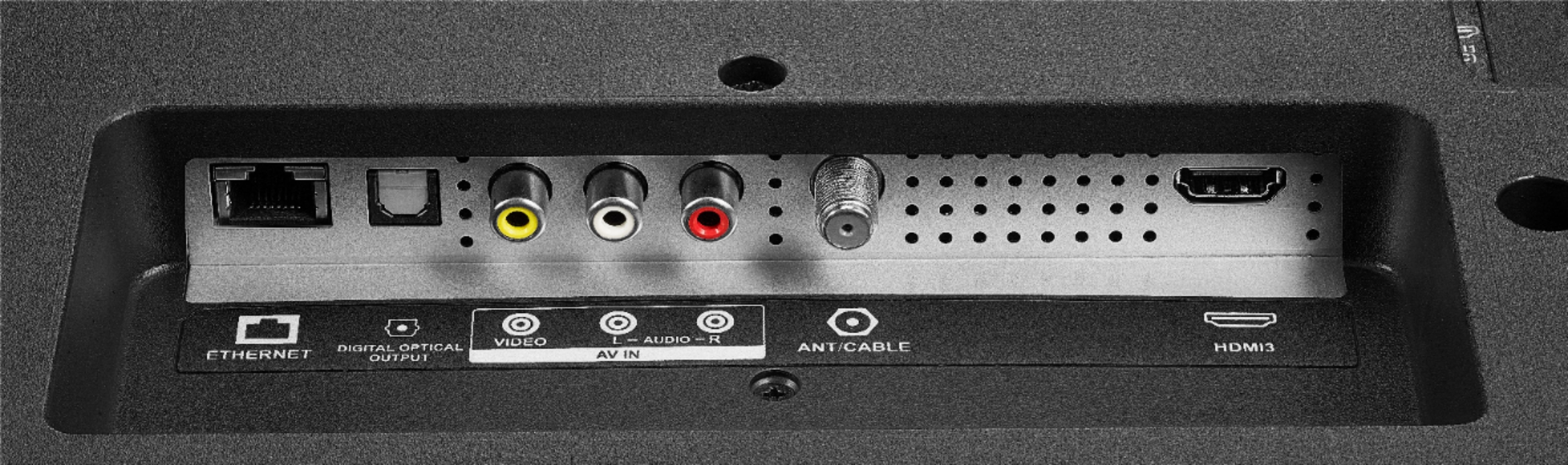
A:AnswerPurchase better quality hdmi cables. I bought a set of 4K tv Monster Cables from Walmart and they kept cutting out. Took them back and bought directly from Best Buy and bought https://www.bestbuy.com/site/insignia-8-outlet-surge-protector-with-two-8-4k-ultrahd-hdr-hdmi-cables-black/6267210.p?skuId=6267210 which included a surge protector and never had another problem with losing my picture, sound or connection. Some cables can not carry all the information of a 4k tv.
A:AnswerPress and hold the Home button for 3 seconds to launch the Quick Access menu, select Display settings to adjust the Picture Size and Aspect Ratio.
David M. - Insignia Support

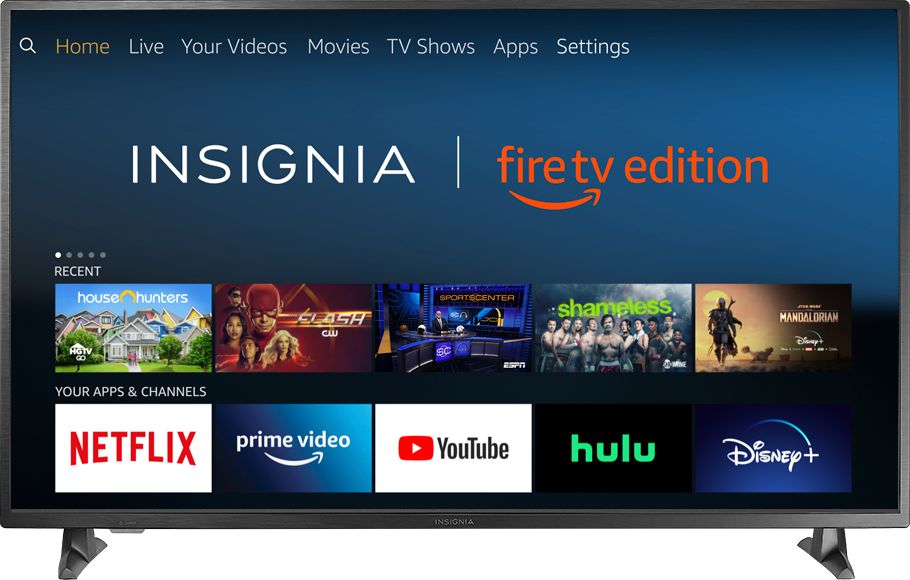
A:AnswerThis TV boots up to Firestick menu and you do not need internet to view local channels. Just choose antenna for the input and they appear as thumbnails at the bottom of screen.
A:AnswerI only use the voice remote to work with the TV. To work with your cable, you may need an Amazon Echo or its variation models to control a compatible cable box.