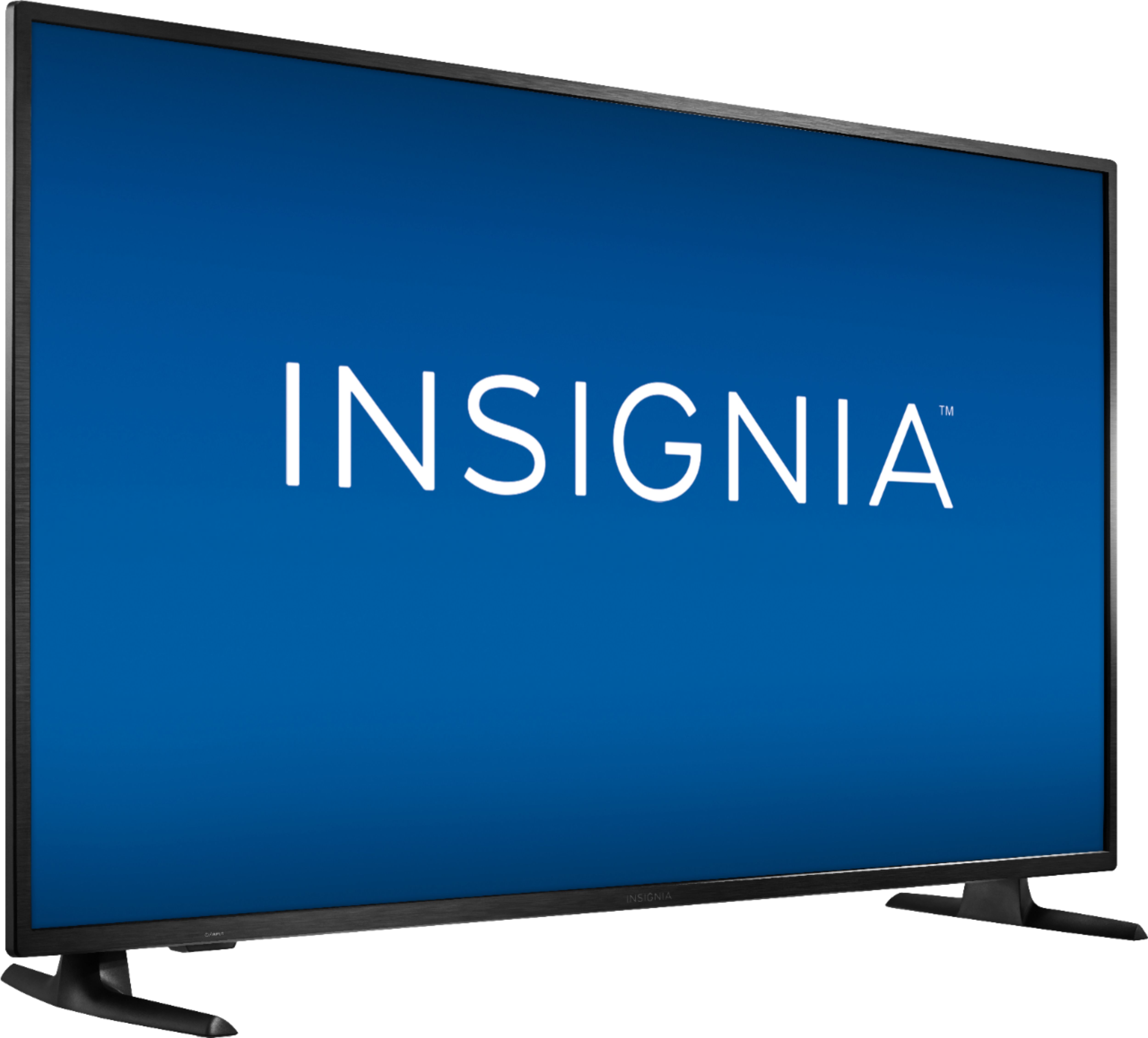
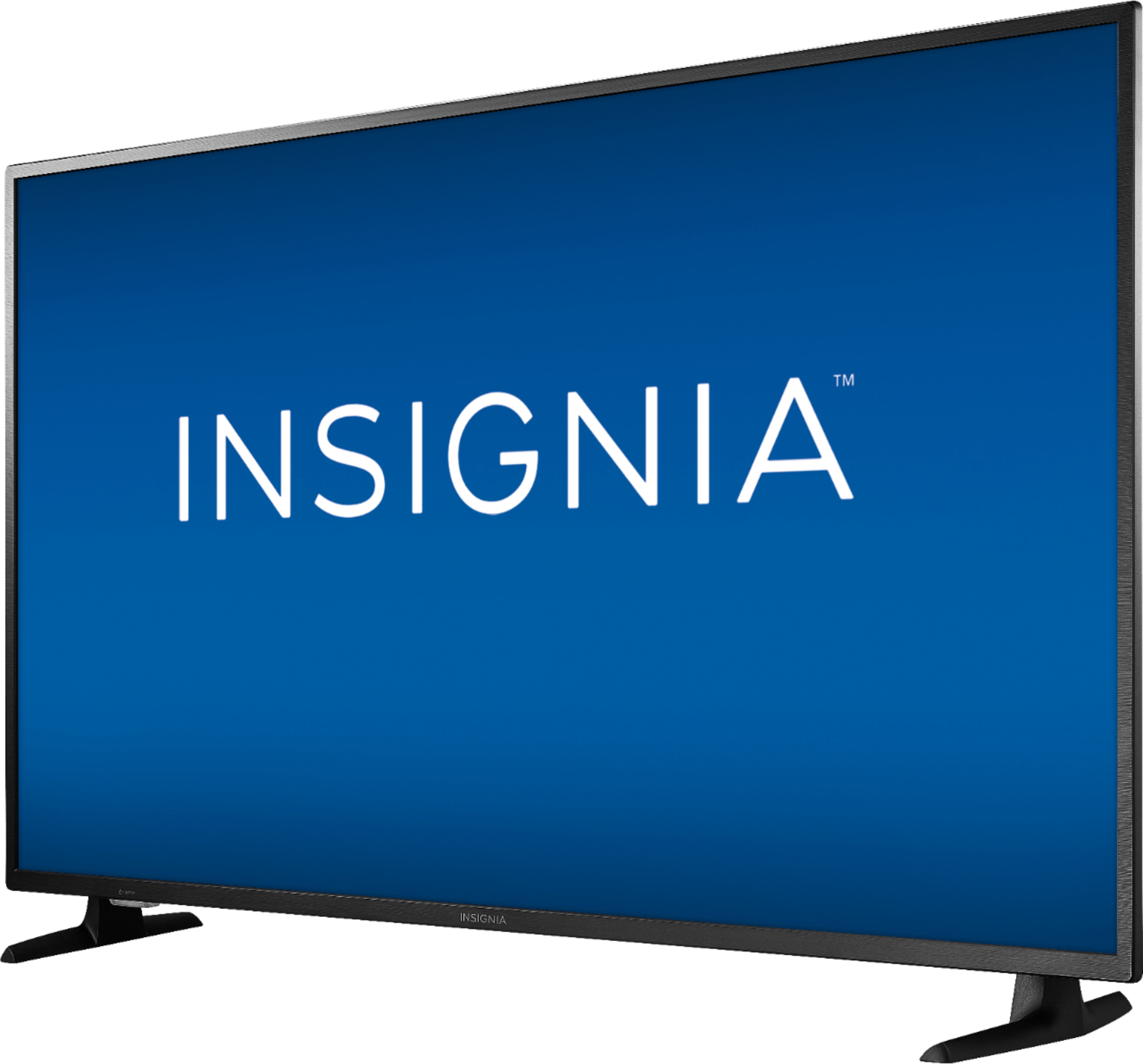
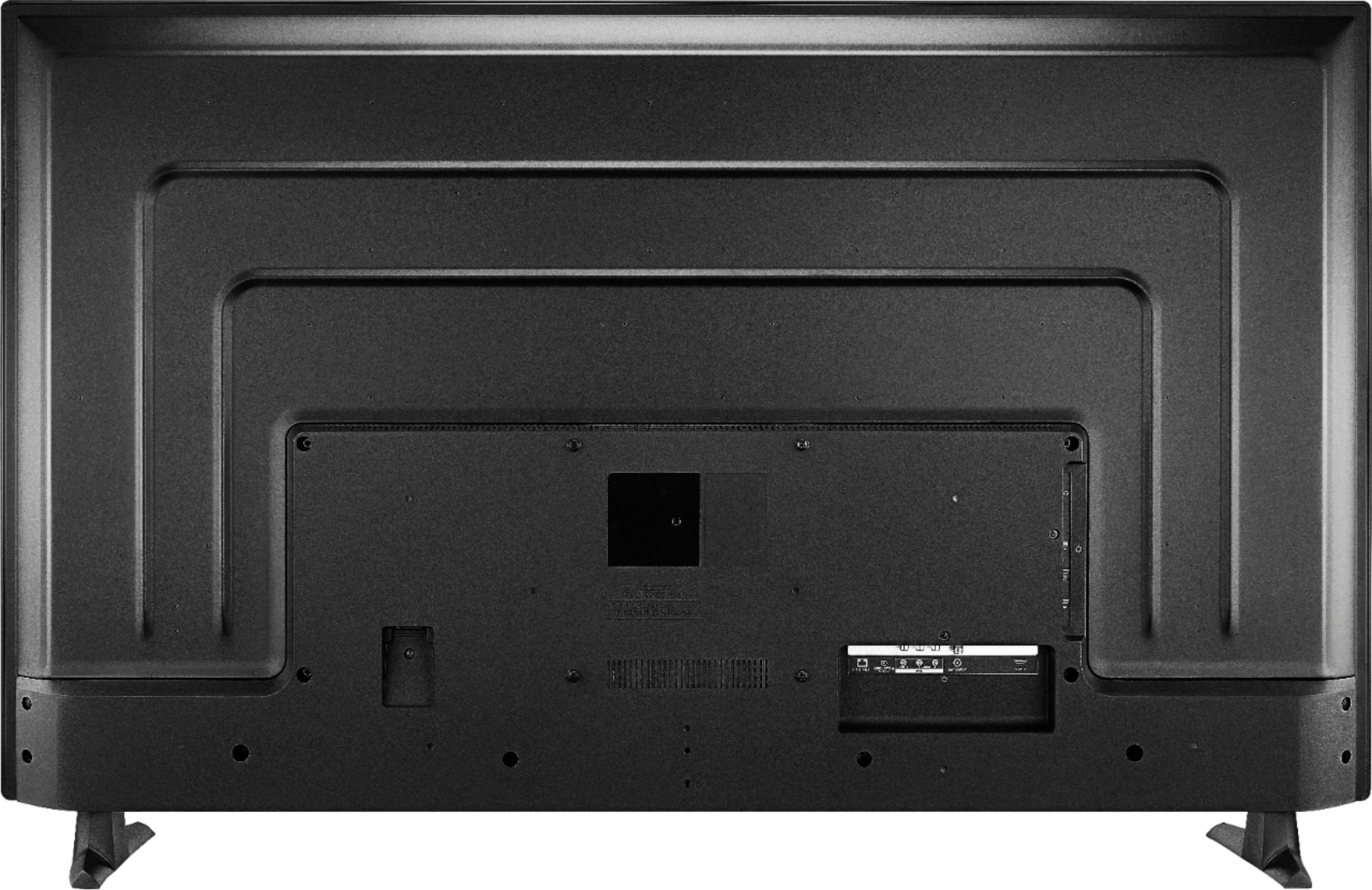
A:AnswerIt uses the Fire TV for its smart functionality and Spectrum does not make an app for it. You can opt to use the Spectrum app on Xbox One or get a Roku for the task. It will ofcourse work with any Spectrum cable box. Many areas under Spectrum have transitioned to all-digital which means you can't just plug in a coax and need a cable box or use an app on one of the supported platforms.
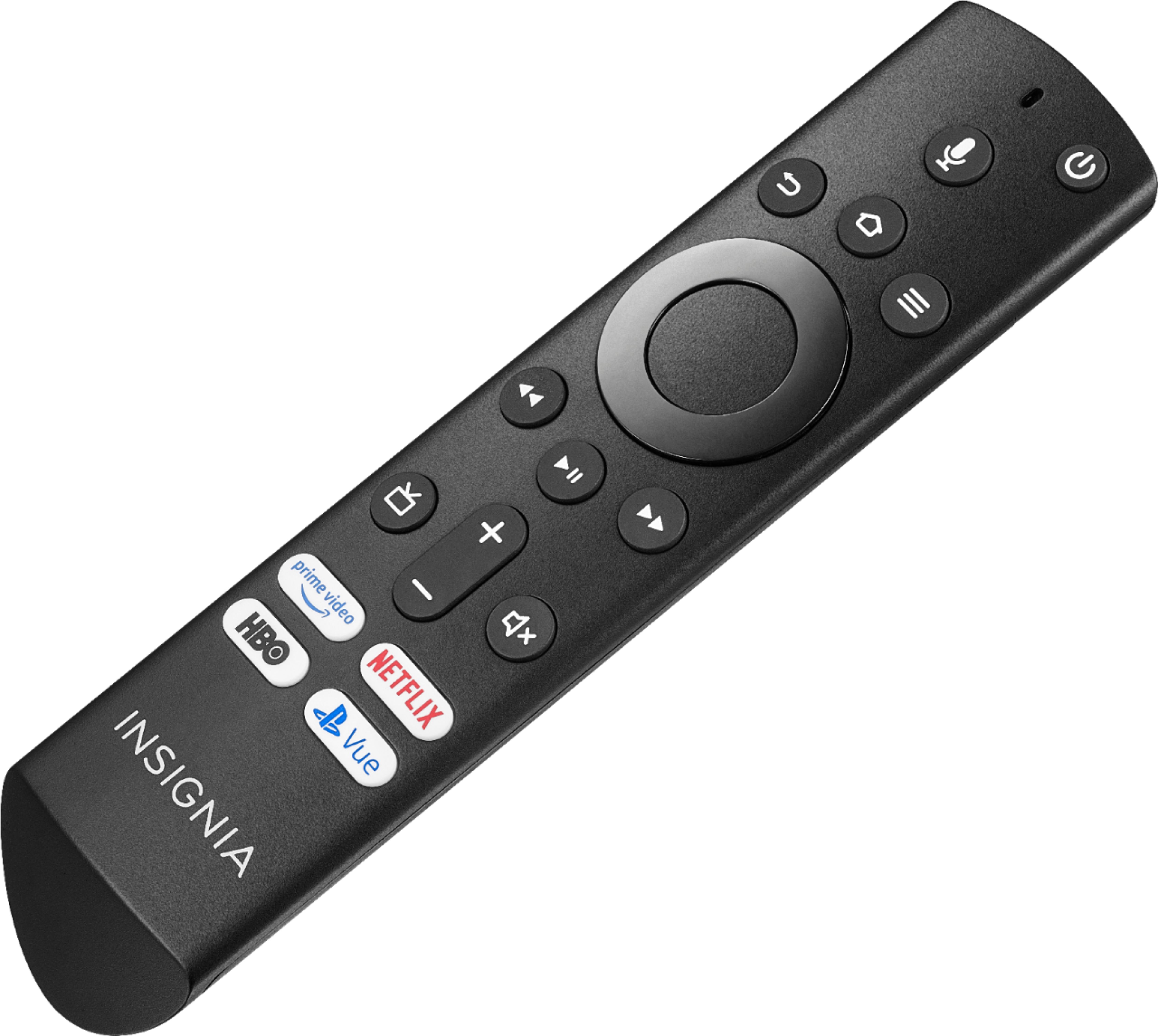
A:AnswerIf you mean a remote with a number pad no, it has a nice remote with voice control. I just say the channel number I want and it goes there or you can pull up the channel menu and go to the one you want. The remote is easy to use and intuitive.
A:AnswerSome TV shows and movies may be bordered by black bars, often called wings or letterbox. These black bars are due to the aspect ratio the TV show or movie was filmed in - if you're seeing them, it means the title was filmed in an aspect ratio that isn't a perfect fit for your screen.
For product support, please visit https://www.insigniaproducts.com/email-us
A:AnswerMy tv has waves running top to bottom and bottom to top, started 3 weeks ago, Comcast has check everything and said it’s in the tv, what do I do now to get it fixed. Purchased in July 2020
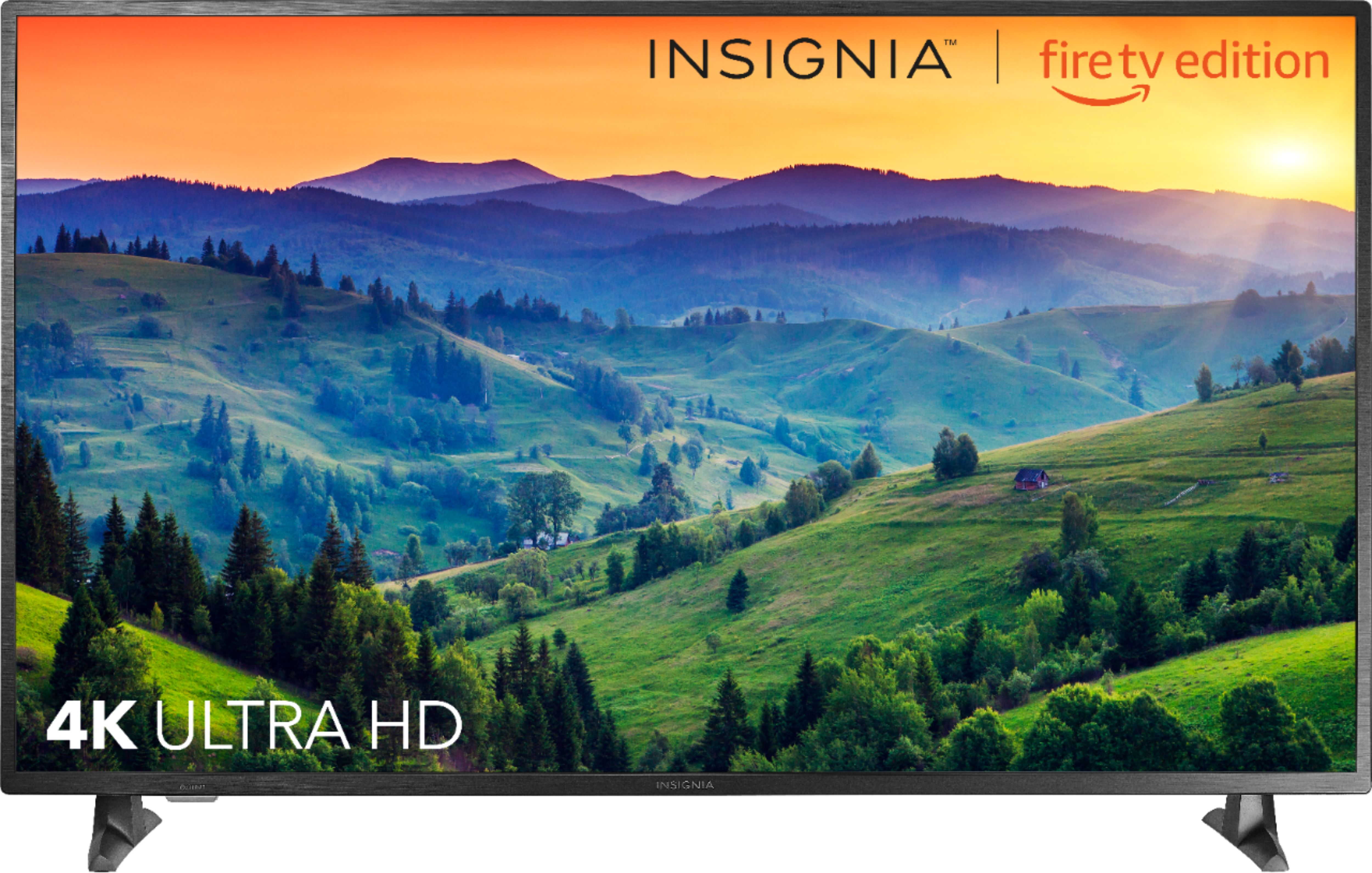
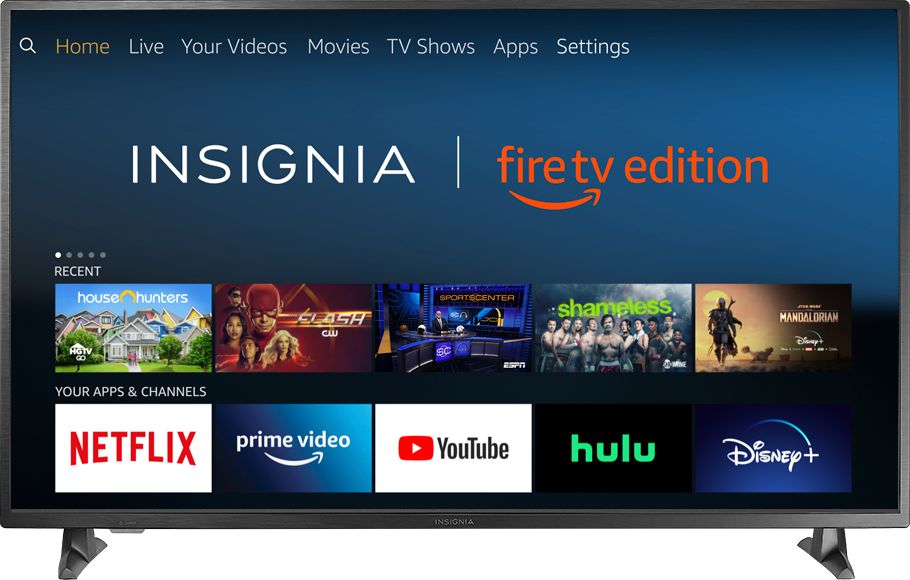
A:AnswerThe Fire TV Edition television has the Fire TV Experience built-in.
To search for available apps to download, please visit:
amazon.com > Menu - Shop By Category > Fire TV > Fire TV Apps & Channels > Refine by Device Type select Fire TV Edition TV and search.
David M. - Insignia Support
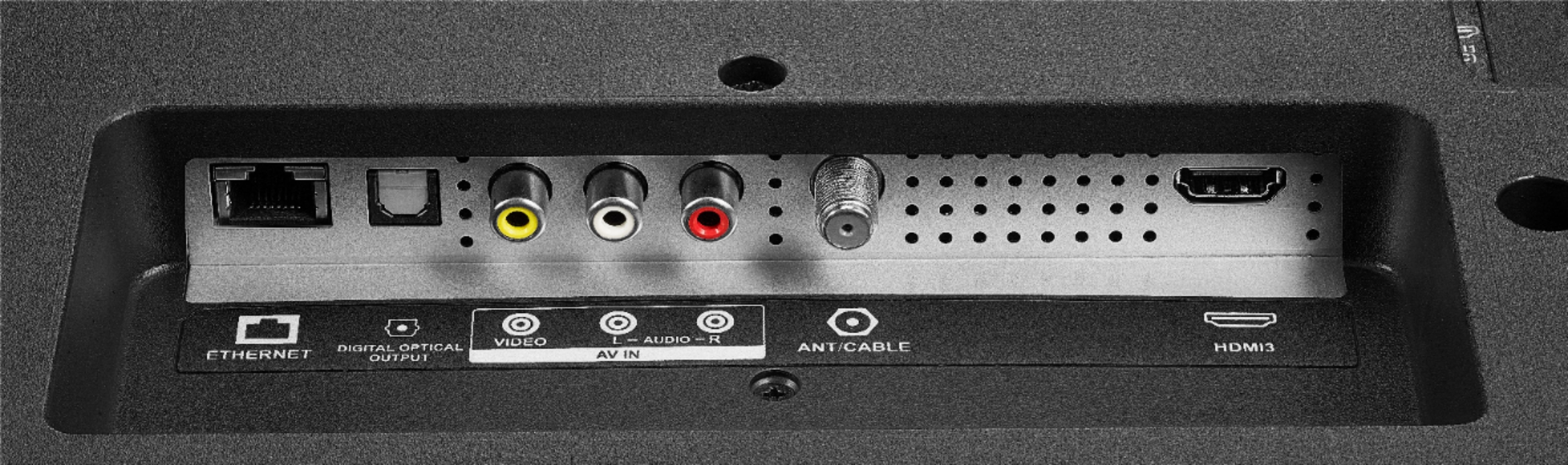
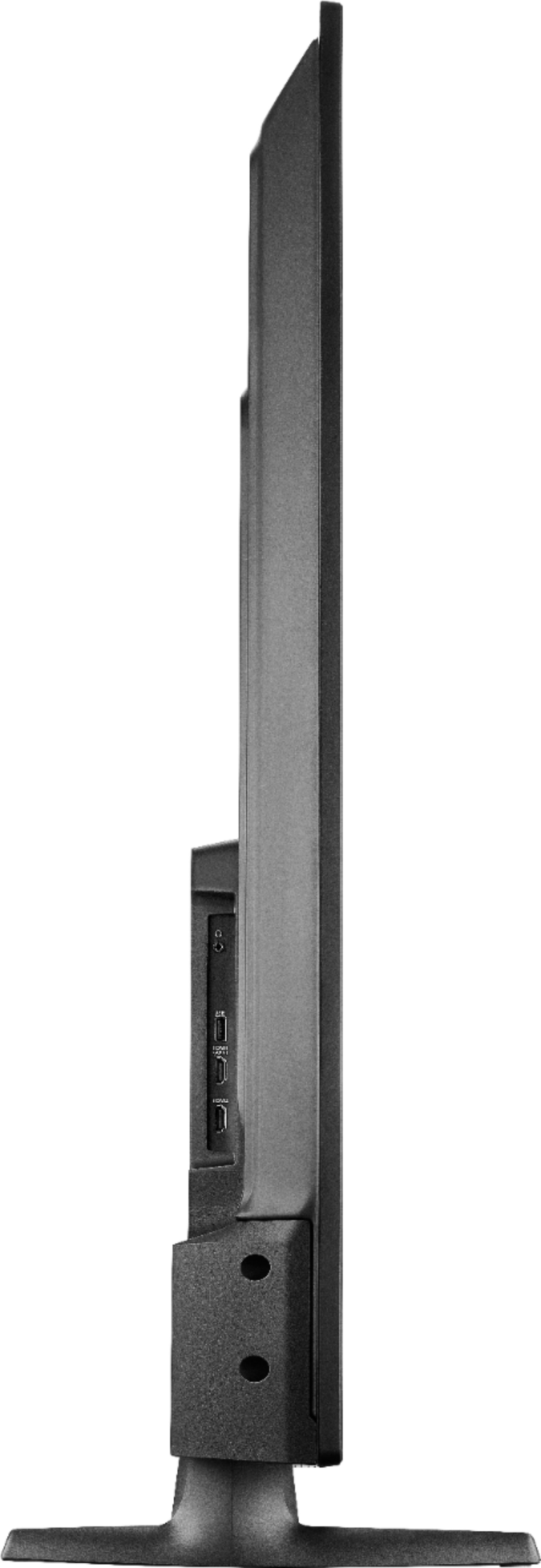
A:AnswerThe Fire TV Edition television also features the following Audio Outputs:
Bluetooth (for audio devices), 3.5 mm (Headphone Jack) and Digital Optical Output. Try to connect your Audio Device using one of these Audio Outputs.
David M. - Insignia Support
A:AnswerUnfortunately, the Fire TV Edition television does not have the feature to turn off the stand by indicator LED status light.
Try to unplug the Fire TV Edition television while you are not using it.
David M. - Insignia Support
A:AnswerNo, you can not. I looked for it and it is not available on any Amazon Fire device. However, it is available on Roku devices.
I know another answer says you can get Spectrum on this television but that answer is incorrect.
A:AnswerNo, you can not. Fire devices do not support or have a Spectrum app available. The other answer is incorrect. You can hook up a Roku device to get Spectrum through this tv though.