A:AnswerAnonymous, I can't give you with an answer on how to fix this issue; but, finding out others are experiencing it let's me ascertain that it is the tv, not my satellite service.
A:AnswerHi Minerjohn,
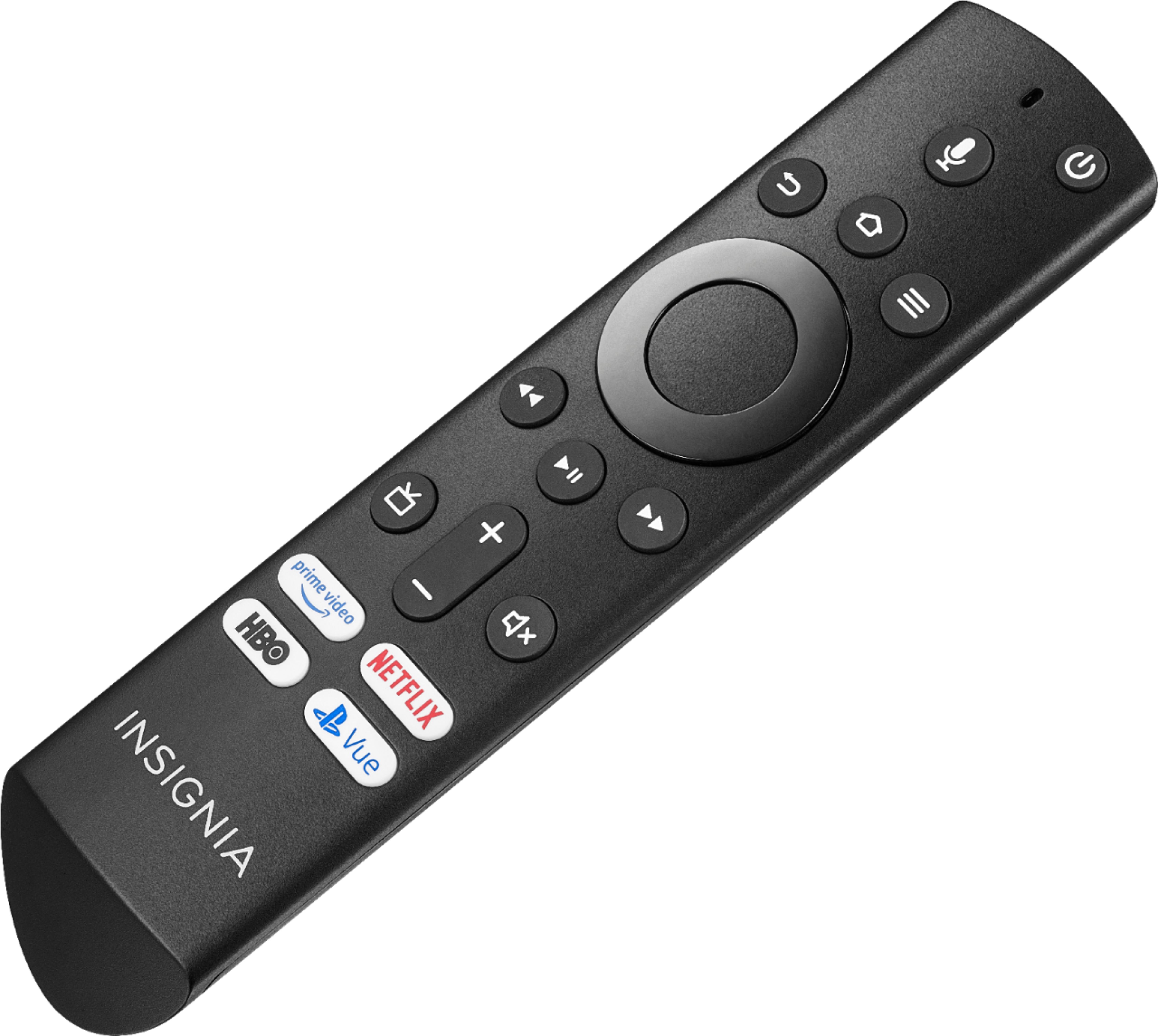
No, the Fire TV remote will not work as a universal remote. On the other hand, please do not try to connect the coaxial cable directly to the TV, it will not give you any signal, the cable box is a must.
Adolfo M. - Insignia Support
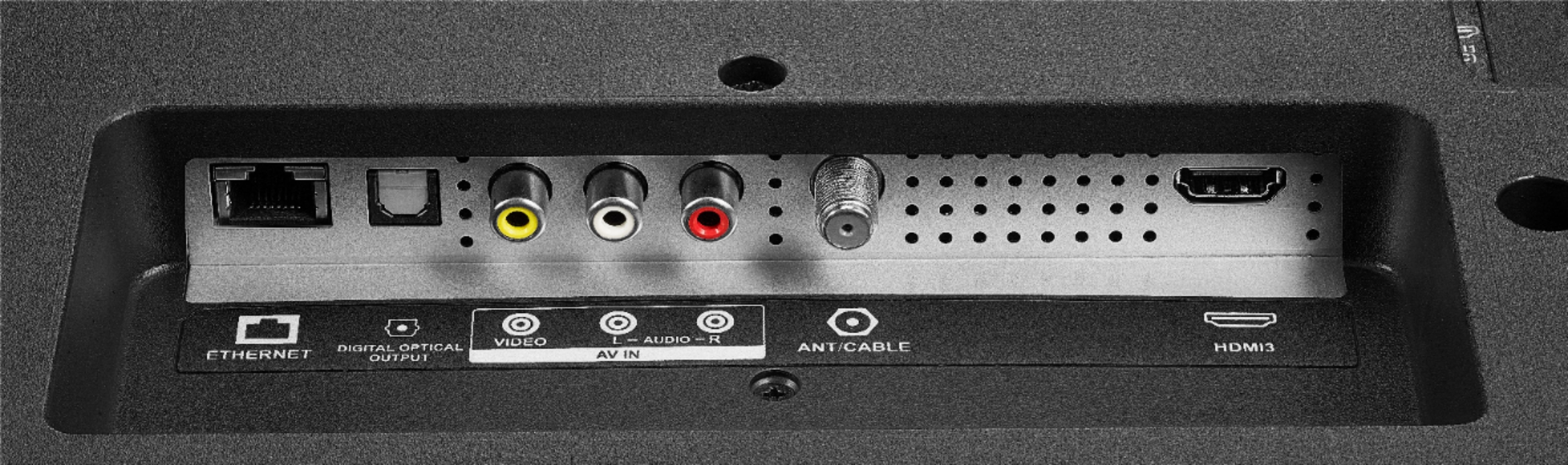
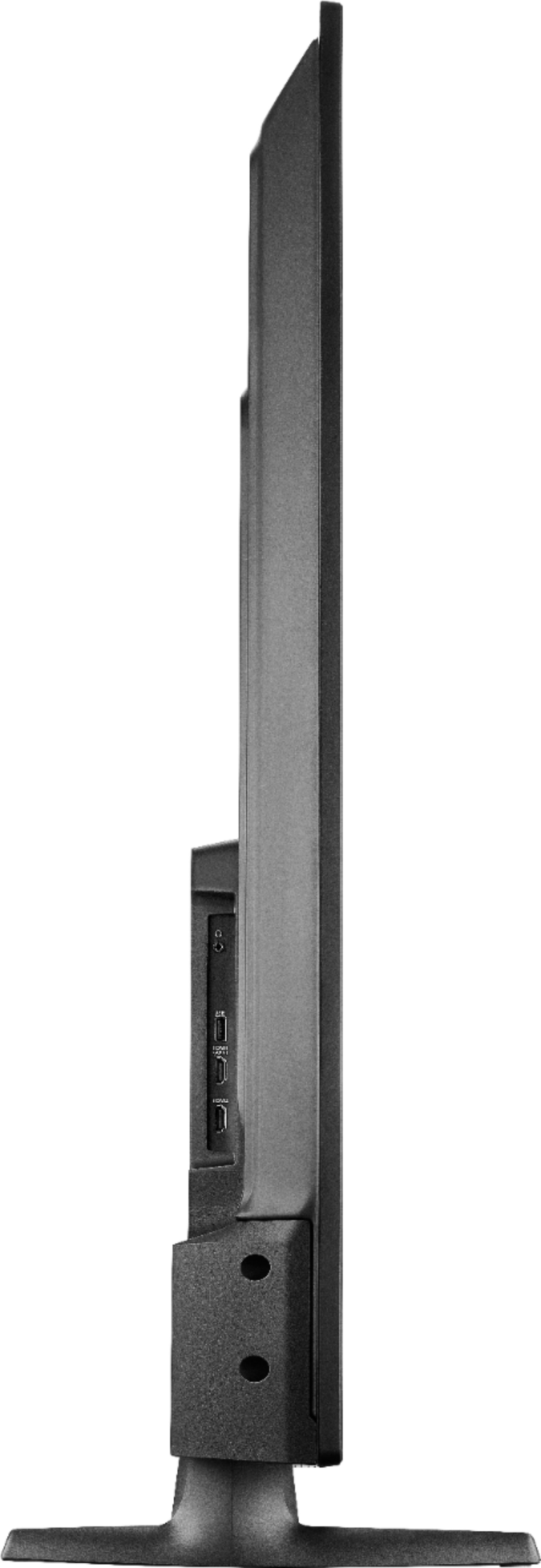
A:AnswerNo, this TV doesn't have an HDMI Output.
You can hook up a Fire Stick to a Projector.
You need an internet connection (wireless home network) to stream content.
A:AnswerNo, this TV is not compatible with the Echo Studio + Sub woofer Home Theater feature.
You can connect your external speakers to the TV using one of the following Audio Outputs: 3.5 mm (headphone jack) or Digital Optical.
David M. - Insignia Support

A:AnswerI have a 55” insignia smart tv with fire tv built in. I just got it and when I put the legs on I thought that it was going to wobble but it was fine. I recently put it on the wall and is fine also. If you feel uncomfortable with it send it back for a different model.
A:AnswerHi MB,
The guide for channels will be something you can check with your cable company, if you are receiving local channels you will need to check your local TV guide. As for the owners manual, please visit Insignia Products web-page. Once you are there you can search the model number and check the 'Support & Downloads' tab for the manual. Otherwise, you can contact our team for detailed step by step instructions.
- Janína G. | Insignia Support | https://www.insigniaproducts.com/contact-us
A:AnswerYou could try to use the Power On feature for the TV to automatically change the input.
First, make sure you have the latest firmware version, go Home > Settings > Device & Software > About > Check for System Update.
Then, go to Settings > Display & Sounds > Power On and select Last Input.
It is recommended to use the included voice remote to fully control your Fire TV Edition television.
David M. - Insignia Support
A:AnswerYou can connect your DVD player using an AV cable (yellow, red and white).
The TV features the following Audio Outputs: 3.5 mm headphone jack and Digital Optical.
David M. - Insignia Support

A:AnswerYou can play videos from a USB flash drive using the app VLC for Fire, the USB port supports a USB flash drive up to 128 GB formatted FAT 32.
David M. - Insignia Support

A:AnswerFirst check for a System Update, go Home > Settings > Device > About > Software Version > Check for system update.
Then, try the Power On feature, when enabled, the TV turns on displaying the last used input.
Go Home > Settings > Display & Sounds > Power On and select Last Input.
David M. - Insignia Support

A:AnswerHi,
You can connect your Sound Bar using an Optical Cable.
To change the Audio Output settings go: Home > Settings > Display and Sounds > Audio Output > Turn TV Speakers OFF and Select Digital Audio Format PCM.
Alan O. - Insignia Support

A:AnswerHi.
Try disabling "TruVolume" on the Sound Settings of the TV (Home Screen > Settings > Display & Sounds > Sound Settings.)
If you feel in need of step-by-step guidance, please contact us on the link below my signature. We will be more than happy to help you further.
Carlos V. - Insignia Support

https://www.insigniaproducts.com/contact-us