A:AnswerFirst make sure you have the latest firmware version, go Home > Settings > Device & Software > About > Check for System Update.
Then, go to Settings > Display & Sounds > Power On and select Last Input.
David M. - Insignia Support
A:AnswerHi, Bent.
I sincerely appreciate you reaching out to us with this inquiry. Given the different situations that could be causing this, it is important to troubleshoot it correctly. This is why I kindly ask you to contact us at https://www.insigniaproducts.com/contact-us so we can properly assist you.
Cesar G. - Insignia Support
A:AnswerThe TV does not support a Hard Drive.
You can watch a video from a USB Flash Drive using the app VLC for Fire.
The app VLC for Fire supports the following formats:
MKV, MP4, AVI, MOV, Ogg, FLAC, TS, M2TS, Wv and AAC
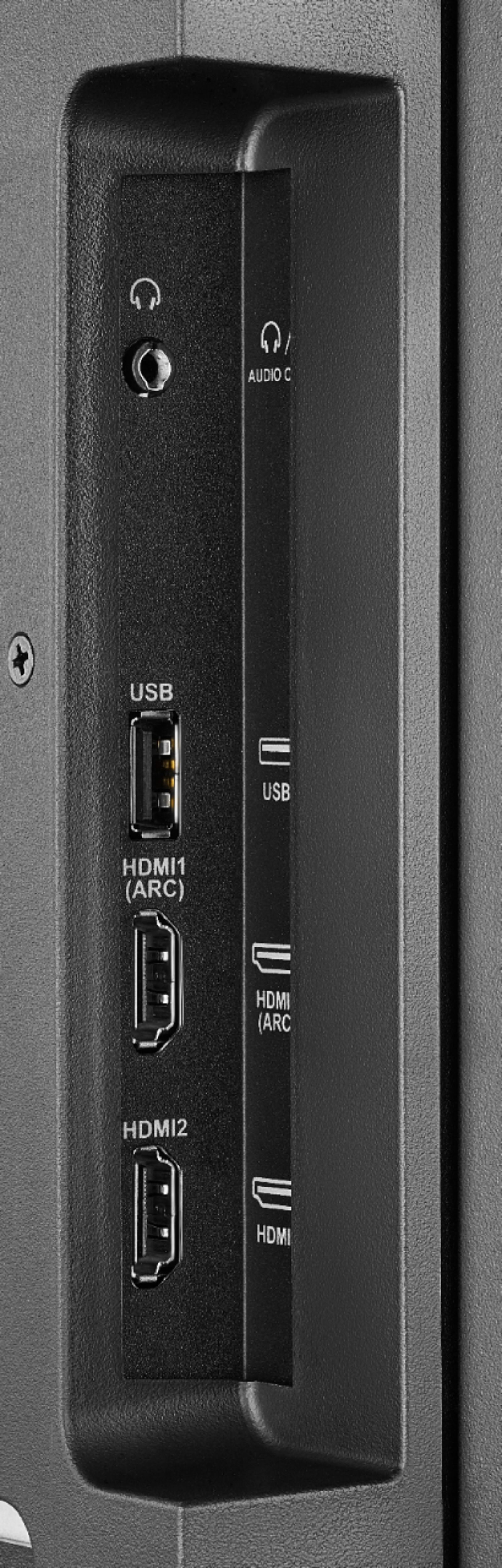
The TV supports one USB flash drive up to 128 GB formatted FAT32
David M. - Insignia Support
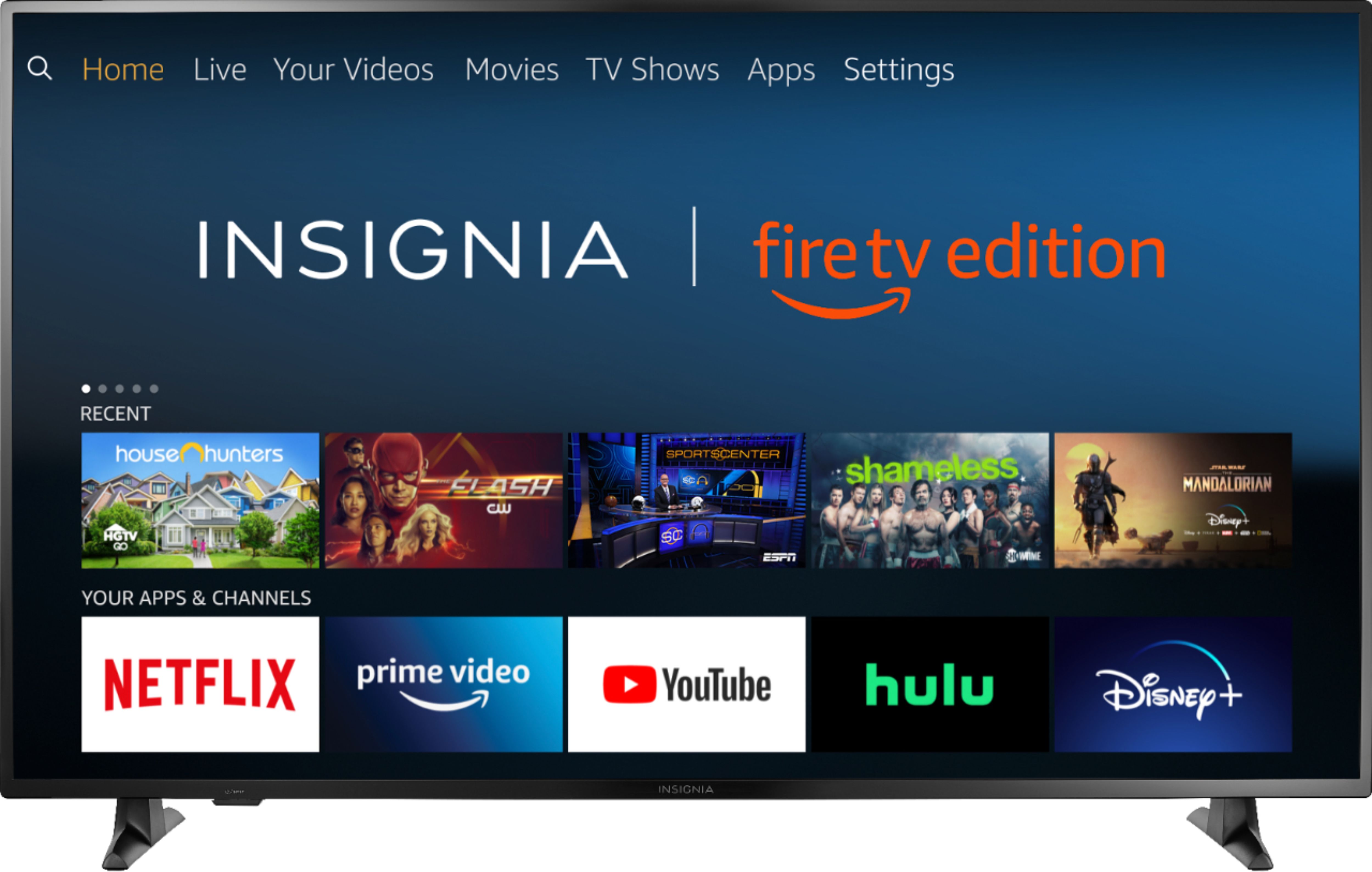
A:Answer1. This TV does not support Dolby Vision, this TV supports HDR10.
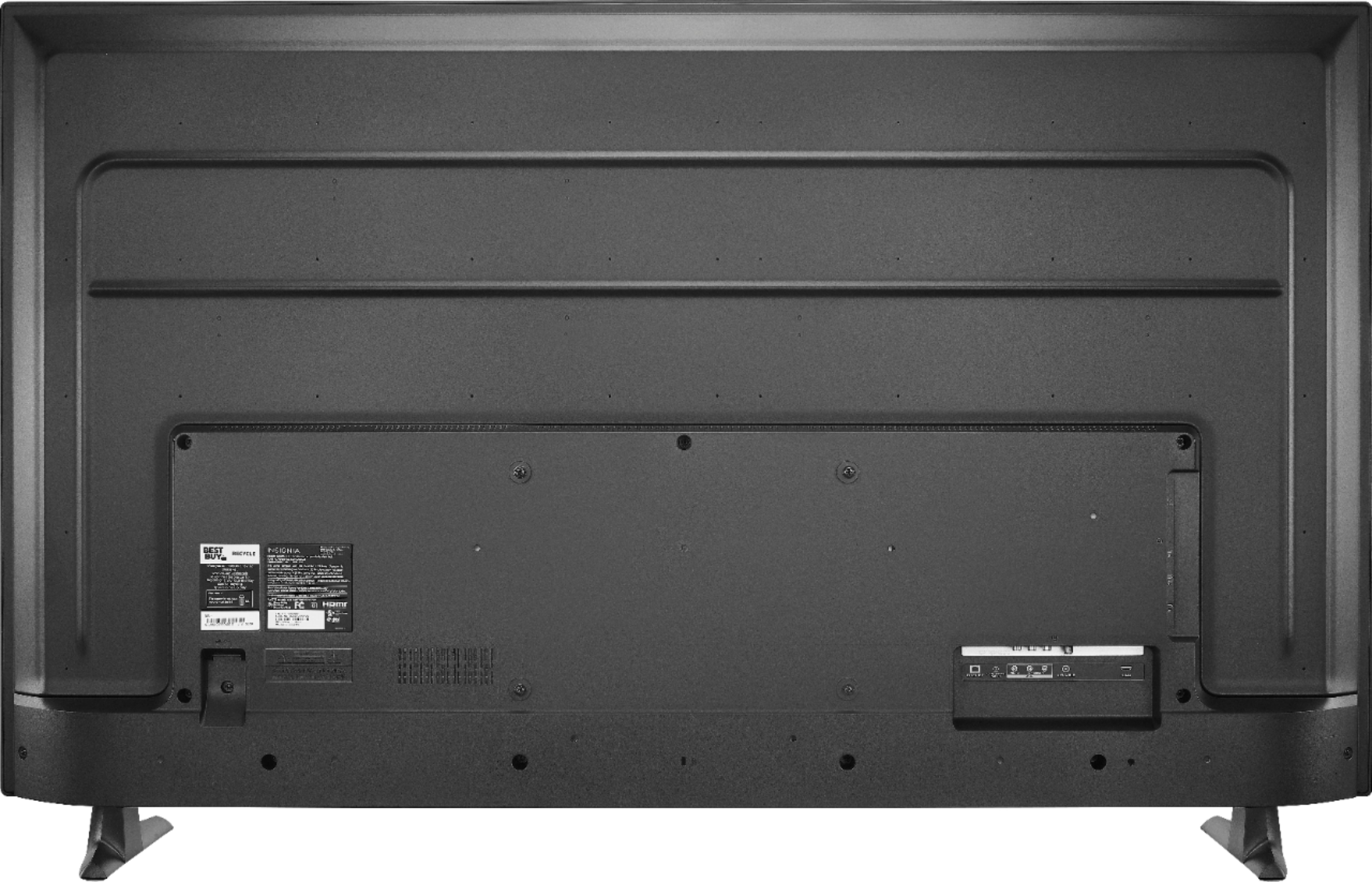
2. The stand legs can't be reversed. You can attach a VESA compliant universal center stand.
3. To pair a Bluetooth device, go Home > Settings > Controllers & Bluetooth Devices.
For more information, please visit:
https://www.amazon.com/gp/help/customer/display.html?nodeId=GSBSBL44Y4QM59FV
David M. - Insignia Support

A:Answer1. This TV does not support Dolby Vision, this TV supports HDR10.
2. The stand legs can't be reversed. You can attach a VESA compliant universal center stand.
3. To pair a Bluetooth device, go Home > Settings > Controllers & Bluetooth Devices.
For more information, please visit:
https://www.amazon.com/gp/help/customer/display.html?nodeId=GSBSBL44Y4QM59FV
David M. - Insignia Support

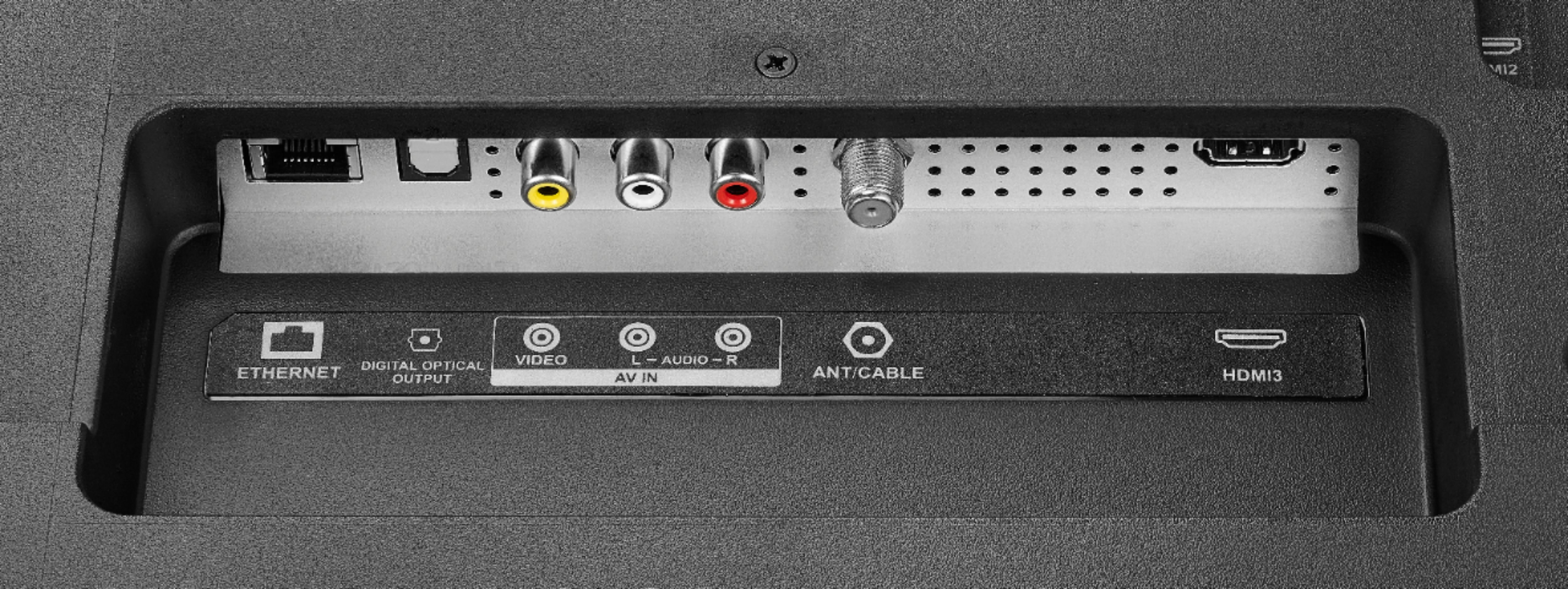
A:AnswerTo connect an external speaker, use one of the following Audio Outputs:
3.5 mm (Headphone Jack) and Digital Optical Output.
To pair a Bluetooth device, go Home > Settings > Controllers & Bluetooth Devices.
For more information, please visit:
https://www.amazon.com/gp/help/customer/display.html?nodeId=GSBSBL44Y4QM59FV
David M. - Insignia Support

A:AnswerEvery 4k TV should have upscaling. Maybe the responder misinterpreted your question. A 4K TV cannot support 1080p resolution without internally upscaling it to 4K, or it would look terrible
A:AnswerTo pair a Bluetooth device, go Home > Settings > Controllers & Bluetooth Devices.
For more information, please visit:
https://www.amazon.com/gp/help/customer/display.html?nodeId=GSBSBL44Y4QM59FV
David M. - Insignia Support

A:AnswerHi! This TV with stand weights 32.6 pounds and without stand weights 32.2 pounds. Viridiana E. Insignia Support. https://www.insigniaproducts.com/contact-us
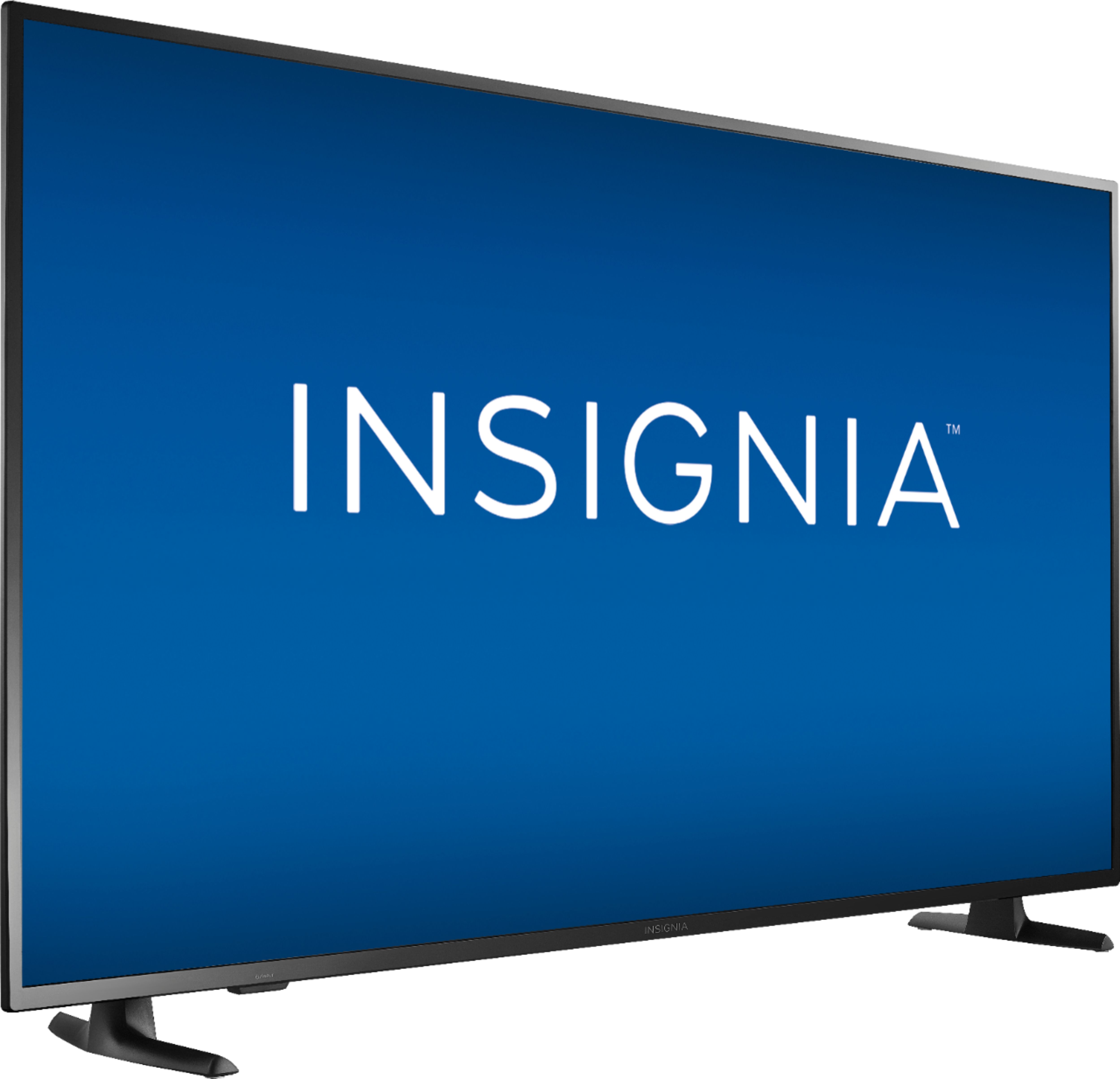
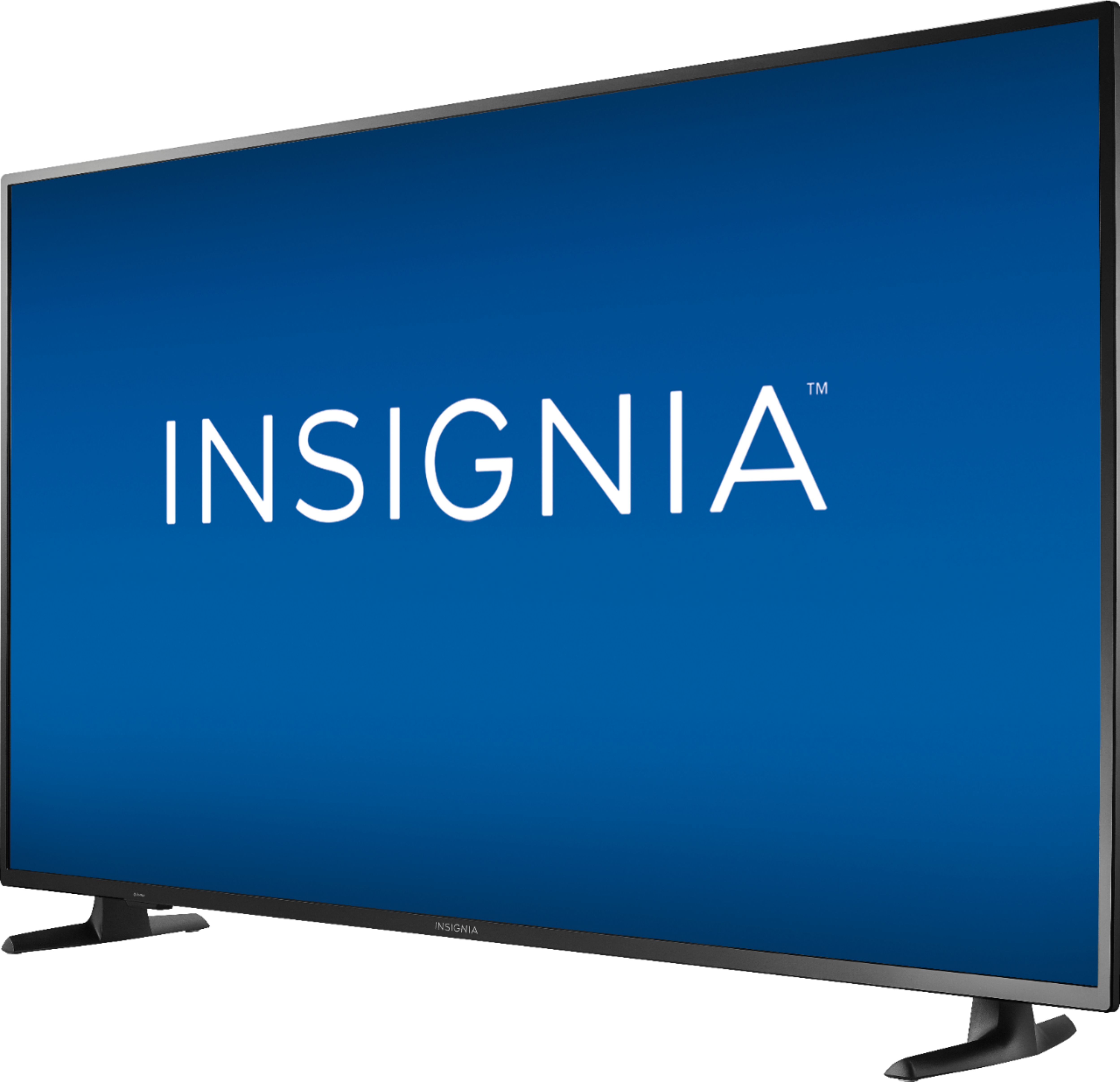
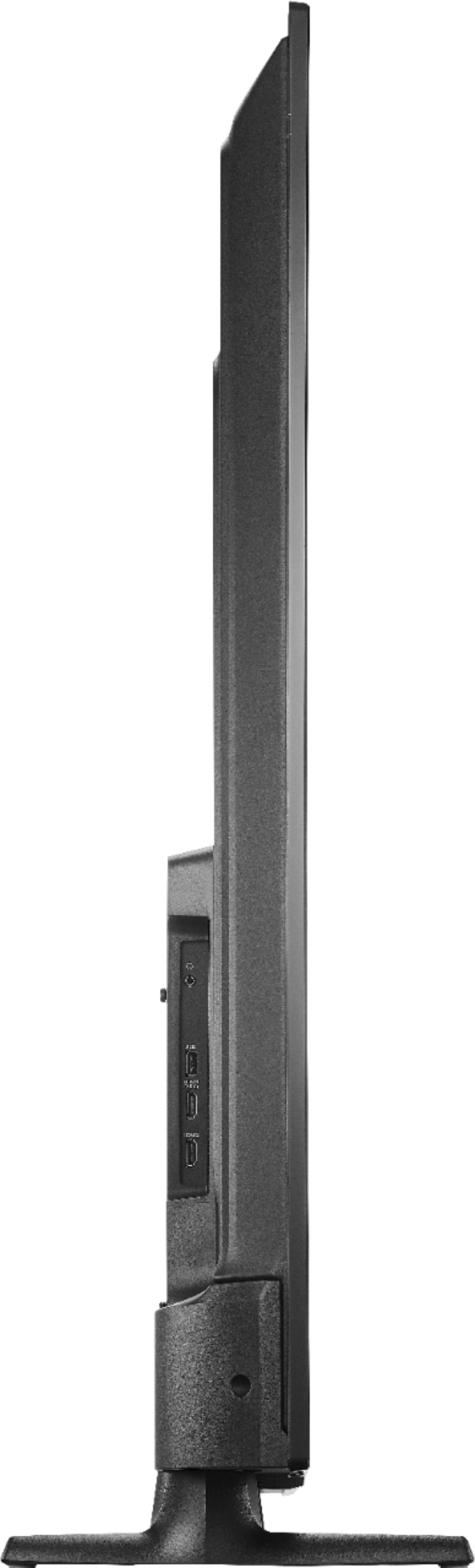
A:AnswerThe dimensions with stand (HxWxD): 32 × 51.3 × 10.4 inches.
The stand width at the widest part (footprint) is 43.75 inches.
David M. - Insignia Support

A:AnswerThis Fire TV Edition television features built-in Wi-Fi 802.11 a/b/g/n/ac; 2x2 MIMO, supports 2.4 GHz and 5.0 GHz dual band. You can connect the TV to your wireless home network.
To pair a Bluetooth device, go Home > Settings > Controllers & Bluetooth Devices.
For more information, please visit:
https://www.amazon.com/gp/help/customer/display.html?nodeId=GSBSBL44Y4QM59FV
David M. - Insignia Support

A:AnswerThe Sling TV app is available for the Fire TV Edition television.
To search for more available apps, go to:
amazon.com > Menu - Shop By Category > Fire TV > Fire TV Apps & Channels > Refine by Device Type select Fire TV Edition TV and search.
David M. - Insignia Support