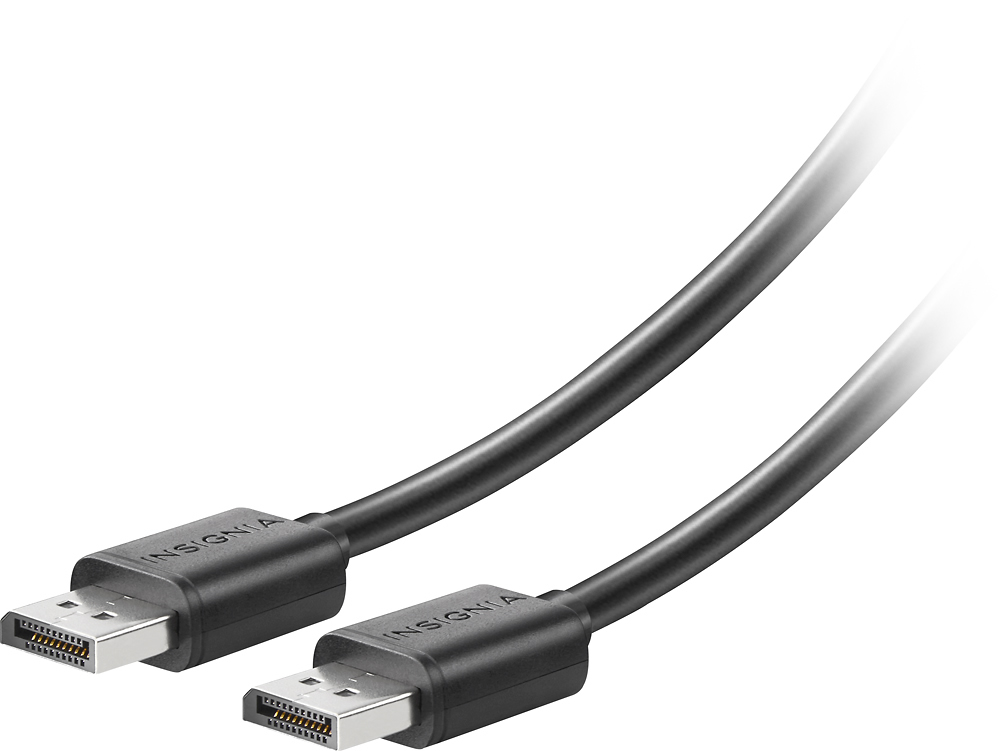
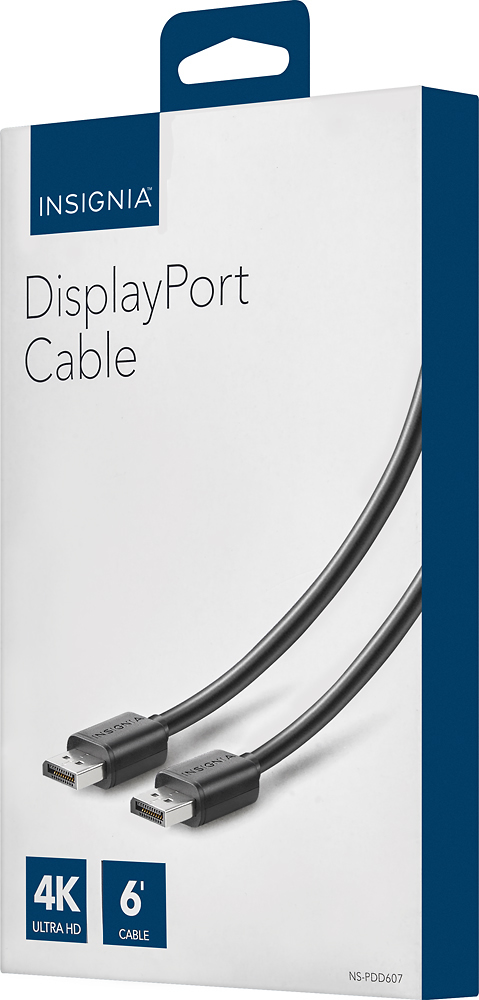
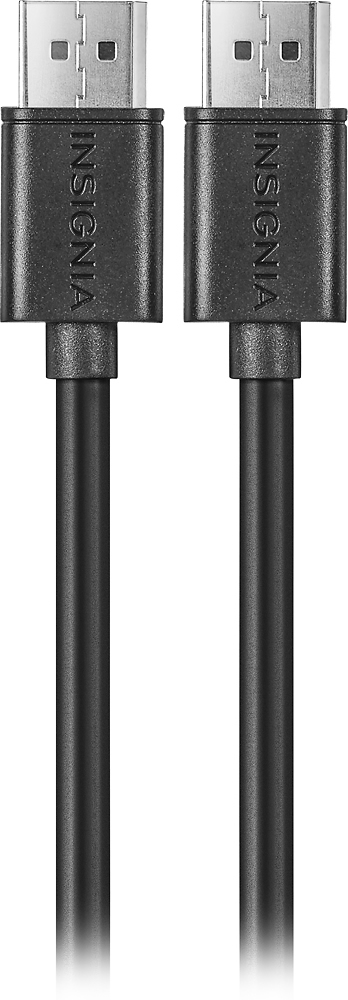
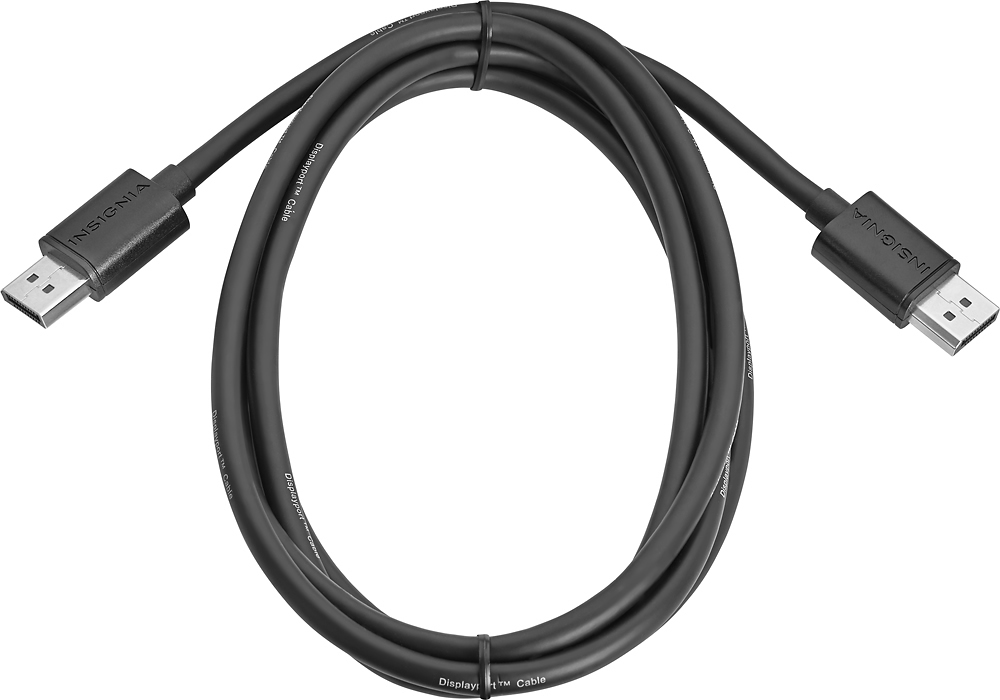
A:AnswerRuns 1080p 240 hz no problem. I find myself overclocking occasionally, and the chord doesn't struggle to push the limit. Never any screen flicker or other problems.
A:AnswerAs long as you have a DisplayPort interface on your computer and monitor you should be fine. I use this cable to connect a Dell Thunderbolt expansion unit to a monitor with no issues. I also used the MinDisplayPort to DisplayPort off the same Dell Thunderbolt with no issues.
A:AnswerYes you can.
1. I have a 1080p 165hz monitor and I am using this.
2. Power supply for your computer does not effect nor relate to a monitor
Have Fun :)
A:AnswerI had a similar situation when I got my 1440p monitor. Depends primarily on your outputs/resolution capabilities of your graphics I suppose (what the graphics card resolutions/specs can do or what outputs it has). I use an RTX GPU for 1440p and went with Display Port cable to achieve the desired resolution at 1440p. I had to adjust it in the nVidia control panel settings. I'm unsure of HDMI, perhaps a 4k or better? Or maybe HDMI 2.1 capabilities as well? Good luck.