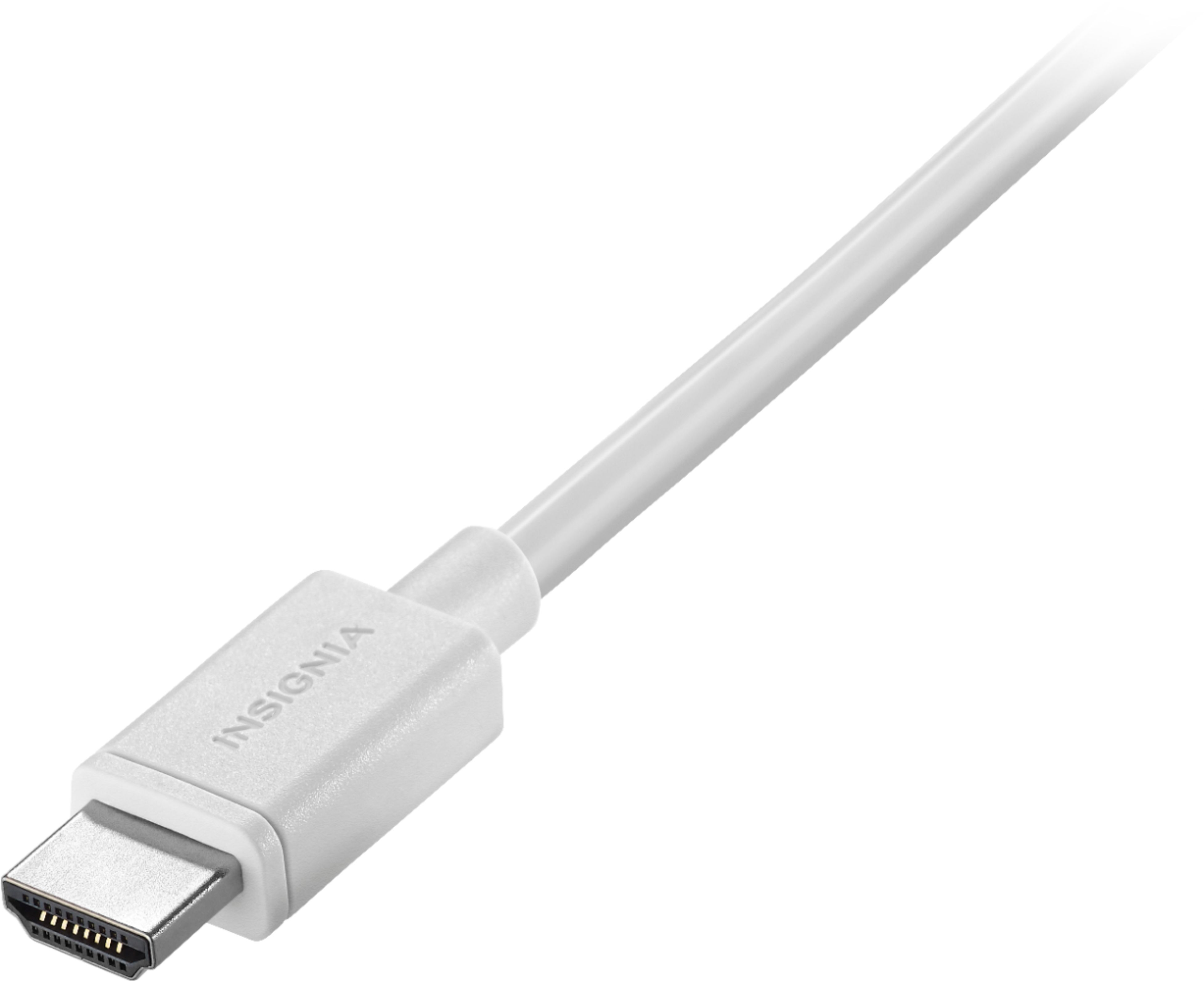

A:AnswerYes, these cables will carry HDMI 2.0 signals. Most HDMI cables are overpriced. As long as your cables support the high speed signals then it doesn't matter what their price is. They will all perform the same, since the signals are digital and not analog.
A:Answer70yrs. You are just figuring things out! Keep going strong! The connection on your tv is what you need to know. The tv will have several inputs. Since you have an HD tv this means it's newer and may not have a VGA (blue-multipin) connection. If that is the case you will need a vga to HDMI adapter ~25.00.
You would just use your remote on your tv to switch from your cable input (hdmi 1) to (hdmi 2) laptop connection.
Hope this helps,
A:AnswerYes, absolutely. If your computer does not have an HD input/output, you can buy a USB adapter and it works perfectly. I use my HDTV as a computer monitor as well.
A:AnswerYes using a HDMI cable will make your picture and sound more clear an crisp. If you are using a HDTV and have HD channels on your cable or are using blu-ray player with a blu-ray disc. Then you will get a better more clear picture. If you are currently not using a HDMI cable then you are going to see a big difference between regular SD TO HD.
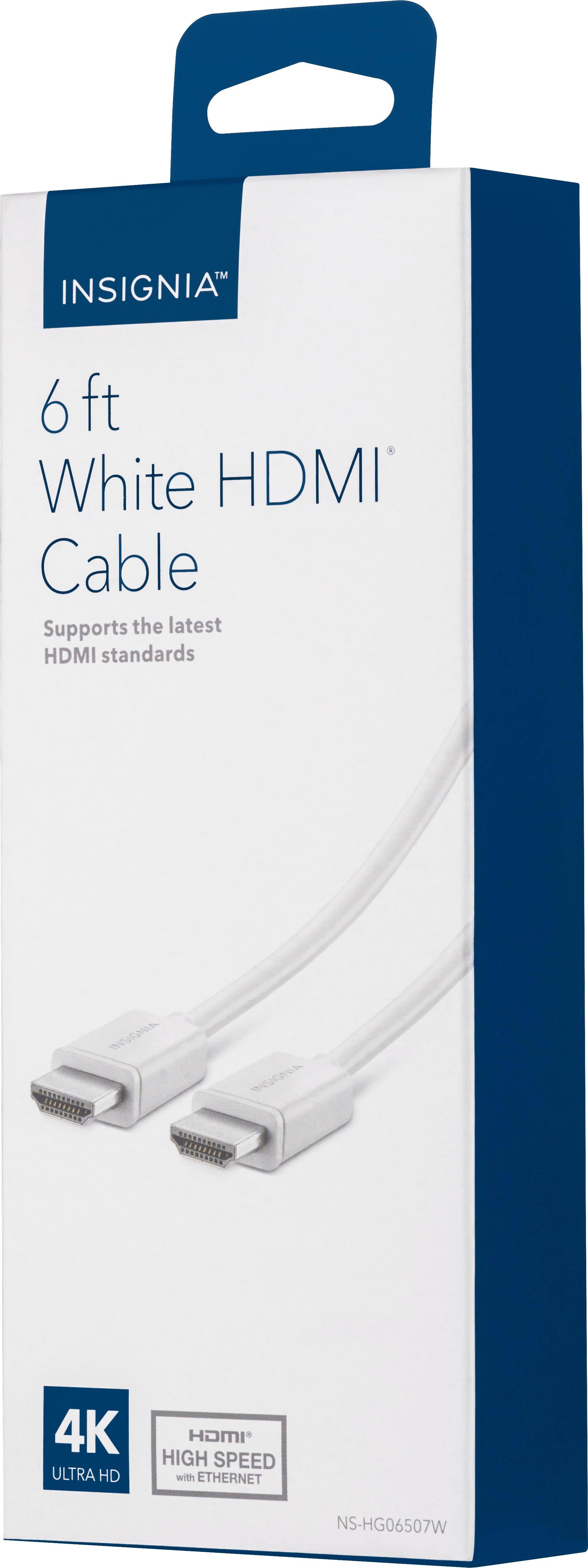
A:AnswerMy box says 4K Ultra HD on the bottom of the front panel. I have not yet try to play a 4K Bluray so I cannot answer yet as soon as performance but it is definitely claimed on the box. That claim is also on the back of the box listed under features.
A:AnswerHDMI is a standard protocol for sending audio video signals, much like USB or an old serial port on a computer. So if your devices are HDMI compatible, it's just a matter of having the right connector. This cable has full size connections, your phone likely has a mini HDMI, so this probably won't work. You'll need to match the connectors for your specific phone. If you have a smart tv, or a dongle like Amazon tv or apple tv, you could wirelessly connect through those devices.
A:AnswerThis cable will work for you. Any high speed HDMI cable will work. A high speed cable supports 4K @ 60 fps. Your tv is clear motion 120 which actually has a refresh rate of 60. The extra frames are processed by your tv, not the source.
A:AnswerIt appears the HDMI v2 spec doesn't require new or different cables – it's a hardware spec affecting devices only; existing cables will handle the greater bandwidth with no problems (connectors stay the same). From HDMI.org: "HDMI 2.0 does not define new cables or new connectors. Current High Speed cables (Category 2 cables) are capable of carrying the increased bandwidth."
















