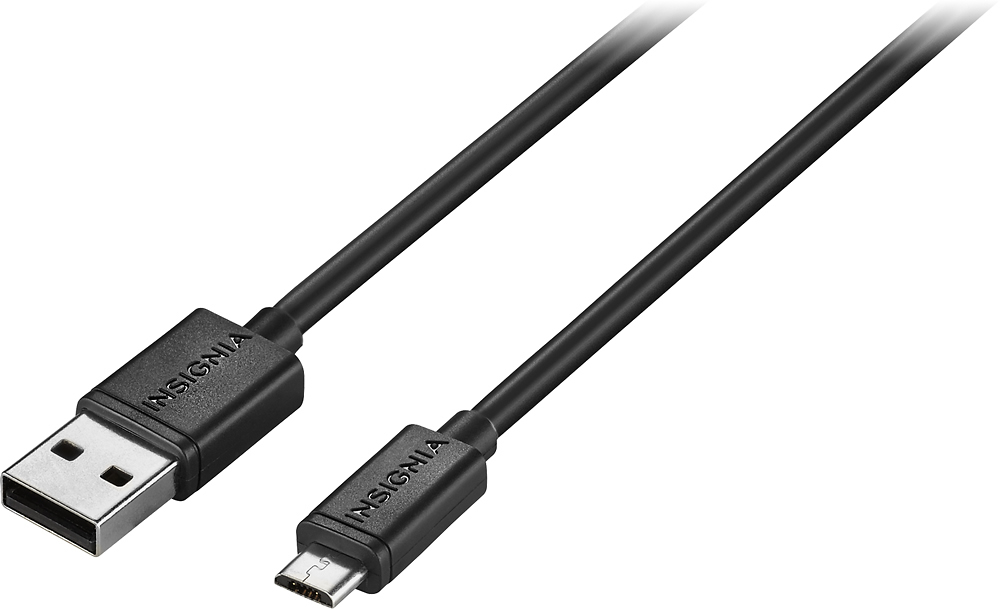
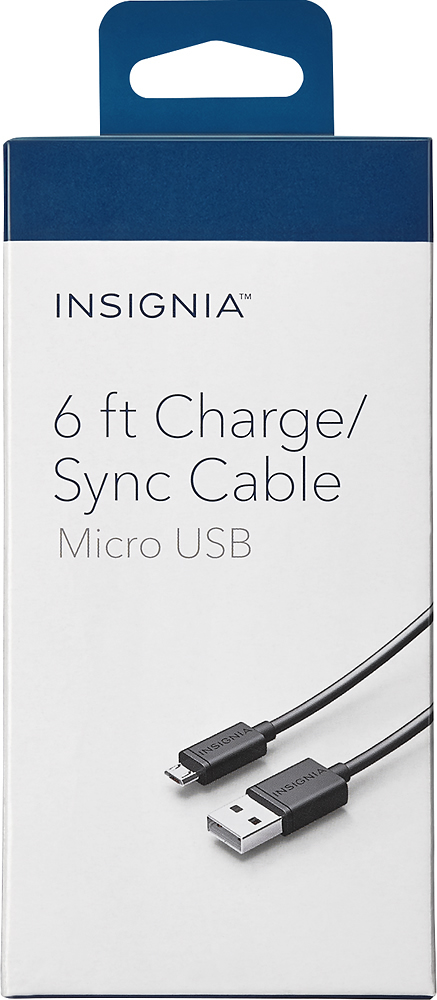
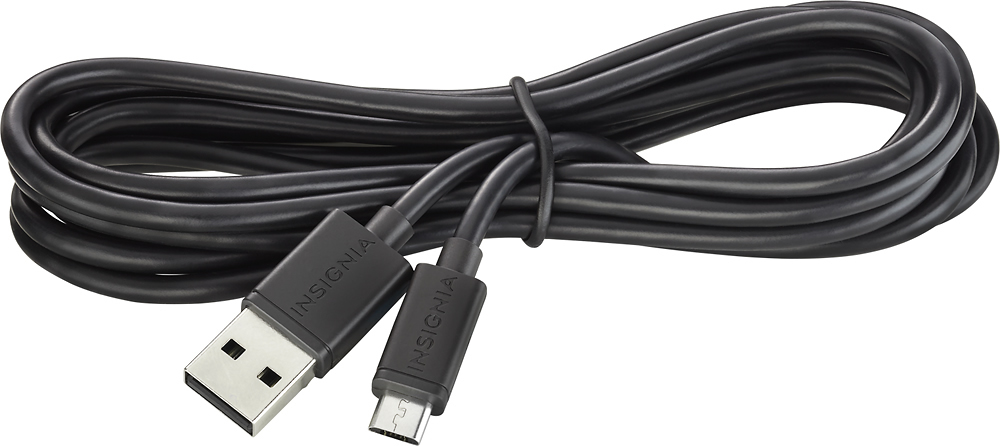
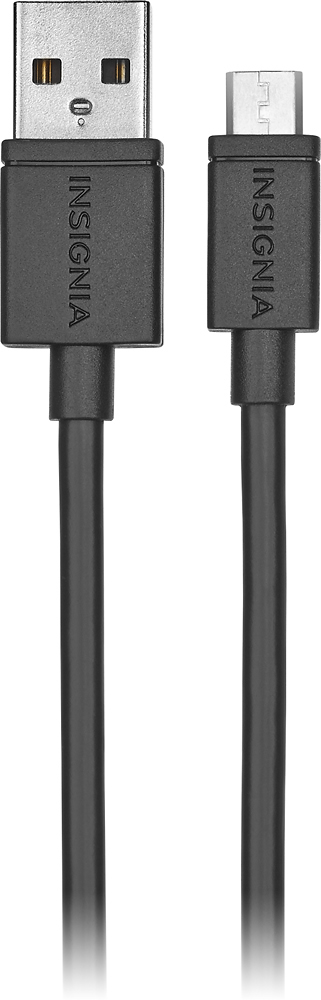
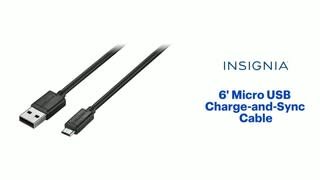
A:Answer Sorry. My answer posted before I was ready. As I was saying if your software will work and your port IS a micro USB. To be sure, take the camera to a phone store if closer than your Best Buy, and they should have a cable under their desk. If it goes into the port, it is correct.
Depending on the speed of the equipment, it may take a while to transfer your videos if shot at highest quality. I'm also wondering if the camera uses rechargeable batteries.. If so it should've come with this cable to charge it.
There IS a possibility of your book for the camera that should show a diagram naming parts of the camera. If it has this, it should tell you if it's a micro USB.
Have fun