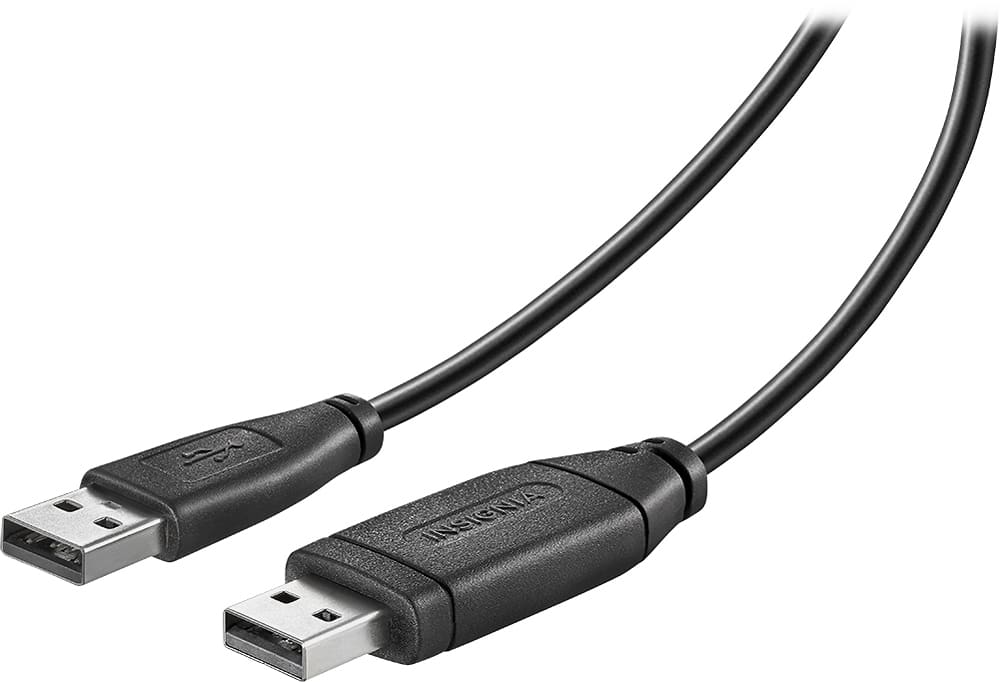
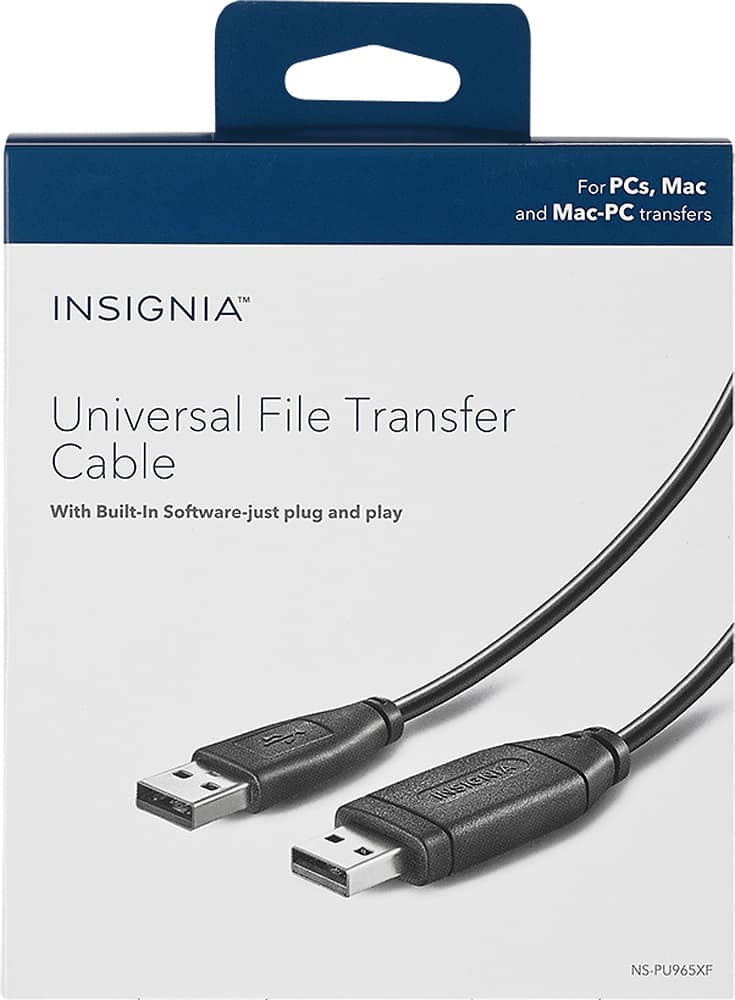
A:AnswerNo. It's just a transfer cable. You will require an HDMI cable. The type of MacBook will determine if you require an adapter to connect the HDMI to the laptop.
A:AnswerThis cable is compatible with most working PCs with Windows 2000, XP, Vista, 7 or 8 and Mac computers with Mac OS 10.5 or later operating systems for wide-ranging use.
A:AnswerHere is the link for the Quick Setup Guide https://files.bbystatic.com/Ocu1pKfivHXdZwL58204og%3D%3D/NS-PU965XF_NS-PU965XF-C_19-0753_QSG_V3_ENSP_Final_lr.pdf
A:AnswerI'M SORRY BUT I HAVE NOT USED THE CABLE YET. IT WAS PURCHASED SO THAT THE NEXT TIME I GET A NEW COMPUTER I WON'T HAVE TO GO THROUGH WHAT I DID THIS TIME. AT MY AGE, THINGS DON'T COME AS EASY AS THEY DID YEARS AGO. ALTHOUGH I WILL ADMIT GETTING A PORTABLE HARD DRIVE AND COPYING ALL THE INFO ONTO IT FOR TRANSFERING THE INFO ONTO YOUR NEW COMPUTER IS A TERRIFIC THING, GIVING YOURSELF TWO BACK UPS OF INFORMATION. I HOPE THIS HELPS.
GOOD LUCK LAKE