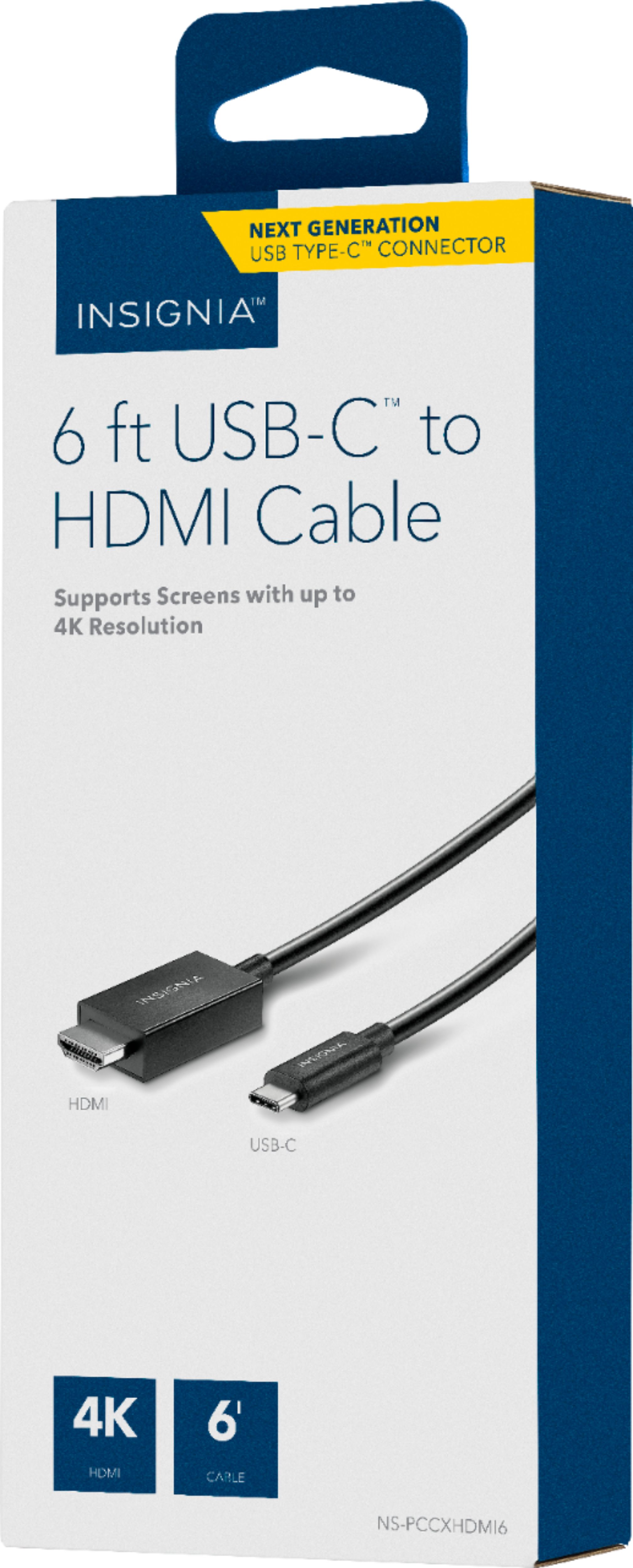
A:AnswerI was able to connect my tv/monitor from the TV/monitor’s hdmi port to the USB-c port on a Chromebook...I can view zoom on the tv/monitor and view documents on the Chromebook at the same time.
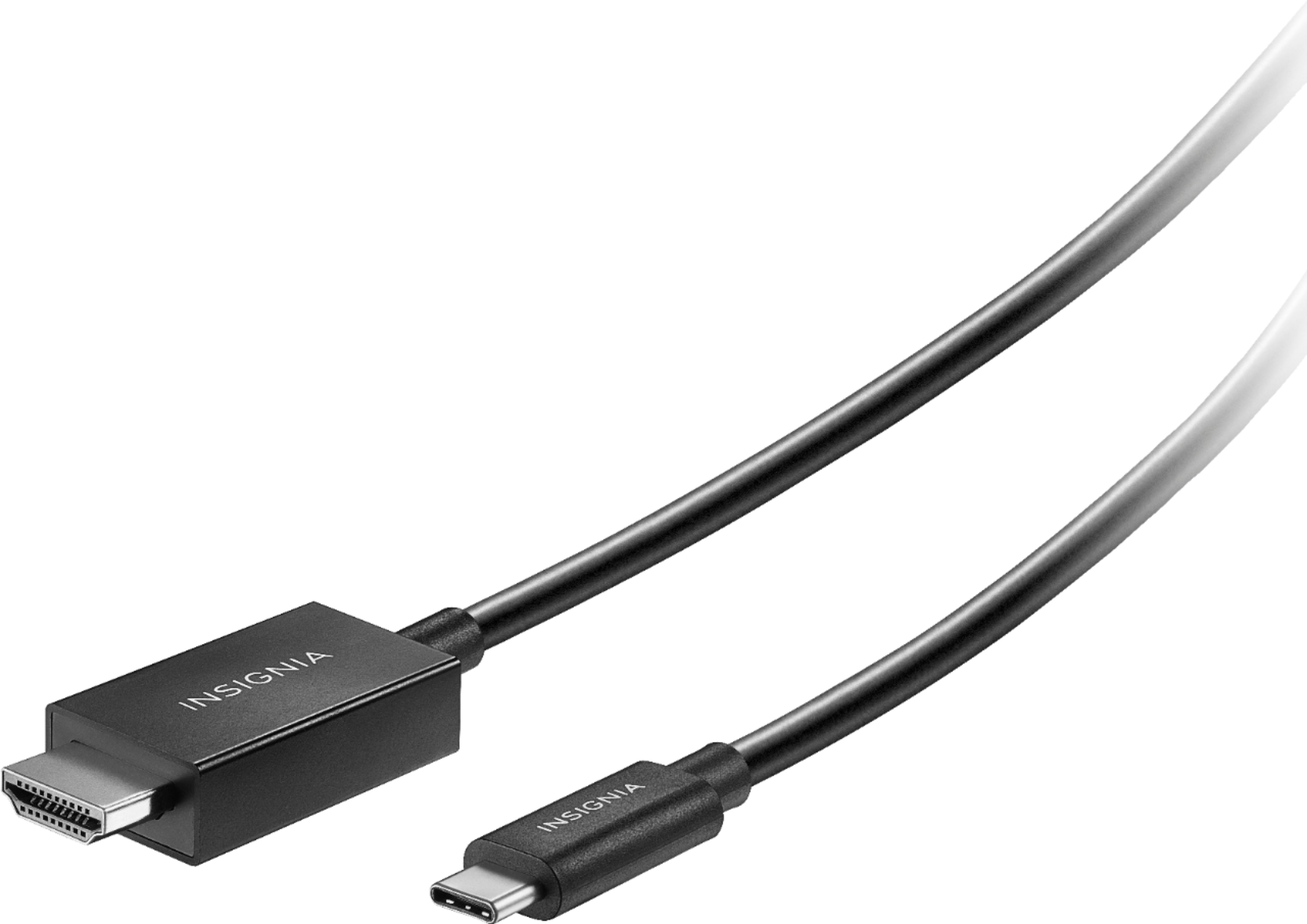
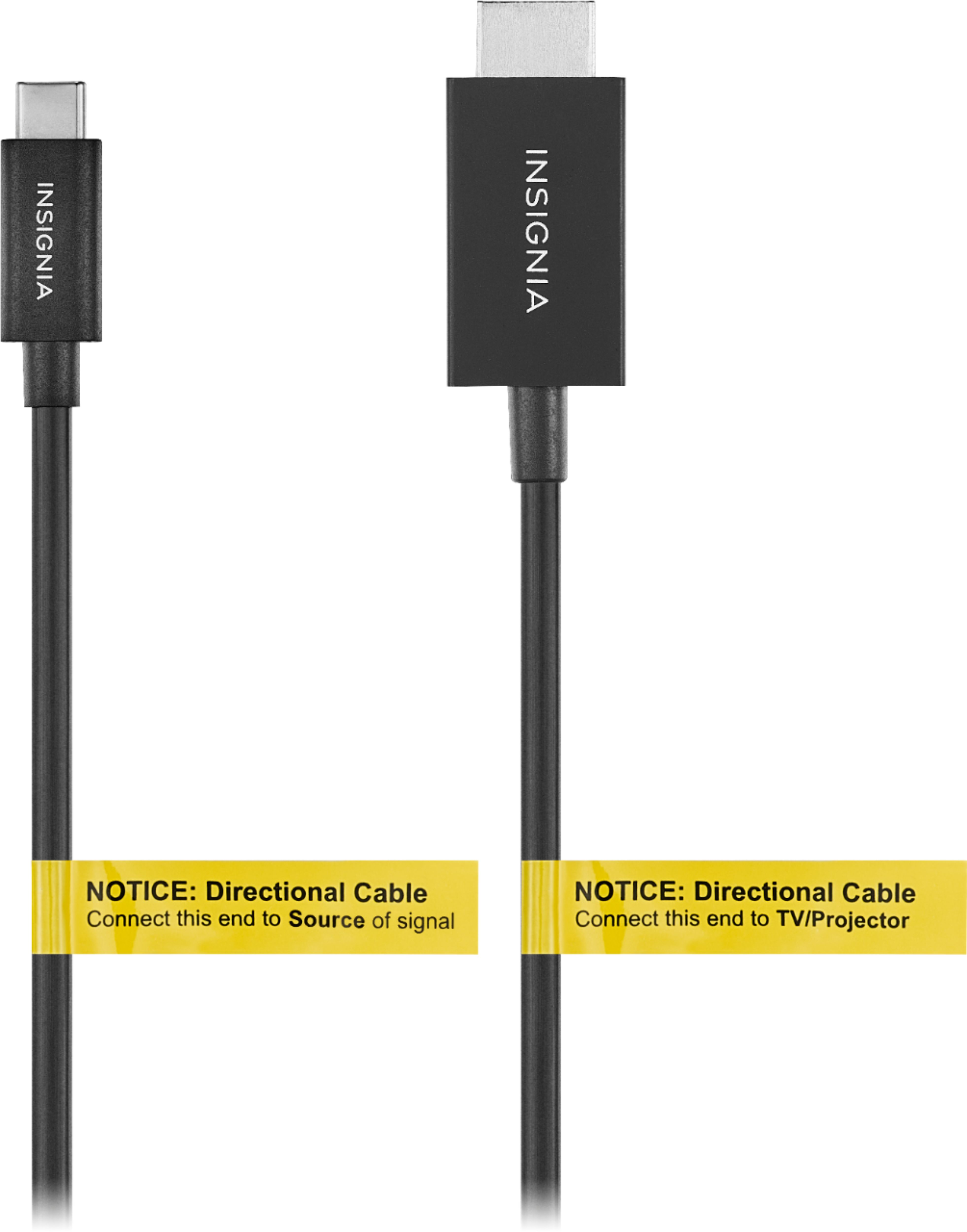
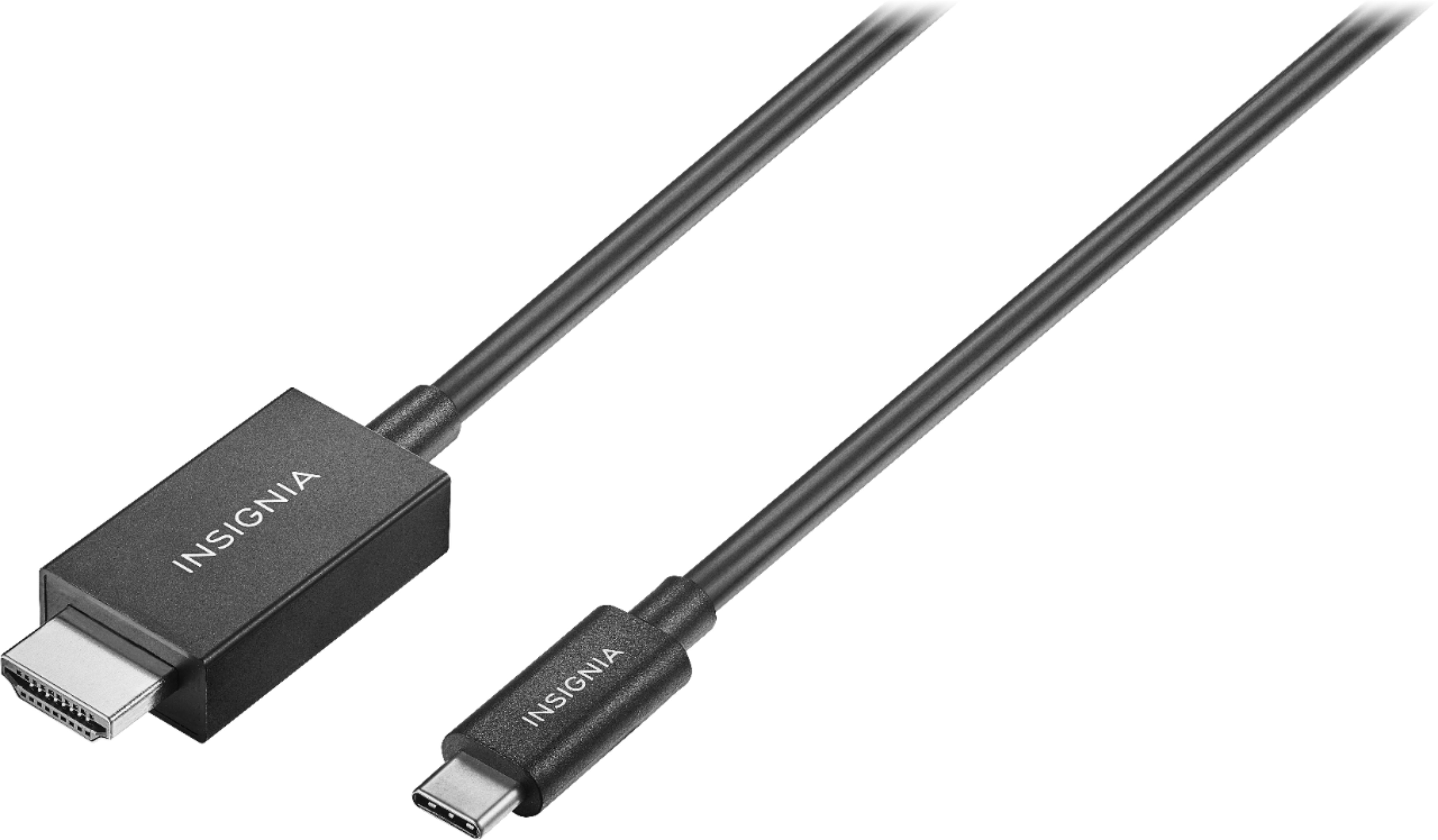
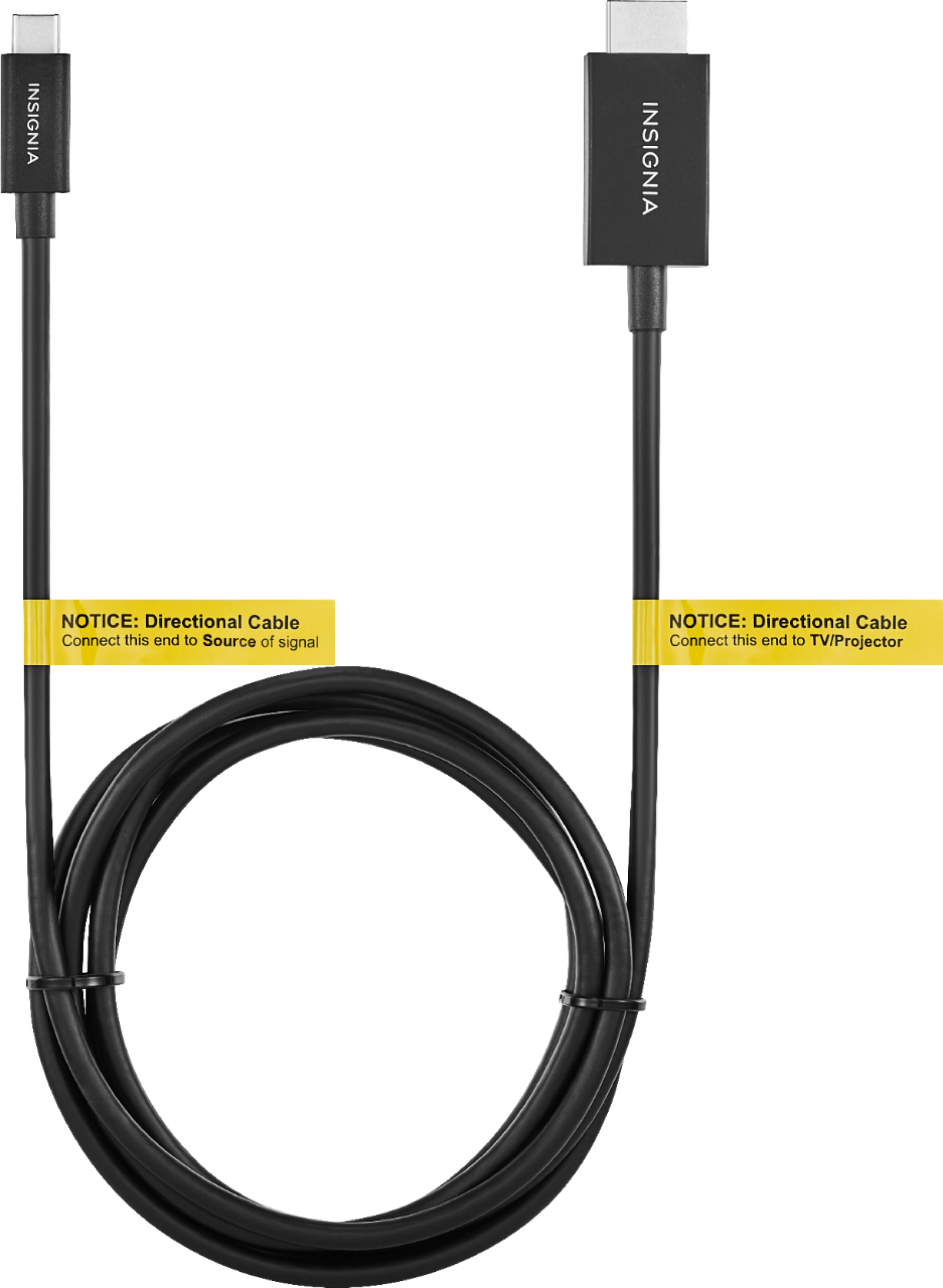
A:AnswerThis is a USB-C to HDMI cable. If your ipad does not have a USB C port on it, then you will not be able to use this cable to project your screen onto your television. If you connect an Apple TV device to your TV then you may be able to use the Apple mirroring feature.
A:AnswerIt is difficult to know the answer without specifics, like what you plan on plugging into the projector. However I will say that this cord worked when plugging in a Chromebook with a USB type C outlet into a TV with an HDMI outlet.
A:AnswerYes as long as your phone has the USB type C cable connection, This is the same thing I did with the cable to use my phone on an older non smart TV