A:AnswerAround middle or 50% is standard settings.
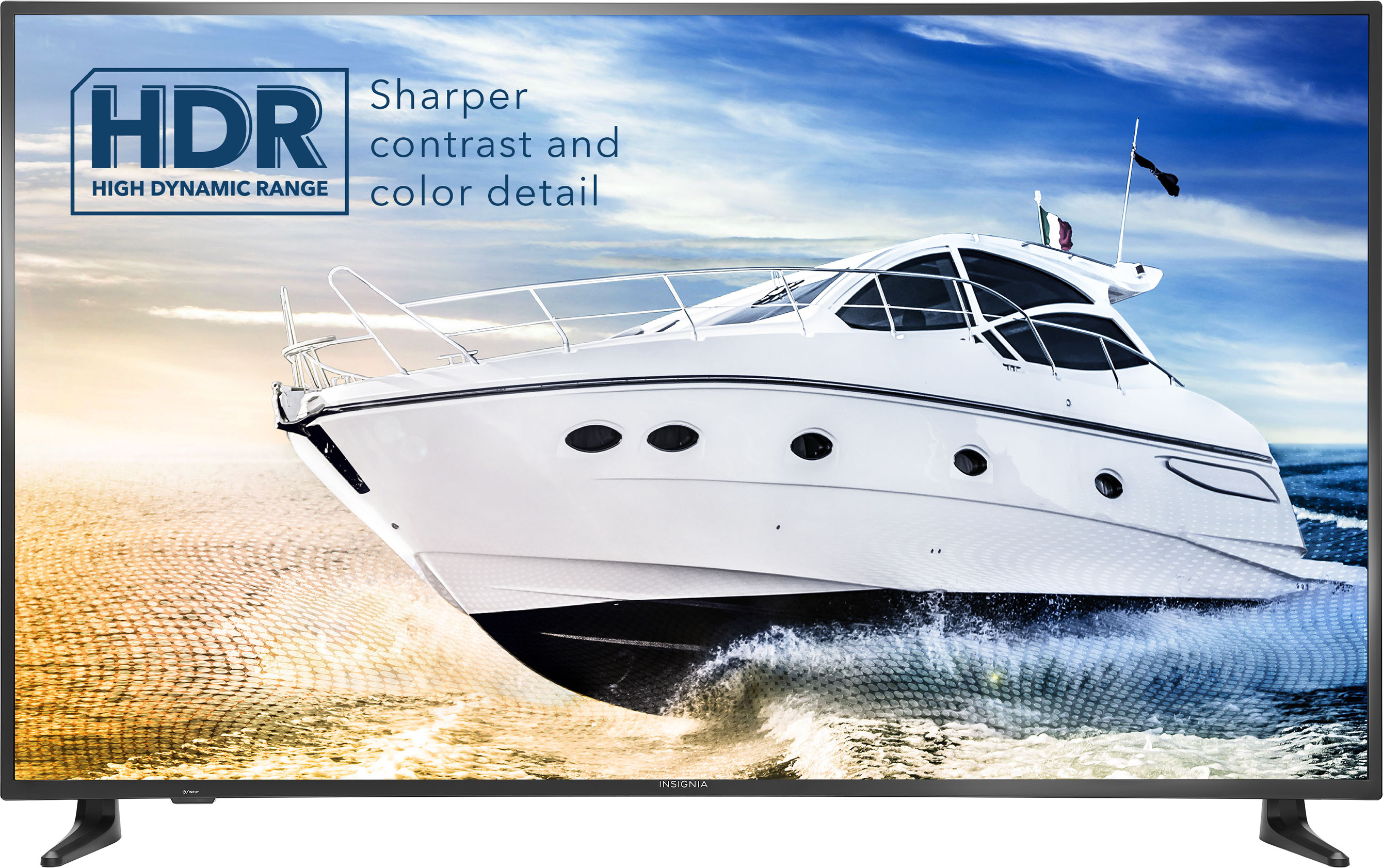
You can push more but i found out that this tv is colorful and bright enough with the standard settings
A:AnswerIt's easy.
Go to settings internet WiFi, Scan, select you WiFi name enter the password and let the tv update, it takes a while to upgrade to the latest firmware and apps.
A:AnswerYes, I just taught my mother how to do this. All you have to do is connect both devices to the same WiFi then select the Screen Mirroring on your Apple device and the name you gave your TV will appear as one of the options. When you select the TV a number will appear on the screen of your TV, input that number on your Apple device and it will mirror everything onto your TV but won’t do it the other way around.
A:AnswerHow is the response be that we need to purchase something to get the Airplay to work???. When this tv says it comes with apple airplay ? You need to fix this
A:AnswerI can't remember whether the app comes pre-loaded (it might not have) but if it didn't I was able to add the app, because I'm able to watch HBOMax no problem on the Fire TV I just bought. With HBO Max app loaded it always remembers the username/password once entered the first time (so don't have to enter each time you use HBOMax).