A:AnswerI'm sorry to hear about the trouble you're having with your new TV and sound bar. Here are a few steps you can try to resolve the issue:
1. Check HDMI-CEC Settings: Ensure that HDMI-CEC (Consumer Electronics Control) is enabled on both your TV and sound bar. This feature allows devices to control each other and can sometimes resolve compatibility issues.
2. Update Firmware: Make sure both your TV and sound bar have the latest firmware updates installed. Manufacturers often release updates to fix bugs and improve compatibility.
3. Adjust Audio Settings: Go to your TV's audio settings and ensure that the sound bar is selected as the audio output device. Sometimes, setting the audio output to "Auto" or "Passthrough" can help.
4. Reset Devices: Try unplugging both the TV and sound bar from power for a few minutes, then plug them back in. This can sometimes reset the connection and resolve issues.
5. Check HDMI Cable: Ensure that the HDMI cable you're using is high-speed and supports ARC (Audio Return Channel). A faulty or incompatible cable can cause issues.
I hope one of these solutions helps! If you have any other questions or need further assistance, feel free to ask.
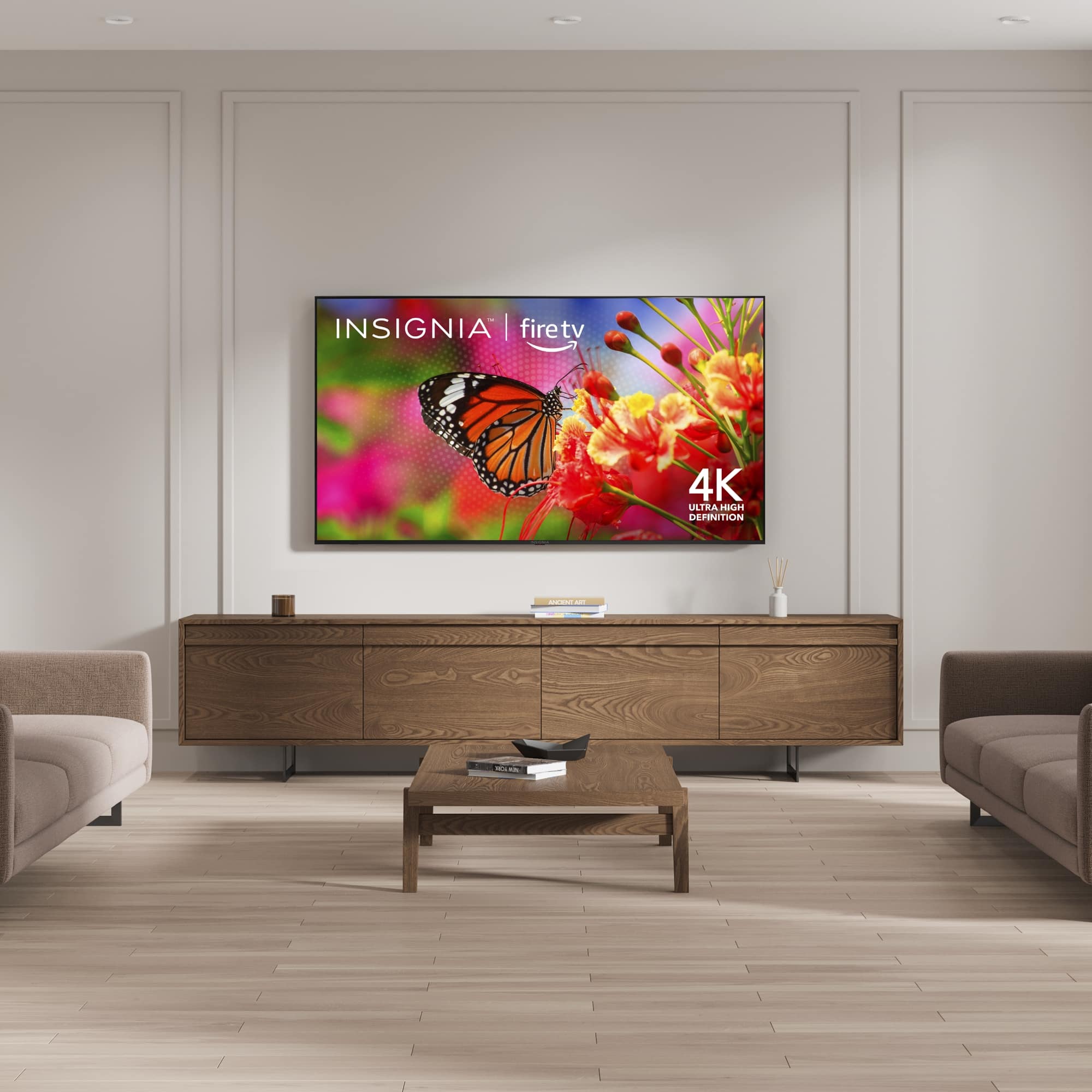
A:AnswerHi there! The Insignia™ 70" Class F50 Series LED 4K UHD Smart Fire TV is primarily designed for indoor use. Using it under a covered porch might be possible if the area is well-protected from direct sunlight, rain, and extreme temperatures. However, it’s important to note that exposure to humidity and temperature fluctuations could potentially affect the TV’s performance and longevity. For more product information, please check the link below. |Angelica| Insignia Products| https://www.bestbuy.com/site/insignia-70-class-f50-series-led-4k-uhd-smart-fire-tv/6580446.p?skuId=6580446
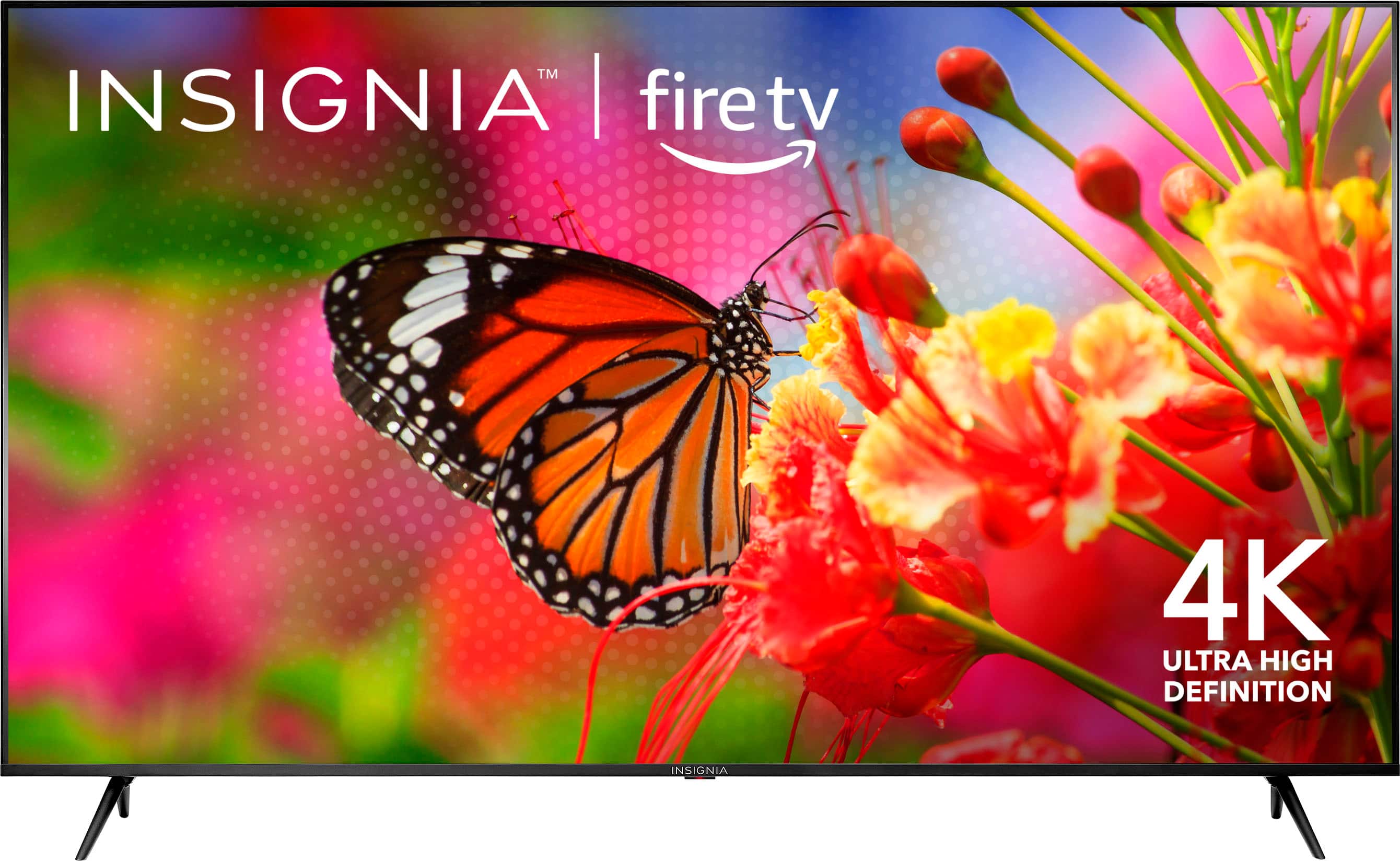
A:AnswerHello! Yes, you can use a wireless headset with the Insignia™ 70" Class F50 Series LED 4K UHD Smart Fire TV (NS-70F501NA25). This TV supports Bluetooth connectivity, allowing you to pair it with Bluetooth-enabled wireless headsets, such as a Sony headset. To connect your wireless headset, turn on your TV and go to the Settings menu, select Controllers & Bluetooth Devices, choose Other Bluetooth Devices, put your headset in pairing mode, and select your headset from the list of available devices. If you encounter any issues or need further assistance, feel free to ask! Jeth | Insignia Support. https://www.bestbuy.com/site/insignia-70-class-f50-series-led-4k-uhd-smart-fire-tv/6580446.p?skuId=6580446
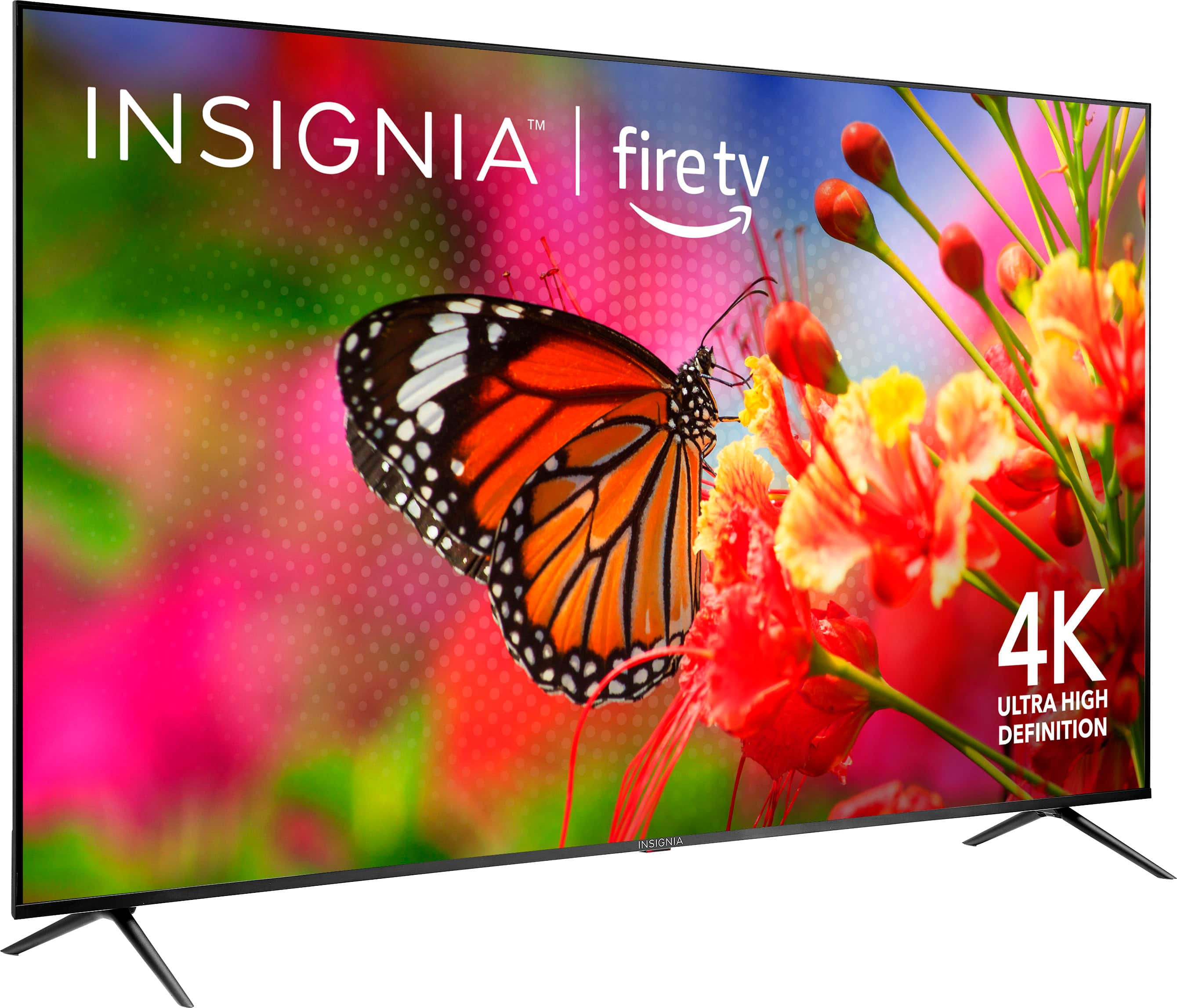
A:AnswerYes, you can install external apps on the Insignia™ 70" Class F50 Series LED 4K UHD Smart Fire TV. This TV runs on the Fire TV platform, which allows you to download and install a wide range of apps. Patricia | Insignia Support
A:AnswerThank you for your inquiry! Yes, the Insignia 70-inch Class F50 Series LED 4K UHD Smart Fire TV supports Dolby Vision for enhanced HDR (High Dynamic Range) viewing. However, it does not support Dolby Atmos for audio. Instead, it features DTS Studio Sound for improved audio quality. Keith | Insignia Support https://www.bestbuy.com/site/insignia-70-class-f50-series-led-4k-uhd-smart-fire-tv/6580446.p?skuId=6580446
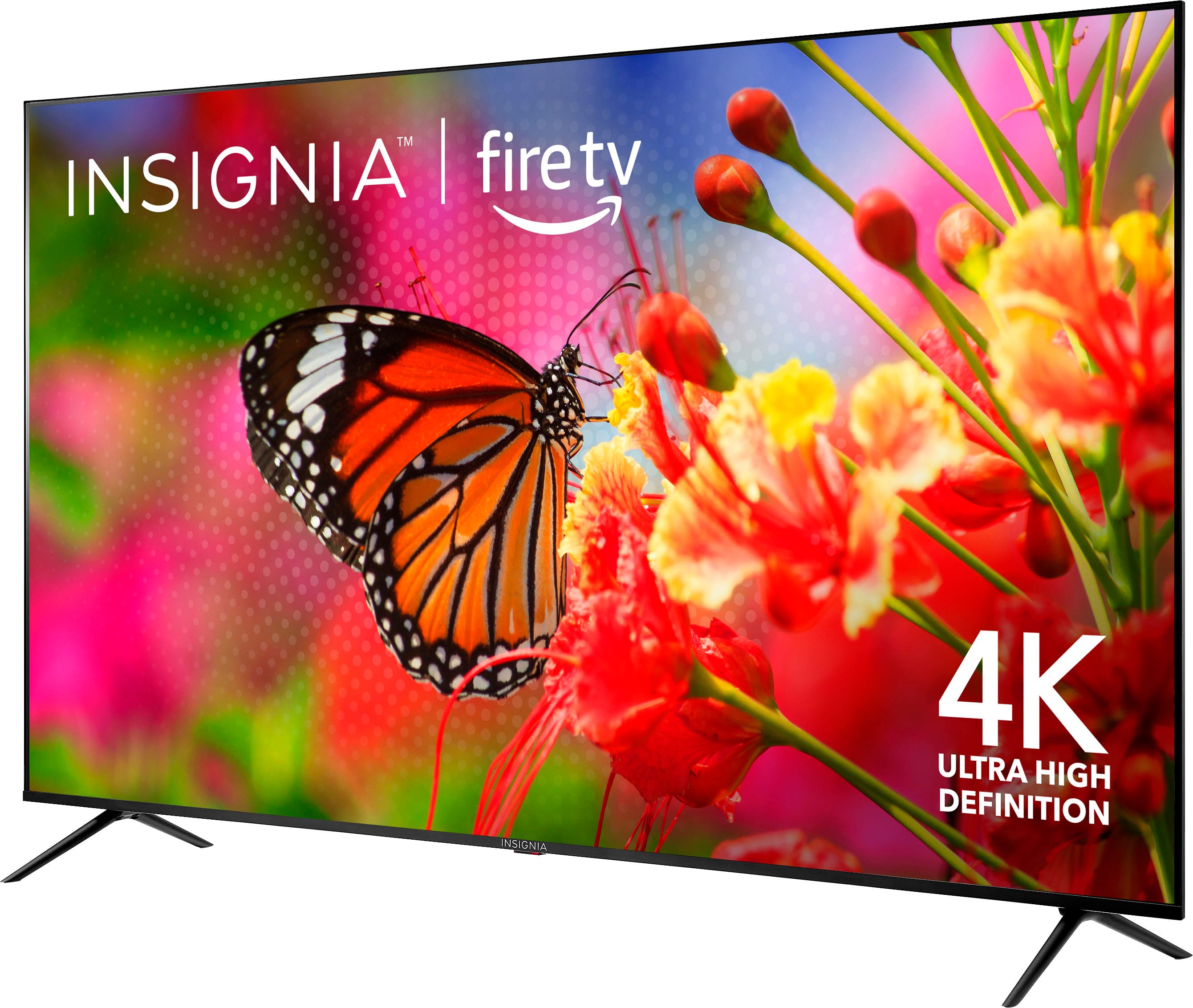
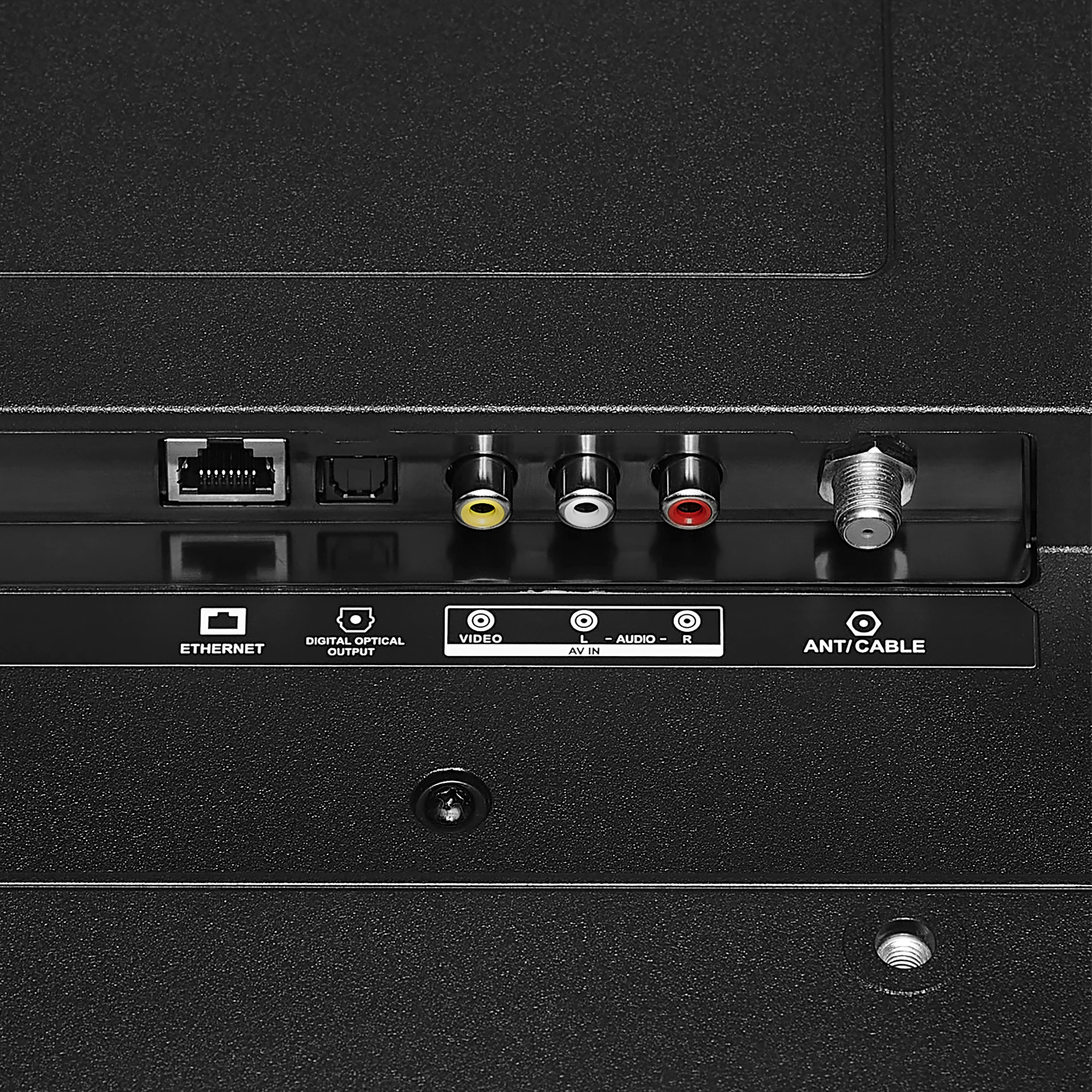
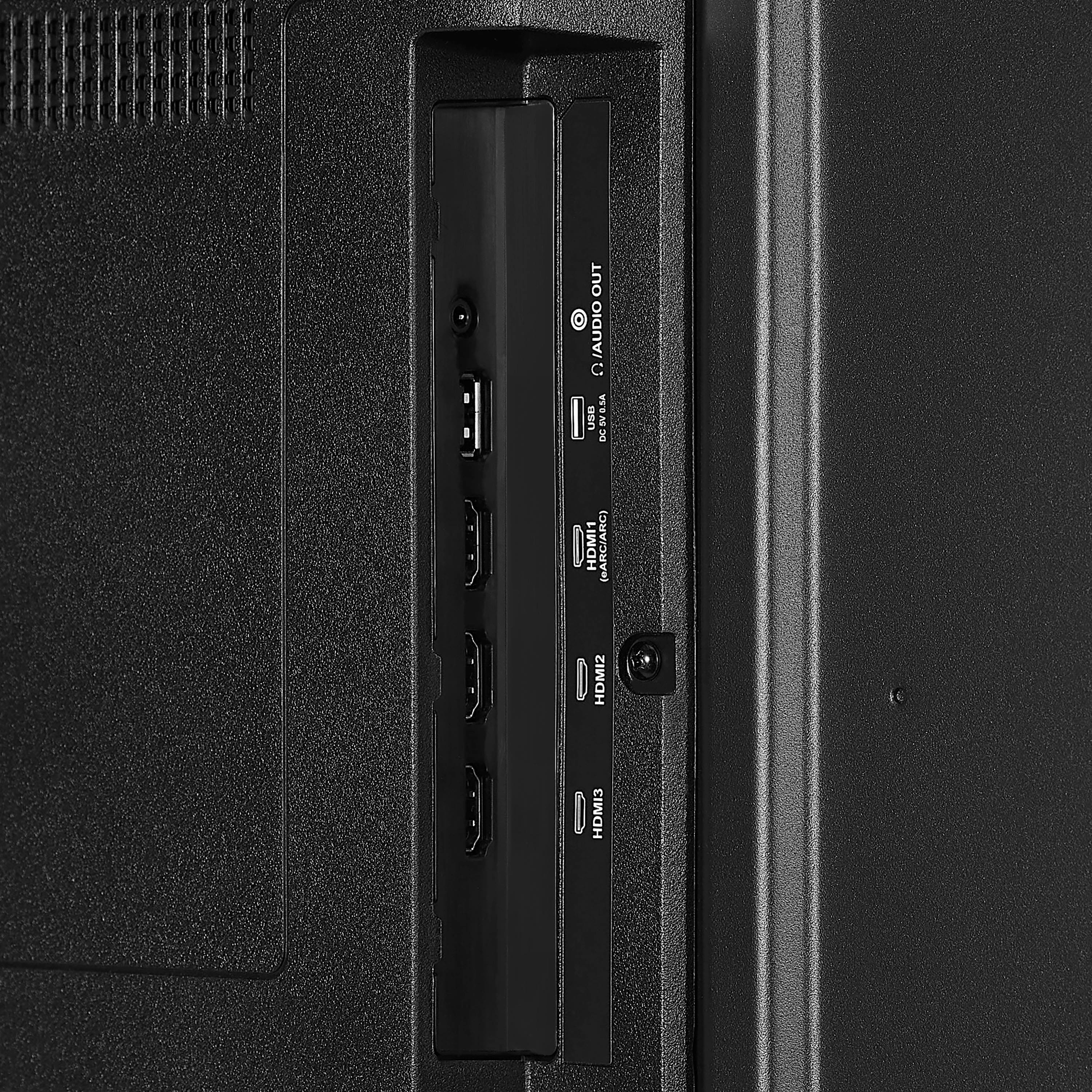
A:AnswerYes, the Insignia™ 70" Class F50 Series LED 4K UHD Smart Fire TV can be used as a monitor. It includes several input options that make it versatile for various devices:
- 3 HDMI 2.1 ports: Ideal for connecting computers, gaming consoles, and other HDMI-compatible devices.
- 1 Composite video input: Useful for older devices that use composite connections.
- 1 LAN (Ethernet) port: For a stable wired internet connection.
- 1 Optical digital audio output: For connecting to sound systems.
- 1 3.5mm audio output: For headphones or external speakers.
- 1 USB-A port: For media playback from USB drives.
- RF Antenna input: For connecting to an antenna for over-the-air TV.
These inputs make it a flexible option for use as a monitor. If you have any questions or need further assistance, please don't hesitate to reach out. Thank you for choosing Insignia! - Mae | Insignia Support | https://www.bestbuy.com/site/brands/best-buy-brands/pcmcat1596746025285.c?id=pcmcat1596746025285
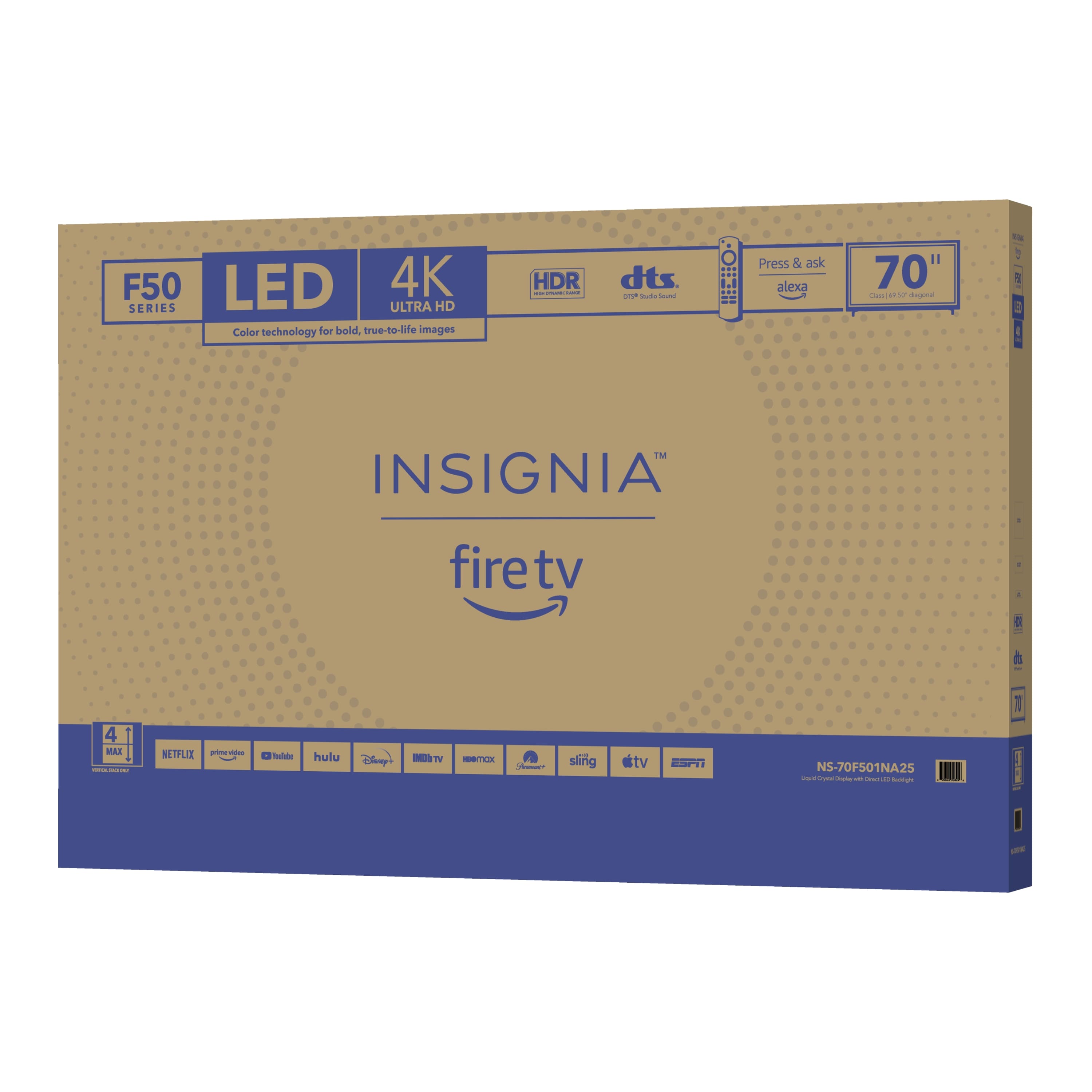
A:AnswerThe Insignia™ - 70" Class F50 Series LED 4K UHD Smart Fire TV offers good picture quality and smart features at a budget-friendly price. While it is generally reliable, its longevity may not match higher-end brands, but proper maintenance can help extend its lifespan. Patricia | Insignia Support https://www.bestbuy.com/site/insignia-70-class-f50-series-led-4k-uhd-smart-fire-tv/6580446.p?skuId=6580446
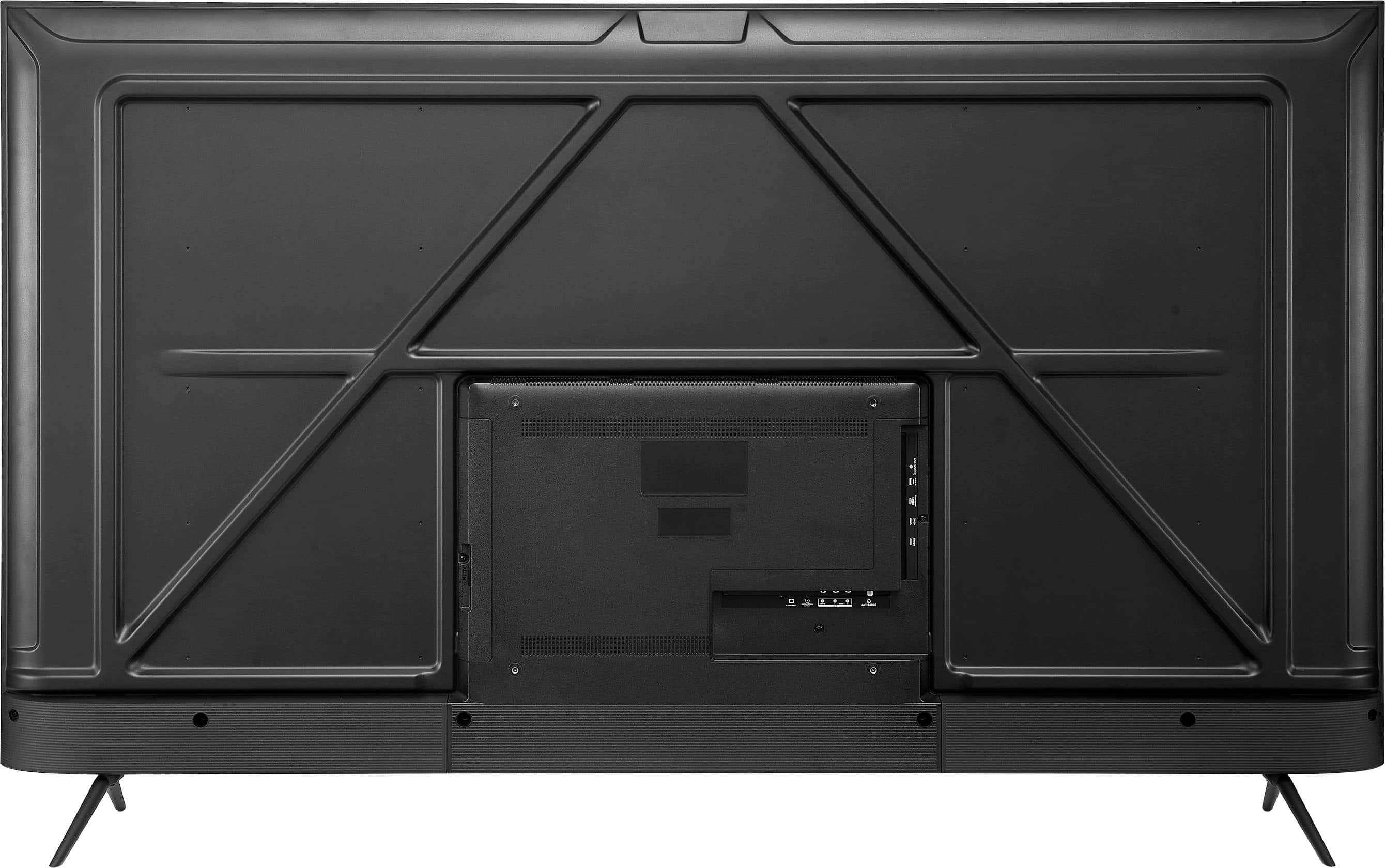
A:AnswerYes, the Insignia™ 70" Class F50 Series LED 4K UHD Smart Fire TV does have Bluetooth capability. This allows you to connect wireless headphones, speakers, and other Bluetooth-enabled devices to the TV.
If you have any questions or need further assistance, please don't hesitate to reach out. Thank you for choosing Insignia! - Emman | Insignia Support | https://www.bestbuy.com/site/brands/best-buy-brands/pcmcat1596746025285.c?id=pcmcat1596746025285
A:AnswerHi there! Yes, the Insignia™ 70" Class F50 Series LED 4K UHD Smart Fire TV does have an RF antenna input12. This means you can connect an antenna to receive over-the-air channels, in addition to other sources like cable, composite, and HDMI. For more product information, please check the link below. |Angelica| Insignia Products| https://www.bestbuy.com/site/insignia-70-class-f50-series-led-4k-uhd-smart-fire-tv/6580446.p?skuId=6580446
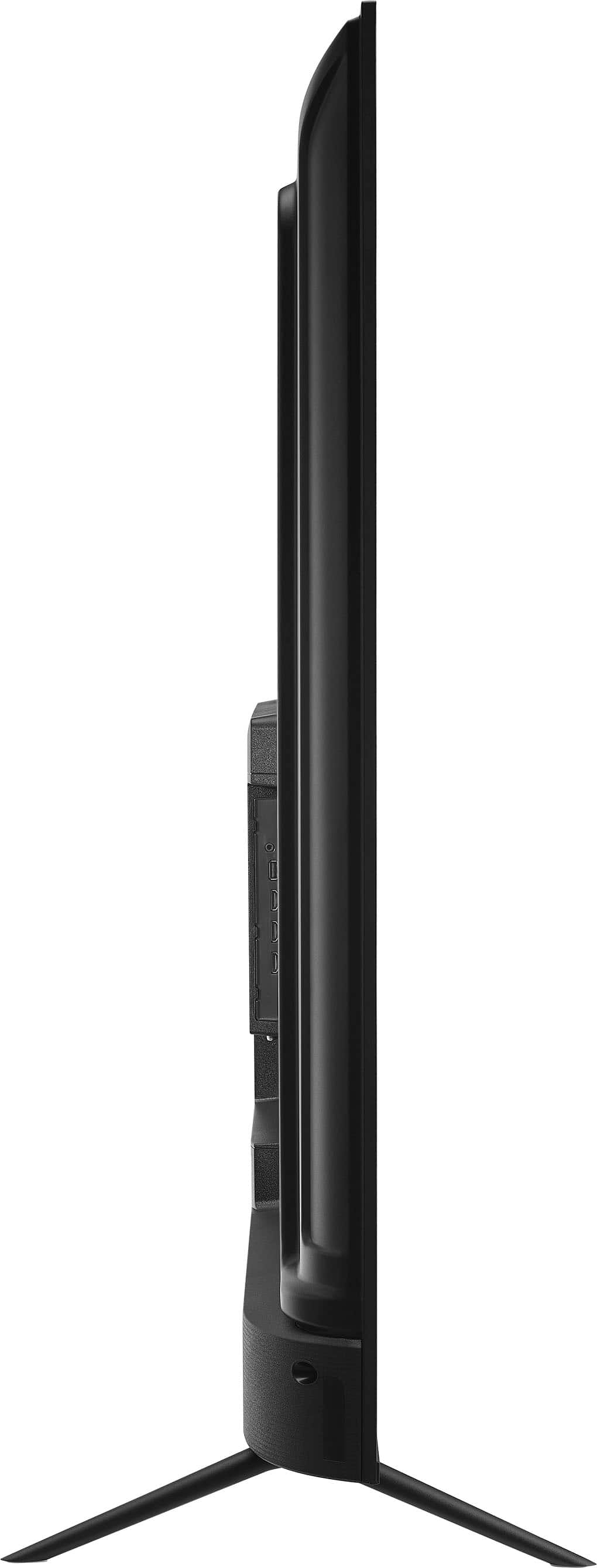
A:AnswerHi there, thank you for your question. The Insignia™ 70" Class F50 Series LED 4K UHD Smart Fire TV does not officially support the Spectrum TV app. According to Insignia customer support, there is no partnership with Spectrum, so the app is not available in the Amazon Appstore on Fire TV devices.
— Shiela | Insignia Support
A:AnswerIt has the ports on the back so I assume so. I use DirecTV so on the air not a priority because of that, plus it's a smart TV so includes free apps to use your home broadband. And it works even though I don't use cable or fiber. I have a slower $50 a month rooftop dish that points at the tower in the nearest High School. Rincon Wireless here in Vail AZ. Didn't need to upgrade my bandwidth. Recommend using a wired connection to the broadband router because with all the other WIFI connected gear it's a cluttered spectrum.