Last-Minute SavingsLimited quantities.Shop now

Skip to content
Gift Ideas
Main Content

Questions & Answers

Your price for this item is $277.99
Clearance
The comparable value price is $369.99
Page Showing 61-73 of 73 questions
  • Questioncan I use my insignia firetv like a computer to access the internet?

    Asked by Josia.

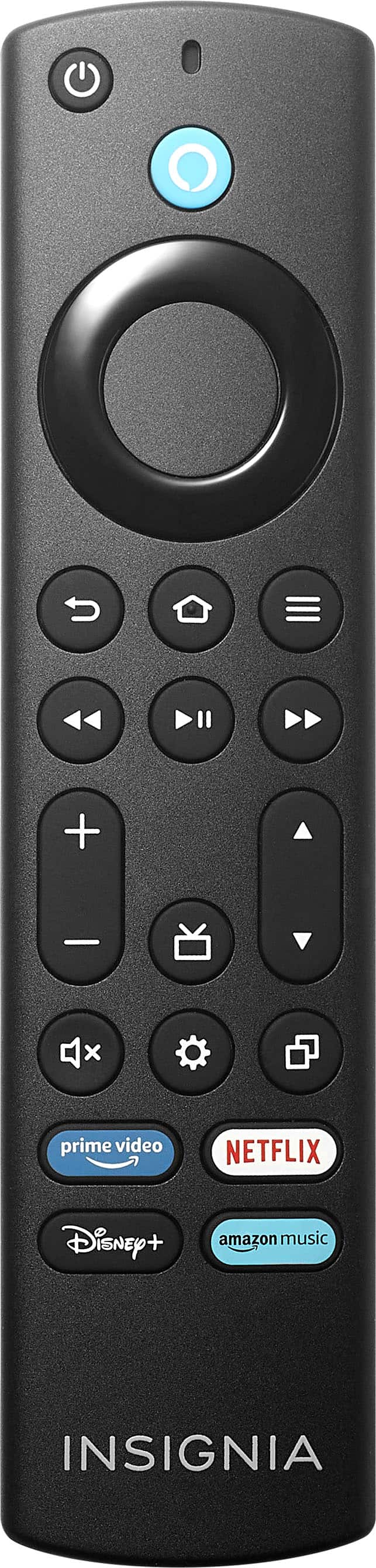
    • Answer I use Amazon's Silk Browser which can be downloaded to the FireTV to access the internet. The standard FireTV remote works for navigating the internet if you are an occasional user. I will use my Xbox game controller as well as an Insignia basic keyboard for ease of typing and navigation from the comfort of my couch.

      Answered by Starfury25

  • QuestionIf I bought a open box tv will geek squad hook it up for free

    Asked by Zac.

    • Answer Nothing's free, but they easily managed hooking up all my existing tech with the new TV and Receiver. They cleaned up the cables for me too and programmed my DirecTV remotes.. But they weren't free. I appreciated the low service call, they also delivered so you wouldn't be able to do that unless you bought something else new (Best Buy, maybe others?)

      Answered by CraigS

  • Questionwhat are external dimensions of this tv and weight

    Asked by carl.

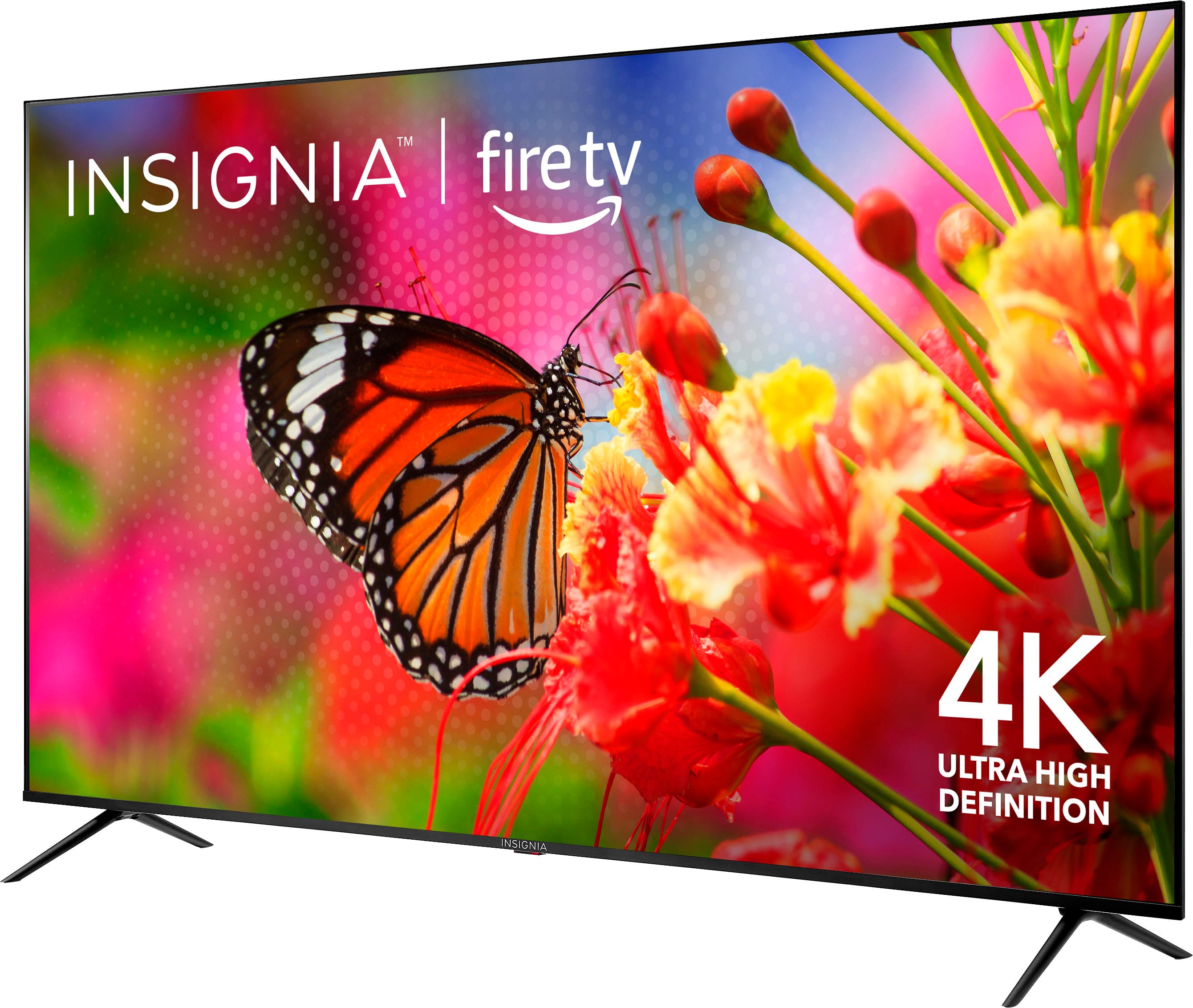
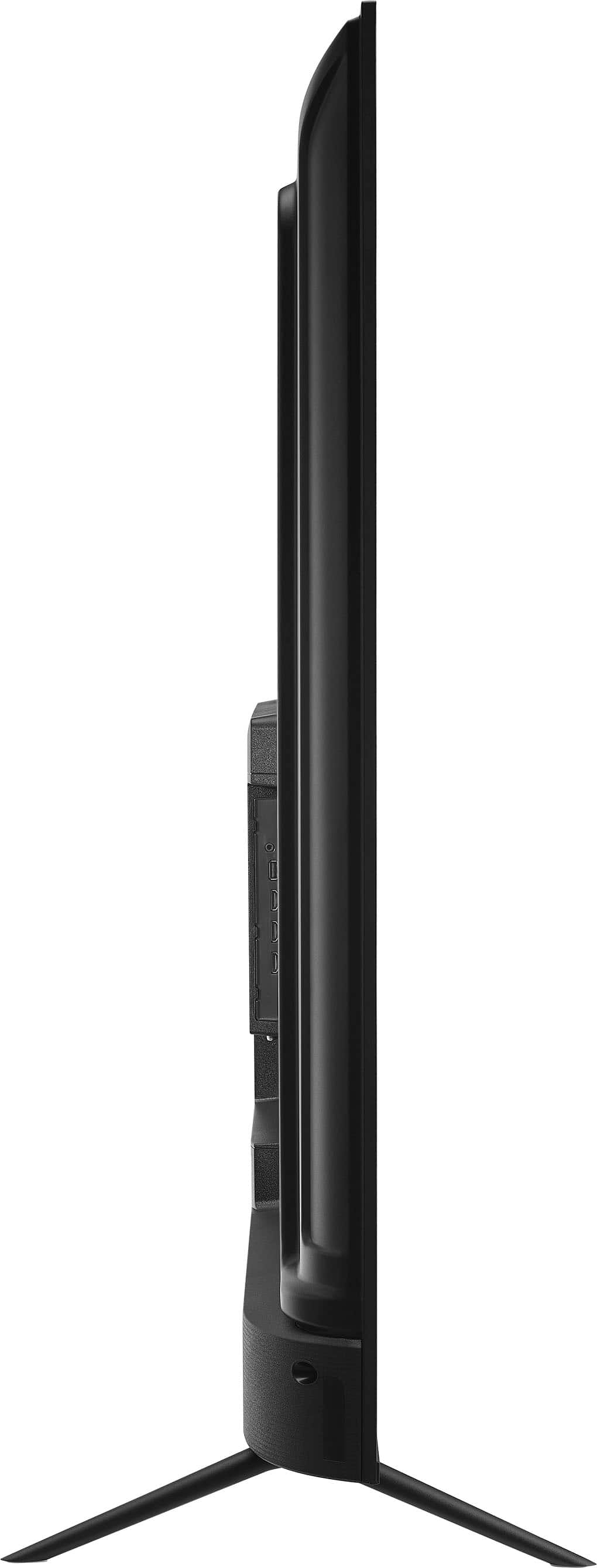
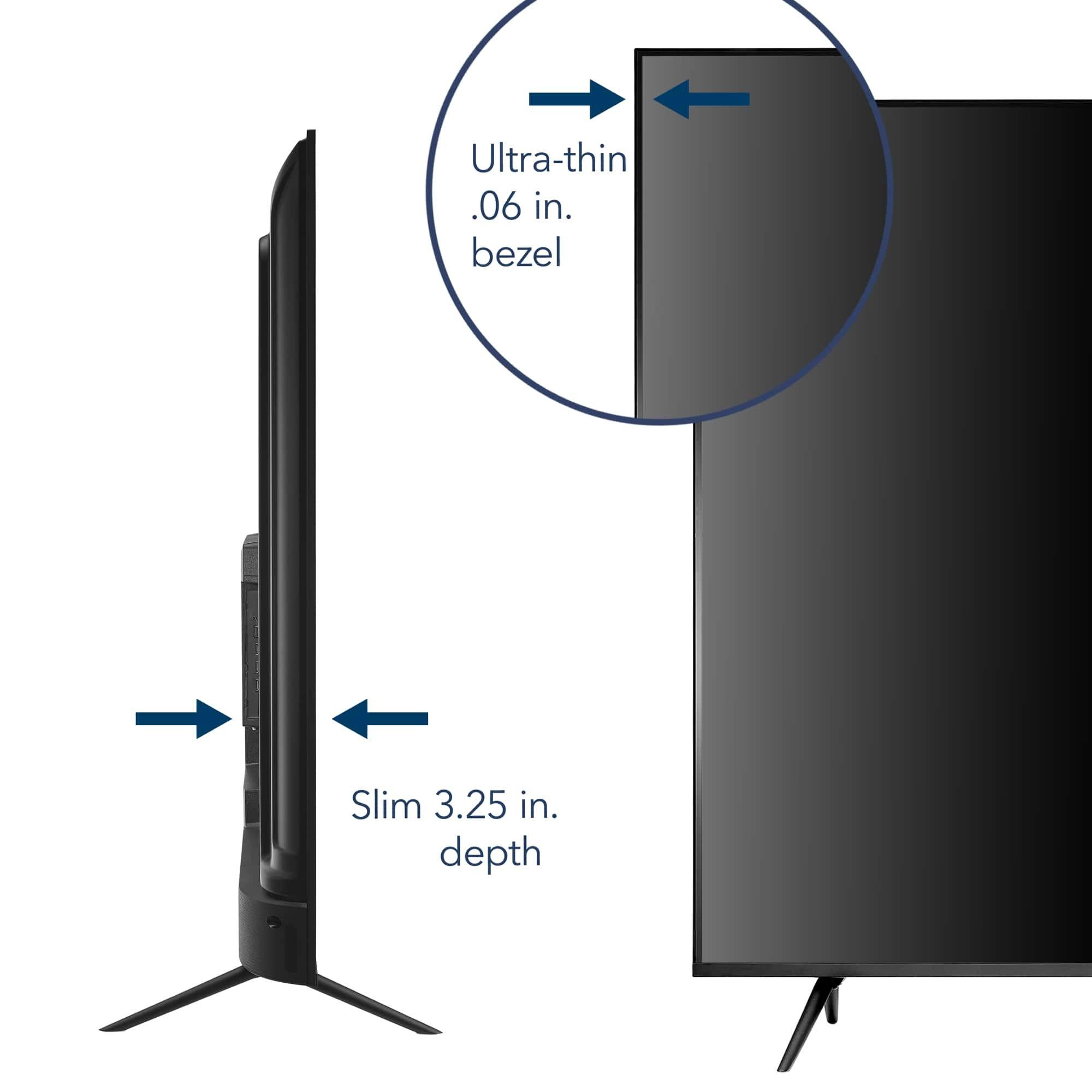
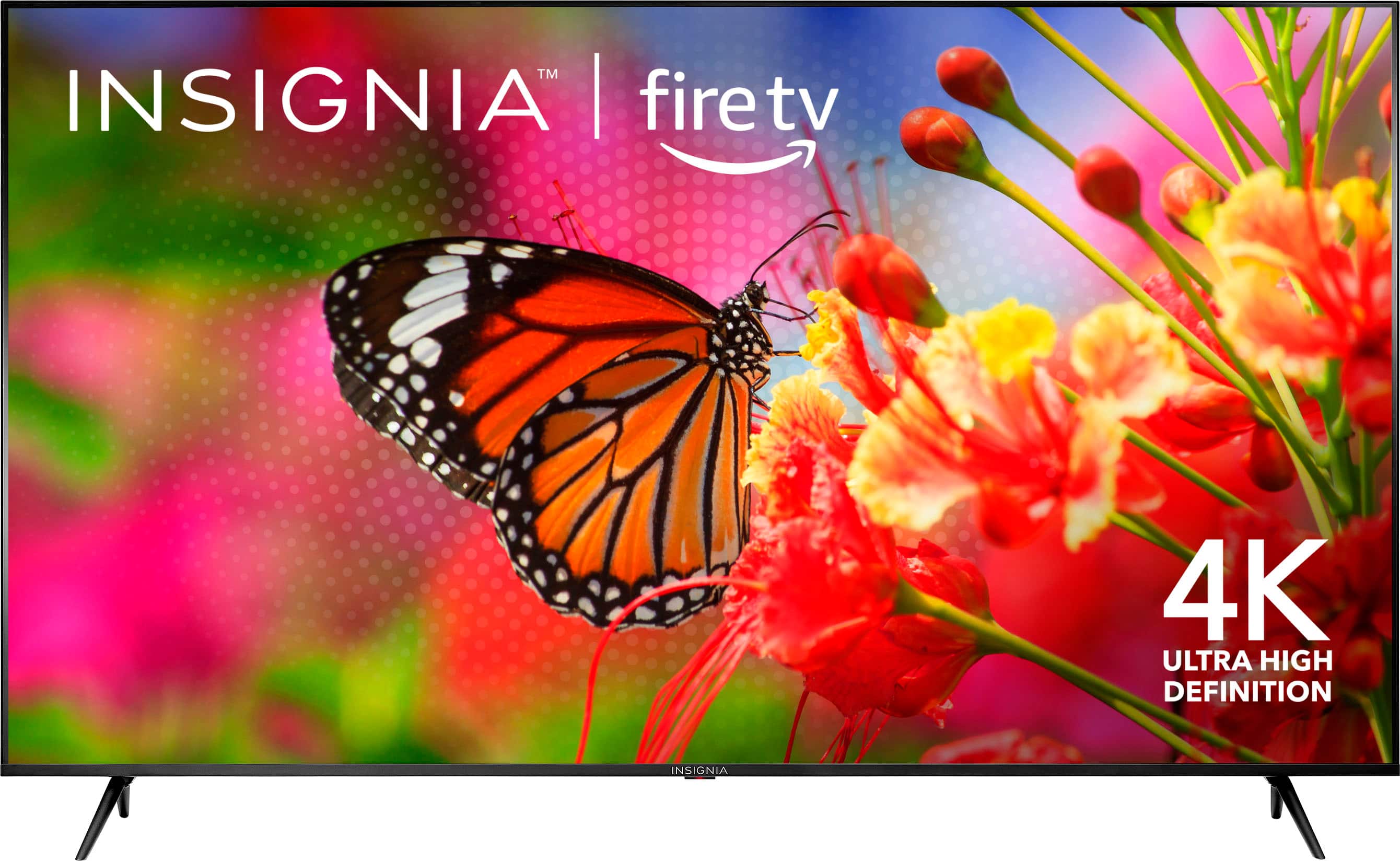
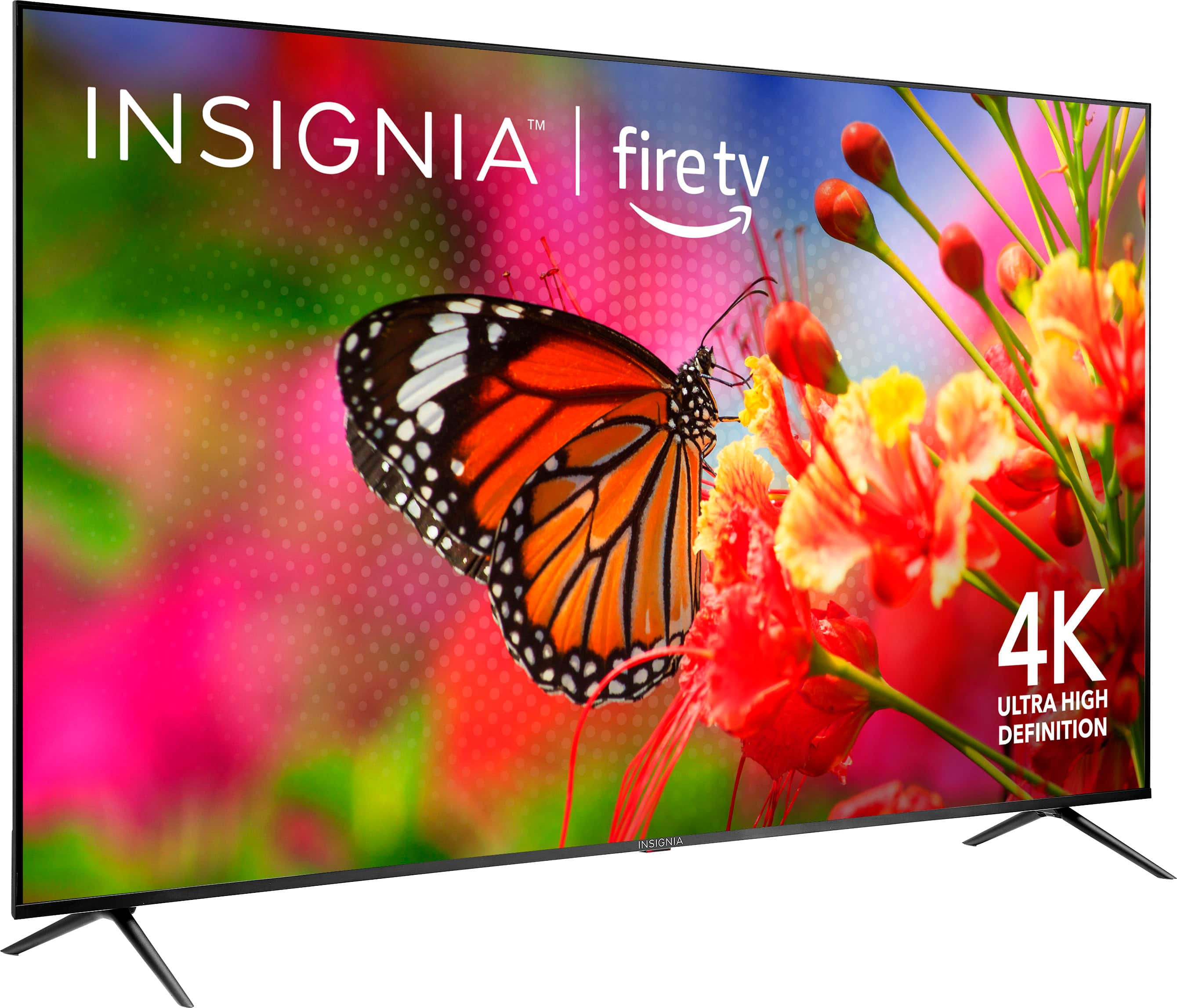
    • Answer The Insignia™ 70" Class F50 Series LED 4K UHD Smart Fire TV has the following dimensions and weight: - Dimensions (without stand): Approximately 61.66" (W) x 34.35" (H) x 3.5" (D) - Dimensions (with stand): Approximately 61.66" (W) x 37.15" (H) x 13.4" (D) - Weight: Around 24.3 kg (53.6 lbs) without the stand. If you have further questions and inquiries, please do not hesitate to reach out!

      Answered by InsigniaCustomerSupport

  • Questioncan i change the font on this tv

    Asked by Anonymous.

    • Answer No.

      Answered by 2LsTX

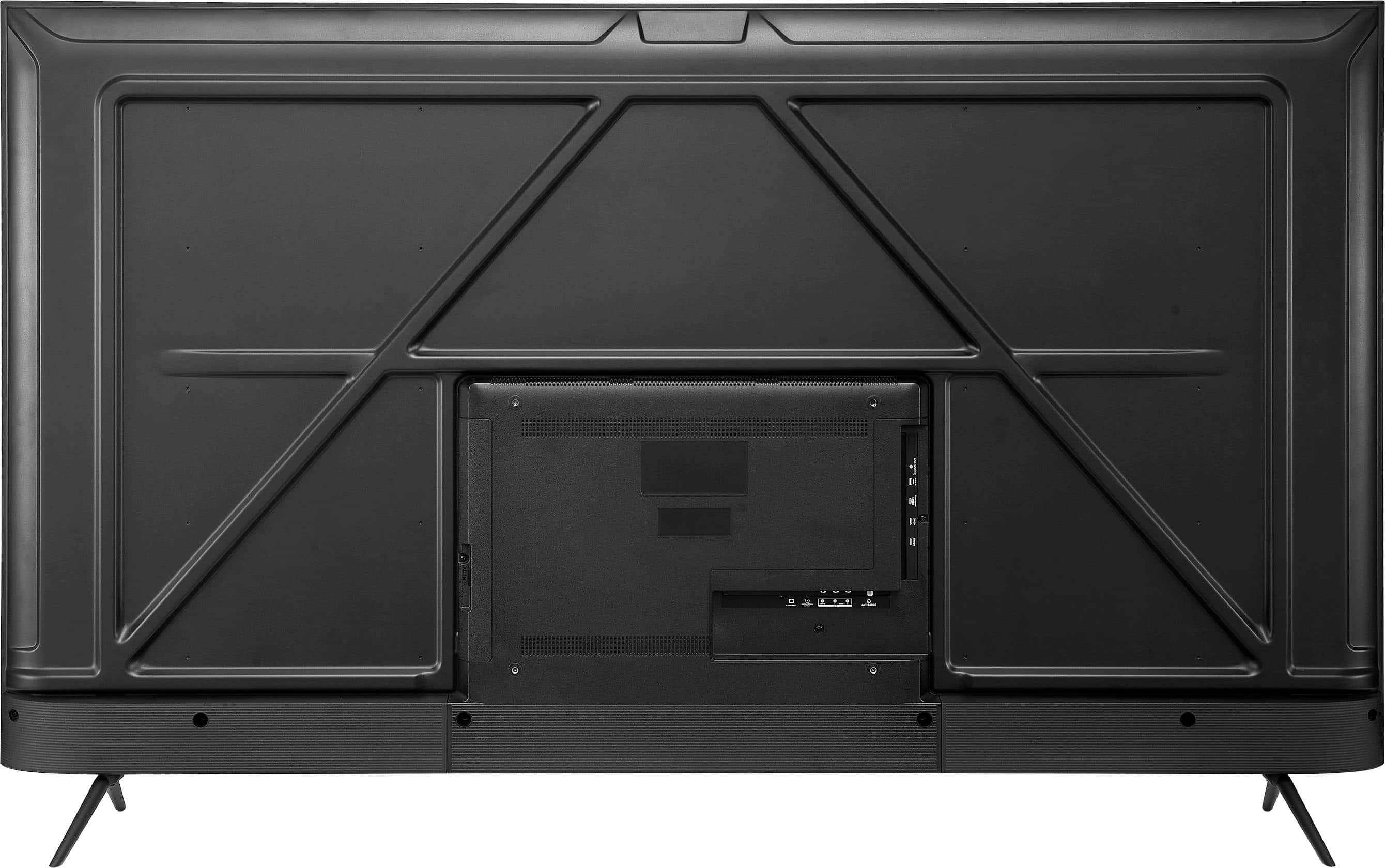
  • QuestionWould you be able to provide the measurements between mounting holes on the back of the TV? Thank you!

    Asked by Matt.

    • Answer We had professionals mount ours and they did not have any difficulties.

      Answered by CarolynW

  • QuestionHow much Storage?

    Asked by TvLand.

    • Answer Creo que lo puedes comprar en línea, te lo recomiendo muy bueno

      Answered by JoseP

  • QuestionWhen will this TV be available?

    Asked by Mike.

    • Answer The Insignia™ 70" Class F50 Series LED 4K UHD Smart Fire TV is currently out of stock at Best Buy. Unfortunately, there isn’t a specific restock date available at the moment. To stay updated on its availability, you can: 1. Check the Best Buy website regularly for updates. 2. Sign up for notifications on the product page to receive an email when it’s back in stock. 3. Contact Best Buy customer service for more detailed information. If you have any questions or need further assistance, please don't hesitate to reach out. Thank you for choosing Insignia! - Emman | Insignia Support | https://www.bestbuy.com/site/brands/best-buy-brands/pcmcat1596746025285.c?id=pcmcat1596746025285

      Answered by InsigniaCustomerSupport

  • QuestionWhat apps can be streamed in it?

    Asked by Erin.

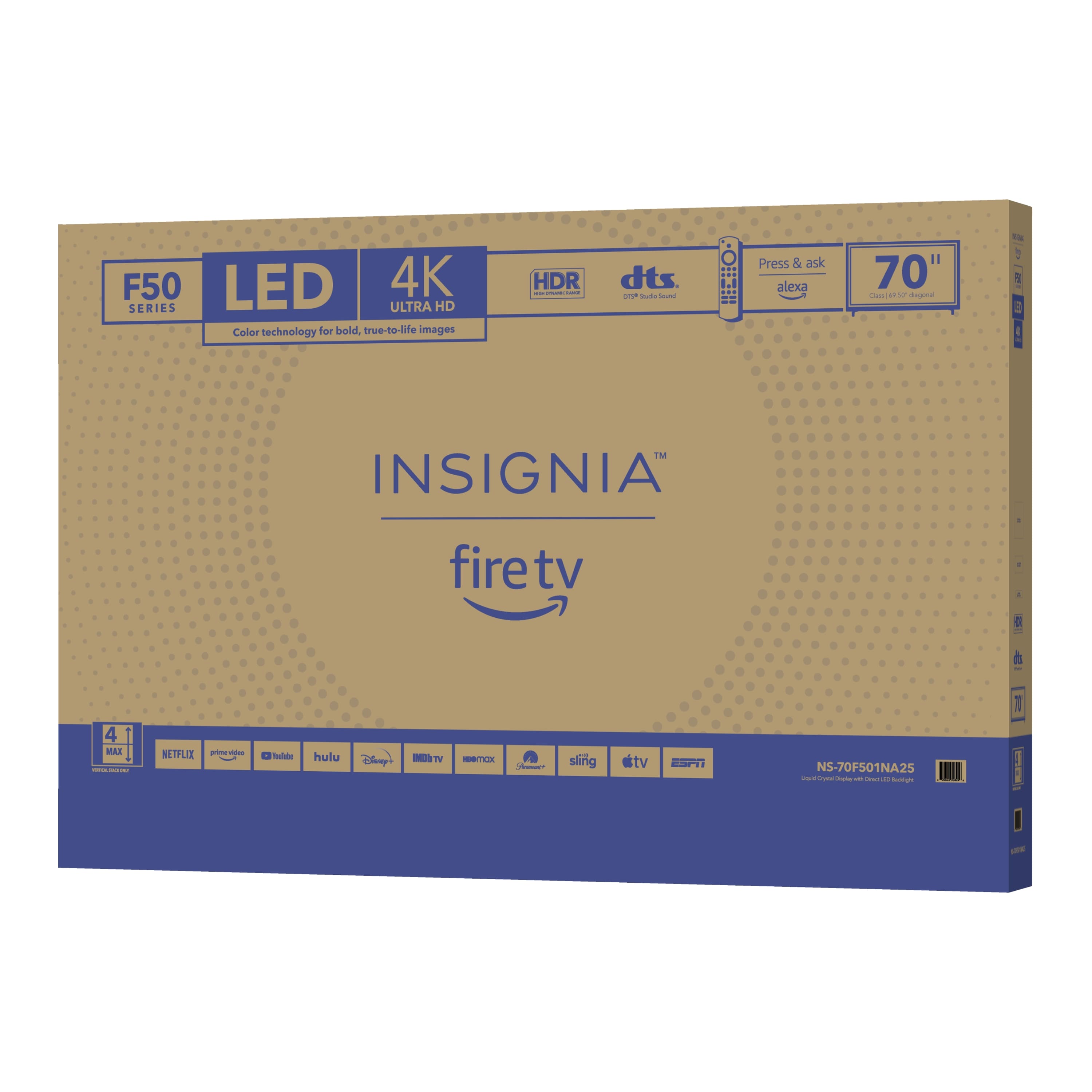
    • Answer Hi Erin! The Insignia™ 70" Class F50 Series LED 4K UHD Smart Fire TV NS-70F501NA25 supports a wide range of streaming apps. You can enjoy popular services such as: Netflix, Amazon Prime Video, YouTube TV, Hulu, Disney+, Paramount+, Sling TV, and ESPN+. This TV runs on the Fire TV platform, which provides access to thousands of channels, apps, and Alexa skills. I hope it answers your questions. Jeth | Insignia Support. https://www.bestbuy.com/site/insignia-70-class-f50-series-led-4k-uhd-smart-fire-tv/6580446.p?skuId=6580446
      Answered by InsigniaCustomerSupport

  • QuestionWhat type of wall mount would be compatible with this TV?

    Asked by YaboiTB.

    • Answer The Insignia™ 70" Class F50 Series LED 4K UHD Smart Fire TV is compatible with wall mounts that support a VESA pattern of 400mm x 300mm. Since the TV weighs approximately 52.9 pounds without the stand, you should choose a wall mount that can support at least 60 pounds to ensure safety. You can use a fixed mount for a clean, flush look, a tilting mount if the TV will be placed above eye level, or a full-motion/articulating mount if you want flexibility to swivel or extend the screen. If you have any questions or need further assistance, please don't hesitate to reach out. Ivy | Insignia Support

      Answered by InsigniaCustomerSupport

  • QuestionHow do I correct the time, it is incorrect on the Insignia™ - 70" Class F50 Series LED 4K UHD Smart Fire TV.

    Asked by Deb.

    • Answer To fix an incorrect time on your Insignia Smart Fire TV, navigate to Settings > Preferences > Time Zone. You can then select your correct region to automatically set the correct date and time. Alternatively, you can manually set the date and time under the Time Zone settings. Here's a more detailed breakdown: Access Settings: Use your Fire TV remote to press the Home button, then navigate to Settings. Navigate to Preferences: From the Settings menu, go to Preferences. Select Time Zone: Under Preferences, find and select Time Zone. Choose Region or Manually Set: Region: You can select your region from the list, which will automatically set the time based on your location. Manual: If you prefer, you can manually set the date and time within the Time Zone settings

      Answered by KurtS

  • QuestionIs this tv good for gaming?

    Asked by Nic.

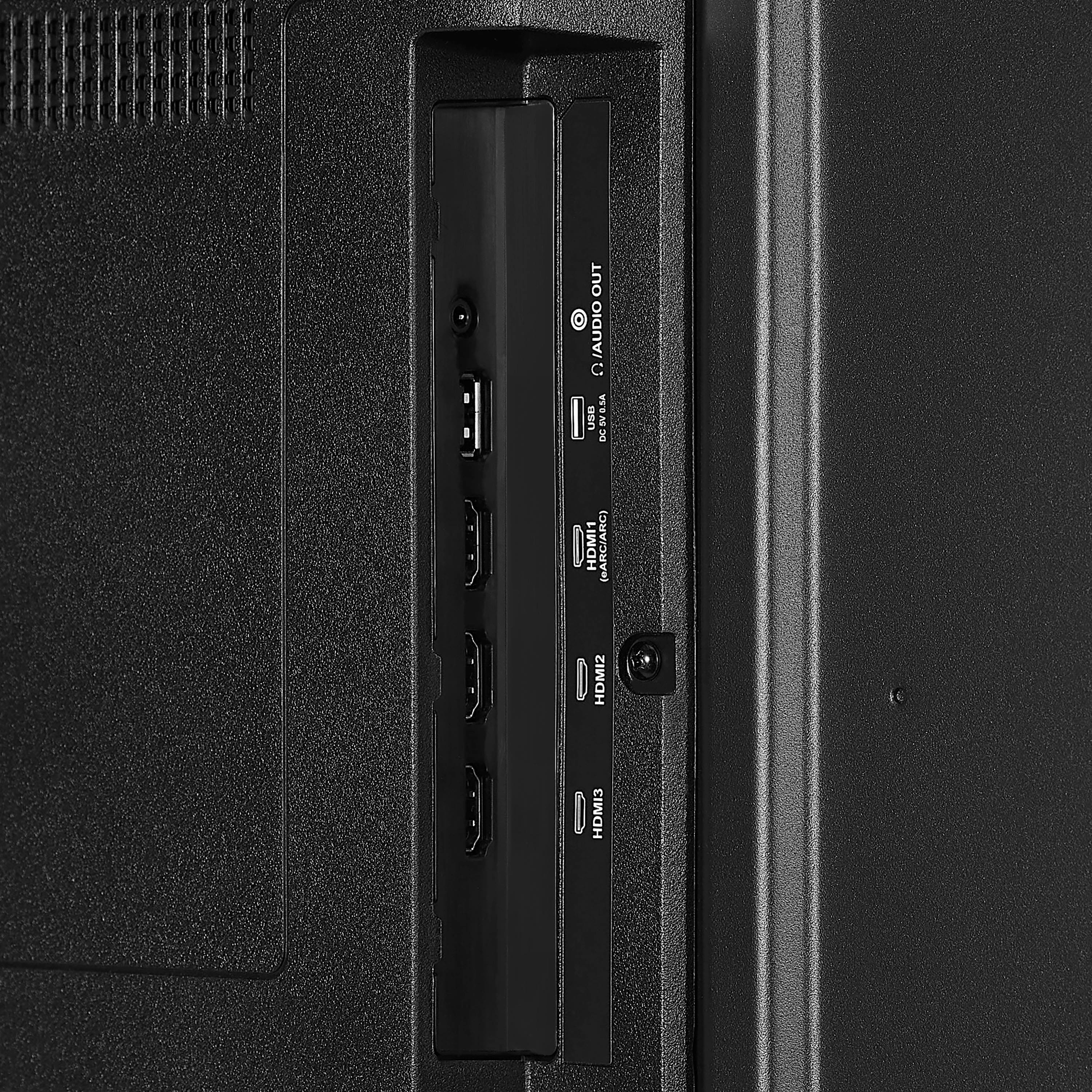
    • Answer The Insignia™ 70" Class F50 Series LED 4K UHD Smart Fire TV can be a good option for gaming, especially if you're looking for a large screen with 4K resolution. Here are some features that make it suitable for gaming: 1. 4K UHD Resolution: Provides sharp and detailed visuals, enhancing the gaming experience. 2. HDR10 Support: Offers better contrast and color accuracy, making games look more vibrant and realistic. 3. Large Screen Size: The 70-inch display provides an immersive gaming experience. 4. Multiple HDMI Ports: Allows you to connect multiple gaming consoles and other devices. However, it's important to note that the TV has a 60Hz refresh rate, which is adequate for most casual gaming but might not be ideal for competitive gaming that requires higher refresh rates for smoother motion. If you're a casual gamer, this TV should serve you well. For more competitive gaming, you might want to consider a TV or monitor with a higher refresh rate.

      Answered by InsigniaCustomerSupport

  • QuestionMy 2022 Insignia F50 55" screen was sold as a QLED, is this new F50 70" screen manufactured with different technology? Are there other potential differences I cannot see? Considering purchasing anyway, once I see it in store. Thank you!

    Asked by Consumer.

    • Answer Not a big gap difference between the two of them, but I will say the F50 does have better and more accessibility.

      Answered by DawaunM

  • QuestionI'm confused now, Is it actually QLED? Insignia support said it was QLED in a question they answered but the full specs or the box don't mention it anywhere? What's the real truth for the "NS-70F501NA25"?

    Asked by Brian.

    • Answer Si es Qled muy buena imagen y sonido, me encanta

      Answered by JoseP