Appliances Presidents’ Day SaleEnds 2/25. Limited quantities. No rainchecks.Shop now

Main Content

Questions & Answers

$119.99
Page Showing 41-44 of 44 questions
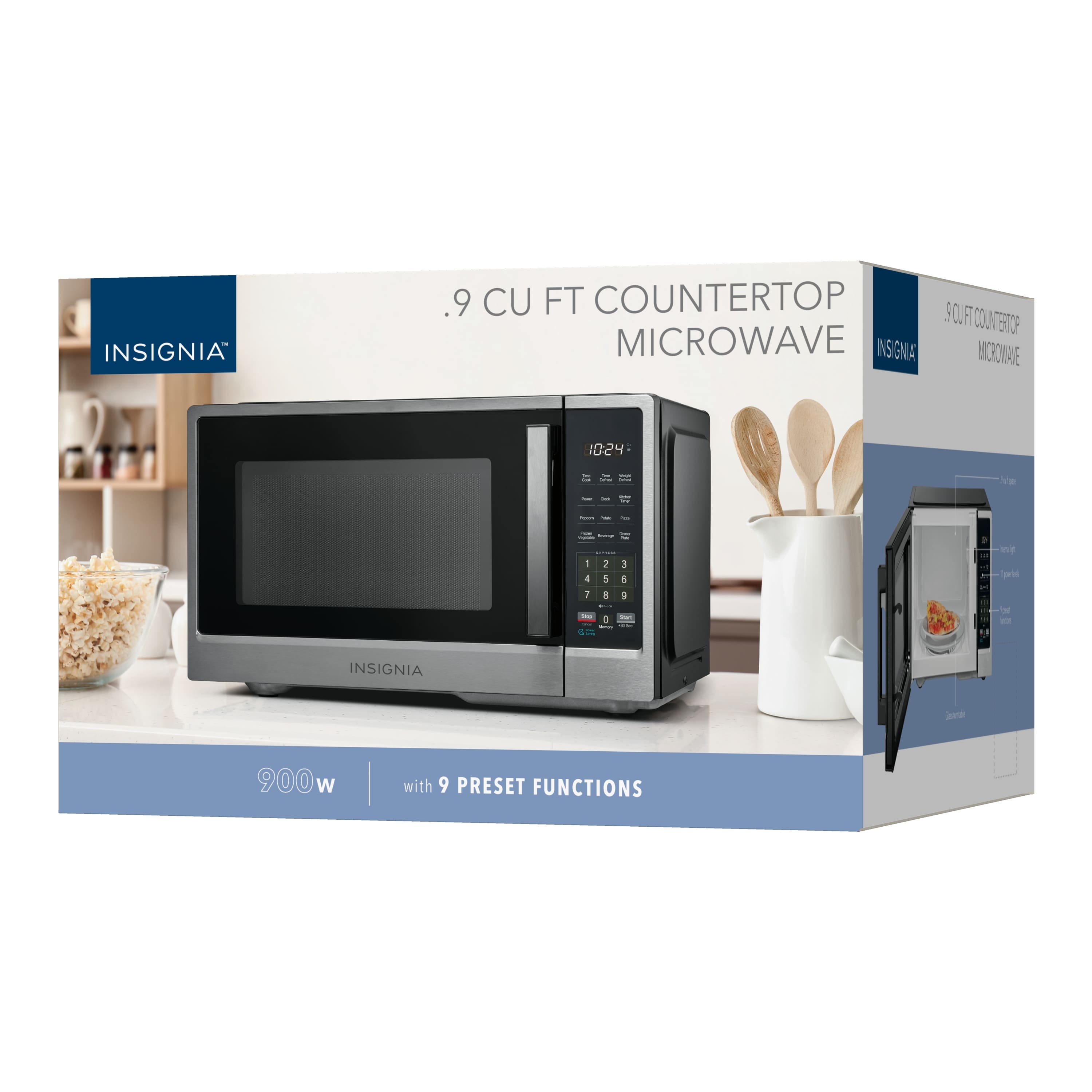
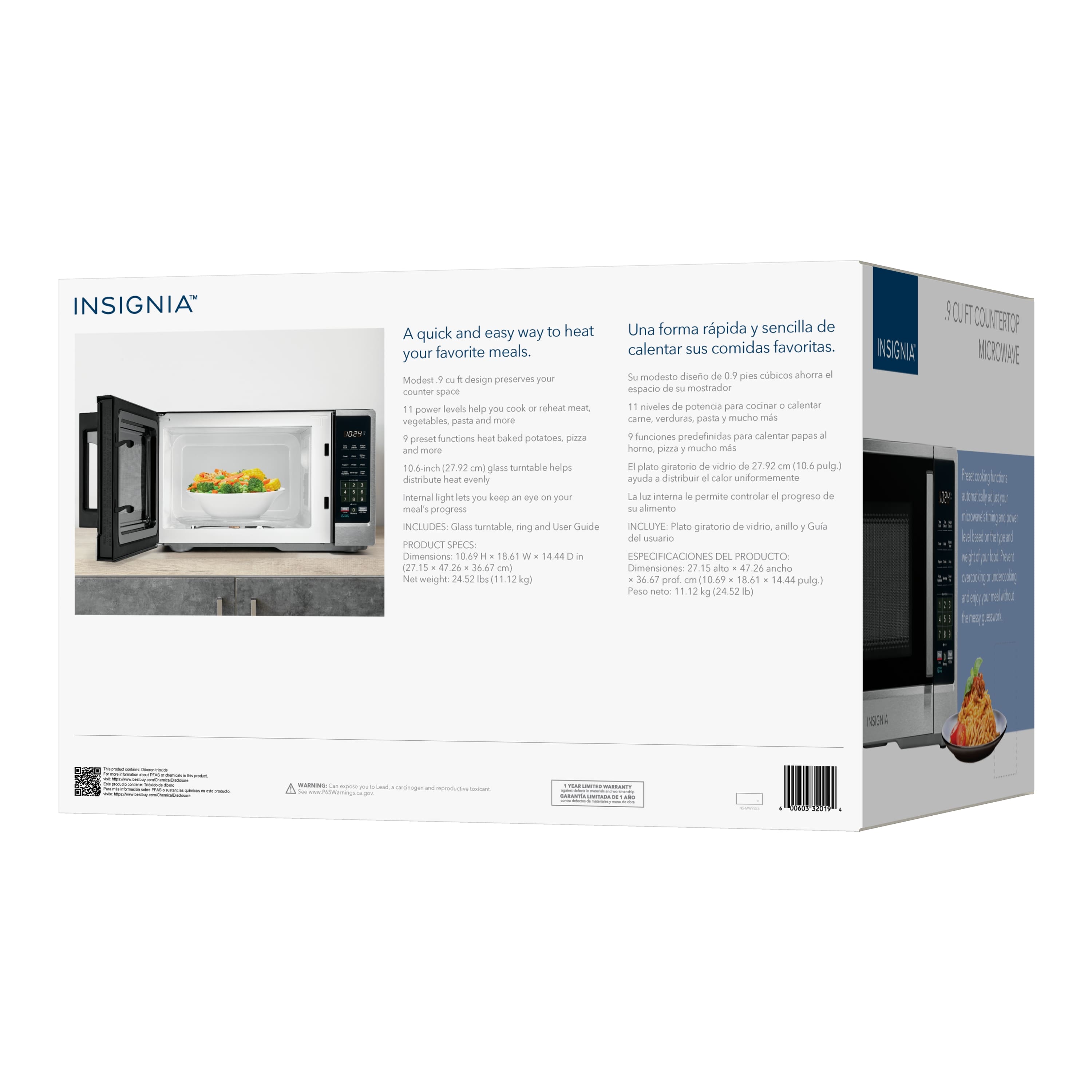
  • Questionwhat is the wattage

    Asked by VernaS.

    • Answer 900

      Answered by KeithH

  • QuestionMy new microwave did not come with an english manual. It came with 2 others in different languages. I don't want to have to go online or pay for one. How do I get one? I want what should have been included.

    Asked by DebJ.

    • Answer Find someone that speaks one of the two languages

      Answered by Chewybob

  • QuestionCan someone explain watts is 900 but power consumption is 1400?? Saw other brand like 1040 watts and power consumption. Any difference? Advantage?

    Asked by MaGy.

    • Answer Volts times amps equal watts . If you house has 120volts. Do the math

      Answered by Chewybob

  • QuestionHow do I replace the filter

    Asked by Fred.

    • Answer To replace the filter in your Insignia™ - .9 Cu. Ft. Compact Countertop Microwave, follow these general steps. Note that not all microwaves have filters, but if yours does, here's how you might typically replace it: 1. Unplug the Microwave: Safety is the top priority, so make sure to unplug the microwave from the electrical outlet before proceeding. 2. Locate the Filter: Depending on your model, the filter may be located on the bottom of the microwave or behind a vented panel. Check the user manual for specific instructions regarding the filter location. 3. Remove the Old Filter: If applicable, carefully slide or unclip the old filter out of its slot. Be gentle to avoid damaging any clips or surrounding areas. 4. Clean the Area: Before installing the new filter, take a moment to clean the area around the filter compartment to remove any grease or debris. 5. Install the New Filter: Take your new filter and insert it in the same orientation as the old one. Make sure it fits snugly into place. 6. Reassemble: If you had to remove any panels or screws, reattach them once the new filter is securely in place. 7. Plug the Microwave Back In: Once everything is reassembled, plug the microwave back into the electrical outlet. 8. Test the Microwave: Turn on the microwave to ensure it's functioning correctly. If you're unsure about any step or if your model requires a specific type of filter, it's best to consult the user manual or contact Insignia customer support for assistance. For purchasing a new filter, you can check Best Buy, the Insignia website, or other appliance parts retailers.

      Answered by InsigniaCustomerSupport