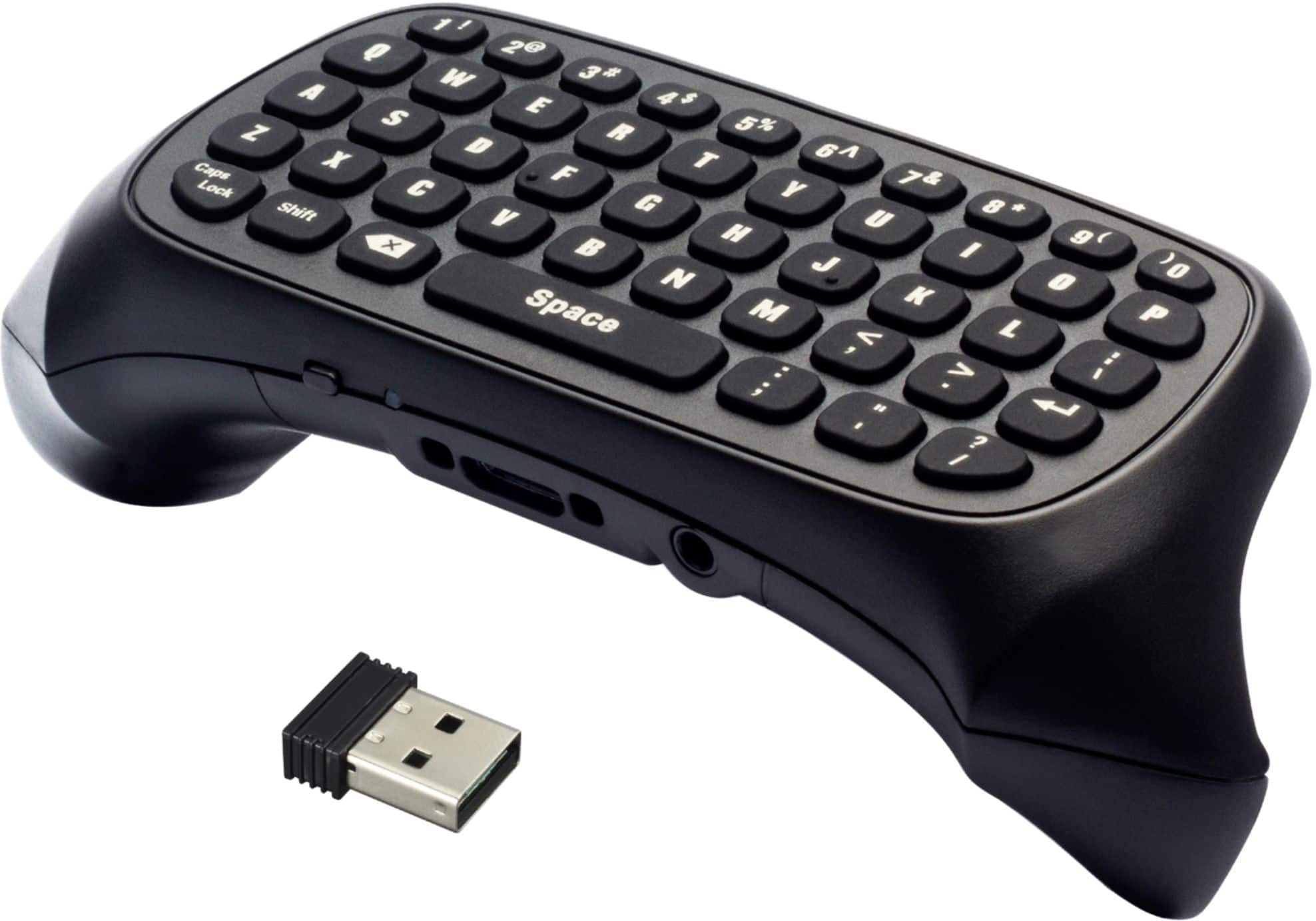
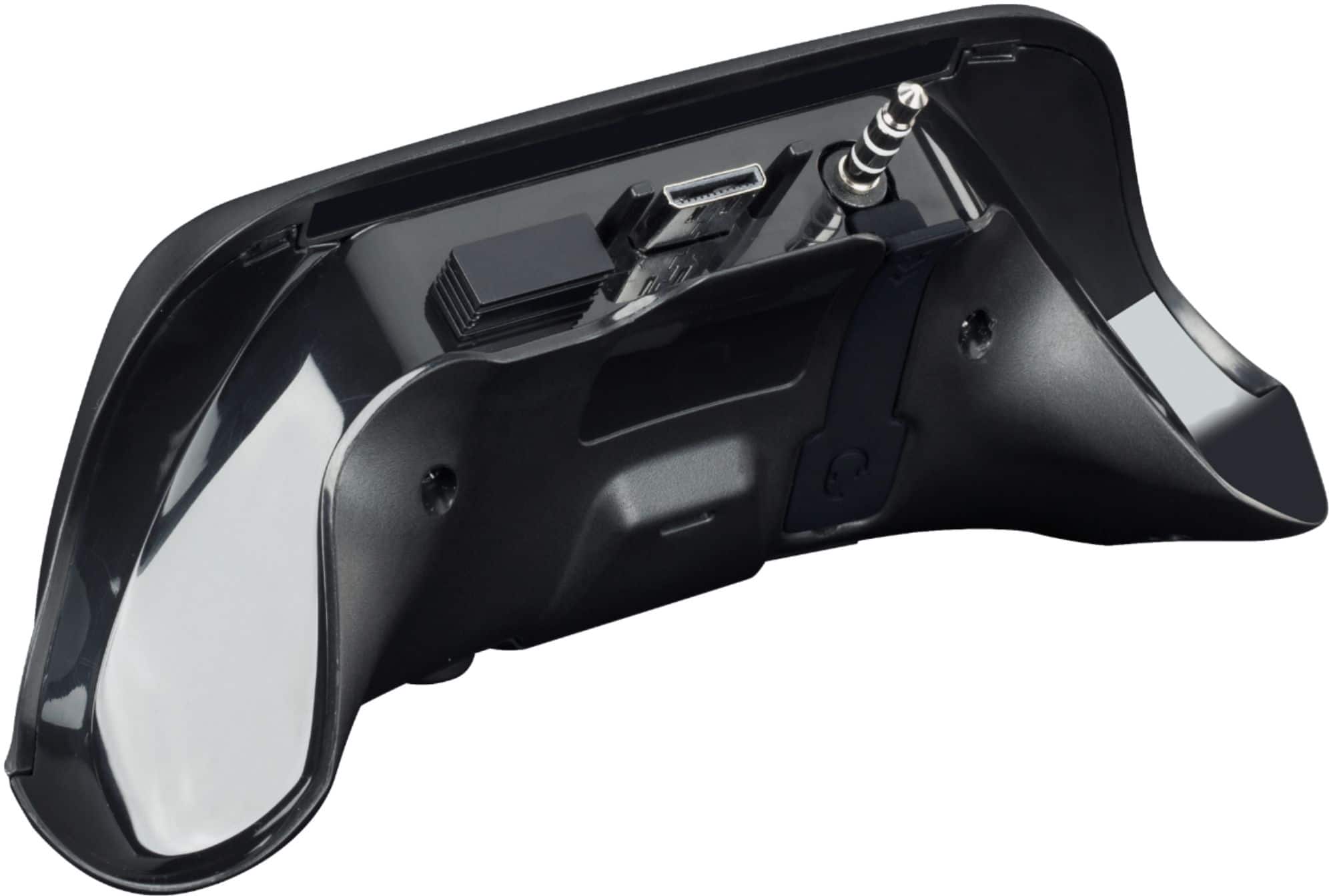
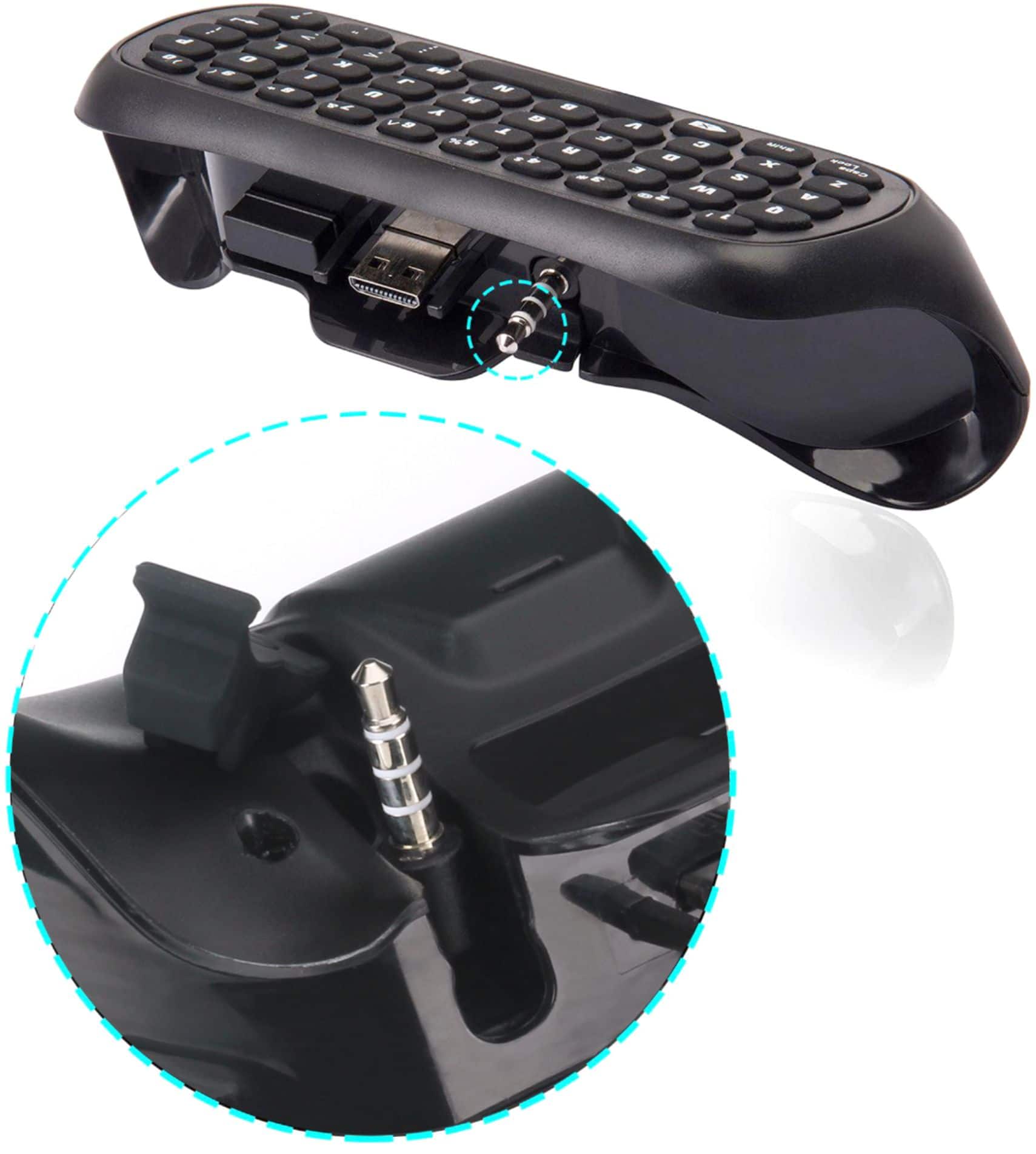
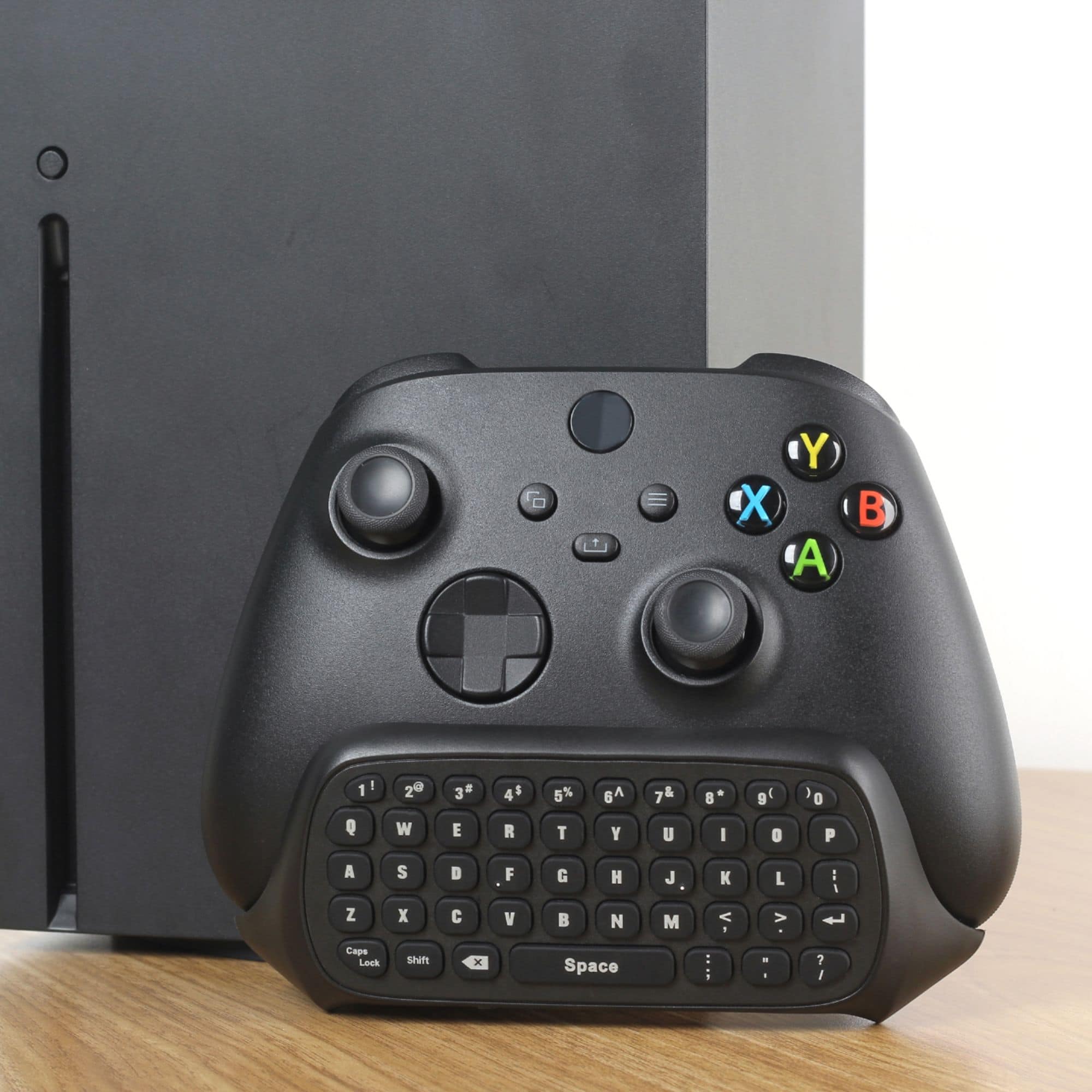
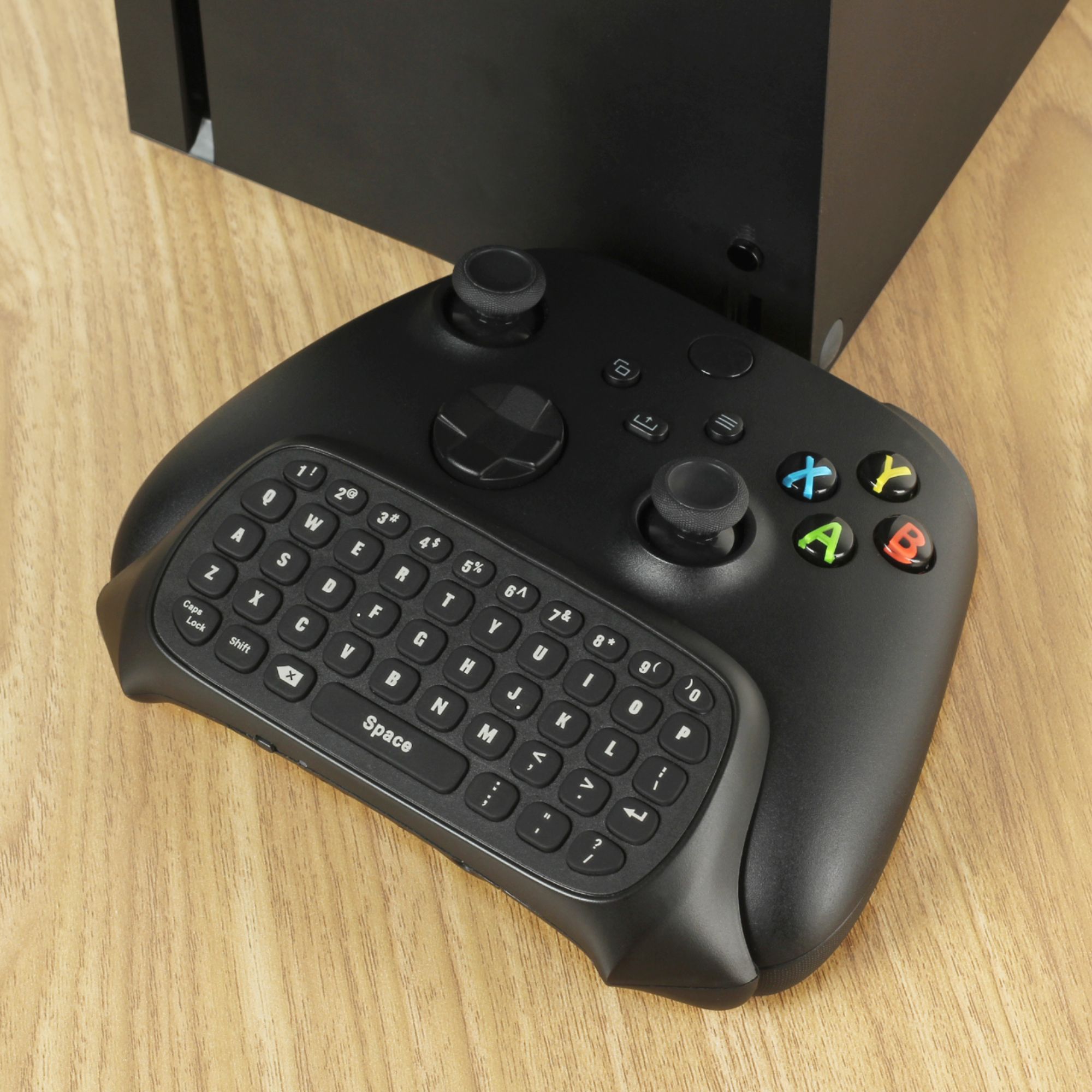
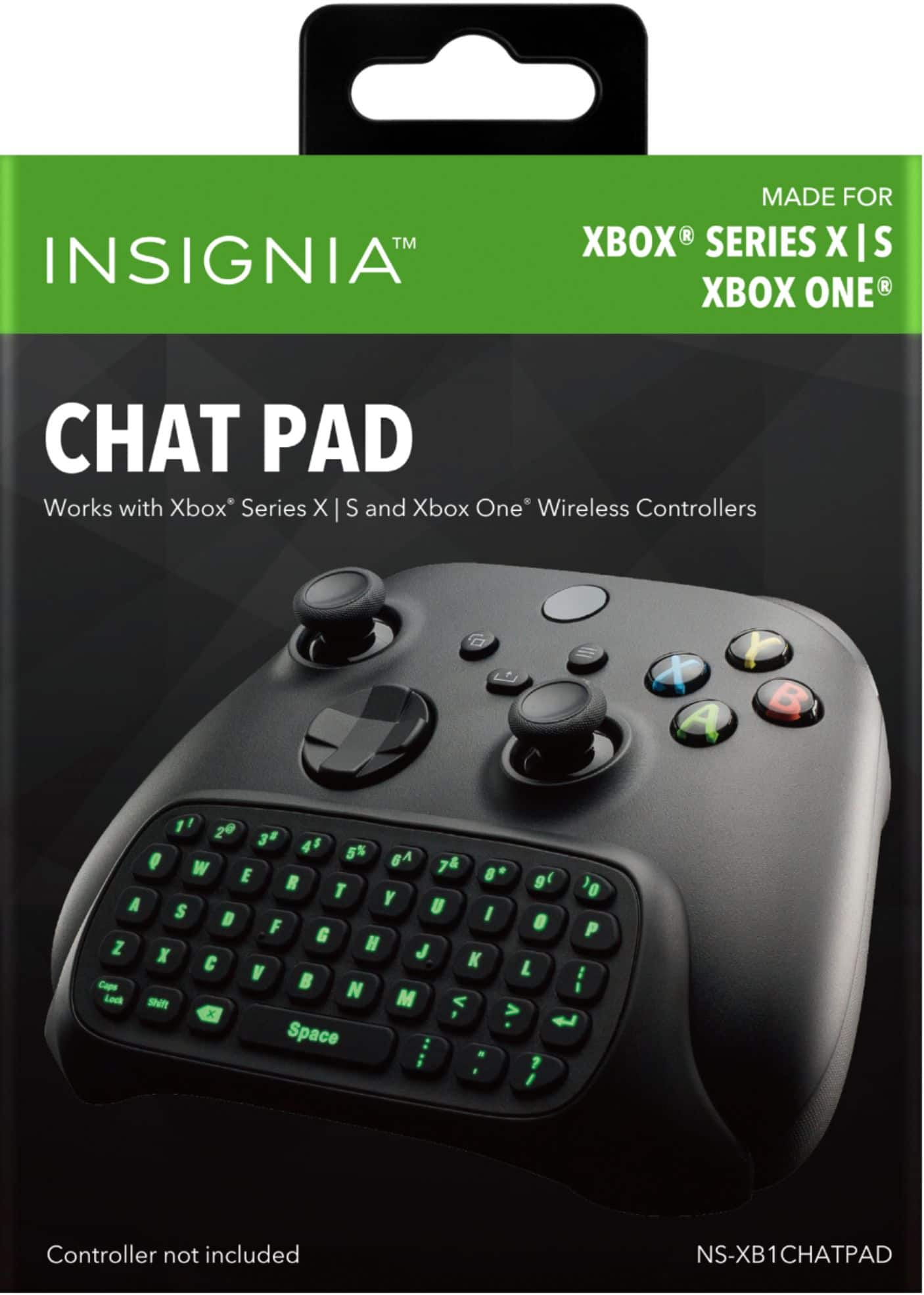
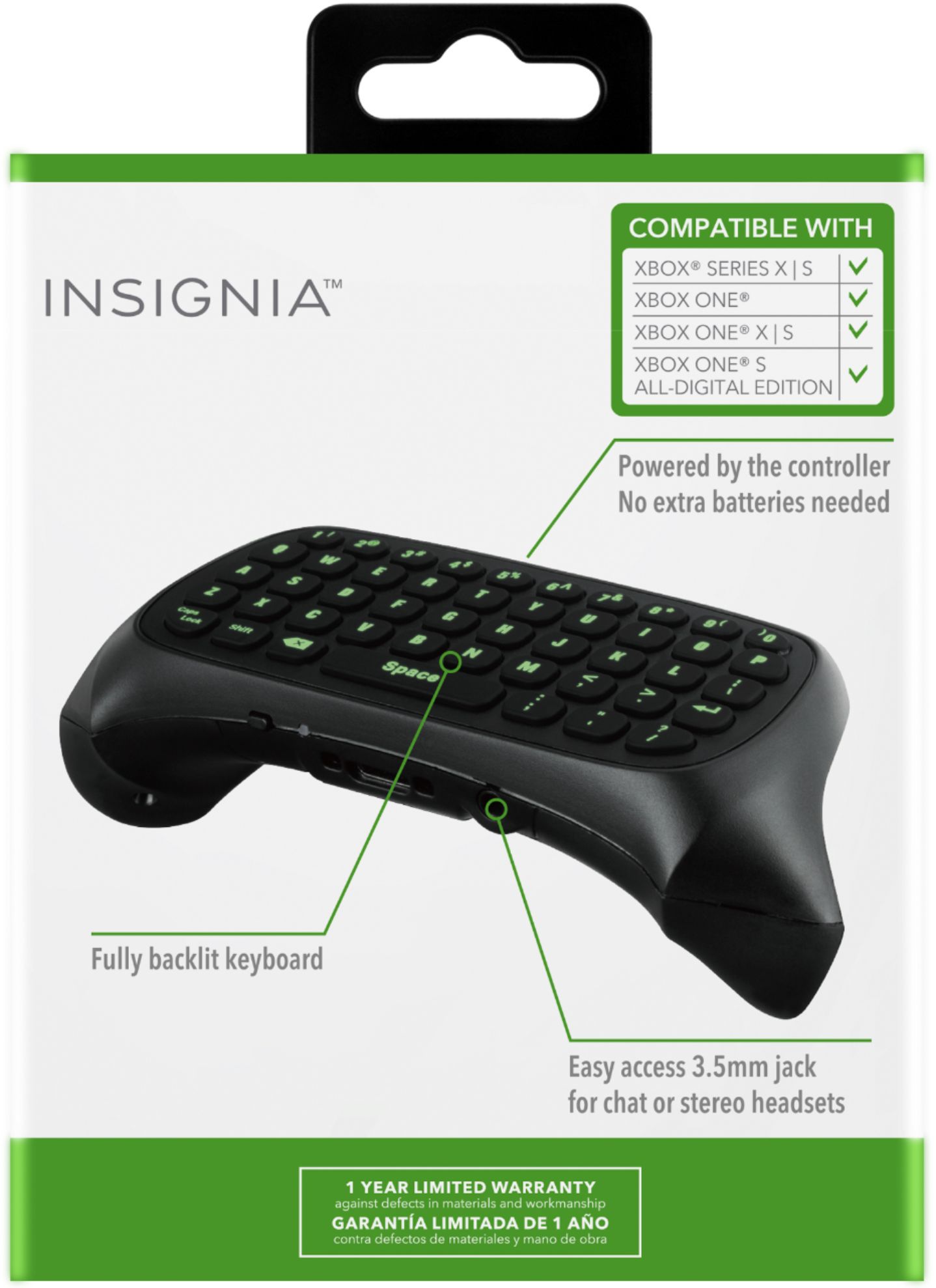
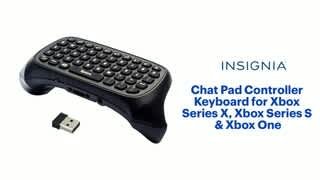
A:AnswerYes, you must use the USB dongle for the Chatpad keyboard to work. However you probably can try adding a small USB hub to your Xbox to gain another USB port or two if your device power demands are low.
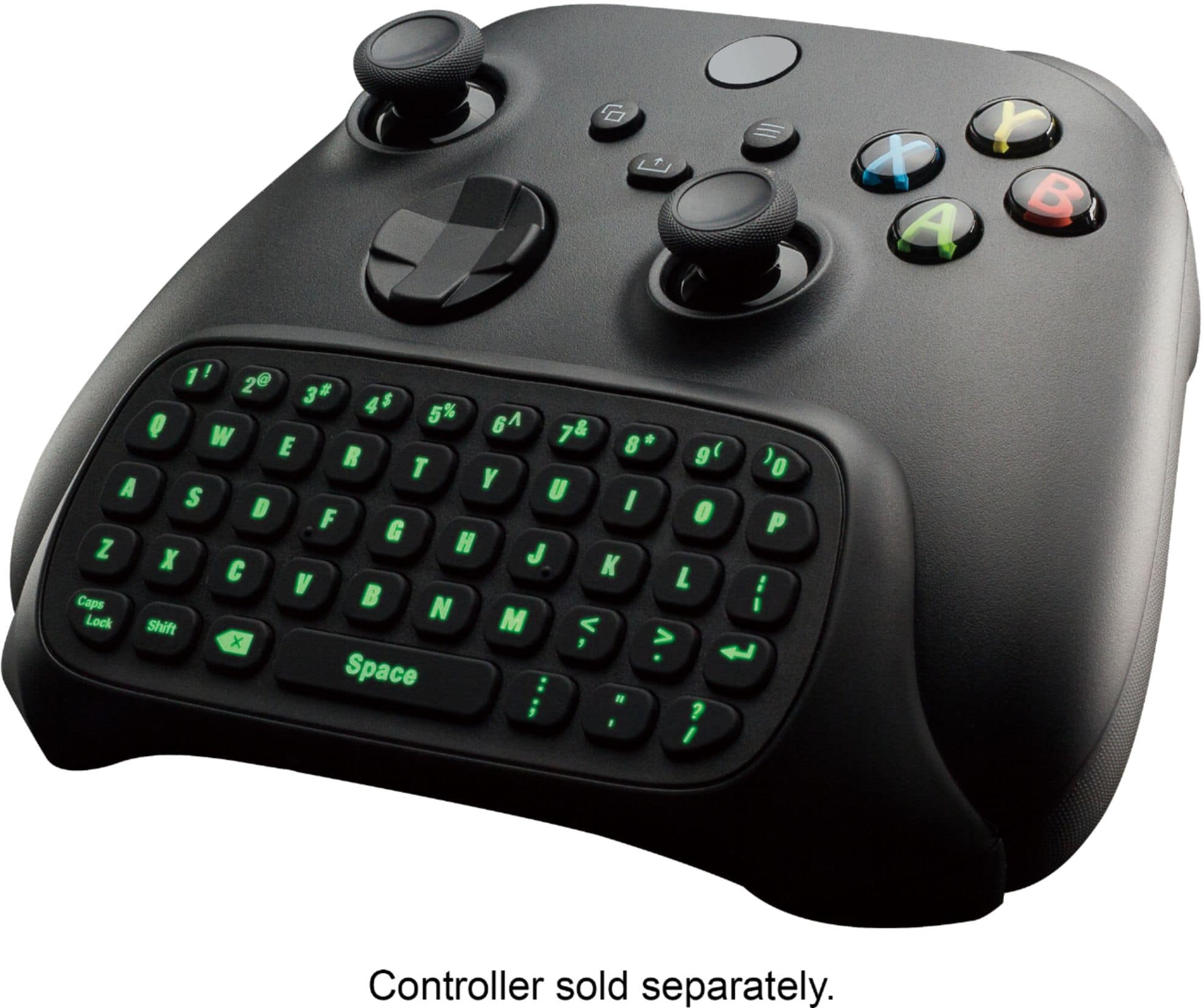
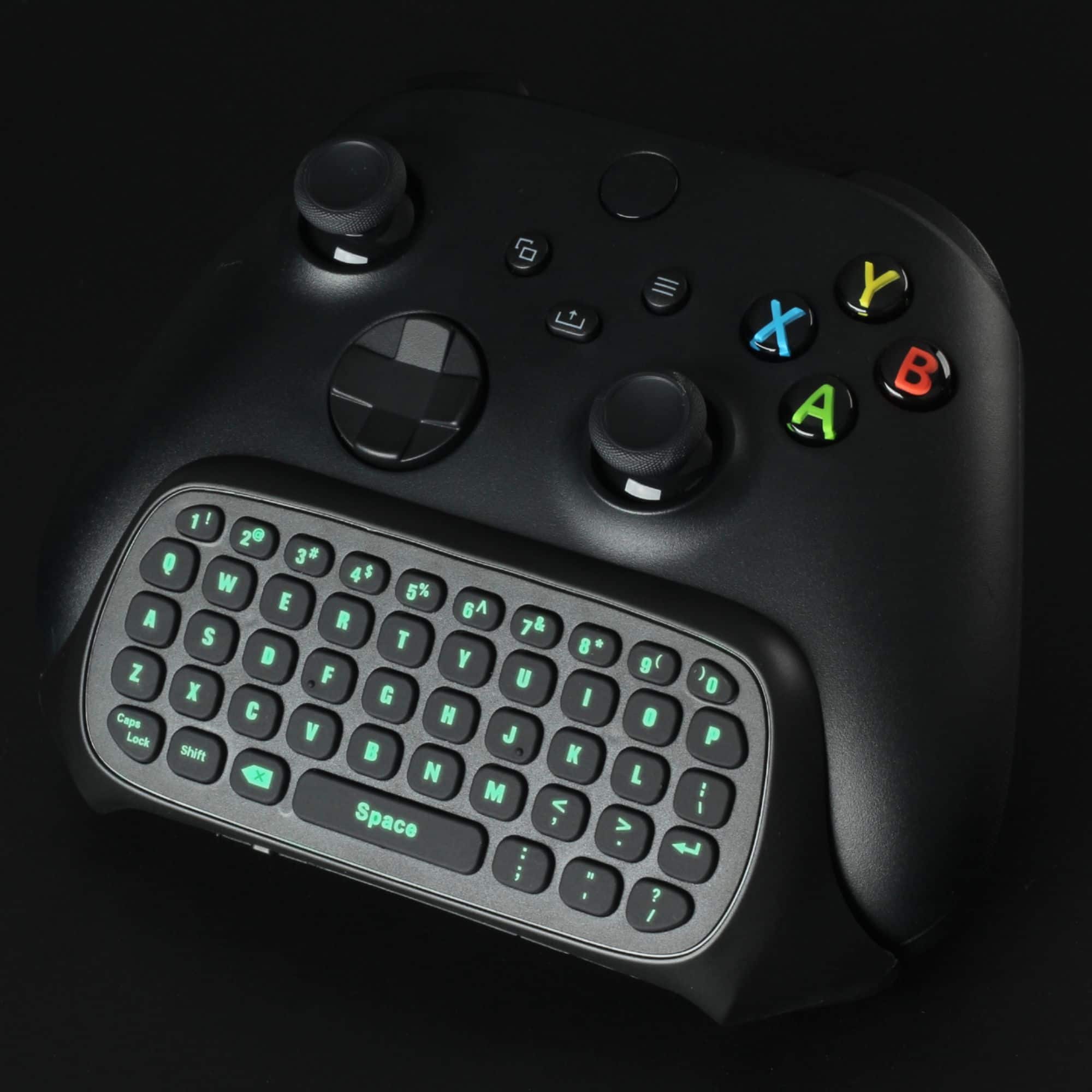
A:AnswerThe lighting will go off about 15 or 20 seconds after you stop pressing keyboard keys. You can still use the game controller while the keypad is not lit. There don't seem to be any other ways to turn off or lower the lighting.
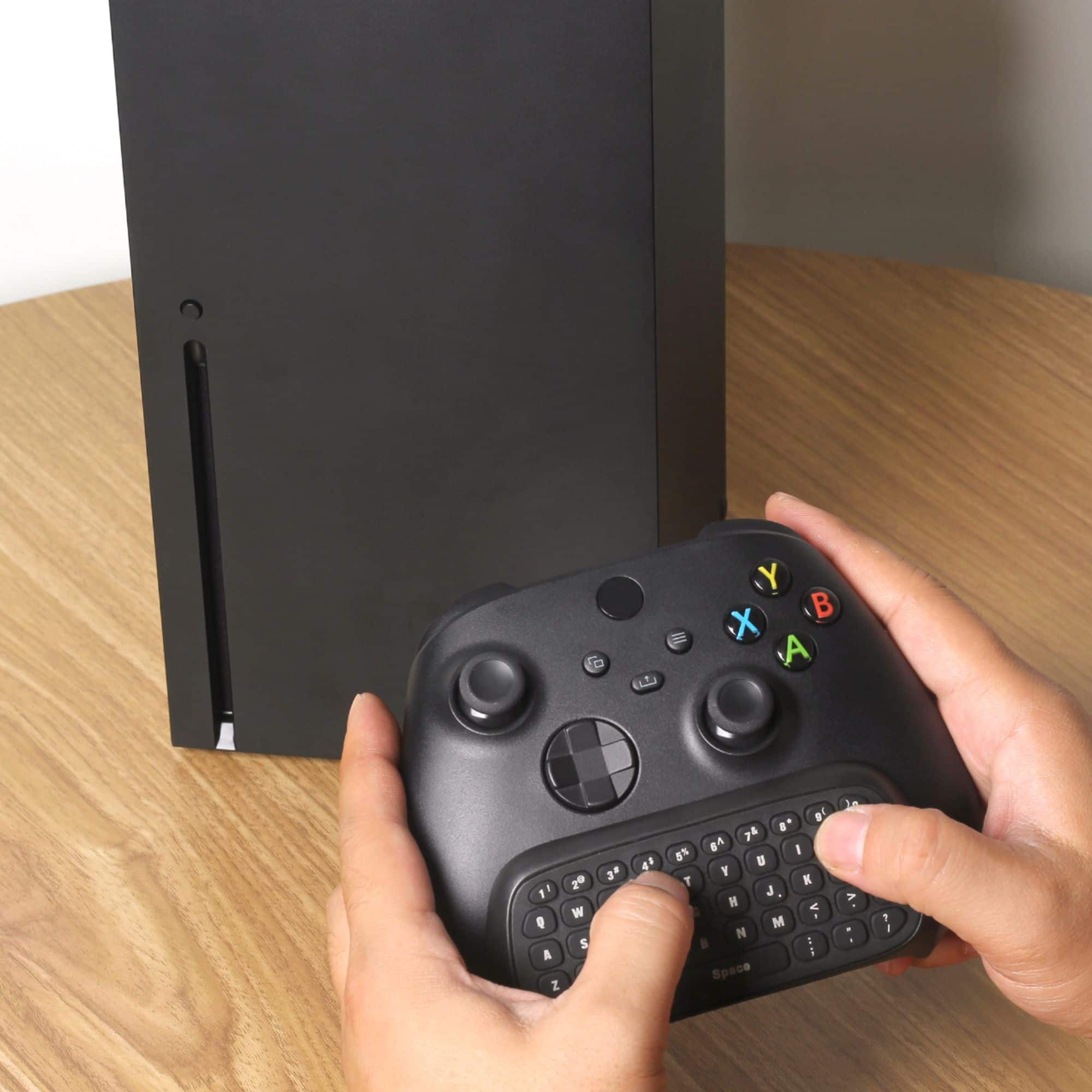
A:AnswerYes. Just pair the controller over Bluetooth or the xbox wireless dongle and plug the usb adapter into a usb port on the pc and it works like a keyboard attached to the computer
A:AnswerTo insignia support.
Thats not correct. I bought the 4.0 insignia bluetooth dongle and its was unsuccessful with pairing the chatpad to my devic. Tried mumtiple controllers, shutting off my system and restarting, as well was removing the usb and reinserting it into my system. Thanks for your help. Now i have to return your product. Vary dissatisfied.
A:AnswerThe USB dongle is the required transceiver to do wireless functions. It works like any other USB keyboard on an Xbox USB port. It does NOT use the controller built-in wireless signal at all.
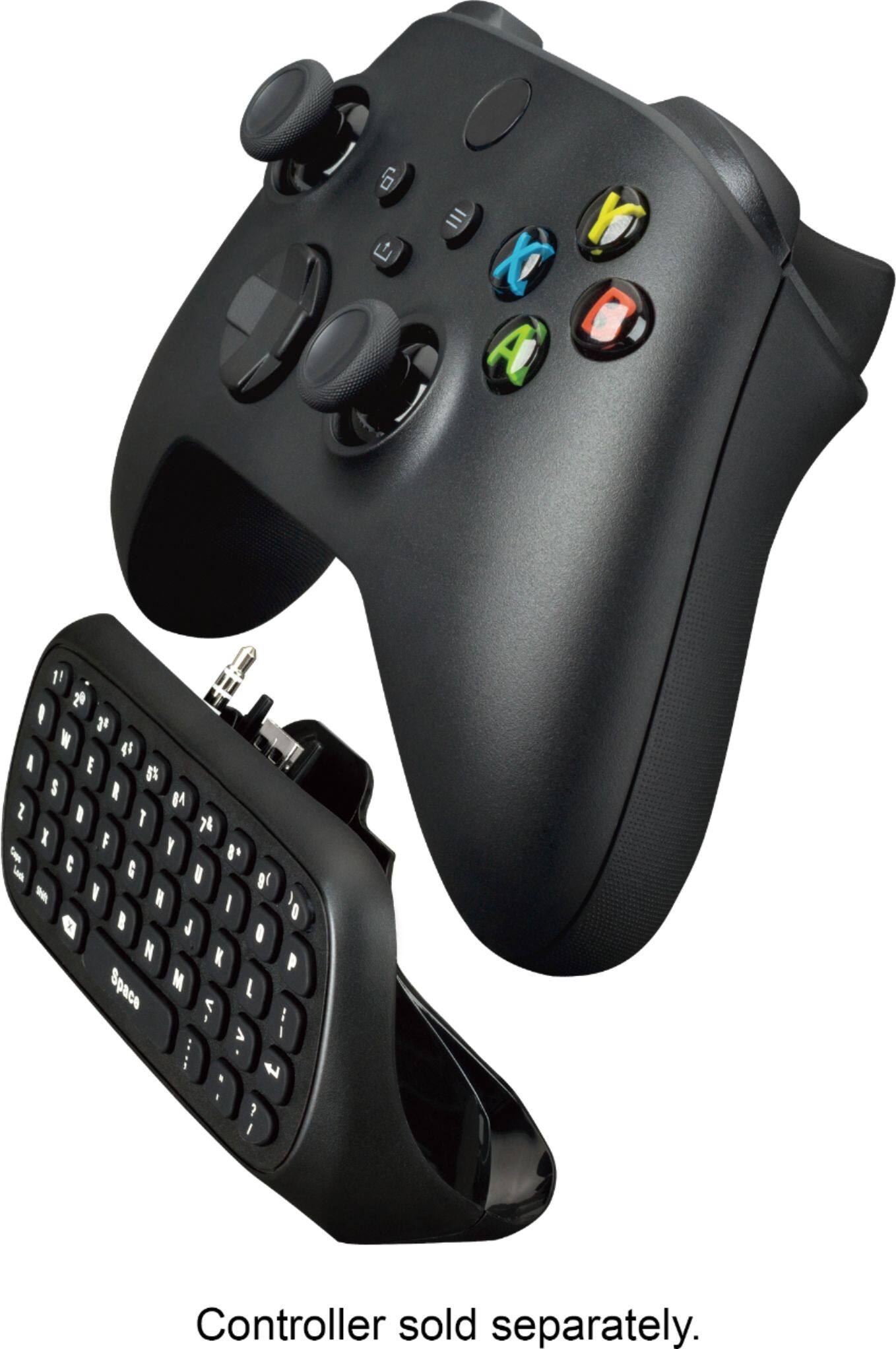
A:AnswerIf you're using a wireless headset make sure that you keep the headphone jack on the chat pad closed and don't plug the headphone jack in to your controller.