A:Answer If you use gmail for e-mail, once items are in the trash bin, you would have to select all messages/emails that you'd want to delete. Then you can click the "trash" icon or "delete", which will empty the emails for you.
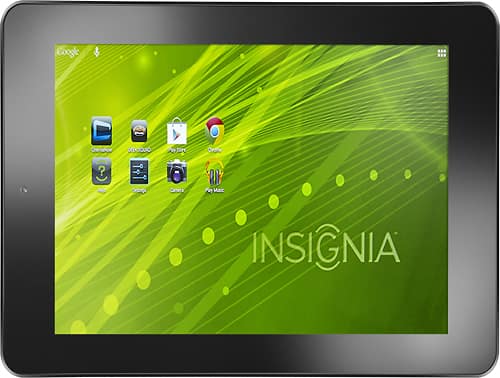
If you are referring to how to delete things off of the tablet itself (files, programs, etc), it would depend on what you're deleting. You can delete an app for example by holding it for a few seconds & moving it to "uninstall" located on the home screen. You can also delete things by going into their location (found within file manager), clicking on the selection(s) and then hit "delete".